Is this your app?
Claim Pinggy to manage its page, add your badge and see your traffic — free, and it stays free.
Cycling through all six. Tap any point to stop.
Measured on six things
A developer-first tunneling tool that creates instant public URLs for localhost servers with support for HTTP, TCP, and TLS tunnels.
Growth
48Small GitHub footprint, handful of reviews, positive but limited Reddit/dev.to mentions since ~2023. Steady indie traction, not explosive.
Screenshots
1 / 5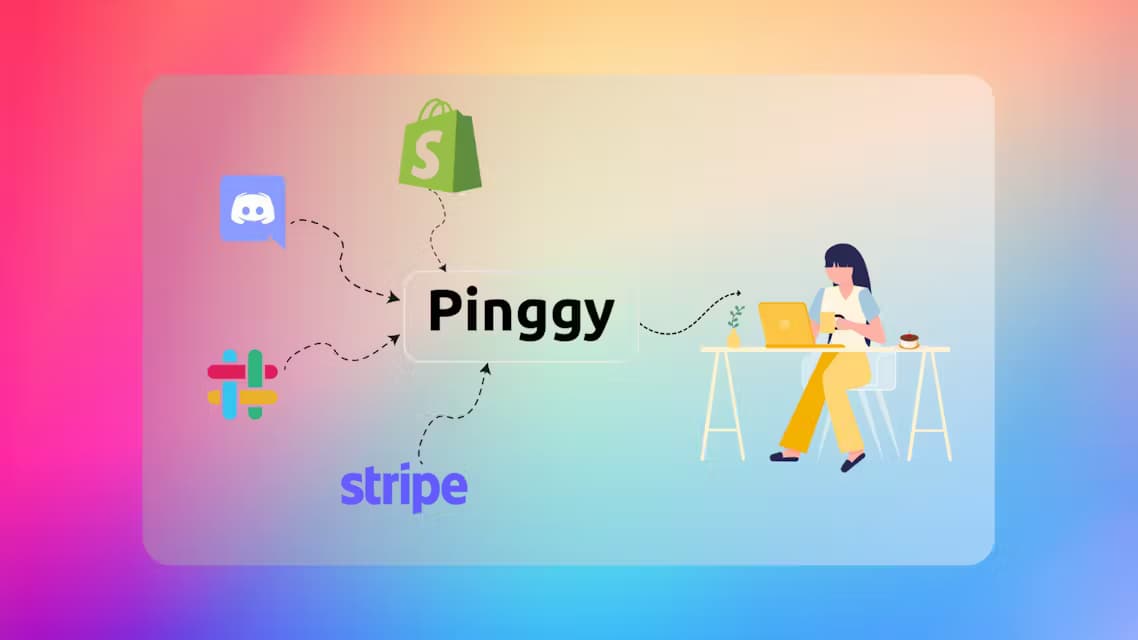
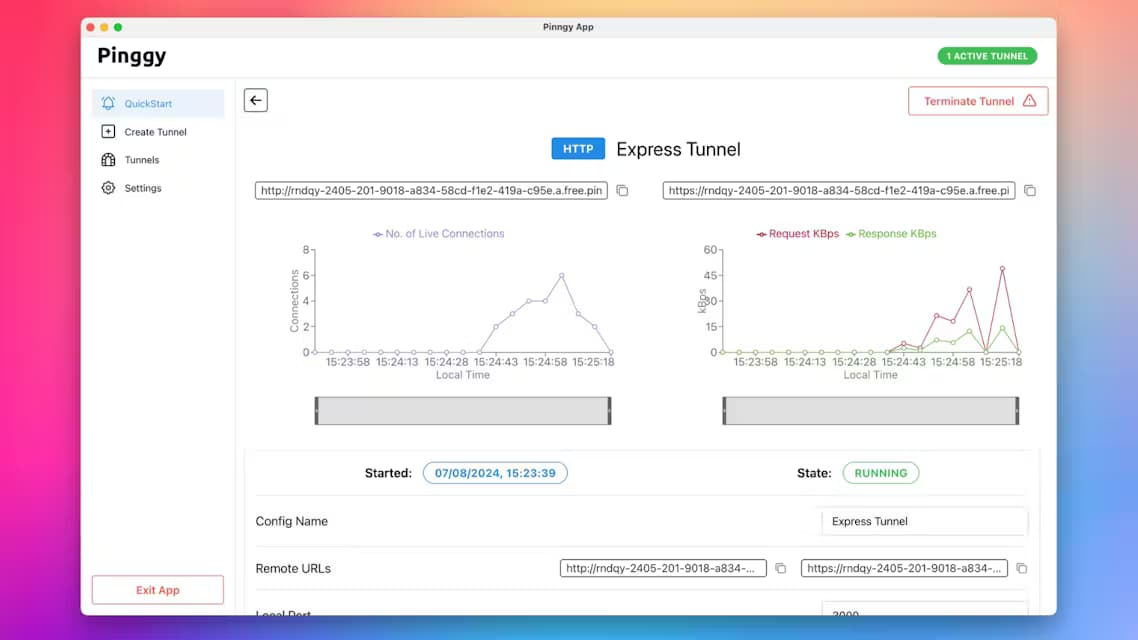
About this app
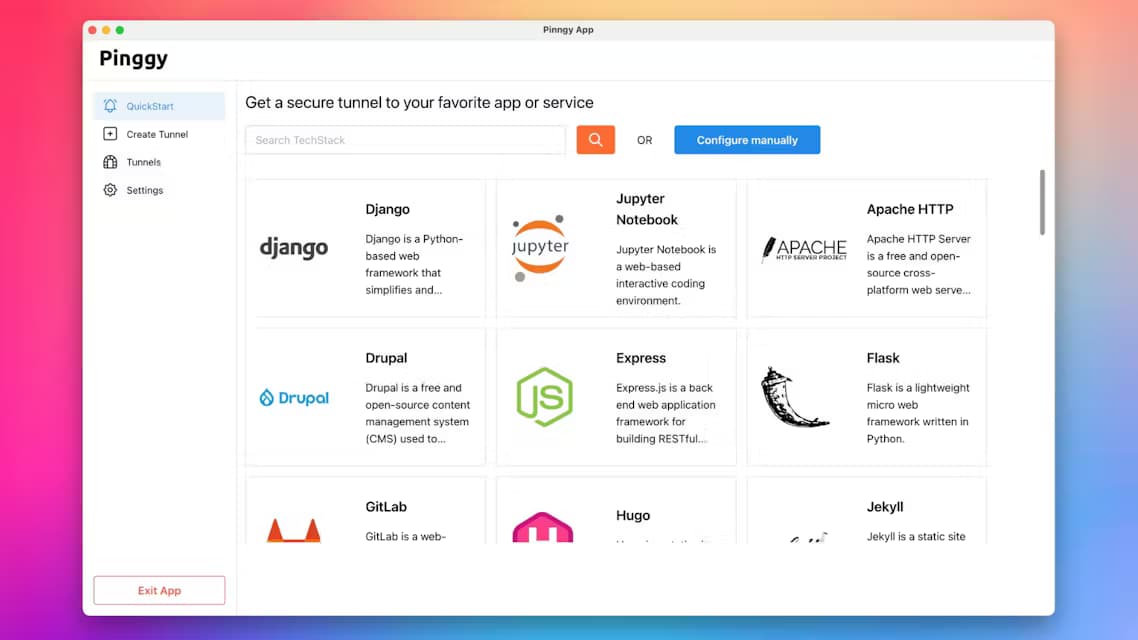
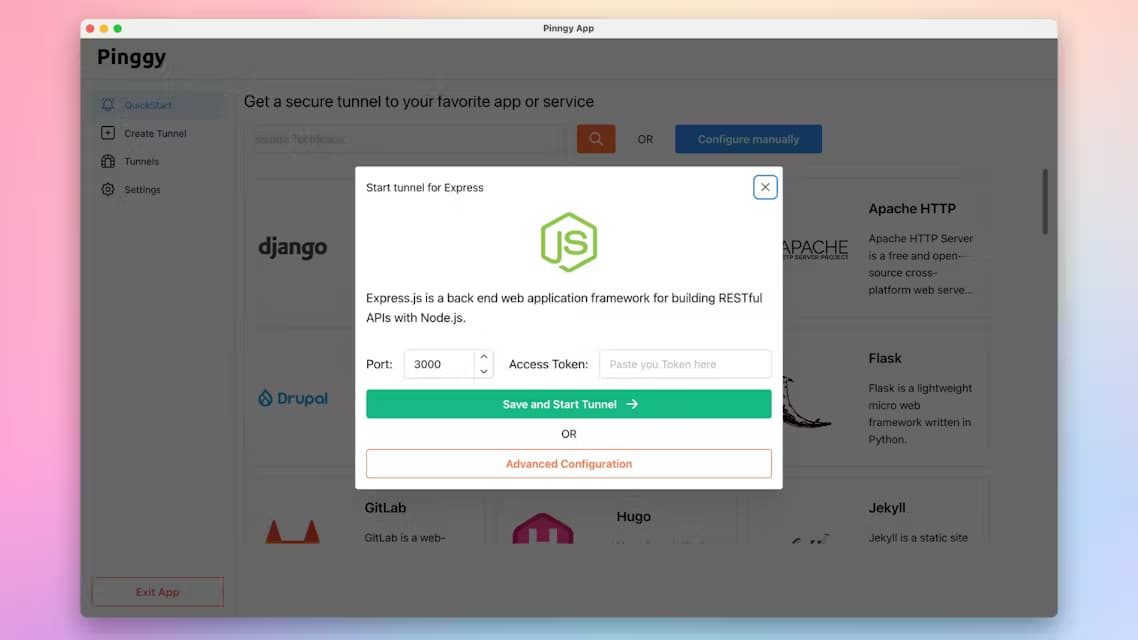
Pinggy is like a magic wand for developers tired of wrestling with port forwarding or VPNs. It turns your localhost into a shareable URL in seconds, no binary downloads required, making it perfect for testing, sharing, and debugging. With features like live header modification, SSH-based CLI, and free persistent URLs, it's a lightweight alternative to tools like ngrok. Ideal for developers, QA testers, and educators who need quick, secure access to local projects without complex setups.
Key features
- 1Zero-binary SSH tunnels for HTTP, TCP, UDP, TLS with live header modification and Web Debugger
- 2Free tier with random subdomains + 60-min timeout; Pro adds persistent URLs, custom domains, teams
- 3Comprehensive docs with 18+ use cases, SDKs, Docker support, and multi-region servers
Target customer profile
Drawn from the product itself, not from a survey.
Demographic
Developers/Engineers
Pain points
Complex NAT/firewall setups, slow debugging workflows
Primary needs
Instant public URLs, CLI integration, multi-protocol support
Demographic
QA Testers
Pain points
Sharing test environments securely
Primary needs
Password protection, IP whitelisting, persistent links
Demographic
Educators/Tech Trainers
Pain points
Demoing local projects to remote students
Primary needs
QR code sharing, zero-config setup
Scout Review
Written by AI from measured evidence, scored out of 100.
Pinggy delivers exactly what its tagline promises: public localhost URLs via SSH with no binary required, plus solid protocol support and debugging tools. Pricing is transparent and aggressive on the Pro tier versus ngrok. Weaknesses are mostly polish items (nav clutter, mobile performance, missing audits) rather than core functionality gaps. It sits comfortably as a lightweight, developer-friendly option for ad-hoc testing and sharing.
Measure by measure
Usability
74Excellent docs with quickstart, SDKs, and 18+ real use cases. Zero-download SSH flow and built-in debugger make onboarding fast.
Design
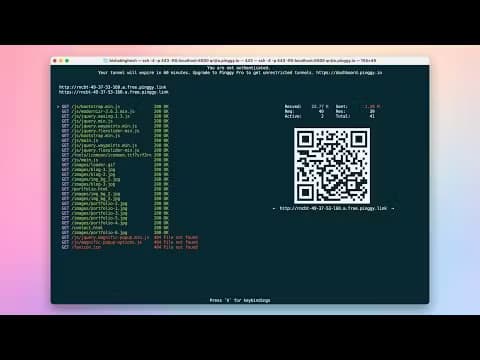
68Clean hero with live SSH config card and authentic terminal screenshots. Crowded 8-link nav and competing visual weights reduce focus.
Speed
58Mobile Lighthouse 64/100 with 8s LCP; desktop near-perfect. No user lag complaints surfaced in searches.
Security
52HTTPS + HSTS + SPF/DMARC in place. Solid auth features (tokens, IP whitelist, Basic auth) but no public compliance audits.
Accessibility
68Lighthouse 92/100 but fails on contrast, ARIA, and heading order. Responsive site with no dedicated accessibility page found.
Growth
48Small GitHub footprint, handful of reviews, positive but limited Reddit/dev.to mentions since ~2023. Steady indie traction, not explosive.
Improvement areas
- Mobile performance (LCP 8.0s) and crowded 8-link navigation hurting first impressions
- Limited public security compliance signals and small GitHub/community footprint
- A few accessibility audit failures (contrast, ARIA, headings) despite high Lighthouse score
Design & Usability
Pinggy's homepage nails the core promise with a live, copyable SSH command and real terminal screenshots that feel authentic rather than mocked up. The eight-link navigation is the main visual drag, spreading attention thin. Usability shines through comprehensive docs covering everything from Android hosting to Kubernetes exposure, plus SDKs and one-command SSH that requires zero downloads. The built-in Web Debugger and 7-day trial lower the barrier further. Compared to ngrok's heavier client, this feels lighter for quick tasks, though the crowded nav may slow first-time visitors hunting for pricing or docs.
Speed & Security
Speed lands in the measured 50-64 band with mobile LCP at 8 seconds dragging the score down despite near-perfect desktop results; no widespread lag reports appear in user discussions. Security is functional with HTTPS, HSTS, SPF/DMARC, and practical features like token auth and IP whitelisting, but the missing security headers and lack of public audits keep it average. It meets table-stakes expectations for a tunneling tool without standout compliance claims. The free tier's 60-minute timeout and Pro's persistent options are clearly documented, giving users predictable trade-offs.
Accessibility & Growth
Accessibility scores solidly inside the 62-78 band thanks to a high Lighthouse mark, though contrast and heading issues plus absent a11y documentation prevent higher placement. Growth is modest: small GitHub presence, a few glowing Sourceforge reviews, and occasional Reddit nods since around 2023. It hasn't reached the scale of ngrok but shows consistent indie momentum through Product Hunt visibility and practical comparisons on dev.to. The product feels like a focused alternative rather than a category leader.
Conclusion
For developers tired of ngrok's pricing or Cloudflare's domain requirements, Pinggy offers a pragmatic middle path with real usability wins in the docs and CLI flow.
Suggestions for improvement
- Trim the top navigation to 5 core links to reduce visual noise and improve first-visit clarity.
- Optimize mobile LCP by deferring non-critical hero elements or using lighter image formats.
- Publish a basic security page listing current headers and any planned compliance audits.
- Add an accessibility statement and fix the reported contrast/ARIA issues for broader compliance.
Alternatives comparison
Named competitors, point by point. Nobody paid to appear here or to be left out.
 Pinggy Pinggy |  Cloudflare Tunnel Cloudflare Tunnel |  ngrok ngrok |  Localtunnel Localtunnel | |
|---|---|---|---|---|
| Setup method | SSH command, no binary required; optional CLI/desktop app | Download client + signup required | Requires domain ownership and Cloudflare account | npm install or direct command; simpler but fewer options |
| Supported protocols | HTTP(S), TCP, UDP, TLS | HTTP(S), TCP, TLS (no UDP on free/basic) | HTTP(S), TCP, UDP via Spectrum (enterprise) | HTTP only |
| Pricing (Pro tier) | $3/mo billed annually; persistent URLs, custom domains, unlimited bandwidth | $8+/mo basic plan; 5-8 GB bandwidth limits on lower tiers | Free for basic; paid for teams/enterprise features | Free/open source |
| Persistent URLs | Pro plan; free tier random subdomains only | Paid plans only | Requires custom domain setup | Not supported |
Cloudflare Tunnel
Enterprise-grade security requiring domain ownership; Pinggy is faster for ad-hoc testing without DNS setups.
ngrok
A popular tunneling tool with a polished UI but often more expensive; Pinggy offers SSH-based CLI and free persistent URLs.
Localtunnel
Simpler but lacks TCP/UDP support and advanced features like token authentication found in Pinggy.
Comparing options? See Pinggy alternatives, scored side by side
Sources
What the review was written against. A verdict with no sources is an opinion.
More Development & Engineering apps
View all Development & Engineering
Vibe Coding Agent Skills
92A free, open-source platform offering 110 AI agent skills...

CreateMyCoin
92A no-code Solana token creator that deploys SPL tokens in...

CC Switch
91Open-source desktop app for switching AI coding providers...

DemoVexa
90Turn your code into professional product demo videos with AI-generated scripts, animated UI, and natural voiceovers.

TaxID
90Fast EU VAT validation API for developers, covering 27 EU...

Webfetch
89Web scraping API that turns any URL into HTML, text, Mark...

deed.page
89Permanent web hosting for AI agents, no human step

FontPlop
89Browser-based font viewer & tester for TTF, OTF, WOFF, WO...

BeartIMAGE
88BeartIMAGE is a free, web-based image processing platform engineered for fast, bulk photo editing and conversion directly in your browser.

Claw Messenger
88Claw Messenger is an iMessage API service that gives AI a...

DataHabibi
88AI-powered Dubai real estate data platform with 12M+ DLD ...

ButterKit
82macOS app for App Store screenshots: 3D mockups, auto-tra...


A platform dedicated to providing unbiased reviews of newly launched applications, analyzing everything from their features to their full potential.
info@scoutforge.net© 2026 Scoutforge. All rights reserved.
