Is this your app?
Claim RAWPA to manage its page, add your badge and see your traffic — free, and it stays free.
Cycling through all six. Tap any point to stop.
Measured on six things
A web-based pentesting assistant for ethical hackers, streamlining reconnaissance and vulnerability scanning.
Accessibility
50Limited accessibility features, no high-contrast mode, screen reader support, or multilingual options.
Screenshots
1 / 5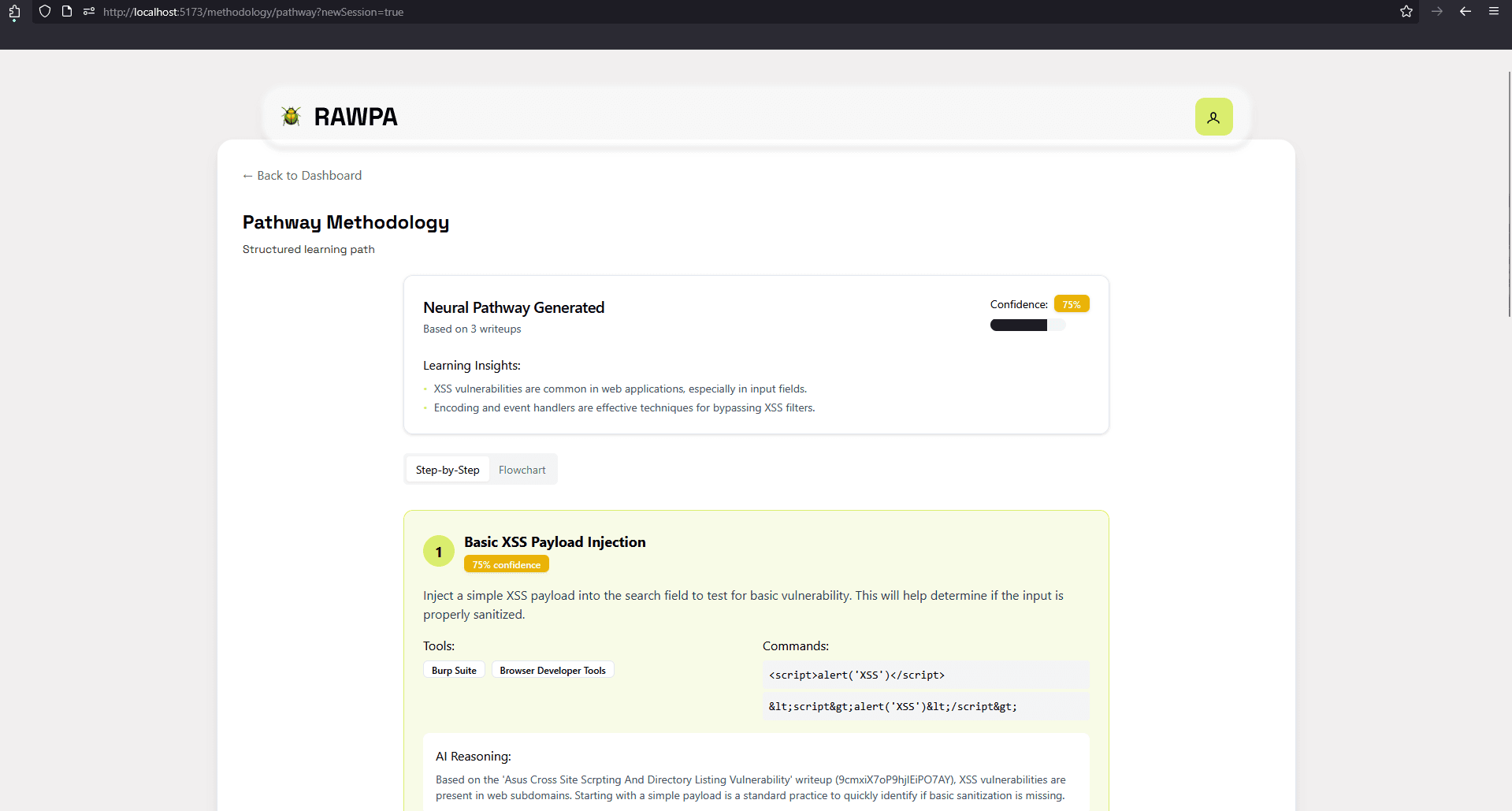
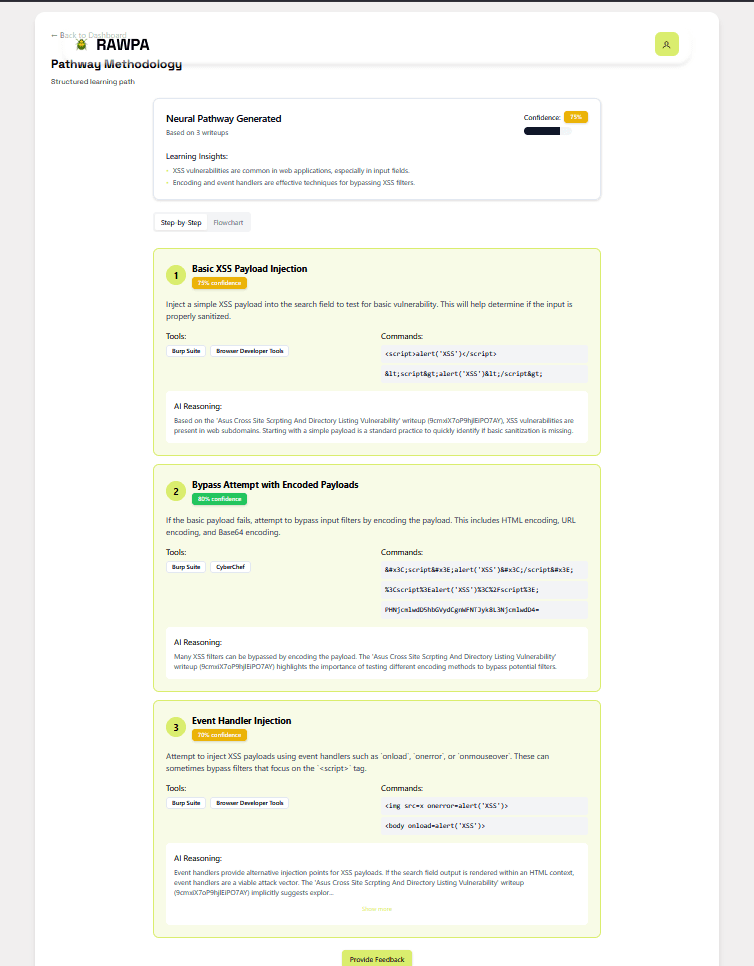
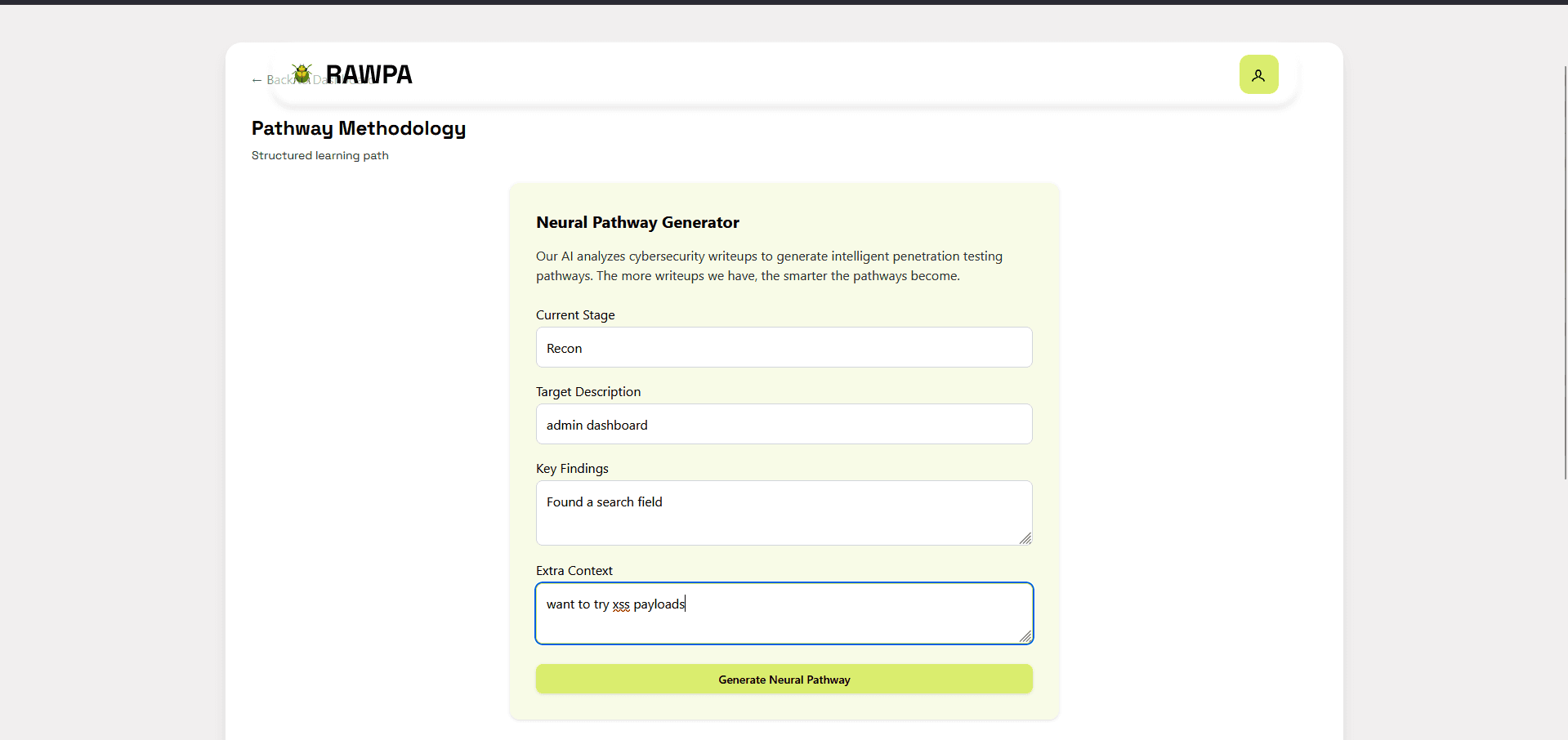
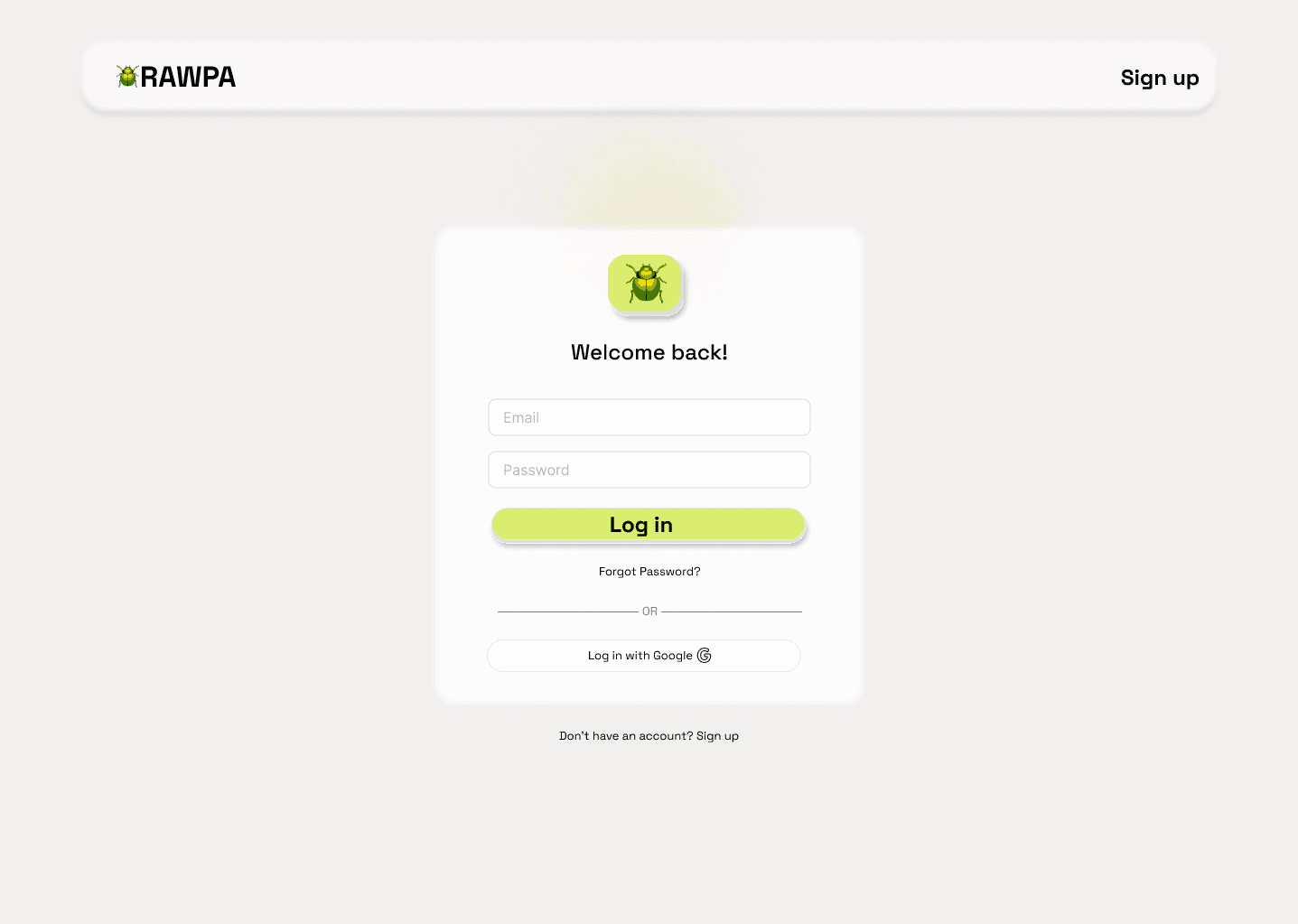
About this app
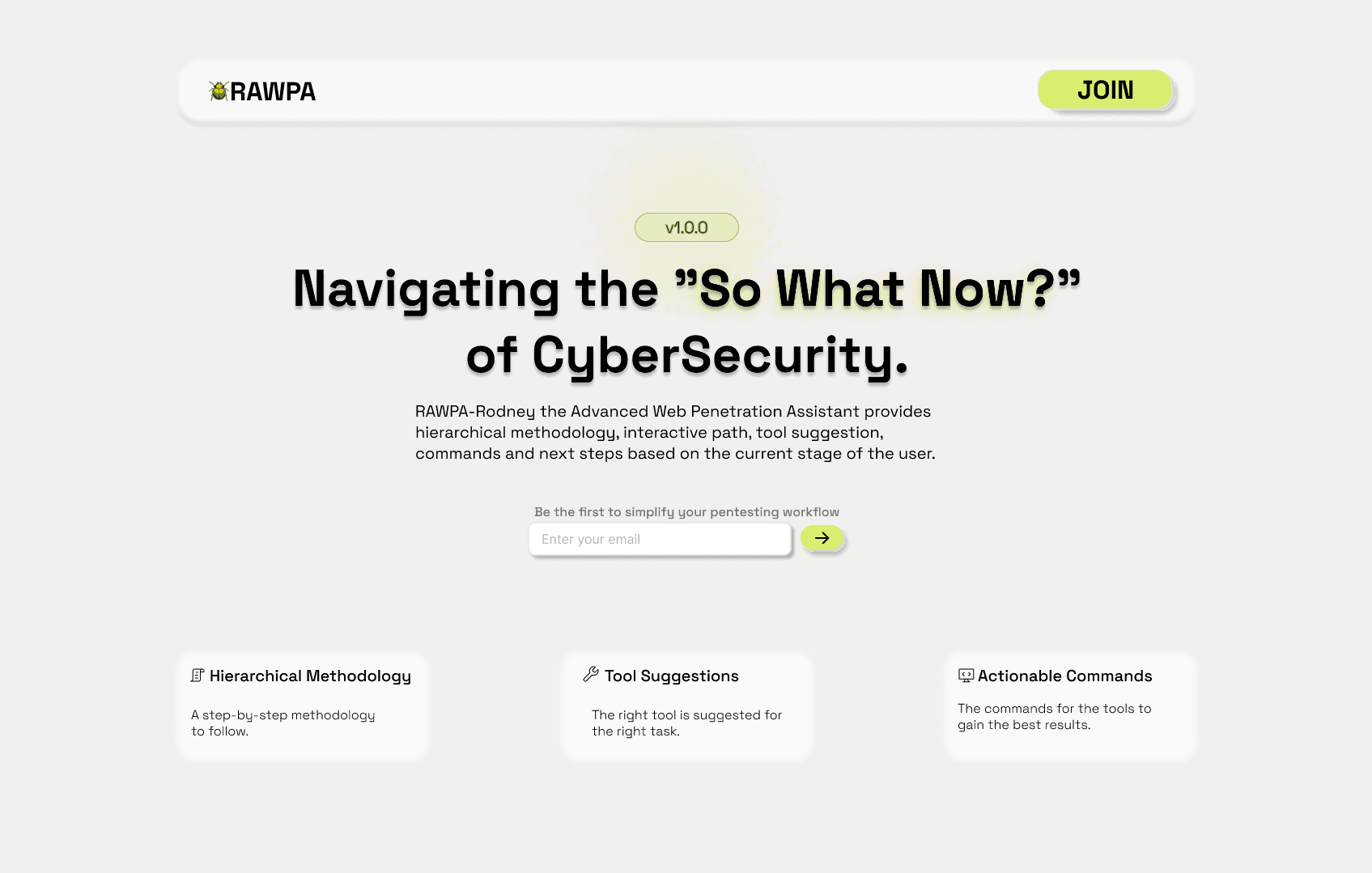
RAWPA is a powerful tool designed for cybersecurity professionals, bug bounty hunters, and penetration testers. It consolidates multiple reconnaissance functions into a single interface, automating tasks like subdomain scanning and endpoint analysis to save time during security assessments. With a utilitarian dark theme and logical workflow, it offers features such as automated scanning, centralized results, and customizable configurations. While it excels in core functionality with decent speed and client-side security, it currently lacks accessibility features and multilingual support. Alternatives include OWASP Amass and Nuclei, but RAWPA stands out for its ease of use and integrated approach, making it a valuable asset for efficient vulnerability discovery in ethical hacking engagements.
Key features
- 1Efficient security scanning with logical workflow and color-coded alerts
- 2Client-side execution reduces data storage risks for enhanced security
- 3High growth potential with API integrations and team feature expansions
Target customer profile
Drawn from the product itself, not from a survey.
Demographic
Security Researchers
Pain points
Manual reconnaissance processes, scattered tools, time-consuming vulnerability discovery
Primary needs
Automated scanning, centralized results, API integrations
Demographic
Bug Bounty Hunters
Pain points
Missed subdomains, incomplete surface mapping, false positives
Primary needs
Accurate target enumeration, quick triage, report generation
Demographic
Penetration Testers
Pain points
Toolchain complexity, context switching, output formatting
Primary needs
Unified workflow, customizable scans, exportable results
Scout Review
Written by AI from measured evidence, scored out of 100.
RAWPA excels as a consolidated reconnaissance tool that automates tedious security assessment tasks, saving security professionals hours of manual work. Its strength lies in streamlining subdomain scanning and endpoint analysis into a single interface, though it currently caters primarily to English-speaking technical experts comfortable with security terminology.
Measure by measure
Usability
70Efficient for experienced pentesters but steep learning curve for beginners with technical terminology.
Design
80Utilitarian dark theme with logical workflow organization and color-coded severity alerts for efficient security scanning.
Speed
80Reasonable scan times for medium targets, though complex domains may slow browser processing.
Security
84Client-side execution reduces risk but lacks clear data handling documentation and encryption details.
Accessibility
50Limited accessibility features, no high-contrast mode, screen reader support, or multilingual options.
Growth
90High cybersecurity market demand with clear expansion paths for API integrations and team features.
Improvement areas
- Implement accessibility features like high-contrast mode and screen reader support
- Add multilingual options to serve a global user base
- Improve documentation for data handling and encryption practices
Design & Usability
RAWPA's interface follows the standard security tool aesthetic with a functional dark theme that prioritizes workflow efficiency over flashy design. The layout organizes scan configuration panels logically, with collapsible sections for different scan types that help experienced users navigate complex pentesting workflows. Color-coded severity alerts provide immediate visual feedback on findings, though the heavy reliance on technical terminology without tooltips or glossary support creates a steep learning curve for beginners. The utilitarian approach works well for its target audience of security professionals who value function over form.
Speed & Security
Performance-wise, RAWPA delivers reasonable scan times for medium-sized domains, typically completing subdomain enumeration within minutes. The client-side execution model is a smart security choice that prevents target data storage on external servers, though the documentation lacks clarity around data handling during processing and optional API key encryption implementation. While resource-intensive scans can slow the browser interface, the overall speed-to-results ratio is competitive for web-based pentesting tools. The security foundation is solid but would benefit from more transparent documentation of privacy practices.
Accessibility & Growth
Accessibility is RAWPA's most significant weakness, offering no high-contrast modes, screen reader optimization, or multilingual support - effectively excluding non-English speakers and users with visual impairments. However, its growth potential is exceptional given the booming cybersecurity market and clear expansion opportunities through API integrations, collaborative features, and browser extensions. The core functionality addresses genuine pain points in vulnerability discovery, positioning it well for future development if accessibility and enterprise features are prioritized.
Conclusion
If you're a security researcher or penetration tester tired of juggling multiple tools for vulnerability discovery, RAWPA offers a compelling web-based solution that accelerates initial attack surface mapping. Just be prepared for a learning curve and limited accessibility features at its current stage.
Suggestions for improvement
- Implement basic accessibility features including high-contrast mode and ARIA labels for screen readers.
- Develop multilingual support to serve global security teams.
- Add collaborative functions for team-based engagements and false-positive reporting mechanisms.
- Create video tutorials for complex scan configurations and improve documentation around data encryption practices.
Alternatives comparison
Named competitors, point by point. Nobody paid to appear here or to be left out.
 RAWPA RAWPA |  OWASP Amass OWASP Amass | Nuclei | |
|---|---|---|---|
| Learning Curve | Moderate (web interface but technical terminology) | Steep (CLI expertise required) | Steep (template system learning curve) |
| Interface Type | Web-based GUI | Command Line Interface | Command Line Interface |
| Subdomain Enumeration | Integrated automated scanning | Advanced capabilities (specialized) | Template-based scanning |
| Community Templates | Limited | N/A (focused on enumeration) | Extensive community library |
| Accessibility Features | Limited (English only, no screen reader support) | CLI-based (terminal accessibility varies) | CLI-based (terminal accessibility varies) |
OWASP Amass
Similar subdomain enumeration capabilities but requires CLI expertise.
Nuclei
Template-based scanning alternative with more community templates but steeper learning curve.
Comparing options? See RAWPA alternatives, scored side by side
More Security apps
View all Security
issued.live
89Free certificate transparency search and SSL lookup with ...

kosa8
88Sealed VMs for AI agents with instant rewind, audit trails & zero key exposureSealed VMs for AI agents with instant rewind and audit tr...

OBVELO
88Privacy gateway that masks personal data in LLM traffic

Magery Forge
87Weekly security audits for vibe-coded sites, explained in...

Sidenty
87Sidenty is a professional digital identity protection ser...

Xsilent Vault: Hide Photos
87Private Android vault for photos, videos, PDFs and files, with no required account, no ads and no mandatory cloud.

ProcessSpy
87A native macOS process explorer and advanced monitor that...

Basalt
86Eighteen PDF tools in one native Mac window: merge, split, compress, OCR, Bates numbering, forms, signing and redaction. Offline. $29 once.

Sanctix
85Sanctions screening with verifiable SHA-256 audit trails.

PromptTrace
85Free hands-on AI security labs for prompt injection and L...

Privacy Requests
84DSAR management software for small teams.

Archonum
84Real-device browser automation for AI agents


A platform dedicated to providing unbiased reviews of newly launched applications, analyzing everything from their features to their full potential.
info@scoutforge.net© 2026 Scoutforge. All rights reserved.
