Cycling through all six. Tap any point to stop.
Measured on six things
AI study planner that builds realistic schedules from calendars, deadlines, and class materials.
Security
50HTTPS and HSTS are in place, but missing CSP, frame protection, and other key headers. No privacy policy published yet — site says details will come before students connect accounts. SPF present, DMARC missing.
Screenshots
1 / 1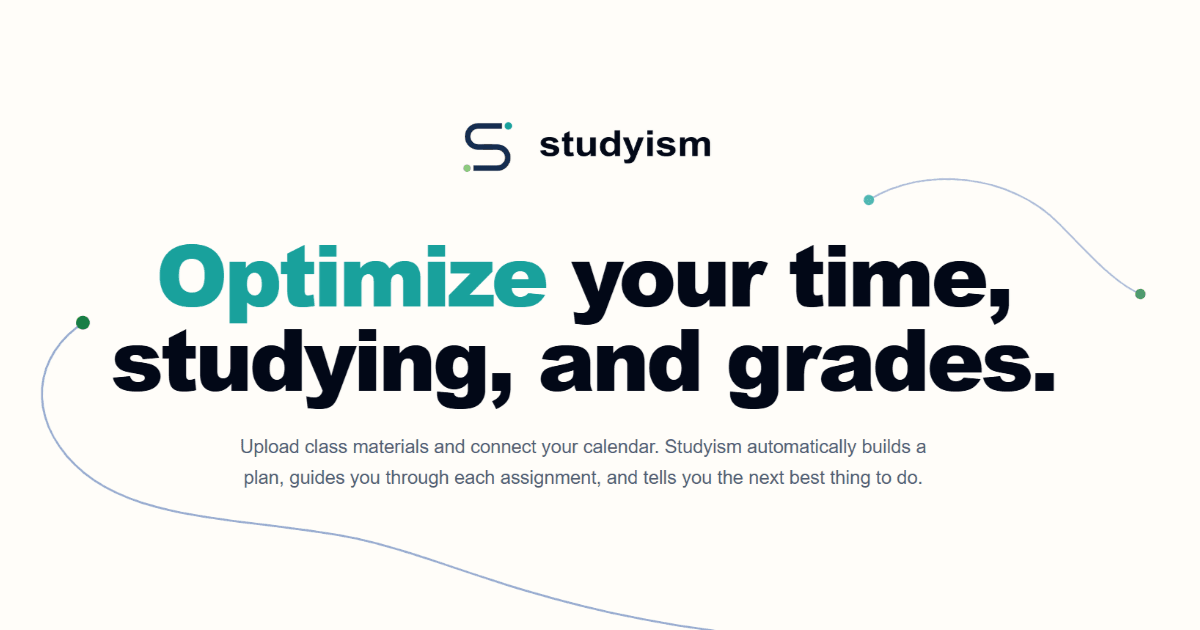
About this app
Studyism is an AI-powered study planner that helps students take control of their academic life. By connecting to Canvas, Google Calendar, and uploading class materials, Studyism automatically organizes all assignments, events, and notes into one place. It then builds a realistic, personalized study plan that fits your schedule, telling you exactly what to work on next based on deadlines and your available time. Features include a study plan builder, practice question generator, assignment breakdown, and catch-up mode for when you fall behind. It's designed to reduce stress and improve grades by making studying more efficient and focused. Trust is a core principle, with student control over data and transparent recommendations.
Key features
- 1Calendar and Canvas import to centralize assignments and events
- 2AI study plan builder with realistic time-based scheduling
- 3Practice question generator from uploaded class materials
- 4Catch-up mode for overdue assignments with priority recommendations
- 5Assignment breakdown into clear, manageable steps
Target customer profile
Drawn from the product itself, not from a survey.
Demographic
College students (undergraduate/graduate) with multiple courses and busy schedules
Pain points
Overwhelmed by deadlines, lack of time management, struggle to know where to start studying
Primary needs
A centralized tool to organize assignments and events, a realistic study plan that fits their schedule, clear guidance on priorities
Demographic
College and university students balancing coursework with jobs and extracurriculars
Pain points
Balancing coursework, jobs, activities, and personal commitments; procrastination; falling behind
Primary needs
Realistic planning, clear priorities, reminders, and practice materials that fit available time
Demographic
Students who use Canvas and Google Calendar for academic tasks
Pain points
Disconnected tools, missing assignments, not enough time to study for each subject
Primary needs
Seamless sync of academic data, automatic aggregation, and intelligent scheduling based on actual calendar availability
Scout Review
Written by AI from measured evidence, scored out of 100.
Studyism is a promising AI study planner with a clear value proposition: turn your chaotic academic life into a manageable plan. The landing page is clean but unfinished — the empty hero rectangle is a glaring miss. Mobile performance needs work, and security documentation is thin. But the accessibility baseline is strong, and the feature set (catch-up mode, practice questions, assignment breakdown) is genuinely differentiated. The trust-first approach is smart, but it needs to be backed by actual privacy and security docs. For a brand-new product, it's a solid start with real potential — if they can execute on the trust promise and polish the experience.
Measure by measure
Usability
62Clear single CTA and simple feature walkthrough with concrete examples. But no docs, help center, or demo — early access only. Navigation is minimal but provides no guidance for first-time visitors.
Design
55Clean typography and strong teal accent, but the hero's empty black-bordered rectangle and generic decorative lines make the page feel unfinished. No product UI shown anywhere despite being a visual product.
Speed
56Desktop performance is solid at 90/100, but mobile suffers with LCP at 8.5s — likely from the heavy hero section. CLS is perfect at 0. Mobile users will feel the lag.
Security
50HTTPS and HSTS are in place, but missing CSP, frame protection, and other key headers. No privacy policy published yet — site says details will come before students connect accounts. SPF present, DMARC missing.
Accessibility
78Lighthouse accessibility score of 96/100 is strong. Only failing audit is color contrast. No explicit WCAG statement, but the baseline is solid. Keyboard navigation appears standard.
Growth
62Clear problem, specific integrations, and a trust-first angle. But the wedge is narrow — Canvas + Google Calendar users — and the category is crowded. Needs to prove the AI planner is genuinely better than a manual calendar.
Improvement areas
- Publish privacy policy and data handling details before launch
- Optimize mobile performance, especially LCP
- Add product demo or screenshots to the hero section
- Expand security headers and add DMARC
Design & Usability
Studyism's landing page has a clean, modern aesthetic with strong teal accents and good typography. The hero headline is punchy, but the empty black-bordered rectangle where a product screenshot should be is a glaring miss — it makes the page feel unfinished. Navigation is minimal and the single CTA is clear, but there's no demo or product UI shown anywhere, which is odd for a visual product. The feature sections use concrete examples (like the catch-up mode recommendation) that are easy to follow, but the lack of docs or a help center means users are flying blind until they get early access.
Speed & Security
Desktop performance is solid at 90/100, but mobile is a different story — LCP at 8.5 seconds is painful. The heavy hero section with its empty placeholder is likely the culprit. Security is a mixed bag: HTTPS and HSTS are in place, but missing CSP and other headers leave room for improvement. The bigger concern is the lack of a published privacy policy — for a product that asks for student data and calendar access, that's a trust gap. The trust-focused copy on the site is a good start, but it needs to be backed by actual security and privacy documentation.
Accessibility & Growth
Accessibility is a clear strength — 96/100 on Lighthouse with only a contrast issue. That's a solid foundation. Growth-wise, Studyism is targeting a real problem: students overwhelmed by deadlines and disconnected tools. The Canvas and Google Calendar integrations are specific, and features like catch-up mode and practice question generation differentiate it from a simple calendar. But the category is crowded with MyStudyLife and Todoist, and the wedge is narrow. The trust-first positioning is smart, but it needs to be backed by actual privacy and security docs to win over skeptical students. The idea has room, but execution and trust-building will determine if it gets there.
Conclusion
Studyism has the right idea and a clear target user. The next few months will be critical: publish the privacy policy, fix the hero, and get the mobile performance in shape. If they can deliver on the trust promise and show real product UI, they could carve out a solid niche in the student planner space. For now, it's a promising early access product with a good foundation and a few obvious gaps to close.
Suggestions for improvement
- Replace the empty hero rectangle with an actual product screenshot or demo video
- Publish the privacy policy and data handling details before asking for early access signups
- Optimize mobile performance — reduce LCP by compressing hero assets and using lazy loading
- Add a public roadmap or changelog to build trust and show momentum
Alternatives comparison
Named competitors, point by point. Nobody paid to appear here or to be left out.
 Studyism |  MyStudyLife |  Todoist |  Google Calendar | |
|---|---|---|---|---|
| AI-powered study plan generation | Yes — builds personalized plans based on deadlines and available time | No — manual task scheduling only | No — task management, no study-specific planning | No — manual time blocking |
| Canvas LMS integration | Yes — direct sync of assignments and events | No — manual entry | No — manual entry | No — manual entry |
| Practice question generation from class materials | Yes — generates questions, flashcards, and quizzes from uploaded files | No | No | No |
| Catch-up mode for overdue work | Yes — prioritizes overdue assignments by impact and time | No — manual prioritization | No — manual prioritization | No |
| Assignment breakdown into steps | Yes — explains prompts and creates step-by-step plans | No | Partial — subtasks available but no AI breakdown | No |
MyStudyLife
A planner app for students to manage classes, homework, and exams.
Todoist
A task management app that can be used for assignments and deadlines.
Google Calendar
A calendar app that can be used to block study time.
Comparing options? See Studyism alternatives, scored side by side
More Education apps
View all Education
The Stack Newsletter
92A weekly newsletter delivering curated tech jobs, intervi...

SheetScroll
90> You play; SheetScroll turns the page. It listens through the microphone or a MIDI piano and holds the page until it's sure where you are.

Tracé slides
89Interactive math & physics slides with live graphs and an...

English Test Coach
89English Test Coach checks your IELTS essays and letters, gives an estimated band score across all four criteria, and tells you exactly what to revise next.

Startup Science
88A unified platform replacing 12-20 disconnected tools for...

Cromagnon
88Free, private browser-based PDF, Word, Excel, and study t...

TranscriptYou
88Free YouTube transcript generator with timestamps and AI ...

RBQ Exam
87Online practice for the RBQ contractor licence exams in Québec: original questions, timed mock exams and lessons, in French or English.

Coloring Pages Pro
87A massive collection of free printable coloring pages for...

CertWorthIt
87Data-driven tool revealing which certifications actually ...

HireVue Practice
85AI-powered HireVue practice with timed mock interviews, role-specific questions, transcripts, scoring, and actionable feedback.

Case Cub
85AI-powered law school study platform with 20,000+ case br...


A platform dedicated to providing unbiased reviews of newly launched applications, analyzing everything from their features to their full potential.
info@scoutforge.net© 2026 Scoutforge. All rights reserved.
