Cycling through all six. Tap any point to stop.
Measured on six things
Voice-driven supervision for AI coding agents—hears, warn...
Security
40Probe found HTTPS not enforced, no HSTS, no CSP, no frame protection, and no Referrer-Policy — 2/12 checklist points, though SPF and DMARC are set. Reusing the CLI's own login avoids new key sprawl, but the site's own headers are thin.
Screenshots
1 / 1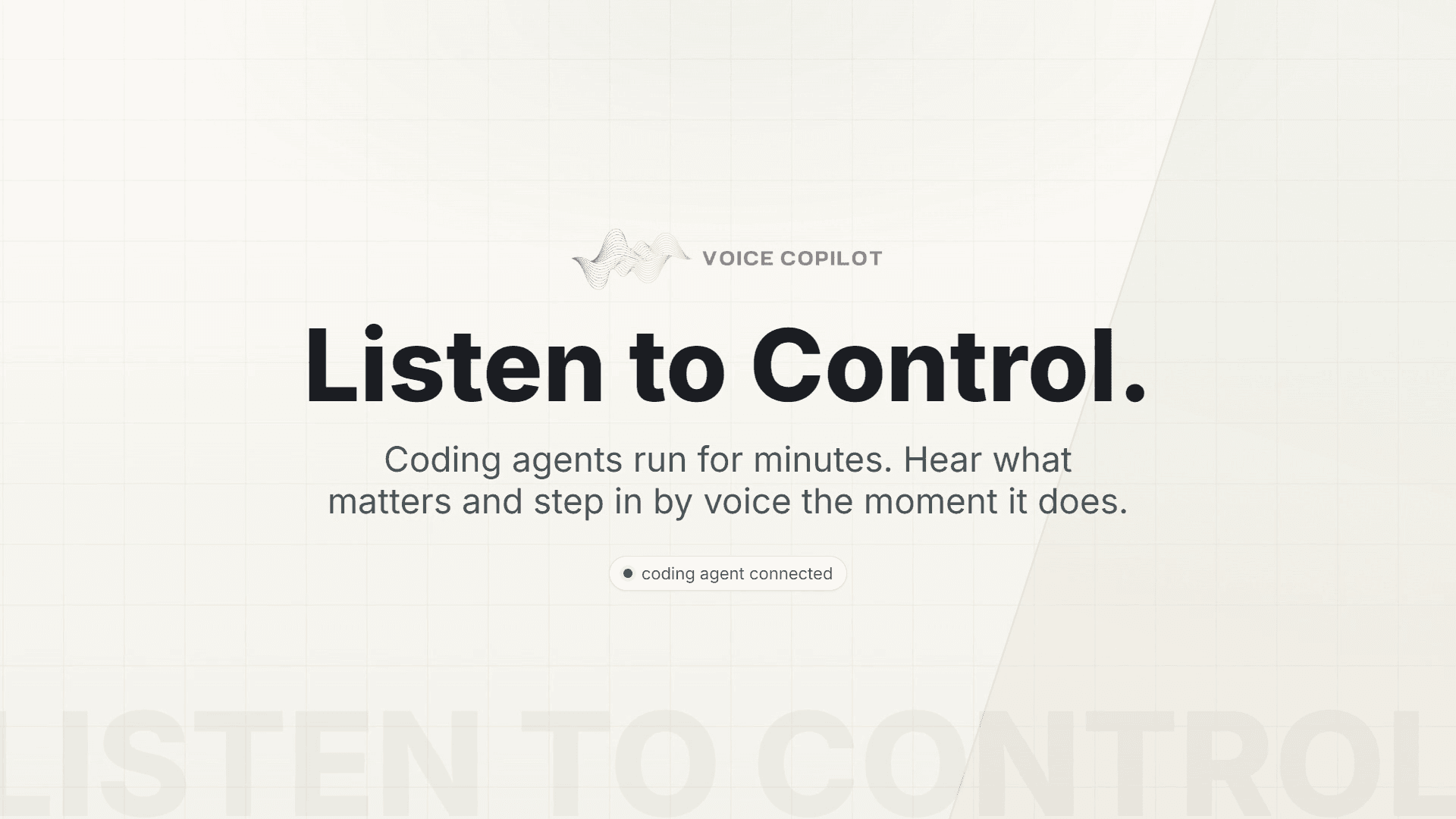
About this app
Voice Copilot is a lightweight tool that wraps around your command-line AI coding agent (like Claude Code or Codex) to narrate its actions out loud and have a stronger model supervise its work. It reads the agent's event stream and converts it into short spoken updates using the cheapest model available, while a more capable model reviews the agent's progress at key checkpoints. When the agent drifts off task, the supervisor warns you verbally and can even pause the agent until you decide to resume or redirect. This lets you step away from the terminal without losing awareness, catching mistakes before they become costly. Built for developers who use LLM-powered coding assistants, Voice Copilot reuses your existing CLI login (no extra API keys) and supports multiple agents. The alpha release emphasizes real-time supervision with a focus on minimal token usage and a human-in-the-loop control.
Key features
- 1Cheap narrator model converts the CLI agent's event stream into short spoken updates in real time.
- 2Stronger supervisor model reviews at checkpoints and issues OK, WARN, or STOP verdicts.
- 3Supervisor+ pauses the wrapped agent on a hard stop until you resume from the panel or hotkey.
- 4Reuses your existing CLI login (Claude Code, Codex) with no extra API keys or second signup.
- 5Automatic model tiers: weakest for narration, strongest for supervision, read from the CLI's own catalog.
Target customer profile
Drawn from the product itself, not from a survey.
Demographic
Software developers using AI coding assistants
Pain points
Constantly monitoring the terminal; missing errors when multitasking
Primary needs
Away-from-keyboard awareness; real-time error prevention
Demographic
DevOps engineers managing automated scripts
Pain points
Unattended agents making destructive changes; lack of oversight
Primary needs
Automated supervision; pause-on-risk capability
Demographic
Tech leads overseeing multiple AI coding sessions
Pain points
Juggling multiple agents; ensuring compliance and quality
Primary needs
Scalable supervision; audible alerts for drift
Scout Review
Written by AI from measured evidence, scored out of 100.
Voice Copilot is a genuinely interesting idea wrapped in a competent but thin alpha. The two-model split — cheapest model narrates, strongest model supervises at checkpoints — is a smart answer to a real problem: you can't watch the terminal for ten minutes, and you shouldn't have to. The STOP-and-pause behavior with a Resume button is the kind of human-in-the-loop control that makes unattended agents actually usable. The landing page explains all of this clearly, with disciplined copy and a demo that respects your time. What holds it back is execution maturity: mobile paint times near ten seconds, a security header profile of 2/12, and an alpha install path aimed squarely at people who already live in a terminal. None of that is fatal for an early open-source tool, but it means the product is currently a promise with a good pitch rather than a proven daily driver.
Measure by measure
Usability
63Zero-signup install that reuses your existing CLI login is genuinely low-friction, and the YouTube demo explains the loop fast. But it's an alpha for 'advanced users', and docs depth beyond the homepage couldn't be verified.
Design
71Dark, terminal-native landing page with a clear 01-04 flow, a trace mockup, and a sharp 'what it is NOT' section. Copy is disciplined and on-brand for CLI devs; the actual popup UI is only shown as a static mockup.
Speed
46Desktop Lighthouse lands 86/100, but mobile is 57/100 with a 9.3s LCP and 7.8s FCP — the page paints slowly on phones. TBT is a healthy 40ms and CLS is 0, so it's a paint problem, not a JS problem.
Security
40Probe found HTTPS not enforced, no HSTS, no CSP, no frame protection, and no Referrer-Policy — 2/12 checklist points, though SPF and DMARC are set. Reusing the CLI's own login avoids new key sprawl, but the site's own headers are thin.
Accessibility
79Lighthouse accessibility scores 96/100 with a single failing audit: insufficient contrast between background and foreground colors. No a11y statement or multi-language support found, but the automated baseline is strong.
Growth
68Real, specific pain — unattended agents drifting — with a concrete wedge: cheap narrator + strong supervisor at checkpoints and a STOP that pauses the agent. Multi-agent support and CLI-login reuse lower adoption friction.
Improvement areas
- Security headers: HTTPS not enforced, no HSTS, CSP, or Referrer-Policy (2/12 probe points).
- Mobile performance: 9.3s LCP and 7.8s FCP on Lighthouse mobile (57/100).
- Contrast failure on dark theme; no accessibility statement or multi-language support.
- Docs depth unverified beyond homepage; alpha install assumes advanced CLI users.
Design & Usability
Voice Copilot's site is built for its audience: dark, terminal-flavored, and structured as a 01-04 loop that explains narrator, supervisor, and human decision in four steps. The 'what it is NOT' section preempts the obvious misreads (it's not dictation, not raw TTS, not another agent), which is unusually disciplined copy. The weakness is that the product's real interface — the popup panel with trace, Resume, and hotkeys — only appears as a static mockup, so you're trusting the marketing to describe the UX. Usability is the stronger half: no signup, no new API keys, install and point it at your existing CLI, with a sub-minute YouTube demo. But it's explicitly an alpha for advanced users, and documentation depth beyond the homepage couldn't be verified from the collected evidence.
Speed & Security
Speed is a split verdict. Desktop Lighthouse lands at 86/100, which is fine for a marketing page, but mobile drops to 57/100 with a 9.3-second LCP and 7.8-second FCP — the page is light on JavaScript (TBT 40ms, CLS 0) yet slow to paint on phones, which is a hosting/asset problem rather than a code problem. For a product selling real-time awareness, a nine-second first paint is an awkward look. Security is the weakest measured dimension: the HTTP probe found HTTPS not enforced, no HSTS, no CSP, no frame protection, no X-Content-Type-Options, no Referrer-Policy, and no Permissions-Policy — 2 of 12 checklist points, with only SPF and DMARC passing. There's no security page, no SOC 2 or audit claim, and no bug bounty. The one genuine mitigant is architectural: it reuses your CLI's existing login instead of issuing new API keys, so credentials don't multiply. That's good design, but it doesn't fix the site's own header hygiene.
Accessibility & Growth
Accessibility is close to clean: Lighthouse scores 96/100 with exactly one failing audit — insufficient contrast between background and foreground colors, which tracks with a dark theme and muted grey secondary text. No accessibility statement, no multi-language support, and the CLI-plus-popup surface means keyboard support matters more than usual; the hotkey-driven Resume flow is at least a good sign. Growth is where the idea earns its keep. The problem it names is real and specific: agents run for minutes, and you either babysit the terminal or discover the bad turn after the fact. The wedge is concrete — a cheap model narrates, a strong model reviews only at checkpoints, and STOP actually pauses the agent — which is a token-budget argument incumbents like GitHub Copilot and Cursor don't make, because they're editors, not supervisors. Multi-agent support and CLI-login reuse lower adoption friction. The honest limit: it's an alpha 0.1.0 with no traction signals in the collected evidence, and its value depends entirely on how many developers run long unattended CLI sessions — a real but narrower segment than the editor-integrated giants serve.
Conclusion
If you run Claude Code or Codex for long stretches and have ever come back to find the agent three files deep in something you didn't ask for, this is aimed directly at you. Install it, watch the demo, and judge it on whether the Supervisor's WARN and STOP calls are actually right — that's the whole product. If you're a casual Copilot user who tabs in and out of an editor, this solves a problem you don't have yet. The idea deserves a real beta; the site and the security posture need to catch up to it.
Suggestions for improvement
- Enforce HTTPS and add HSTS, CSP, and Referrer-Policy — 2/12 header checks is the easiest score to fix on this page.
- Fix the mobile LCP: 9.3s first paint on a page selling real-time awareness undercuts the pitch.
- Replace the static panel mockup with a real screenshot or short GIF of the trace, Resume button, and hotkey flow.
- Publish a docs page covering install per CLI (Claude Code, Codex), model tier selection, and what STOP actually does.
Alternatives comparison
Named competitors, point by point. Nobody paid to appear here or to be left out.
 Voice Copilot Voice Copilot |  GitHub Copilot GitHub Copilot | Cursor | |
|---|---|---|---|
| Voice narration of agent actions | Yes — cheap model narrates event stream aloud | No — silent inline suggestions | No — chat and inline edits, no narration |
| Second-model supervision with pause | Yes — Supervisor STOP pauses the agent | No — no supervisory pause | No — no multi-model oversight layer |
| Works with multiple CLI agents | Yes — Claude Code, Codex, other CLI agents | Editor/IDE extension, not a CLI wrapper | Single AI-first editor |
| Extra API keys required | No — reuses existing CLI login | Subscription-based, no separate key | Subscription-based, no separate key |
| Primary interface | CLI wrapper + browser popup panel with trace | IDE extension with inline suggestions | Full AI-first code editor |
GitHub Copilot
AI pair programmer that suggests code in real-time, but lacks voice narration and supervisory pause features.
Cursor
AI-first code editor with chat and generation, but no dedicated voice supervision or multi-model oversight.
Comparing options? See Voice Copilot alternatives, scored side by side
More Development & Engineering apps
View all Development & Engineering
CreateMyCoin
92A no-code Solana token creator that deploys SPL tokens in...

Vibe Coding Agent Skills
92A free, open-source platform offering 110 AI agent skills...

CC Switch
91Open-source desktop app for switching AI coding providers...

TaxID
90Fast EU VAT validation API for developers, covering 27 EU...

DemoVexa
90Turn your code into professional product demo videos with AI-generated scripts, animated UI, and natural voiceovers.

deed.page
89Permanent web hosting for AI agents, no human step

BeartIMAGE
88BeartIMAGE is a free, web-based image processing platform engineered for fast, bulk photo editing and conversion directly in your browser.

Claw Messenger
88Claw Messenger is an iMessage API service that gives AI a...

DataHabibi
88AI-powered Dubai real estate data platform with 12M+ DLD ...

ButterKit
82macOS app for App Store screenshots: 3D mockups, auto-tra...

PERM Processing Time: Current DOL Queue & History
88PERM Processing Time is an independent data analysis platform that helps users navigate the U.S. Department of Labor’s permanent labor certification process.

kosa8
88Sealed VMs for AI agents with instant rewind, audit trails & zero key exposureSealed VMs for AI agents with instant rewind and audit tr...


A platform dedicated to providing unbiased reviews of newly launched applications, analyzing everything from their features to their full potential.
info@scoutforge.net© 2026 Scoutforge. All rights reserved.
