Cycling through all six. Tap any point to stop.
Measured on six things
A Chrome extension for parents to block websites, schedule access, and monitor usage with cloud sync.
Accessibility
60Relies entirely on Chrome's native accessibility tools without dedicated features for screen readers or comprehensive language support.
Screenshots
1 / 4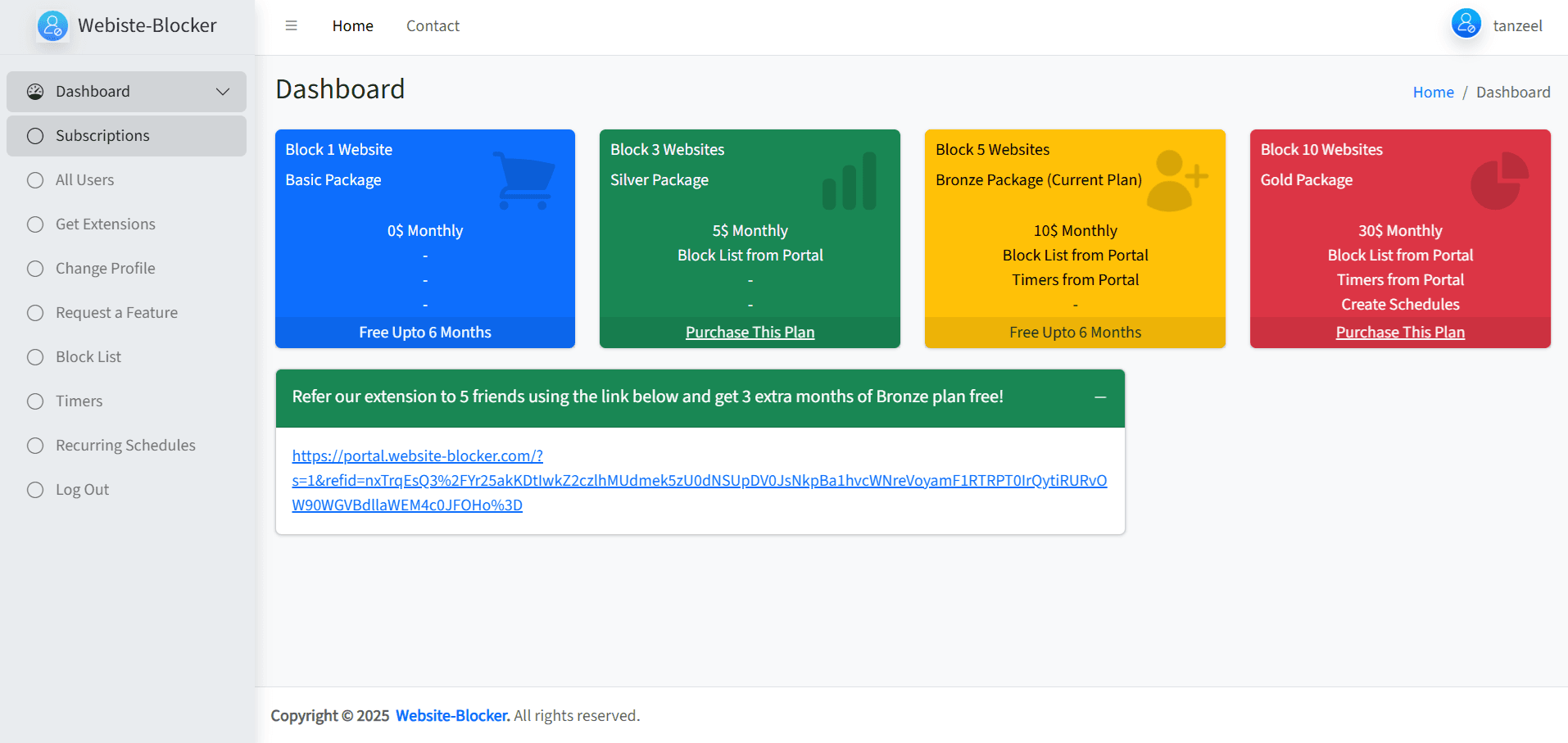
About this app
As a tech-savvy parent, I've found Website Blocker to be a straightforward tool for managing kids' online activities. It excels with its scheduling features, allowing automatic blocking during homework hours, and cloud syncing ensures consistency across devices. The 6-month free trial is generous, making it easy to test without commitment. While it lacks advanced monitoring, its core functionality is solid for basic digital safety needs.
Key features
- 1Clean Chrome-native interface with intuitive toggle controls and color-coded scheduling
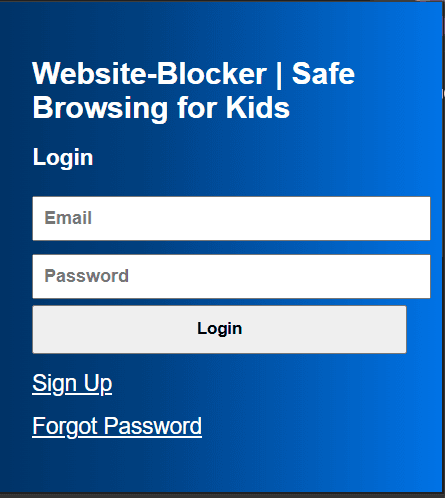
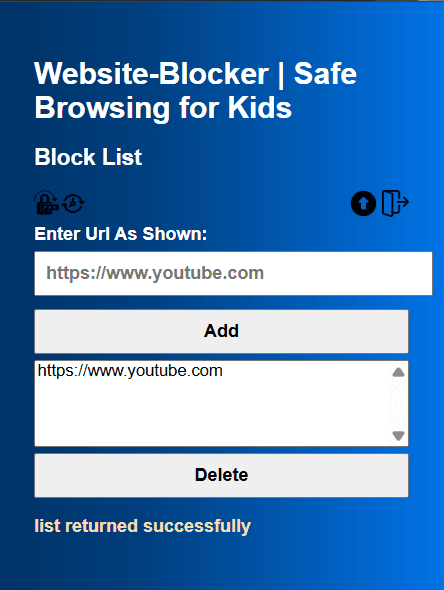
- 2Exceptionally simple setup with straightforward URL blocking and effective scheduling automation
- 3Near-instantaneous blocking activation with zero perceptible browser slowdown and negligible impact on startup times
Target customer profile
Drawn from the product itself, not from a survey.
Demographic
Parents of children aged 6-15
Pain points
Exposure to inappropriate content, excessive screen time, unsupervised browsing
Primary needs
Simple content blocking, scheduled access limits, cross-device consistency
Demographic
Guardians managing shared devices
Pain points
Difficulty enforcing consistent rules, tech-savvy kids bypassing restrictions
Primary needs
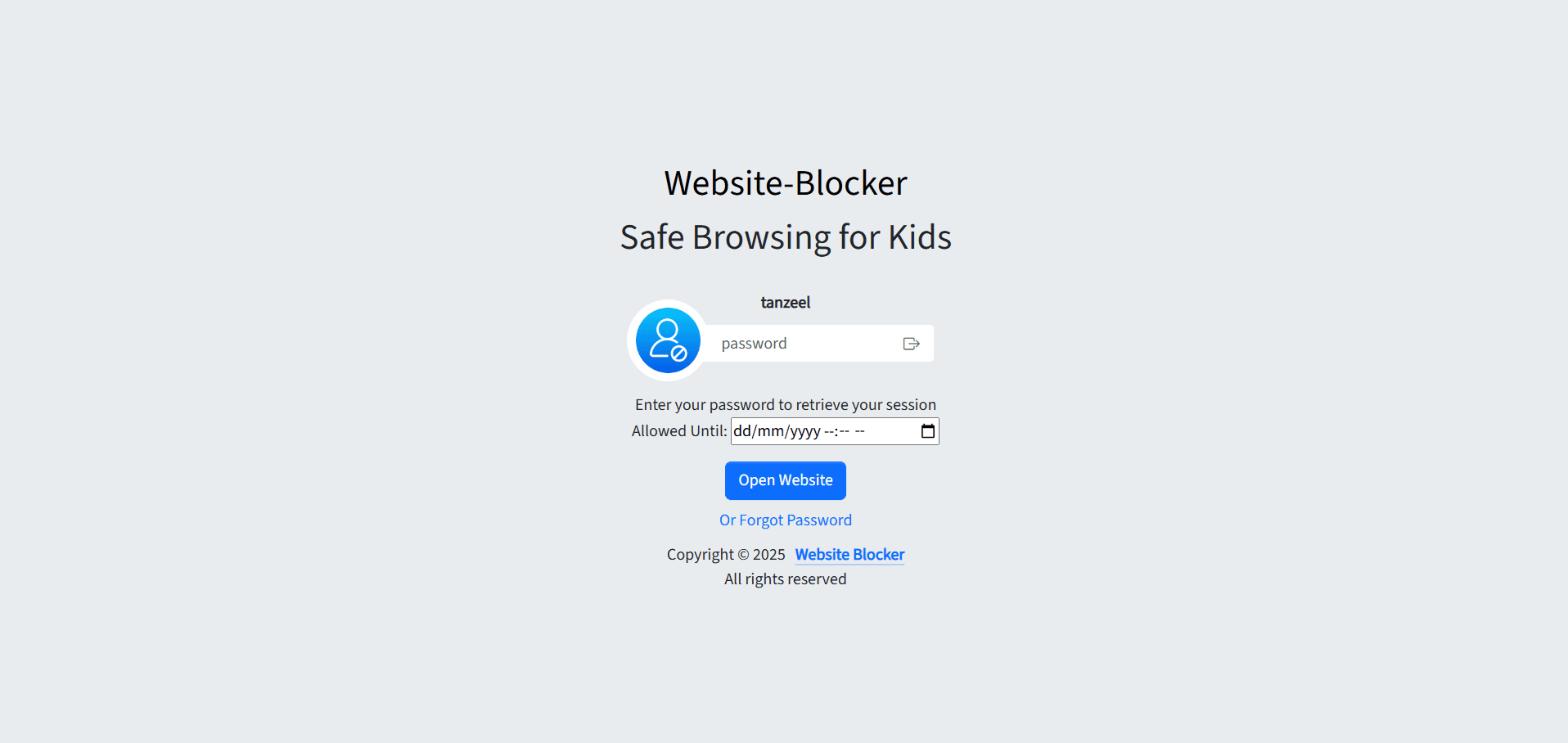
Password-protected settings, usage reports, tamper-proof design
Demographic
Families with multiple Chrome-based devices
Pain points
Inconsistent parental controls across different gadgets, lack of automation
Primary needs
Automated scheduling, easy setup, minimal performance impact
Scout Review
Written by AI from measured evidence, scored out of 100.
Website Blocker excels at its core mission: providing straightforward, reliable website blocking with excellent scheduling features and seamless cloud synchronization. It's perfect for Chrome-focused households that need basic digital boundaries without complexity. While it lacks advanced monitoring features and comprehensive accessibility options, its speed, simplicity, and generous trial period make it a compelling choice for parents seeking an uncomplicated solution.
Measure by measure
Usability
90Exceptionally simple setup with straightforward URL blocking and effective scheduling automation that works seamlessly across devices.
Design
80Clean Chrome-native interface with intuitive toggle controls and color-coded scheduling, though dashboard organization lacks visual hierarchy.
Speed
94Near-instantaneous blocking activation with zero perceptible browser slowdown and negligible impact on startup times.
Security
70Basic password protection prevents setting changes, but lacks encryption details and robust privacy policy transparency.
Accessibility
60Relies entirely on Chrome's native accessibility tools without dedicated features for screen readers or comprehensive language support.
Growth
80Strong foundation for expansion with potential for AI filtering, YouTube controls, and multi-browser support to reach wider audiences.
Improvement areas
- Lacks visual hierarchy in dashboard organization, making usage statistics challenging to parse
- Basic password protection without detailed encryption or robust privacy policy transparency
- Relies entirely on Chrome's native accessibility tools, lacking dedicated features for screen readers or comprehensive language support
Design & Usability
Website Blocker embraces Chrome's minimalist aesthetic with clean iconography and intuitive toggle switches that make blocking sites feel straightforward. The color-coded scheduling calendar provides visual cues for active restrictions, though the dashboard's lack of visual hierarchy makes parsing usage statistics more challenging than necessary. Navigation stays refreshingly simple with just three main tabs, making it accessible for parents who aren't tech experts but want effective control over their children's browsing habits.
Speed & Security
Performance is where this extension truly shines - blocking activates instantly without any noticeable browser lag, and cloud syncing happens seamlessly across devices. The password protection provides basic security against casual tampering, though the absence of detailed encryption information and vague privacy policy regarding data handling for usage reports leaves room for improvement. For families primarily concerned with speed and cross-device consistency, it delivers excellent performance with adequate security for typical household use.
Accessibility & Growth
Accessibility relies heavily on Chrome's built-in tools, offering text scaling but lacking dedicated screen reader optimization or comprehensive language support beyond major European languages. The extension shows strong growth potential with its solid core functionality - adding AI-based filtering, YouTube-specific controls, and expanding to Firefox and Safari could significantly broaden its appeal. The 6-month free trial provides ample opportunity to test its capabilities before committing, making it low-risk for families to evaluate.
Conclusion
If you're a parent tired of manually monitoring screen time and need consistent blocking rules across multiple Chrome devices, this extension delivers exactly what it promises. The scheduling automation alone makes it worth trying, especially with the half-year free trial that lets you test its effectiveness during homework seasons and weekends. Just don't expect enterprise-level monitoring or social media controls - this is digital parenting at its most practical.
Suggestions for improvement
- Implement tiered blocking categories beyond manual URL entry, add two-factor authentication for parental settings to prevent determined teens from bypassing restrictions, develop visual usage reports with infographic-style dashboards for quicker insights, include preset filter lists for common inappropriate content categories, and expand to Firefox and Safari browsers to reach non-Chrome households.
- Improving language support and adding dedicated accessibility features would make it more inclusive for diverse family needs.
Alternatives comparison
Named competitors, point by point. Nobody paid to appear here or to be left out.
 Website Blocker Website Blocker |  Net Nanny Net Nanny |  Qustodio Qustodio |  Google Family Link Google Family Link | |
|---|---|---|---|---|
| Setup Complexity | Simple, intuitive setup | Complex setup process | Resource-intensive installation | Native integration, moderate complexity |
| Scheduling Features | Excellent automated scheduling | Basic scheduling available | Comprehensive time controls | Limited scheduling granularity |
| Cross-Device Sync | Seamless cloud synchronization | Multi-device support | Cross-platform compatibility | Native ecosystem sync only |
| Monitoring Capabilities | Basic usage reports | Advanced monitoring features | Comprehensive social media tracking | Limited website monitoring |
| Performance Impact | Negligible browser impact | Moderate system impact | Can slow down systems | Light native performance |
Net Nanny
Offers advanced filtering and monitoring but requires a subscription and has a complex setup process.
Qustodio
Provides comprehensive monitoring with social media tracking, but it can slow down systems and is more resource-intensive.
Google Family Link
A native solution for device management with limited granularity in website blocking features.
Comparing options? See Website Blocker alternatives, scored side by side
More Security apps
View all Security
issued.live
89Free certificate transparency search and SSL lookup with ...

kosa8
88Sealed VMs for AI agents with instant rewind, audit trails & zero key exposureSealed VMs for AI agents with instant rewind and audit tr...

OBVELO
88Privacy gateway that masks personal data in LLM traffic

Magery Forge
87Weekly security audits for vibe-coded sites, explained in...

Xsilent Vault: Hide Photos
87Private Android vault for photos, videos, PDFs and files, with no required account, no ads and no mandatory cloud.

ProcessSpy
87A native macOS process explorer and advanced monitor that...

Sidenty
87Sidenty is a professional digital identity protection ser...

Basalt
86Eighteen PDF tools in one native Mac window: merge, split, compress, OCR, Bates numbering, forms, signing and redaction. Offline. $29 once.

PromptTrace
85Free hands-on AI security labs for prompt injection and L...

Sanctix
85Sanctions screening with verifiable SHA-256 audit trails.

Privacy Requests
84DSAR management software for small teams.

Archonum
84Real-device browser automation for AI agents


A platform dedicated to providing unbiased reviews of newly launched applications, analyzing everything from their features to their full potential.
info@scoutforge.net© 2026 Scoutforge. All rights reserved.
