Is this your app?
Claim ShadowGit to manage its page, add your badge and see your traffic — free, and it stays free.
Cycling through all six. Tap any point to stop.
Measured on six things
ShadowGit is a local tool that automatically tracks every code change and provides this history to AI assistants like Claude and Copilot, eliminating the need to re-explain context and enabling faster debugging with one-click code restoration.
Accessibility
60Limited to command-line interaction with English-only documentation, assumes technical proficiency but benefits offline users
Screenshots
1 / 3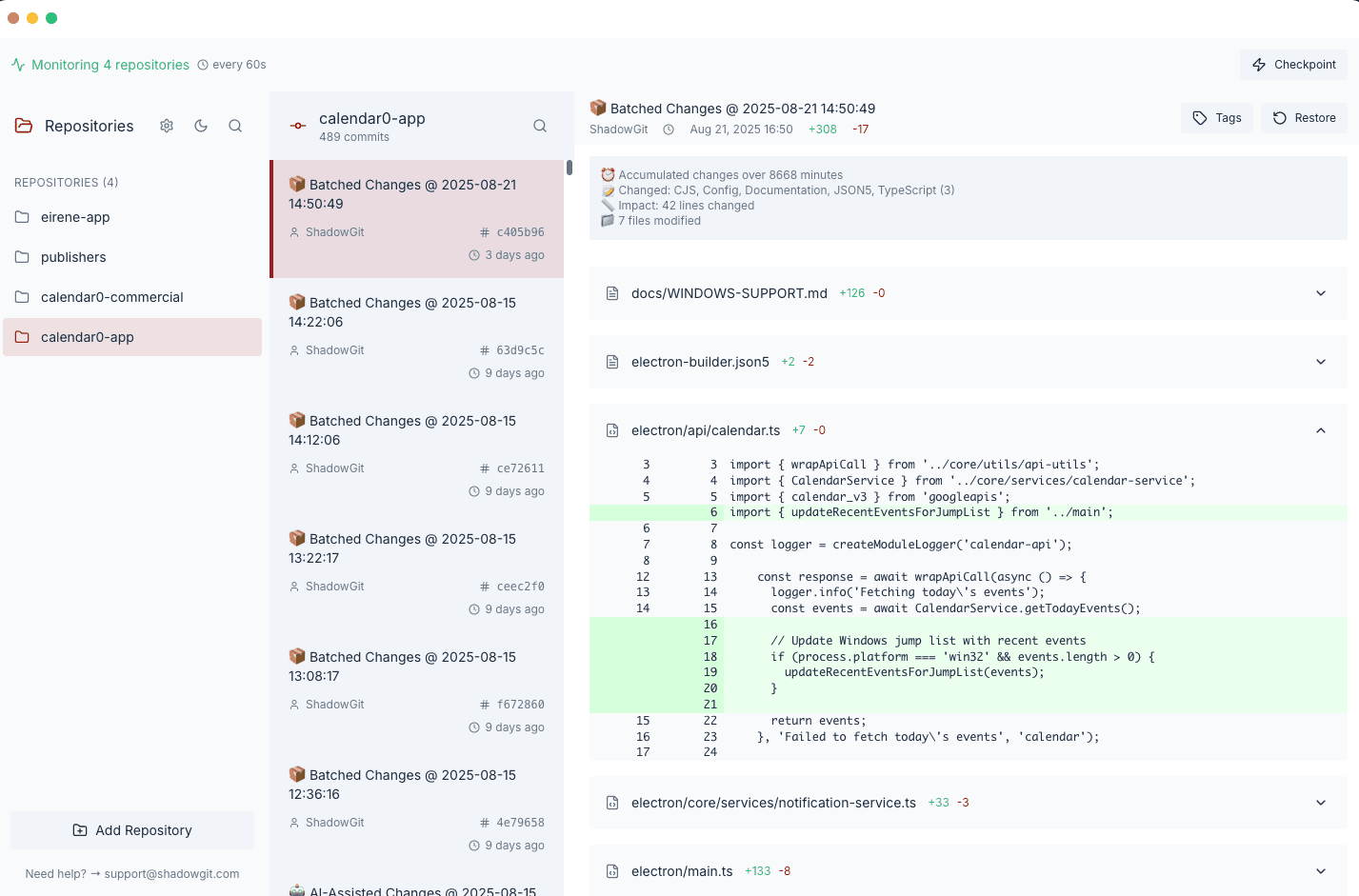
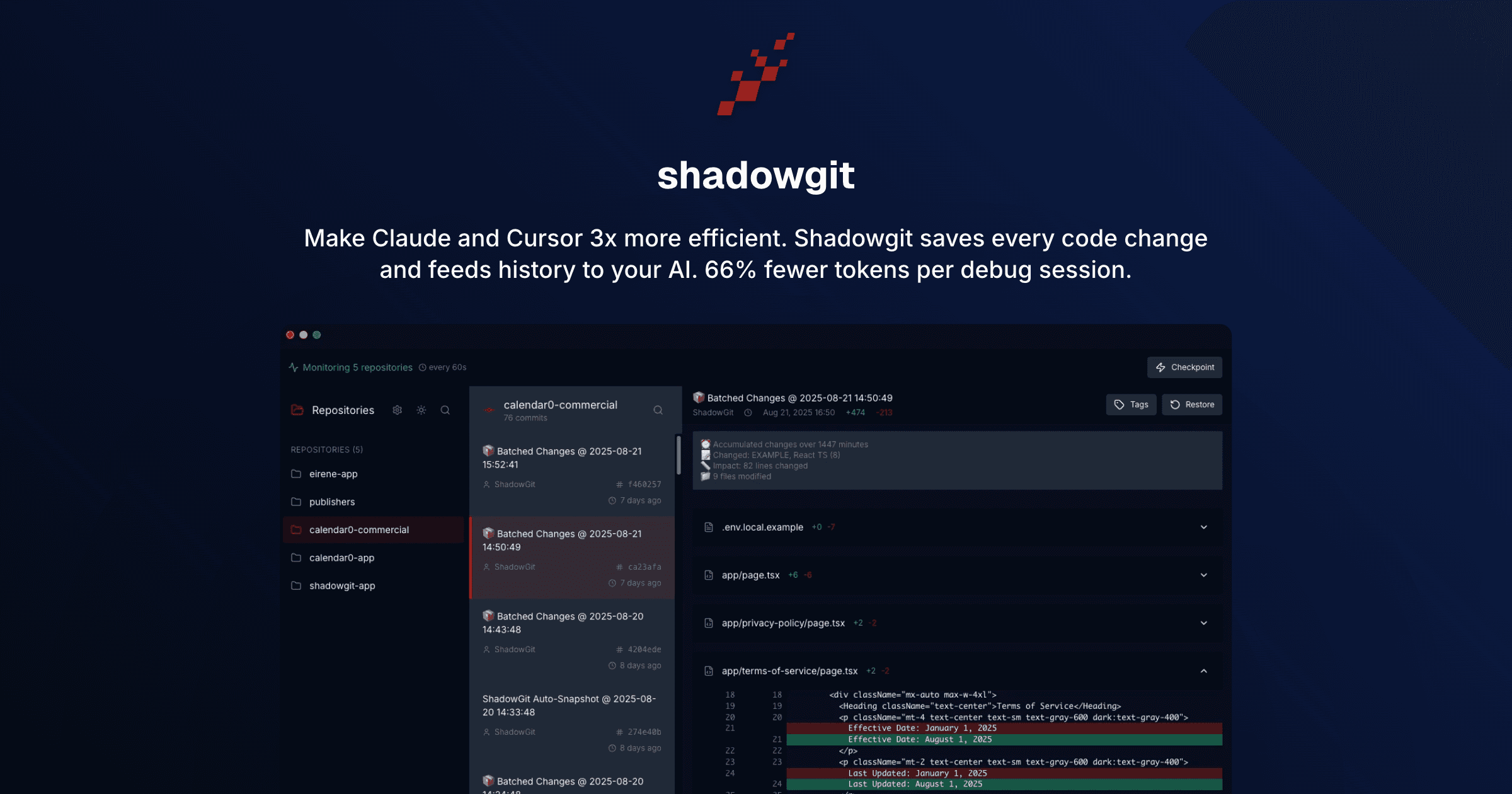
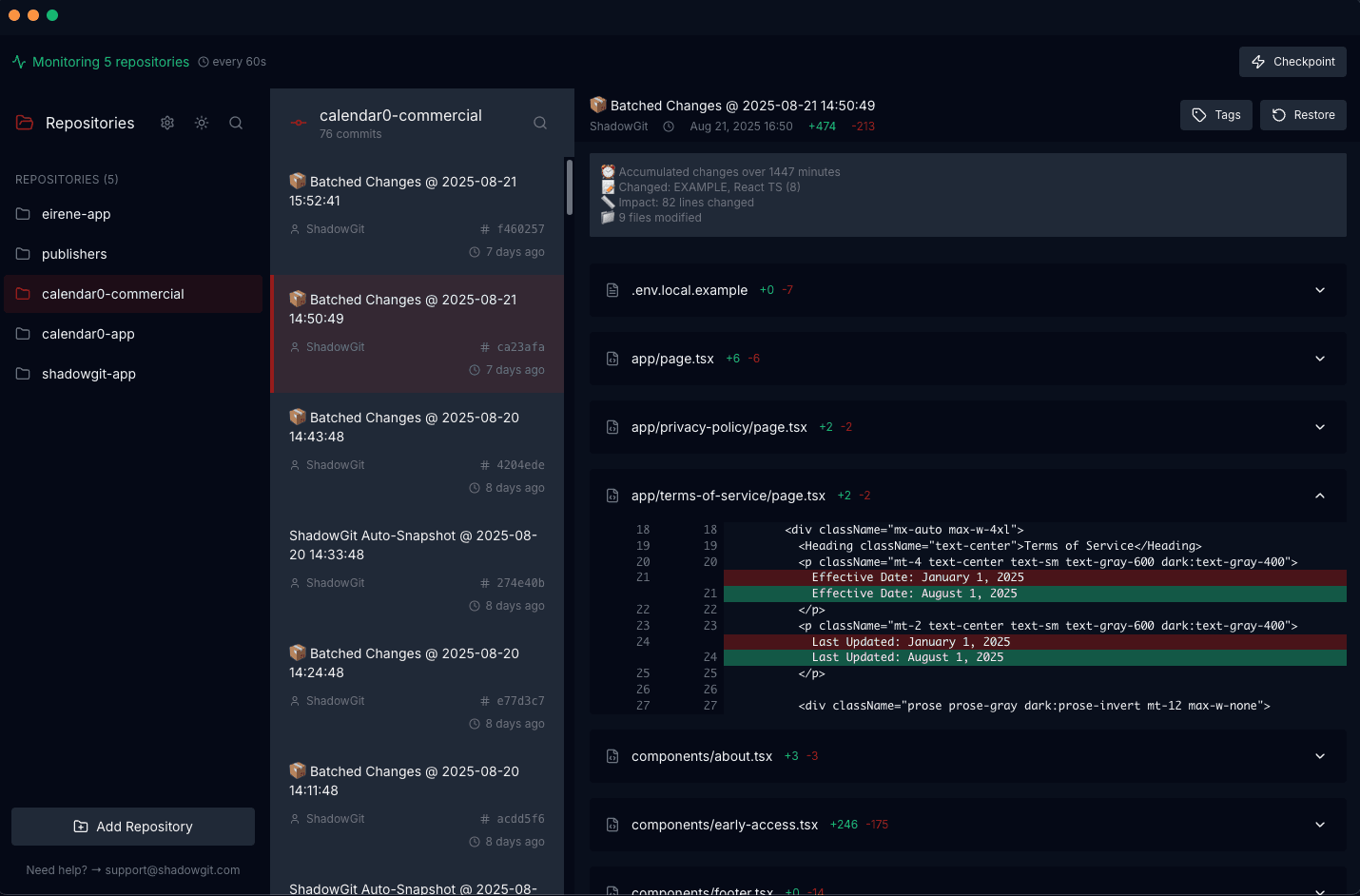
About this app
As someone who's spent countless hours re-explaining codebases to AI assistants, ShadowGit feels like discovering a secret weapon. This tool works silently in the background, capturing every single code change you make—even those between commits—and serves this detailed history to your AI coding companions through an MCP server. What makes it special is how it transforms AI from a forgetful intern into a colleague with perfect memory. When I'm debugging, the AI can now see what actually changed in my code, not just what's currently broken. And if an AI suggestion goes wrong, I can instantly revert to previous working versions with a single click. The fact that everything runs locally means my code never leaves my machine, addressing privacy concerns that often come with cloud-based AI tools. It's one of those simple ideas that makes you wonder why nobody built it sooner. ShadowGit excels at its core functionality with strong security and performance, though accessibility and UI polish could be improved. It's not for everyone—if you rarely use AI tools or work on simple projects, you might not notice the benefits. But for developers who regularly collaborate with AI assistants on complex codebases, this tool can significantly reduce context-switching overhead and debugging time. The local-first approach and one-time purchase model make it appealing compared to subscription-based alternatives. If you're tired of repeating yourself to AI or want a safety net for those occasional bad AI suggestions, ShadowGit is definitely worth exploring. It's one of those tools that quietly makes you more productive without demanding attention.
Key features
- 1Automatic code change tracking between commits with local MCP server integration
- 2One-click restoration of previous working versions during AI debugging sessions
- 3Complete local operation ensuring code privacy and security with no cloud dependencies
Target customer profile
Drawn from the product itself, not from a survey.
Demographic
Software developers using AI coding assistants
Pain points
Repeating code context in every new AI chat, losing track of changes between commits, debugging without historical context
Primary needs
Automated version tracking, AI memory persistence, local privacy protection
Demographic
AI enthusiasts and early adopters
Pain points
AI assistants lacking project context, manual code restoration processes, security concerns with cloud-based AI tools
Primary needs
Seamless AI integration, one-click recovery, offline functionality
Demographic
Development teams working with multiple AI tools
Pain points
Inconsistent AI performance across different contexts, time wasted on context setup, version control gaps
Primary needs
Cross-platform AI memory, team collaboration features, reliable code history
Scout Review
Written by AI from measured evidence, scored out of 100.
ShadowGit is that rare tool that identifies a specific, growing problem and solves it elegantly. It transforms AI assistants from forgetful interns into colleagues with perfect memory by automatically tracking every code change and serving this history through local MCP integration. The local-only operation provides outstanding security while maintaining performance, and the one-click restoration feature is a lifesaver during debugging sessions. While it's not for casual coders or those who rarely use AI tools, developers working with AI assistants on complex projects will find it invaluable for reducing context-switching overhead.
Measure by measure
Usability
80Zero-configuration setup with seamless MCP integration and one-click restoration that doesn't disrupt coding workflow
Design
70Minimalist background service with no visible UI during operation, prioritizing functionality over visual polish
Speed
90Near-real-time versioning with no noticeable performance impact and instant AI query responses through local processing
Security
100Complete local operation ensures code never leaves your machine with read-only MCP access protecting codebase integrity
Accessibility
60Limited to command-line interaction with English-only documentation, assumes technical proficiency but benefits offline users
Growth
90Strong positioning in growing AI coding market with unique memory functionality and one-time purchase appeal
Improvement areas
- Limited visual interface and accessibility features for non-technical users
- English-only documentation restricts international developer adoption
- No team collaboration features for shared codebase environments
Design & Usability
ShadowGit takes a refreshingly practical approach to design by essentially having no visible interface. It operates as a background service that integrates seamlessly through the Model Context Protocol (MCP), meaning developers don't need to learn new workflows or deal with configuration headaches. The setup process is remarkably straightforward for a developer tool, requiring minimal steps to get running. What really shines is the one-click restoration feature - when an AI suggestion inevitably goes sideways, you get an instant escape hatch without breaking your coding rhythm. While there's no graphical interface to admire, the tool's invisible nature actually becomes its greatest strength for developers who value uninterrupted workflow.
Speed & Security
Performance and security are where ShadowGit truly stands out. The automatic versioning happens in near-real-time without any noticeable drag on system resources - it's like having a silent coding partner taking meticulous notes. Since everything processes locally, there's zero network latency when AI assistants query your code history, making debugging sessions feel instantaneous. Security is even more impressive: your code never leaves your machine, eliminating common cloud-based privacy concerns. The local repositories give you complete control over intellectual property, while the MCP server's read-only access prevents accidental modifications. It's the digital equivalent of a maximum-security vault that somehow doesn't slow you down.
Accessibility & Growth
Accessibility follows the tool's developer-first philosophy, with command-line interaction and technical proficiency assumptions. There are no screen reader optimizations, high contrast modes, or multilingual support in the current iteration. However, the simplicity of operation and local-first approach provide unexpected accessibility benefits for developers in regions with poor connectivity or those working on sensitive projects. Growth potential is substantial given the exploding AI coding assistant market. ShadowGit's unique memory persistence functionality and one-time purchase model position it well against subscription-based alternatives. The tool solves a genuine pain point that becomes more relevant as AI coding becomes mainstream.
Conclusion
If you're tired of repeating your codebase context to AI assistants or want a safety net for those 'oops' moments when AI suggestions go wrong, ShadowGit is absolutely worth trying. It's specifically designed for software developers, AI enthusiasts, and teams who regularly collaborate with coding assistants. The tool quietly enhances productivity without demanding attention, making it one of those background utilities you'll wonder how you lived without. For developers seeking to optimize their AI coding workflow with robust security and seamless integration, this is a game-changer worth exploring.
Suggestions for improvement
- Develop a simple GUI for visualizing code history timelines and changes
- Expand MCP server compatibility to cover emerging AI coding tools
- Add team collaboration features for shared codebase environments
- Implement multilingual documentation to broaden international adoption
Alternatives comparison
Named competitors, point by point. Nobody paid to appear here or to be left out.
 ShadowGit ShadowGit |  git-shadow git-shadow |  Mem0 Mem0 | |
|---|---|---|---|
| AI Integration Method | MCP server with direct AI assistant integration | No direct AI integration, manual process required | General AI memory layer, not code-specific |
| Code Change Tracking | Automatic real-time tracking between commits | Records coding activity between commits | Learns from interactions, not code-specific tracking |
| One-Click Restoration | Instant code restoration from history | No built-in restoration features | General memory recall, not code restoration |
| Operation Mode | Local-only processing for maximum security | Local operation | Cloud-based processing |
git-shadow
An open-source tool that records coding activity between commits, but lacks direct AI integration and the MCP server functionality that makes ShadowGit unique.
Mem0
A general AI memory layer that learns from user interactions, but isn't specifically designed for code versioning and debugging workflows like ShadowGit.
Comparing options? See ShadowGit alternatives, scored side by side
More Development & Engineering apps
View all Development & Engineering
Vibe Coding Agent Skills
92A free, open-source platform offering 110 AI agent skills...

CreateMyCoin
92A no-code Solana token creator that deploys SPL tokens in...

CC Switch
91Open-source desktop app for switching AI coding providers...

DemoVexa
90Turn your code into professional product demo videos with AI-generated scripts, animated UI, and natural voiceovers.

TaxID
90Fast EU VAT validation API for developers, covering 27 EU...

Webfetch
89Web scraping API that turns any URL into HTML, text, Mark...

deed.page
89Permanent web hosting for AI agents, no human step

FontPlop
89Browser-based font viewer & tester for TTF, OTF, WOFF, WO...

BeartIMAGE
88BeartIMAGE is a free, web-based image processing platform engineered for fast, bulk photo editing and conversion directly in your browser.

Claw Messenger
88Claw Messenger is an iMessage API service that gives AI a...

DataHabibi
88AI-powered Dubai real estate data platform with 12M+ DLD ...

ButterKit
82macOS app for App Store screenshots: 3D mockups, auto-tra...


A platform dedicated to providing unbiased reviews of newly launched applications, analyzing everything from their features to their full potential.
info@scoutforge.net© 2026 Scoutforge. All rights reserved.
