Cycling through all six. Tap any point to stop.
Measured on six things
Turn one photo into a 10-second AI dance video — no app, ...
Growth
62A real, specific need (trend-ready vertical clips, zero learning curve) with a genuine wedge: seven one-click named effects and pay-per-video pricing vs. prompt-driven or subscription incumbents. Early stage, but the idea has room.
Screenshots
1 / 1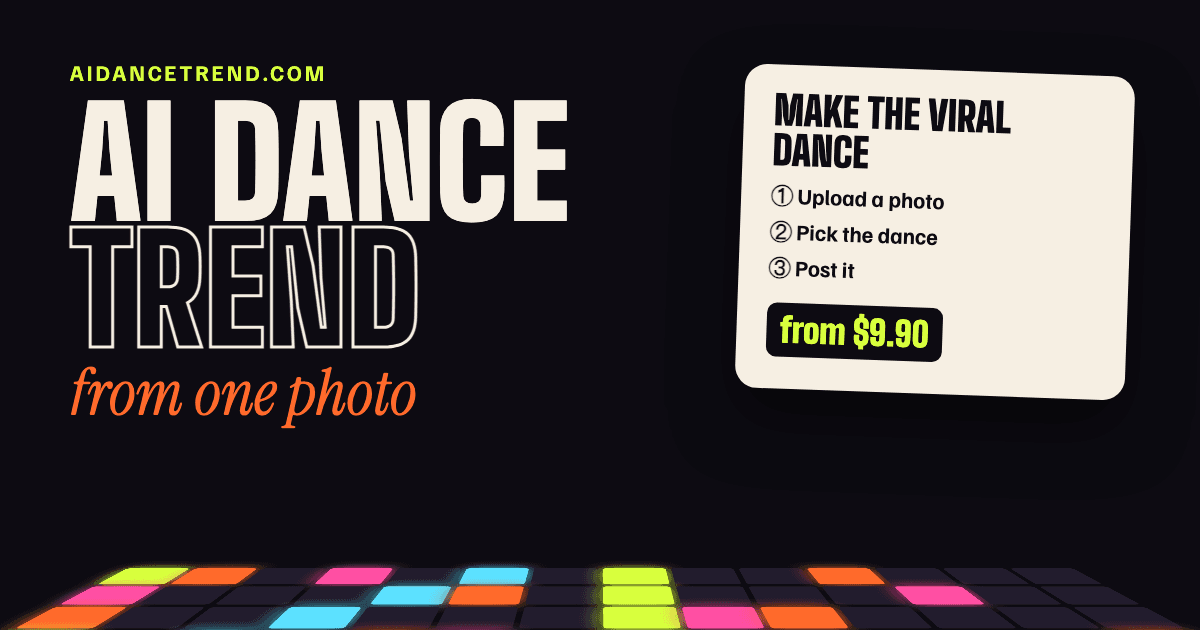
About this app
AI Dance Trend is a browser-based photo-to-dance video generator that turns a single still image of you or your pet into a 10-second vertical MP4. You upload a photo, pick one of seven ready-made dance effects — Dime Dime Baby, Suave Cat Dance, iPhone Kupi Dance, Tiptoe Dance (Rumpelstiltskin), Pet Dance, K-pop Idol Stage, and Raindance — then pay once (from $9.90) and download a watermark-free 720p 9:16 clip with original music in a few minutes. It's built on ByteDance's Seedance 2.0 image-to-video model and runs entirely in Safari or Chrome, with no account, no subscription, and no prompt writing. It's genuinely refreshing for creators chasing TikTok, Reels, and Shorts trends: you don't learn a general tool, you just pick a scene and let the AI animate your subject. Face and pet markings carry through faithfully, though some effects (Tiptoe, K-pop, Pet, Suave Cat) swap your clothes for the trend's costume by design. Privacy is handled well — photos auto-delete within 30 days, or i...
Key features
- 1One-photo-to-video: upload a still image and get a 10-second vertical 720p MP4 with original music.
- 2Seven ready-made dance effects (Dime Dime Baby, Suave Cat, iPhone Kupi, Tiptoe, Pet, K-pop, Raindance).
- 3Pay-per-video from $9.90 (1/3/5 credit packs), no subscription, no account, Stripe checkout.
- 4Browser-based in Safari/Chrome, QR-code phone upload, photos auto-delete within 30 days.
Target customer profile
Drawn from the product itself, not from a survey.
Demographic
Casual TikTok/Reels creators (18–35)
Pain points
No editing skills, no pro gear, viral sounds are hard to match
Primary needs
Fast, trend-ready vertical clips with zero learning curve
Demographic
Pet owners sharing content on social
Pain points
Can't get pets to perform cute tricks on camera
Primary needs
Funny pet dance clips from a single still photo
Demographic
Small social media managers & solo marketers
Pain points
Limited budget, no video editor, tight turnaround
Primary needs
Cheap one-off pay-per-video content without subscriptions
Demographic
Mobile-first users without design apps
Pain points
Don't want to install apps, prompts, or accounts
Primary needs
Browser-based generation with quick download to Photos
Scout Review
Written by AI from measured evidence, scored out of 100.
AI Dance Trend is a focused, well-executed niche tool: one photo in, a 10-second vertical MP4 out, seven ready-made dances, no account, pay once from $9.90. The site is fast (100/100 Lighthouse), secure by the headers (12/12), and visually distinctive with a live hero configurator that actually demonstrates the product. It's honest about its limits — no reference-dance copying, no two dancers, no commercial songs — and labels output as AI-generated. The rough edges are the dense purchase card, low-contrast helper text, and a loud effects grid. For its stage it's a competent, clearly positioned product with a real wedge.
Measure by measure
Usability
68The 01/02/03 flow, up-front pricing and no-account path make the value obvious fast. The dense purchase card stacks upload, dance choice, quantity, consent and trust checklist in one column, adding friction before checkout.
Design
71Distinctive type system and a live hero configurator make the brand memorable and demonstrate the product instantly. Held back by low-contrast helper text and a loud multi-color effects grid that muddles the badge system.
Speed
88Lighthouse scores 100/100 on both mobile and desktop, with LCP 906ms, CLS 0.002 and TBT 27ms. Genuinely fast, lightweight pages with no measured lag or complaints.
Security
76Full security-header sweep passes 12/12 (HSTS, CSP, frame protection, Referrer/Permissions-Policy), plus SPF and DMARC. Stripe checkout and 30-day photo auto-delete are stated, but no SOC 2, ISO or bug bounty is published.
Accessibility
80Lighthouse accessibility lands 100/100 with four-language support (EN/ES/PT/FR). One failing audit on visible-text/accessible-name mismatch and no published WCAG statement keep it short of the top.
Growth
62A real, specific need (trend-ready vertical clips, zero learning curve) with a genuine wedge: seven one-click named effects and pay-per-video pricing vs. prompt-driven or subscription incumbents. Early stage, but the idea has room.
Improvement areas
- Dense single-column purchase card stacks upload, dance, quantity, consent and trust checklist.
- Low-contrast helper text and disclaimers on the dark background.
- Loud multi-color effects grid dilutes the FEATURED/EVERGREEN/STILL TRENDING badge system.
- No published SOC 2/ISO, WCAG statement, or fix for the one failing accessible-name audit.
Design & Usability
The homepage earns its 'good' visual audit: a confident condensed/outline/italic-serif type system, a restrained acid-lime accent for selection and price, and — best of all — a working configurator in the hero that shows the upload zone, photo-quality thumbnails and dance picker before you scroll. The seven-card dance grid is easy to compare. Weaknesses are real but cosmetic: small low-contrast helper text on the dark background, and a multi-color effects grid that shouts over its own badge system. Usability is strong on the front end — numbered 01/02/03 steps, pricing stated up front, no account, QR-code phone upload — but the purchase card is dense, stacking upload, dance choice, quantity, consent and a trust checklist in one column.
Speed & Security
Speed is the standout: Lighthouse 100/100 on mobile and desktop, LCP 906ms, CLS 0.002, TBT 27ms — a genuinely lightweight site with no measured lag. Security is solid for the stage: the header probe passes 12/12 (HTTPS enforced, HSTS, CSP, frame protection, Referrer and Permissions-Policy), SPF and DMARC are set, checkout runs through Stripe, and the site states photos auto-delete within 30 days or can be deleted from the order page. What's missing is the paperwork — no SOC 2, ISO or bug bounty is published, so trust rests on good hygiene and clear data-handling copy rather than an audited report.
Accessibility & Growth
Accessibility scores a perfect 100/100 in the automated Lighthouse run, with four-language support (English, Español, Português, Français) and a responsive, mobile-first layout. One audit still fails — visible text labels without matching accessible names — and there's no published WCAG statement, so the automated pass is not the whole story. Growth is a judgement on the idea: the problem is real and specific (casual creators and pet owners who want trend-ready vertical clips with zero learning curve), and the wedge is concrete — seven one-click named effects and pay-per-video from $9.90 versus prompt-driven generalists like Viggle and Kling or editor-based CapCut. The limit is trend churn: named dances age, and the domain is barely weeks old.
Conclusion
If you're a casual creator or pet owner chasing a trend and you don't want a subscription, an app install, or a prompt-writing learning curve, this is a clean fit — the one-click named effects and pay-per-video pricing are the whole pitch, and they hold up. If you need reference-dance copying, multiple subjects, or commercial music, look elsewhere. The main thing to watch is trend durability: named dances age fast, so the product's long-term value depends on how quickly it refreshes its effect library.
Suggestions for improvement
- Loosen the purchase card: split upload, dance choice and quantity into clearer steps or collapse the trust checklist.
- Raise contrast on hero chips, dance-card captions and disclaimers to meet WCAG AA on the dark background.
- Tame the effects grid palette and make the FEATURED/EVERGREEN/STILL TRENDING badges the primary signal.
- Publish a short accessibility statement and fix the visible-text/accessible-name mismatch flagged by Lighthouse.
Alternatives comparison
Named competitors, point by point. Nobody paid to appear here or to be left out.
 AI Dance Trend |  Viggle AI |  Kling AI |  CapCut | |
|---|---|---|---|---|
| Learning curve / setup | Zero: upload a photo, pick one of seven dances, pay, download. | Higher: configure prompts and settings for character animation. | Higher: general-purpose platform with templates you must learn. | Moderate: editor with AI templates, requires editing know-how. |
| Pricing model | Pay once from $9.90 per video; no subscription. | Subscription-based. | Credit/subscription tiers on a general platform. | Free tier plus paid Pro subscription. |
| Account required | No account; order link only. | Account required. | Account required. | Account/app install typically required. |
| Ready-made trend dances | Seven named one-click effects with tested samples. | Dance-capable but prompt/config driven. | Dance templates within a general platform. | Built-in AI templates and dance trends. |
| Output format | 10s vertical 720p 9:16 MP4 with original music, no watermark. | Animated video clips, format varies. | General video output, format varies. | Edited video in multiple formats. |
Viggle AI
A general AI animation tool that can make characters dance, but requires more setup and configuring prompts over a subscription model.
Kling AI
A powerful image-to-video generator with dance-capable templates, though it's a general-purpose platform you must learn rather than one-click trends.
CapCut
Mobile/desktop editor with built-in AI templates and dance trends, but demands editing know-how and often an account or app install.
Comparing options? See AI Dance Trend alternatives, scored side by side
More AI Generations apps
View all AI Generations
Uni-1 by Luma AI
92Uni-1 is an advanced multimodal text-to-image AI model th...

Gerty
91Private, local AI assistant for Mac that runs offline

LTX 2.3 AI Video Generator
91Fast, open-source AI video generator with 4K support, mul...

DemoVexa
90Turn your code into professional product demo videos with AI-generated scripts, animated UI, and natural voiceovers.

AI Vocals Generator
89Add AI singers or rappers to your own beat, get two takes...

All of Us
89Add deceased loved ones to photos with AI and see free pr...

Voqusa
89Transcribe social media video and audio links into text (free signup, 5 free credits, then pay-as-you-go)

Pixelimg
88A free online AI-powered tool that instantly converts ima...

Cantoro
88Custom AI songs with a name, heard free before paying $4....

tradutor de mangá com IA
88O tradutor de mangá com IA traduz capítulos em lote, personaliza textos e oferece edição visual para estúdios.

IraVoice
88Private on-device dictation for Apple-silicon Macs.

OBVELO
88Privacy gateway that masks personal data in LLM traffic


A platform dedicated to providing unbiased reviews of newly launched applications, analyzing everything from their features to their full potential.
info@scoutforge.net© 2026 Scoutforge. All rights reserved.
