Cycling through all six. Tap any point to stop.
Measured on six things
AIGIFGO is an AI GIF maker that turns text or photos into animated GIFs. Create reactions, memes and birthday greetings without manually animating each frame.
Security
41HTTPS is enforced and SPF is set, but HSTS, CSP, frame protection and Referrer-Policy are all missing — 3/12 on the header checklist. No SOC 2, ISO or bug bounty claims found.
Screenshots
1 / 1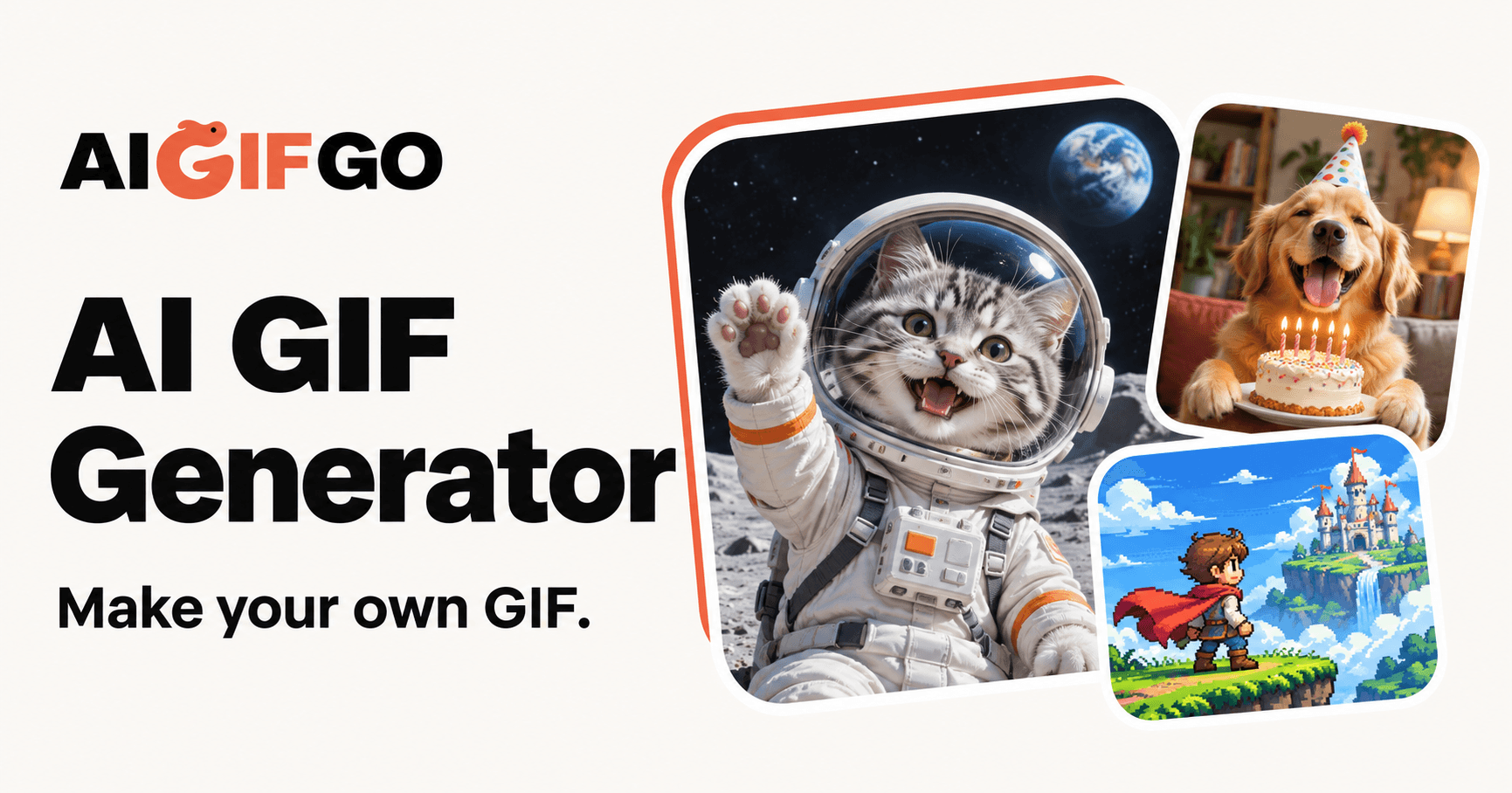
About this app
AIGIFGO is an online AI GIF generator that creates animated GIFs from text prompts or uploaded images. Go from text to GIF with a prompt, or from image to GIF by uploading a picture and describing the movement. The homepage includes GIF examples and prompts you can reuse; choose Recreate to start from an example. Sign in, check the credit cost on the Generate GIF button before submitting, then preview and download. Each GIF uses 10 credits, for both text to GIF and image to GIF. Completed GIFs are kept for 30 days. If generation fails, reserved credits are returned. Choose a membership or a credit pack. Paid plans list watermark-free downloads, commercial use rights, and private creations. AIGIFGO is an independent creative project. https://aigifgo.com/
Key features
- 1Text to GIF: describe a scene and generate an animated GIF from a prompt.
- 2Image to GIF: upload a photo and describe the movement to animate it.
- 3Recreate button on example GIFs to start from a curated prompt.
- 4Watermark-free downloads with commercial use rights on all paid plans.
- 5Credit-based pricing: 10 credits per GIF, memberships or one-time packs.
- 6Failed generations refund reserved credits; results kept for 30 days.
Target customer profile
Drawn from the product itself, not from a survey.
Demographic
Social media content creators and meme enthusiasts
Pain points
Finding relevant reaction GIFs is hard; making custom GIFs requires editing skills
Primary needs
Fast, text-prompt-based custom reaction and meme GIFs
Demographic
Small business owners and social media managers
Pain points
No design team or budget for animated branded content
Primary needs
Watermark-free commercial-use GIFs at predictable cost
Demographic
Hobbyists and gamers creating personal greetings or pixel art
Pain points
Existing tools are complex and time-consuming for casual creativity
Primary needs
Easy image-to-GIF animation and pixel art GIF generation
Scout Review
Written by AI from measured evidence, scored out of 100.
AIGIFGO is a focused AI GIF generator with a genuinely good homepage, honest pricing and a clear workflow. The hero widget shows the product instead of describing it, the FAQ covers the real questions, and per-GIF cost is spelled out on every tier. Accessibility is strong at 97/100. The weak spots are concrete: mobile LCP of 10.4 seconds, a security header checklist at 3/12 with no DMARC, a 'Demo unavailable' placeholder in the demo, and a single astronaut-cat doing all the visual heavy lifting. None of these are fatal; all of them are fixable. The product is competent, clearly positioned, and early — the domain was registered in November 2026, so there is no third-party reputation to weigh yet.
Measure by measure
Usability
66Above-the-fold prompt field with visible credit cost, a three-step how-to, a solid FAQ and pricing that does the per-GIF math for you. The tiny example strip beside the hero is the one real stumble.
Design
58Confident editorial type and a restrained rust-on-off-white palette, plus a hero widget that shows the actual workflow. Undercut by a 'Demo unavailable' placeholder and one astronaut-cat reused three times.
Speed
55Desktop Lighthouse 91/100 is genuinely quick, but mobile LCP of 10.4s drags the score down hard. CLS 0.008 and TBT 187ms are clean, so it's a payload problem, not a jank problem.
Security
41HTTPS is enforced and SPF is set, but HSTS, CSP, frame protection and Referrer-Policy are all missing — 3/12 on the header checklist. No SOC 2, ISO or bug bounty claims found.
Accessibility
80Lighthouse a11y 97/100 is strong. Two real fails remain: low-contrast secondary text and visible labels not matching accessible names. No WCAG statement or multi-language support found.
Growth
58A real problem (custom reaction GIFs are annoying to make) with a concrete wedge: cheap per-GIF pricing, watermark-free commercial rights, and text-or-image input. Broad audience, no network effect.
Improvement areas
- Mobile performance: LCP of 10.4s needs to come down to under 2.5s.
- Security headers: HSTS, CSP, frame protection, Referrer-Policy, Permissions-Policy and DMARC all missing.
- Demo reliability: 'Demo unavailable' placeholder in the Text to GIF demo undercuts the product claim.
- Visual variety: one astronaut-cat asset reused three times; feature rows follow a generic template.
Design & Usability
The homepage does the hard thing well: it shows the product instead of describing it. A hero widget with a Text to GIF / Image to GIF toggle, a prompt field and a credit-counted Generate button communicates the workflow in one glance, and the rust-on-off-white palette with heavy black grotesk headings gives it a confident editorial voice. The three-step how-to and the FAQ (credits, failures, downloads, 30-day retention) answer the questions a first-time buyer actually has. Pricing is unusually honest — per-GIF cost is spelled out on every tier. The problems are execution-level: a 'Demo unavailable' placeholder sits in the Text to GIF demo, the same astronaut-cat appears three times, and the example thumbnail strip beside the hero is too small to read as selectable options.
Speed & Security
Speed splits cleanly by device. Desktop Lighthouse lands at 91/100 — genuinely fast. Mobile lands at 72/100 with an LCP of 10.4 seconds, which is the number that matters for the social-media-creator audience this product targets, most of whom are on phones. CLS of 0.008 and TBT of 187ms show the layout and main thread are fine; the problem is payload. Security is the weakest dimension: HTTPS is enforced and SPF is set, but HSTS, CSP, frame protection, X-Content-Type-Options, Referrer-Policy and Permissions-Policy are all absent — 3/12 on the header checklist — and DMARC is missing, which leaves the domain open to spoofing. No SOC 2, ISO, pen-test or bug bounty claims appear anywhere on the site.
Accessibility & Growth
Accessibility is the strongest measured dimension: Lighthouse 97/100, with only two failing audits — insufficient contrast on secondary text and visible labels not matching accessible names. Both are fixable in an afternoon. There is no WCAG conformance statement and no multi-language support, which is normal for a product this young. Growth is a judgement about the idea, not the traction. The problem is real: custom reaction GIFs are genuinely annoying to make, and stock GIF search is a lottery. The wedge is concrete — text-or-image input, watermark-free downloads, commercial rights, and per-GIF pricing ($0.15–0.33) that undercuts the broader suites. Against Kapwing, Pika and Canva, AIGIFGO is narrower and cheaper, which is both its advantage and its ceiling: there is no network effect, no data moat, and the incumbents can bolt on a GIF mode whenever they like.
Conclusion
If you are a creator who needs custom reaction or meme GIFs and does not want to learn a video editor, AIGIFGO is a reasonable bet at $7.49/month or $9.90 for a one-time pack. The commercial-use rights and watermark-free downloads are the real selling point for small business social managers. Before you commit to a subscription, buy a small credit pack and test the output quality on your own prompts — the site's examples are curated, and generation quality is the one thing no audit can measure for you. If mobile speed or enterprise-grade security headers matter to your workflow, wait for the next release.
Suggestions for improvement
- Fix the mobile LCP — 10.4s is the single biggest conversion killer on the page; compress hero assets and lazy-load below-the-fold media.
- Add HSTS, CSP, X-Content-Type-Options, Referrer-Policy and DMARC. Five headers and one DNS record would move security from 3/12 to a defensible baseline.
- Replace the 'Demo unavailable' placeholder with a real animated preview, and swap in at least two more distinct example assets so the astronaut-cat stops carrying the whole page.
- Raise contrast on secondary text and the 'Powered by' strip, and fix the accessible-name mismatch on labeled controls — both are quick wins toward a clean 100 a11y score.
Alternatives comparison
Named competitors, point by point. Nobody paid to appear here or to be left out.
 AIGIFGO |  Kapwing |  Pika |  Canva | |
|---|---|---|---|---|
| Text-to-GIF generation | Yes — core feature, prompt to animated GIF | Yes — AI text-to-video with GIF export | Yes — text-to-video, GIF via export | Limited — AI image animation, not native text-to-GIF |
| Image-to-GIF animation | Yes — upload photo, describe movement | Yes — image animation in editor | Yes — core feature, animate still images | Yes — Magic Animate on images |
| Watermark-free downloads | Yes — on all paid plans | Yes — on paid plans | Yes — on paid plans | Yes — on Pro |
| Commercial use rights | Yes — stated on all paid plans | Yes — on paid plans | Yes — on paid plans | Yes — on Pro |
| Entry price | $7.49/mo or $9.90 one-time pack | Free tier; paid from ~$16/mo | Free tier; paid from ~$8/mo | Free tier; Pro from ~$15/mo |
| Credit refund on failed generation | Yes — reserved credits returned on failure | Not applicable — no credit system | Partial — credits vary by plan | Not applicable — no credit system |
| Breadth of editing tools | Narrow — GIF generation only | Broad — full video editor, subtitles, templates | Medium — video generation with effects | Very broad — full design suite |
Kapwing
Online video and GIF editor with AI-powered text-to-video and meme creation features.
Pika
AI video and GIF generation platform that animates images and text prompts.
Canva
Graphic design platform with GIF maker and AI image animation tools.
Comparing options? See AIGIFGO alternatives, scored side by side
More AI Generations apps
View all AI Generations
Uni-1 by Luma AI
92Uni-1 is an advanced multimodal text-to-image AI model th...

Gerty
91Private, local AI assistant for Mac that runs offline

LTX 2.3 AI Video Generator
91Fast, open-source AI video generator with 4K support, mul...

DemoVexa
90Turn your code into professional product demo videos with AI-generated scripts, animated UI, and natural voiceovers.

All of Us
89Add deceased loved ones to photos with AI and see free pr...

Voqusa
89Transcribe social media video and audio links into text (free signup, 5 free credits, then pay-as-you-go)

PodRescale
89Every episode becomes two weeks of posts. In your voice. Posted for you.

AI Vocals Generator
89Add AI singers or rappers to your own beat, get two takes...

IraVoice
88Private on-device dictation for Apple-silicon Macs.

HeyVid AI
88HeyVid AI is a free all-in-one AI video and image generat...

OBVELO
88Privacy gateway that masks personal data in LLM traffic

tradutor de mangá com IA
88O tradutor de mangá com IA traduz capítulos em lote, personaliza textos e oferece edição visual para estúdios.


A platform dedicated to providing unbiased reviews of newly launched applications, analyzing everything from their features to their full potential.
info@scoutforge.net© 2026 Scoutforge. All rights reserved.
