Cycling through all six. Tap any point to stop.
Measured on six things
Free AI humanizer that rewrites AI-generated text so it reads naturally. Plus paraphraser, PDF tools, YouTube summarizer, and math solver.
Growth
32Brand-new domain with minimal reviews (1 on Trustpilot) and no community footprint. Early traction limited to App Store and directories.
Screenshots
1 / 1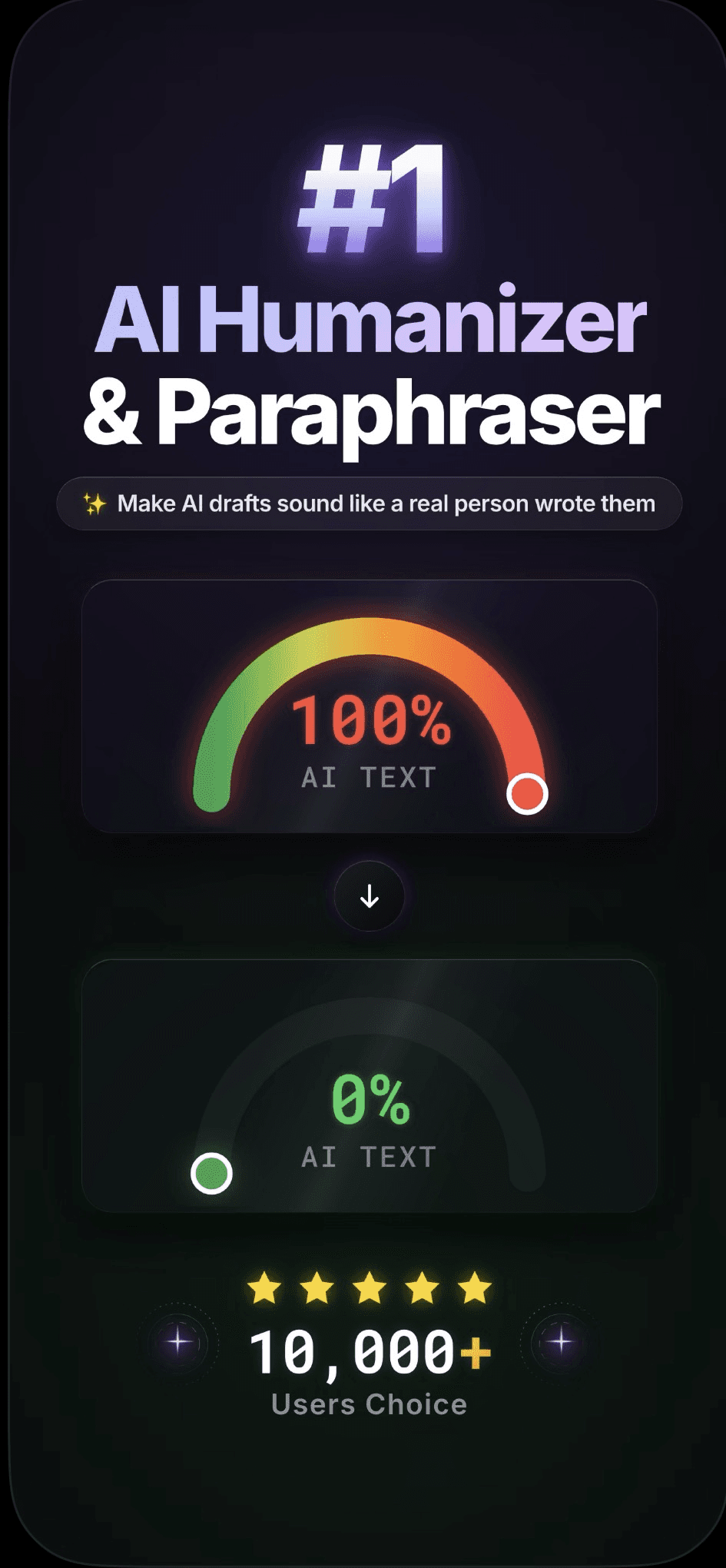
About this app
Akmon is a free AI humanizer that rewrites AI-generated text so it reads naturally and reduces AI-detection flags — no sign-up required. Generous free limits, higher limits on Pro. Study toolkit: paraphraser, PDF summarizer, PDF translator, YouTube summarizer, math solver. Available on web and iOS.
Key features
- 1Free web humanizer, no sign-up, 300-word limit, Casual/Academic modes
- 2iOS app for full documents + history sync across platforms
- 3Multi-language support and additional study tools (PDF, YouTube, math)
Target customer profile
Drawn from the product itself, not from a survey.
Demographic
Students (high school, university)
Pain points
Struggling with AI-generated essays being flagged by Turnitin; need to submit original-sounding work.
Primary needs
Reliable AI detection bypass, academic mode, free usage.
Demographic
Content writers and bloggers
Pain points
AI drafts sound robotic and repetitive; need to add human touch without rewriting manually.
Primary needs
Fast humanization, tone flexibility, integration with writing workflows.
Demographic
Professionals using AI for reports or communication
Pain points
Corporate AI detection tools flag their work; want polished text that reflects their voice.
Primary needs
Privacy, no sign-up, support for long documents.
Scout Review
Written by AI from measured evidence, scored out of 100.
Akmon is a competent, no-friction AI humanizer aimed squarely at students needing quick bypasses without accounts. Strong speed and baseline security pair with a clean but unremarkable design. Limited real-world feedback and very recent launch mean it is still proving itself against more mature alternatives.
Measure by measure
Usability
72Zero-friction web access with modes and languages; iOS app extends to full docs. Limited feedback makes long-term flow hard to judge.
Design
68Clean, modern two-column interface with consistent styling and helpful gauge animation. Follows common AI-tool template without standout visual identity.
Speed
82Excellent Lighthouse scores (93 mobile / 99 desktop) with fast LCP and zero CLS. No user lag complaints surfaced.
Security
71Strong header hygiene (HTTPS + full modern policies) but zero third-party audits or transparency docs. Typical for early-stage tool.
Accessibility
68High automated score (92) but two concrete failures on focus management and contrast. Multi-language support is a plus.
Growth
32Brand-new domain with minimal reviews (1 on Trustpilot) and no community footprint. Early traction limited to App Store and directories.
Improvement areas
- Increase review volume and community presence for credibility
- Address the two accessibility failures and add a11y documentation
- Provide clearer long-term pricing availability and security transparency
Design & Usability
Akmon delivers a polished, standard AI-tool interface with strong visual consistency and immediate actionability on the homepage. The no-sign-up web experience and Casual/Academic toggles lower the barrier for students, while the iOS app adds value for longer documents. However, the layout follows the ubiquitous two-panel template without unique personality, and identical panel styling slightly reduces clarity between input and output.
Speed & Security
Performance is a clear strength: Lighthouse scores of 93 mobile and 99 desktop indicate snappy loads with excellent LCP and zero layout shift. Security headers are comprehensively implemented (12/12), providing solid baseline protection. The absence of published audits or a detailed privacy policy keeps it in the typical range for a young indie product rather than enterprise-grade.
Accessibility & Growth
Automated accessibility is strong at 92/100, yet two specific failures (aria-hidden focusables and contrast) prevent a higher mark. Growth remains early-stage with a 0.3-year-old domain, a single Trustpilot review, and no meaningful community or review volume on major platforms. The product shows promise through App Store presence and multi-language support but lacks the traction signals of more established competitors.
Conclusion
For users who value instant free access and an iOS companion, Akmon is worth testing. Those needing proven detector performance or enterprise compliance should evaluate the paid alternatives first.
Suggestions for improvement
- Add visible alt text and fix the two Lighthouse a11y failures to push accessibility above 80.
- Publish a short security or privacy page with data-handling details to build trust.
- Create a public changelog or roadmap to signal ongoing development and attract early adopters.
Alternatives comparison
Named competitors, point by point. Nobody paid to appear here or to be left out.
 Akmon Akmon |  Undetectable AI Undetectable AI |  Humbot Humbot |  StealthGPT StealthGPT | |
|---|---|---|---|---|
| Free tier / no sign-up | Yes, unlimited web use, no sign-up, 300-word runs | Freemium, requires sign-up | Paid plans only | Subscription-based, sign-up required |
| Academic / student focus | Explicit Academic mode + Turnitin focus | Multiple bypass modes, not student-specific | General undetectability focus | Aimed at students and writers |
| Platforms | Web + iOS app | Web only | Web only | Web only |
| Word limits on paid plans | 100k words/month on monthly/annual | Varies by plan, higher tiers available | Varies by subscription tier | Subscription-based limits |
Undetectable AI
Popular AI humanizer with multiple bypass modes. Freemium, requires sign-up.
Humbot
AI text humanizer focused on undetectability. Paid plans.
StealthGPT
AI detection bypass tool aimed at students and writers. Subscription-based.
Comparing options? See Akmon alternatives, scored side by side
Sources
What the review was written against. A verdict with no sources is an opinion.
More AI Generations apps
View all AI Generations
Uni-1 by Luma AI
92Uni-1 is an advanced multimodal text-to-image AI model th...

LTX 2.3 AI Video Generator
91Fast, open-source AI video generator with 4K support, mul...

DemoVexa
90Turn your code into professional product demo videos with AI-generated scripts, animated UI, and natural voiceovers.

tradutor de mangá com IA
88O tradutor de mangá com IA traduz capítulos em lote, personaliza textos e oferece edição visual para estúdios.

OBVELO
88Privacy gateway that masks personal data in LLM traffic

Pixelimg
88A free online AI-powered tool that instantly converts ima...

HeyVid AI
88HeyVid AI is a free all-in-one AI video and image generat...

RestorePhotosApp
88An AI-powered photo restoration app that brings old, blur...

IraVoice
88Private on-device dictation for Apple-silicon Macs.

Mygom SEO
87MygomSEO is an AI marketing agent that audits your site, writes SEO content, publishes to 12+ CMS platforms, posts to social, and monitors rankings 24/7.

pause.do
87A privacy-first browser extension that inserts gentle pau...

DeepSwapAI
87AI face swap online with no subscription, pay per use.


A platform dedicated to providing unbiased reviews of newly launched applications, analyzing everything from their features to their full potential.
info@scoutforge.net© 2026 Scoutforge. All rights reserved.
