Cycling through all six. Tap any point to stop.
Measured on six things
Free Instagram downloader for Reels, videos, photos, stor...
Security
52HTTPS enforced with CSP and secure cookies, but no HSTS, frame protection, Referrer-Policy, Permissions-Policy, SPF or DMARC. Checklist 5/13; no published audits or security page.
Screenshots
1 / 3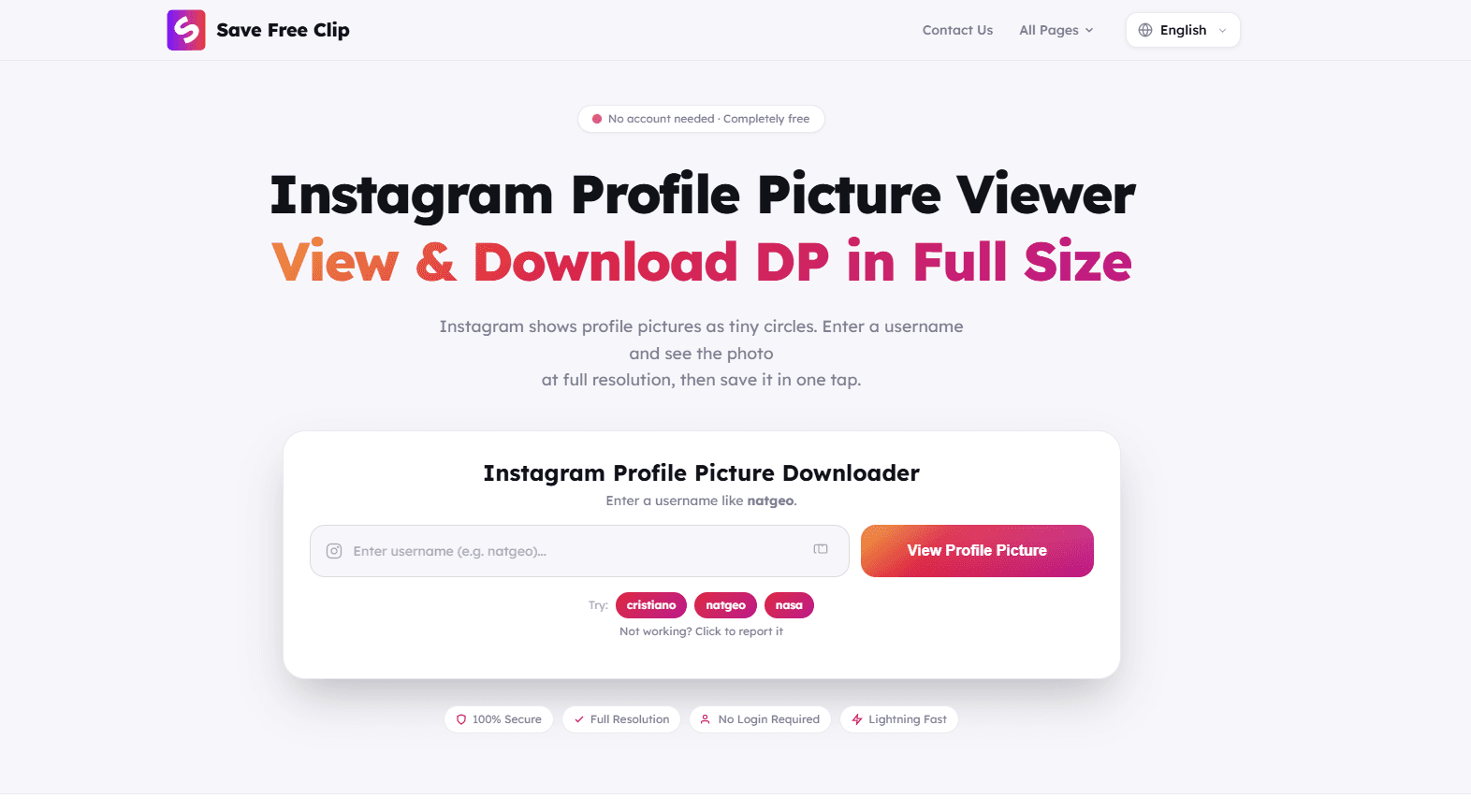
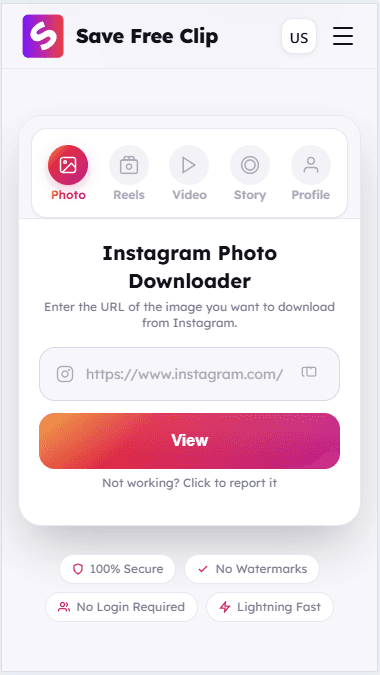
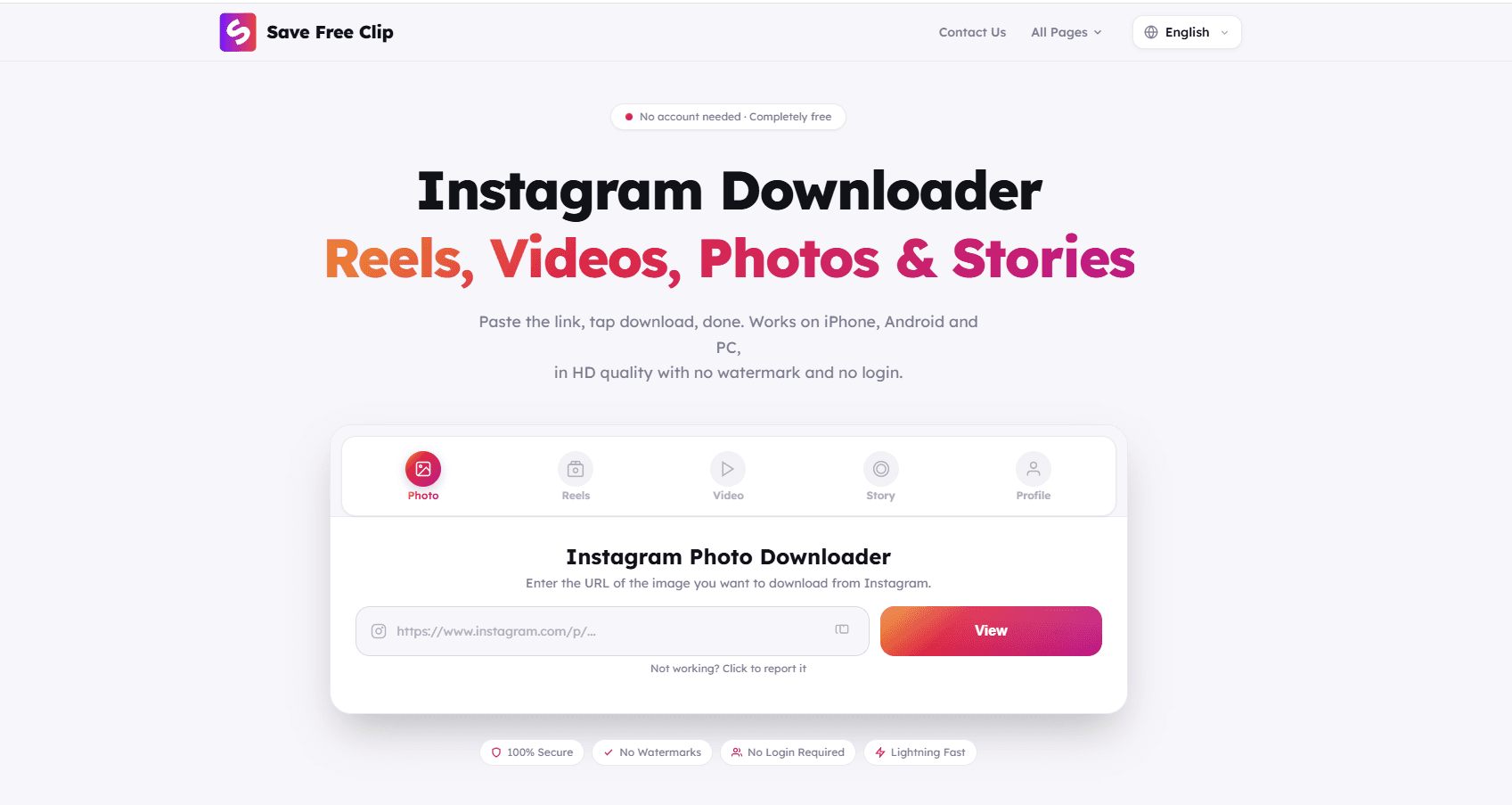
About this app
SaveFreeClip is a free web-based tool that lets you download Instagram content in high quality without any account or app installation. It supports Reels, videos, photos, stories, and profile pictures from public accounts. Simply copy the link, paste it, and download. The tool promises HD quality, no watermarks, and complete anonymity, making it ideal for saving content for offline use, personal archives, or research. With a clean interface and clear instructions, SaveFreeClip is a handy solution for anyone who needs to save Instagram media quickly and safely.
Key features
- 1Download Instagram Reels, videos, photos, stories and profile pictures with no account or install.
- 2HD quality with no watermark added, plus per-device (iPhone/Android/PC) step-by-step guides.
- 3Five-tab content switcher, 'Try:' example chips, and trust badges (no login, no watermarks, secure).
Target customer profile
Drawn from the product itself, not from a survey.
Demographic
Social media enthusiasts and content curators aged 18-35
Pain points
Frustrated by low-quality screenshots and watermarked downloads
Primary needs
Easily save high-quality Reels, photos, and stories for personal use or sharing
Demographic
Digital marketers and social media managers
Pain points
Need to archive competitor content or user-generated content for analysis and inspiration
Primary needs
Quick, reliable, and anonymous downloading of Instagram media without login
Demographic
Researchers and journalists
Pain points
Struggle to preserve public Instagram content for documentation or fact-checking
Primary needs
Download original-quality media with metadata for evidence and reference
Scout Review
Written by AI from measured evidence, scored out of 100.
Save Free Clip is a competent, fast Instagram downloader with a clean paste-and-go flow and genuinely good page performance. It covers Reels, videos, photos, stories and profile pictures with no login and no watermark, and the how-it-works and per-device guides are more thorough than most tools in this niche. Where it falls short: the homepage render came back unfinished, security headers are half-configured despite the 'safe and anonymous' pitch, and the accessibility audit flags contrast and landmark issues. Against FastDl and SaveClip it's on par, not ahead.
Measure by measure
Usability
63Paste-a-link flow is dead simple and the 'Try:' example chips lower the first-download barrier. The five-tab switcher adds a decision before the input, and helper text is small and pale.
Design
58Bold gradient headline and a single clear CTA give the hero real punch, but the top-of-page render came back blank below the header and the subhead wraps badly. Polished palette, unfinished execution.
Speed
70Lighthouse mobile 88/100 with LCP 2.5s, CLS 0 and TBT 132ms; desktop 87/100. A stable, snappy lightweight tool page with no layout shift.
Security
52HTTPS enforced with CSP and secure cookies, but no HSTS, frame protection, Referrer-Policy, Permissions-Policy, SPF or DMARC. Checklist 5/13; no published audits or security page.
Accessibility
68Lighthouse accessibility 92/100, responsive across devices with a language selector. Failing audits: contrast, heading order, missing main landmark; no WCAG statement published.
Growth
58Real, specific need with a clean no-login, no-watermark wedge and per-device guides. But FastDl and SaveClip offer the same thing, so the differentiator is thin.
Improvement areas
- Security headers are half-configured (5/13) despite the 'anonymous and safe' marketing claim.
- Accessibility audit fails on contrast, heading order and missing main landmark.
- Homepage top-of-page render came back blank below the header; hero subhead wraps awkwardly.
Design & Usability
The design has a clear point of view: a bold two-line gradient headline, one warm palette across logo and buttons, and a single gradient CTA that reads as the obvious action. The problem is execution — the top-of-page capture rendered only the header with an empty body below, the hero subhead strands 'PC,' on its own line, and placeholder text is small and pale. Usability is stronger: paste a link, hit the button, done, with 'Try:' example chips that let a first-timer test instantly. The five-tab switcher adds a decision before the input, and the trust badges are easy to miss on a phone.
Speed & Security
Speed is a genuine strength: Lighthouse mobile 88/100 with LCP 2.5s, CLS 0 and TBT 132ms, desktop 87/100 — a stable, lightweight page with no layout shift. Security is the weak spot. HTTPS is enforced with CSP and secure cookies, but HSTS, frame protection, X-Content-Type-Options, Referrer-Policy and Permissions-Policy are all absent, and there are no SPF or DMARC records — 5/13 on the header checklist. For a tool that markets itself as 'anonymous and safe,' the transport and email hardening don't match the promise, and there's no published audit or security page to back the claim.
Accessibility & Growth
Accessibility scores 92/100 on Lighthouse and the site is responsive with a language selector, but three audits fail: insufficient color contrast, non-sequential heading order, and a missing main landmark. No WCAG statement is published. Growth is a judgement on the idea: the need is real and the wedge — free, no-login, no-watermark downloads across five content types with per-device instructions — is clearly stated. But FastDl and SaveClip offer near-identical value, so nothing in the material explains why a user picks this one. The category has room; the differentiation is thin.
Conclusion
If you need to grab a public Reel or story without an account, this does the job quickly and cleanly. But it's one of many near-identical tools, and the security and design polish don't yet justify picking it over the alternatives. Tighten the headers, fix the contrast and heading order, and finish the homepage render — then it earns a real recommendation.
Suggestions for improvement
- Add HSTS, X-Content-Type-Options, Referrer-Policy, Permissions-Policy and frame protection; publish SPF and DMARC records.
- Fix the failing accessibility audits: raise placeholder/helper text contrast, correct heading order, add a main landmark.
- Investigate why the top-of-page render came back blank below the header and ensure the hero renders reliably.
- Publish a short security/privacy page backing the 'anonymous and safe' claim, and consider a WCAG statement.
Alternatives comparison
Named competitors, point by point. Nobody paid to appear here or to be left out.
 Save Free Clip | FastDl | SaveClip | |
|---|---|---|---|
| No account or app install required | Yes | Yes | Yes |
| Content types supported | Reels, videos, photos, stories, profile pictures | Photos and videos | Reels, stories, videos |
| HD quality / no watermark claim | Yes, HD no watermark | High quality | High quality, anonymous |
| Per-device step-by-step instructions | Yes (iPhone, Android, PC/Mac) | Basic | Basic |
| Measured mobile performance (Lighthouse) | 88/100 | Not measured | Not measured |
FastDl
A free online tool to download Instagram photos and videos with a simple interface.
SaveClip
Download Instagram Reels, stories, and videos anonymously in high quality.
Comparing options? See Save Free Clip alternatives, scored side by side
More Social Media apps
View all Social Media
PodRescale
89Every episode becomes two weeks of posts. In your voice. Posted for you.

Voqusa
89Transcribe social media video and audio links into text (free signup, 5 free credits, then pay-as-you-go)

PlanSend
88Social media scheduler with client approvals built in

Evoriqa
88White-label AI customer service agent for small businesse...

AI Comment Exporter
88YouTube comment exporter to CSV, Excel and JSON, with AI reports

AI Dance Trend
88Turn one photo into a 10-second AI dance video — no app, ...

TranscriptYou
88Free YouTube transcript generator with timestamps and AI ...

LurkAPI
88Public social media data as clean JSON, in one request

Kinomo
87The Mac motion studio your AI agent drives.

ZombieTrend AI
87ZombieTrend AI turns two photos into an emotional zombie love story video with a heartfelt hug, memory flashback, sound, no watermark, and a free scene preview.

Outstanding AI Video
87You and 2 friends in the Outstanding Tiny Desk AI meme

TinyDesk-AI.fun
87Tiny Desk AI makes your own version of the viral "Outstanding" Tiny Desk meme. Add a photo to any of the five seats on the stage (lead mic, keys, two backing vocals, sax), from one person to the whole band, and get a fresh 19-second 9:16 720p clip cut like the original post, usually about 10 minutes after paying. $8.99 once, no account, no prompts. The MP4 is silent so you attach the licensed meme sound inside TikTok. Not affiliated with NPR.


A platform dedicated to providing unbiased reviews of newly launched applications, analyzing everything from their features to their full potential.
info@scoutforge.net© 2026 Scoutforge. All rights reserved.
