Cycling through all six. Tap any point to stop.
Measured on six things
AI virtual staging for real estate listing photos.
Speed
58Desktop Lighthouse hits 98/100, but mobile lands at 72 with a 6.1s LCP — the largest contentful paint is dragging the mobile score down. CLS is a clean 0 and TBT is only 44ms, so the page is stable, just slow to paint on phones.
Screenshots
1 / 1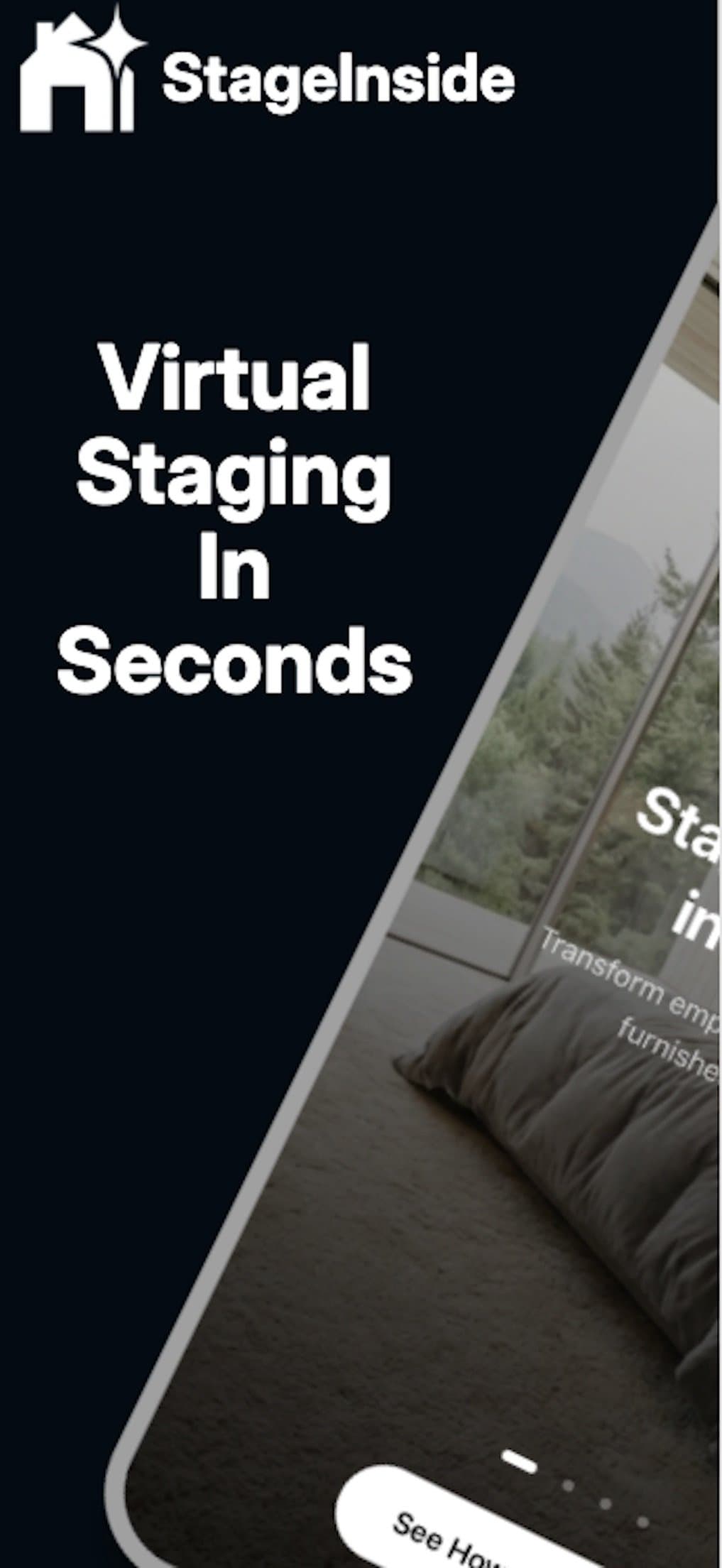
About this app
StageInside is an AI-powered virtual staging tool that turns empty listing photos into furnished rooms while preserving the original room geometry. Upload a photo (JPG, PNG, or WebP up to 10MB), pick a style like Scandinavian, Industrial, Coastal, or Japandi, and receive a staged image in seconds. The app offers MLS standard (1024x768) and HD (1920x1080) export sizes, plus 4K on Pro, and includes a commercial license for each render. It’s built for real estate agents, property photographers, and interior designers who need quick, affordable staging without renting furniture. The free plan gives 15 credits/month (~3 images); paid plans start at $9.99/mo for 150 credits. Credits roll over on Creator and above, and unused credits never expire while a plan is active. A mobile app is available on the App Store. Key features include drag-and-drop simplicity, style variety, rapid restyling, and a focus on realism by keeping walls, windows, and floors untouched.
Key features
- 1AI virtual staging that preserves room geometry — walls, windows, and floors stay where the camera found them.
- 214 design styles (Scandinavian, Japandi, Industrial, Coastal, and more) with rapid restyling per credit.
- 3MLS-standard (1024x768), HD (1920x1080), and 4K (Pro) exports with a commercial license on every render.
- 4Credit-based pricing from free (15 credits/mo) to $100/mo Enterprise, with rollover on Creator and above.
- 5Native iOS app available on the App Store for on-the-go staging.
Target customer profile
Drawn from the product itself, not from a survey.
Demographic
Real estate agents
Pain points
Empty listings look cold; professional staging is costly and slow.
Primary needs
Fast, affordable virtual staging with MLS-ready exports and commercial license.
Demographic
Property photographers
Pain points
Clients expect furnished photos; manual editing is time-consuming.
Primary needs
Batch-friendly, high-resolution staging that preserves room structure.
Demographic
Interior designers & home stagers
Pain points
Physical staging requires logistics and rental costs; digital mockups are manual.
Primary needs
Quick visual prototypes in various styles to present to clients.
Demographic
Real estate marketing teams
Pain points
Need consistent, branded visuals across listings and social media.
Primary needs
Scalable staging with team seats and credit rollover.
Scout Review
Written by AI from measured evidence, scored out of 100.
StageInside is a competent AI virtual staging tool with a polished homepage, a clear three-step workflow, and a sensible credit-based pricing ladder from free to $100/mo. The geometry-preservation pitch is specific and the commercial license on every render removes a real friction point for agents. The measured evidence is mixed: accessibility is excellent (99/100), desktop speed is excellent (98/100), but mobile LCP of 6.1s drags the mobile score to 72. Security is solid hygiene without compliance receipts. The biggest self-inflicted wound is the App Store listing — ten screenshots, two duplicates, and almost no real UI — which undermines the one surface mobile users actually see. Design and usability are good but not exceptional; growth is a real idea in a crowded category.
Measure by measure
Usability
66Three-step flow is spelled out clearly, the free tier needs no card, and the FAQ plus chat assistant cover the basics. The 14-style grid and competing CTAs add friction, and the store listing gives no UI preview to judge onboarding.
Design
70Judging the app and store material: the homepage is polished with a working before/after slider and a disciplined dark theme. Store screenshots are the weak spot — near-duplicate promo graphics with no real UI shown.
Speed
58Desktop Lighthouse hits 98/100, but mobile lands at 72 with a 6.1s LCP — the largest contentful paint is dragging the mobile score down. CLS is a clean 0 and TBT is only 44ms, so the page is stable, just slow to paint on phones.
Security
74HTTPS enforced with HSTS, frame protection, and Referrer-Policy in place, plus SPF and DMARC on the domain. Missing CSP and Permissions-Policy headers, and no public SOC 2 or pen-test claims — solid hygiene, no compliance receipts.
Accessibility
80Lighthouse accessibility scores 99/100 with a single heading-order failure. Responsive layout and a native iOS app help, but there's no WCAG statement and the app ships in only one language.
Growth
62A real, expensive problem (physical staging) with a specific wedge — geometry preservation, MLS export sizes, and a commercial license on every render. Competes against Virtual Staging AI and BoxBrownie; the credit-rollover ladder gives room to grow, but nothing here is structurally hard to copy.
Improvement areas
- App Store listing needs real UI screenshots — current set has duplicates and no visible app interface.
- Mobile LCP of 6.1s drags the mobile Lighthouse score to 72; optimize the hero image.
- No CSP or Permissions-Policy headers, and no public security/compliance page for client photo handling.
- Heading-order accessibility failure and no WCAG statement; iOS app localized in only one language.
Design & Usability
The homepage is genuinely well-crafted — a working drag-to-compare slider, a restrained dark theme, and feature cards that stay readable despite dense content. The problem is the App Store listing, which is the actual product surface for mobile users: ten screenshots, two of them duplicates, and almost none showing real app UI. Usability follows the same pattern. The three-step flow is clear, the free tier needs no card, and the FAQ plus chat assistant cover the basics. But 14 styles in one grid and three competing 'start' CTAs add friction, and with no UI preview in the store, a new user has no idea what onboarding actually looks like until they download.
Speed & Security
Speed is a tale of two devices. Desktop Lighthouse scores 98/100 — genuinely fast. Mobile scores 72 with a 6.1s LCP, which is the number that matters for agents checking listings on their phones between showings. CLS is a clean 0 and TBT is only 44ms, so the page is stable; it just takes too long to paint the hero on mobile. Security is competent but unremarkable: HTTPS with HSTS, frame protection, Referrer-Policy, SPF, and DMARC are all in place, but there's no CSP, no Permissions-Policy, and no public SOC 2, ISO, or pen-test claims. For a tool that ingests client listing photos, a security or compliance page would go a long way. Nine of twelve checklist points is solid hygiene, not a compliance story.
Accessibility & Growth
Accessibility is the strongest measured dimension: Lighthouse scores 99/100 with a single failing audit — heading elements not in sequentially-descending order. That's a quick fix. The gaps are the softer signals: no WCAG conformance statement, no accessibility page, and the iOS app ships in only one language. Growth is a judgment on the idea, not the traction. The problem is real — physical staging is expensive and slow — and the wedge is specific: geometry preservation, MLS-standard export sizes, and a commercial license on every render. The pricing ladder from free to $100/mo with credit rollover and team seats gives clear room to expand. But Virtual Staging AI and BoxBrownie already occupy this space, and 'we keep the walls where they were' is a feature competitors can copy. The domain is under a year old and the iOS app has no ratings yet — early, but the positioning is honest.
Conclusion
If you're an agent or photographer who stages a handful of listings a month, the free tier is a genuine no-risk trial and the $9.99 Starter plan is cheap enough to test against your current workflow. The commercial license and MLS export sizes are the details that matter in practice. Before you commit to a paid tier, download the iOS app and run one real listing photo through it — the homepage slider is marketing, the output is the product. And StageInside, if you're reading this: replace those duplicate store screenshots with actual app UI. You're hiding your best asset behind a phone mockup.
Suggestions for improvement
- Replace the App Store screenshots with real app UI — show the upload screen, style picker, and before/after result, not duplicate promo graphics.
- Fix the mobile LCP (6.1s) by optimizing the hero image and preloading the largest contentful paint element.
- Add a CSP and Permissions-Policy header, and publish a security or compliance page covering data handling for client photos.
- Fix the heading-order accessibility failure and add a WCAG conformance statement; localize the iOS app beyond one language.
Alternatives comparison
Named competitors, point by point. Nobody paid to appear here or to be left out.
 StageInside StageInside |  Virtual Staging AI Virtual Staging AI |  BoxBrownie BoxBrownie | Curbio | |
|---|---|---|---|---|
| Core offering | AI virtual staging with geometry preservation | AI virtual staging with multiple styles | Human-edited virtual staging and image editing | Pre-sale renovation service including virtual staging |
| Turnaround | Seconds per render | Fast AI turnaround | Longer, human-edited turnaround | Project-based, longer timelines |
| Pricing model | Free tier; $9.99–$100/mo credit plans | Subscription/credit based | Per-image pricing | Renovation service pricing |
| Commercial license included | Yes, on every render | Varies by plan | Included with service | Part of service engagement |
| Mobile app | iOS app on App Store | Web-based | Web-based | Web-based |
Virtual Staging AI
AI-powered virtual staging tool that furnishes empty rooms with various styles, offering fast turnaround and MLS-compliant exports.
BoxBrownie
Professional virtual staging and image editing service with human editors, providing high-quality results but with longer turnaround times.
Curbio
Pre-sale home improvement service that includes virtual staging among other renovation services, aimed at real estate agents and homeowners.
Comparing options? See StageInside alternatives, scored side by side
More AI Generations apps
View all AI Generations
Uni-1 by Luma AI
92Uni-1 is an advanced multimodal text-to-image AI model th...

LTX 2.3 AI Video Generator
91Fast, open-source AI video generator with 4K support, mul...

DemoVexa
90Turn your code into professional product demo videos with AI-generated scripts, animated UI, and natural voiceovers.

tradutor de mangá com IA
88O tradutor de mangá com IA traduz capítulos em lote, personaliza textos e oferece edição visual para estúdios.

OBVELO
88Privacy gateway that masks personal data in LLM traffic

Pixelimg
88A free online AI-powered tool that instantly converts ima...

HeyVid AI
88HeyVid AI is a free all-in-one AI video and image generat...

RestorePhotosApp
88An AI-powered photo restoration app that brings old, blur...

IraVoice
88Private on-device dictation for Apple-silicon Macs.

Mygom SEO
87MygomSEO is an AI marketing agent that audits your site, writes SEO content, publishes to 12+ CMS platforms, posts to social, and monitors rankings 24/7.

pause.do
87A privacy-first browser extension that inserts gentle pau...

DeepSwapAI
87AI face swap online with no subscription, pay per use.


A platform dedicated to providing unbiased reviews of newly launched applications, analyzing everything from their features to their full potential.
info@scoutforge.net© 2026 Scoutforge. All rights reserved.
