Is this your app?
Claim Davia to manage its page, add your badge and see your traffic — free, and it stays free.
Cycling through all six. Tap any point to stop.
Measured on six things
AI-powered platform that automatically generates and updates internal team documentation by integrating with tools like Slack and GitHub.
Accessibility
50Basic responsive design but lacks screen reader optimization, keyboard navigation, and extensive language localization features.
Screenshots
1 / 1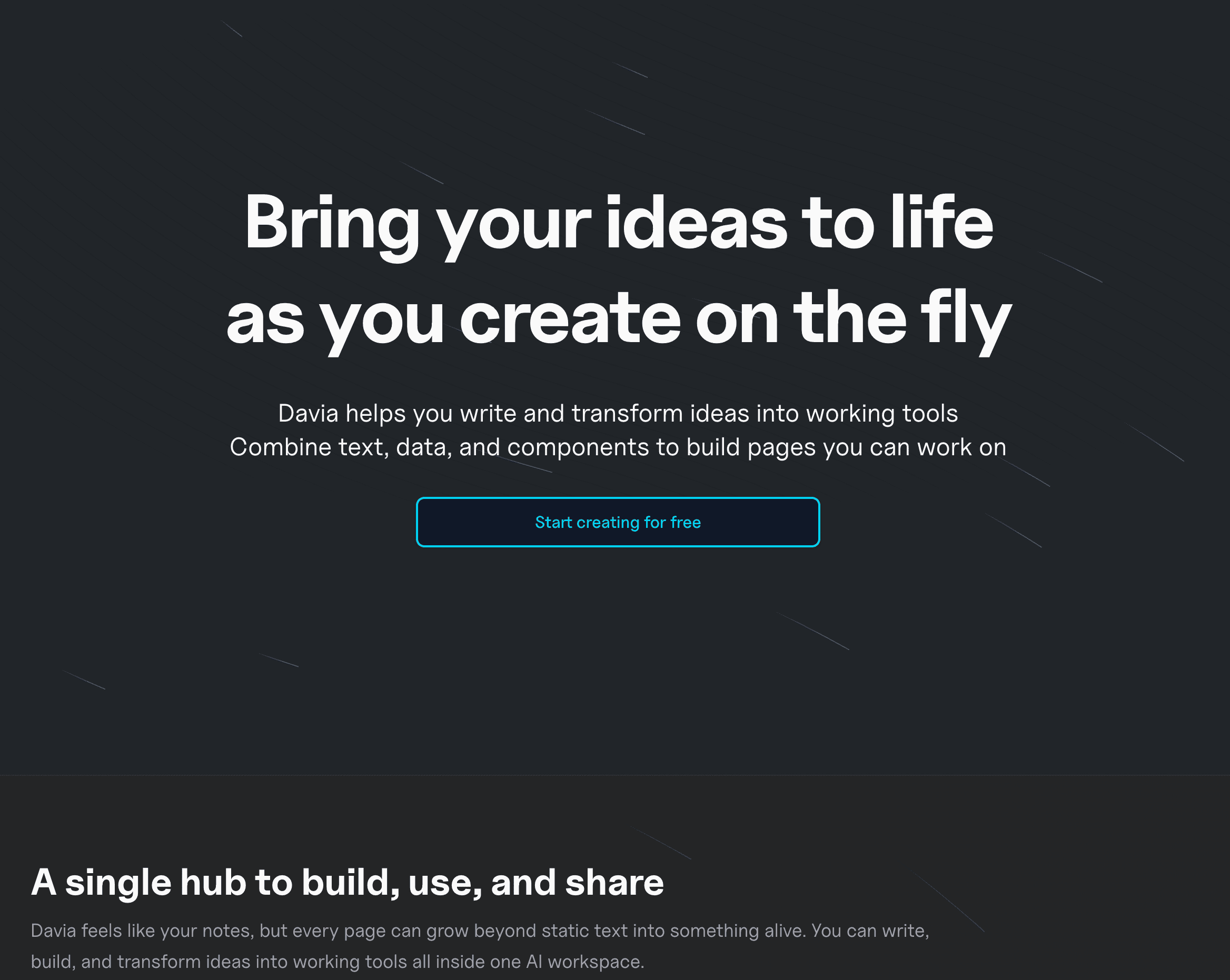
About this app
Davia is a game-changer for teams drowning in scattered information. As someone who's spent hours wrangling docs, I can vouch for its ability to quietly monitor your connected apps—Slack, GitHub, Gmail, and more—and draft documentation based on real-time activity. You just review and approve, and it handles the rest, keeping your knowledge base accurate without the headache. With plans from a limited Free tier to Pro+ for heavier use, it's perfect for small to medium-sized tech teams and project managers looking to automate documentation, centralize knowledge, and reduce manual effort. The clean, minimalist interface and seamless integrations make it a standout in AI-driven productivity tools, though it could improve in accessibility and performance on lower-tier plans.
Key features
- 1AI-powered automatic documentation generation from Slack, GitHub, and Gmail activity
- 2Seamless integration with popular team tools and collaborative review workflow
- 3Real-time knowledge base updates with minimal manual intervention required
Target customer profile
Drawn from the product itself, not from a survey.
Demographic
Small to medium-sized tech teams
Pain points
Manual documentation eats up time, knowledge bases become outdated quickly, information is siloed across different platforms
Primary needs
Automated documentation updates, centralized knowledge repository, seamless integration with existing workflows
Demographic
Project managers and team leads
Pain points
Struggling with documentation accuracy, high administrative overhead, inefficient team onboarding processes
Primary needs
Real-time documentation sync, collaborative review features, reduced manual intervention
Demographic
Startups and agile development teams
Pain points
Rapid changes lead to outdated docs, difficulty tracking project progress, lack of unified knowledge sources
Primary needs
AI-driven content generation, easy setup with popular tools, scalable solutions for growing teams
Scout Review
Written by AI from measured evidence, scored out of 100.
Davia excels at its primary mission: automating the tedious process of team documentation. The AI-powered generation from multiple app integrations works impressively well, and the review-and-approve workflow feels natural for teams already comfortable with collaborative tools. While performance on lower-tier plans could be more consistent and accessibility features need expansion, the core functionality delivers genuine time savings.
Measure by measure
Usability
90Effortless integration workflow with straightforward draft approval process, making documentation automation accessible for tech teams.
Design
80Clean, minimalist dark-themed dashboard with intuitive navigation and organized integration settings, though lacks visual guides for beginners.
Speed
70Generally fast document generation within minutes, but Free plan experiences noticeable delays during peak sync periods.
Security
80Standard encryption for data in transit matching integrated tools, though privacy policy lacks transparency on data retention details.
Accessibility
50Basic responsive design but lacks screen reader optimization, keyboard navigation, and extensive language localization features.
Growth
90Strong market position with high demand for AI documentation automation and expanding integration potential across team tools.
Improvement areas
- Limited accessibility features for users with visual or motor impairments
- Performance inconsistencies on Free tier during high-usage periods
- Sparse language localization and internationalization support
Design & Usability
Davia's interface immediately impresses with its clean, dark-themed dashboard that prioritizes functionality over flash. The minimalist approach works well for tech teams who appreciate straightforward navigation to connected apps and pending drafts. Setting up integrations with Slack, GitHub, and Gmail feels intuitive, though I noticed the initial onboarding could use more hand-holding for less technical users. Once configured, the draft approval workflow shines—clear edit prompts and organized queues make reviewing AI-generated documentation feel almost effortless. The platform successfully reduces cognitive load by focusing on what matters: getting documentation done without the usual administrative overhead.
Speed & Security
Performance-wise, Davia delivers solid results for most use cases. Document generation typically happens within minutes of activity in connected apps, keeping your knowledge base reasonably current. However, the Free plan reveals some limitations during high-activity periods where sync delays become noticeable. Security follows industry standards with encryption for data in transit, matching the security posture of the tools it integrates with. While there are no major red flags, the privacy policy could be more transparent about data retention periods and audit capabilities. For teams handling sensitive information, additional clarity around these areas would provide greater peace of mind.
Accessibility & Growth
Accessibility represents Davia's most significant area for improvement. The platform offers basic responsive design but lacks advanced features like screen reader optimization, comprehensive keyboard navigation, or multilingual interfaces. This limits its usability for teams with diverse needs or global operations. Despite these shortcomings, Davia's growth potential is substantial. The AI documentation automation market is expanding rapidly, and the platform's core value proposition—reducing manual documentation effort—resonates strongly with overloaded tech teams. With planned integrations and feature enhancements, Davia is well-positioned to capture significant market share in the productivity tools space.
Conclusion
If you're part of a tech team drowning in documentation debt and spending too much time manually updating knowledge bases, Davia offers a compelling solution. The Free plan provides enough functionality to test whether the automated approach fits your workflow. For project managers and development teams looking to centralize knowledge without the administrative burden, this platform could be the documentation assistant you've been waiting for.
Suggestions for improvement
- Implement comprehensive screen reader support and keyboard navigation for better accessibility
- Add performance dashboards showing documentation update cycles and sync status
- Expand integration options to include emerging tools like Discord, Trello, and Microsoft Teams
- Provide more transparent privacy controls and data retention settings for enterprise users
Alternatives comparison
Named competitors, point by point. Nobody paid to appear here or to be left out.
 Davia |  Guru |  Notion with automation |  Slite | |
|---|---|---|---|---|
| AI Automation Level | High - Fully automated generation from app integrations | Medium - AI suggestions with manual curation required | Low - Collaboration focused with minimal AI automation | Medium - Custom automation via APIs, not AI-driven |
| Integration Sources | Slack, GitHub, Gmail, multiple platforms | Limited platform integrations | Basic team tool connections | API-based custom integrations |
| Documentation Update Frequency | Real-time continuous updates | Periodic updates with manual triggers | Manual updates only | Manual or scheduled automation |
Guru
Focuses on knowledge management with AI suggestions but requires more manual curation compared to Davia's automated generation.
Notion with automation
Customizable with APIs for basic automation, but not as specialized in AI-powered documentation drafting from multiple sources.
Slite
Offers team documentation with collaboration features but lacks the AI-driven, continuous updates from app integrations.
Comparing options? See Davia alternatives, scored side by side
More AI Generations apps
View all AI Generations
Uni-1 by Luma AI
92Uni-1 is an advanced multimodal text-to-image AI model th...

Gerty
91Private, local AI assistant for Mac that runs offline

LTX 2.3 AI Video Generator
91Fast, open-source AI video generator with 4K support, mul...

DemoVexa
90Turn your code into professional product demo videos with AI-generated scripts, animated UI, and natural voiceovers.

All of Us
89Add deceased loved ones to photos with AI and see free pr...

Voqusa
89Transcribe social media video and audio links into text (free signup, 5 free credits, then pay-as-you-go)

Pixelimg
88A free online AI-powered tool that instantly converts ima...

IraVoice
88Private on-device dictation for Apple-silicon Macs.

OBVELO
88Privacy gateway that masks personal data in LLM traffic

tradutor de mangá com IA
88O tradutor de mangá com IA traduz capítulos em lote, personaliza textos e oferece edição visual para estúdios.

HeyVid AI
88HeyVid AI is a free all-in-one AI video and image generat...

RestorePhotosApp
88An AI-powered photo restoration app that brings old, blur...


A platform dedicated to providing unbiased reviews of newly launched applications, analyzing everything from their features to their full potential.
info@scoutforge.net© 2026 Scoutforge. All rights reserved.
