Cycling through all six. Tap any point to stop.
Measured on six things
Create up to 30s AI videos in 4K with 15 references and 1...
Speed
56Desktop Lighthouse lands at 89/100, but mobile is 73/100 with an 8.6s LCP — well past the 2.5s 'good' line. TBT of 56ms and CLS of 0.063 are fine; the hero video card is doing the damage.
Screenshots
1 / 4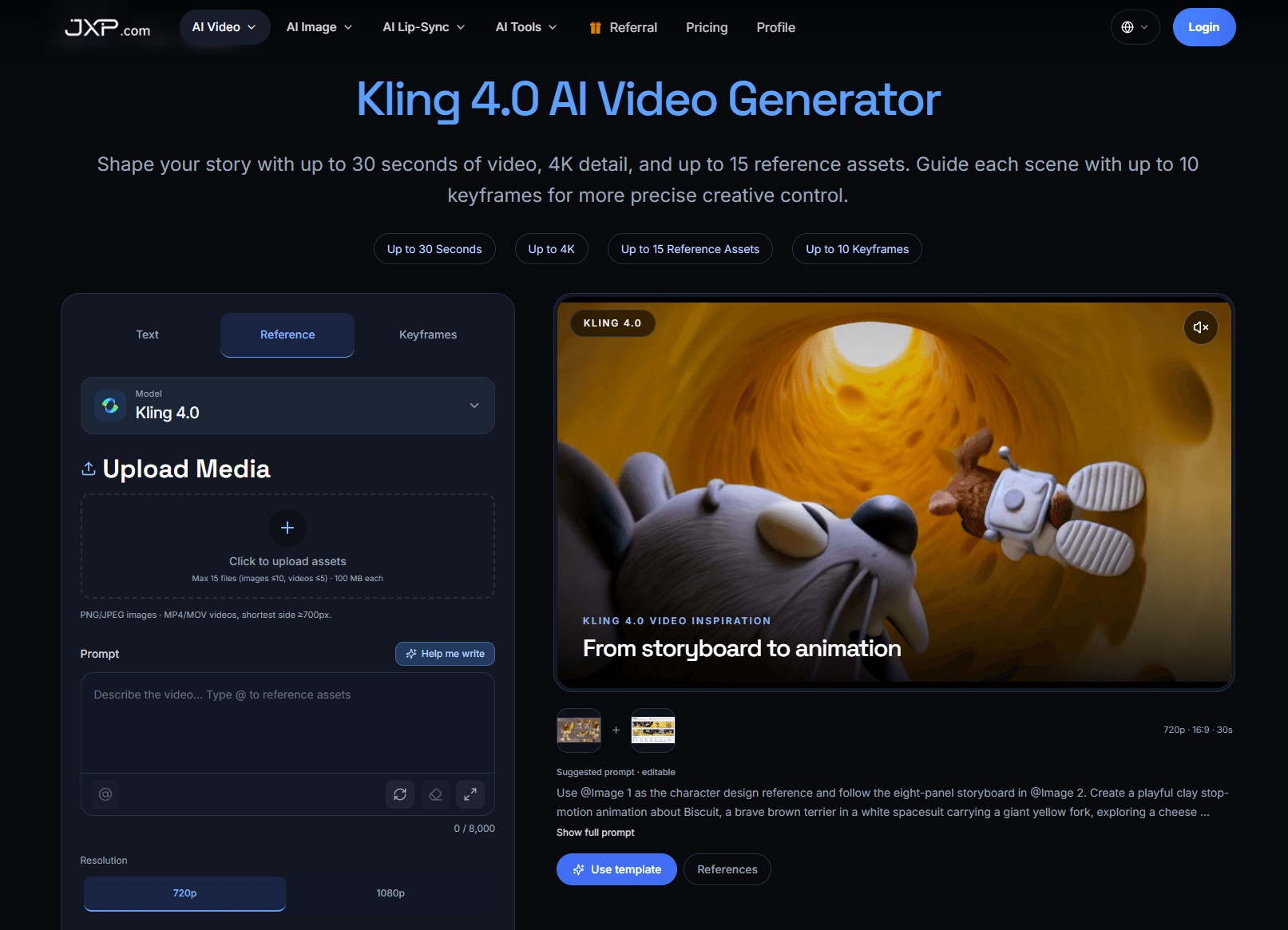
About this app
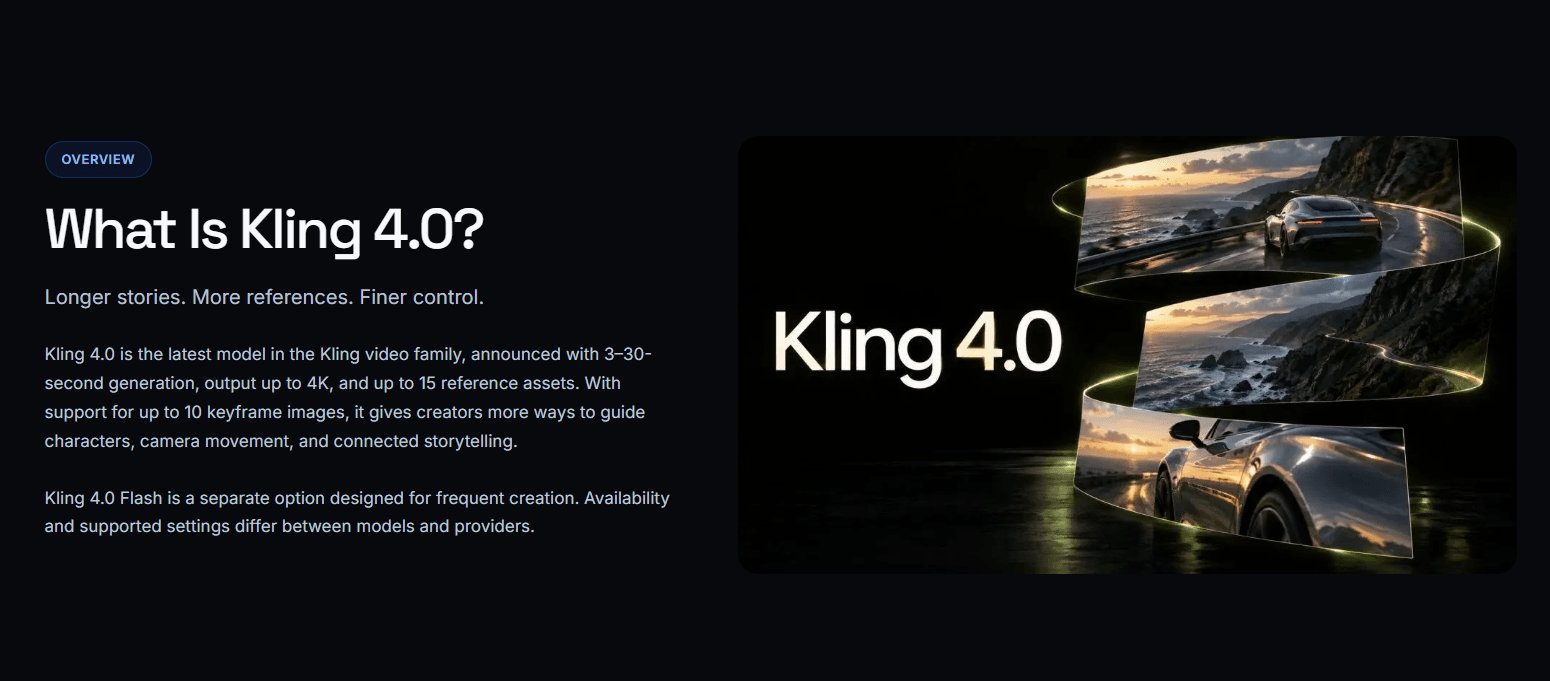
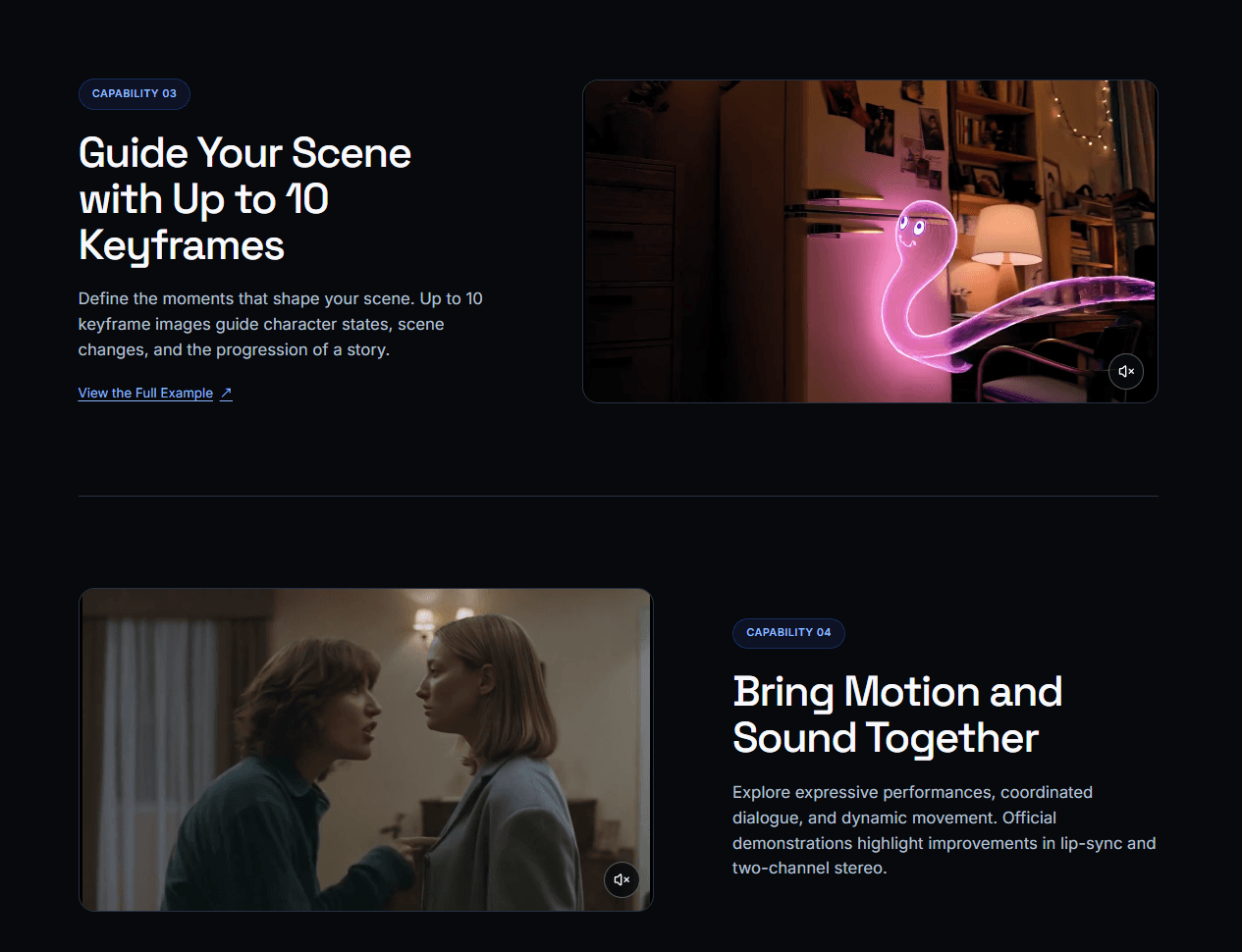
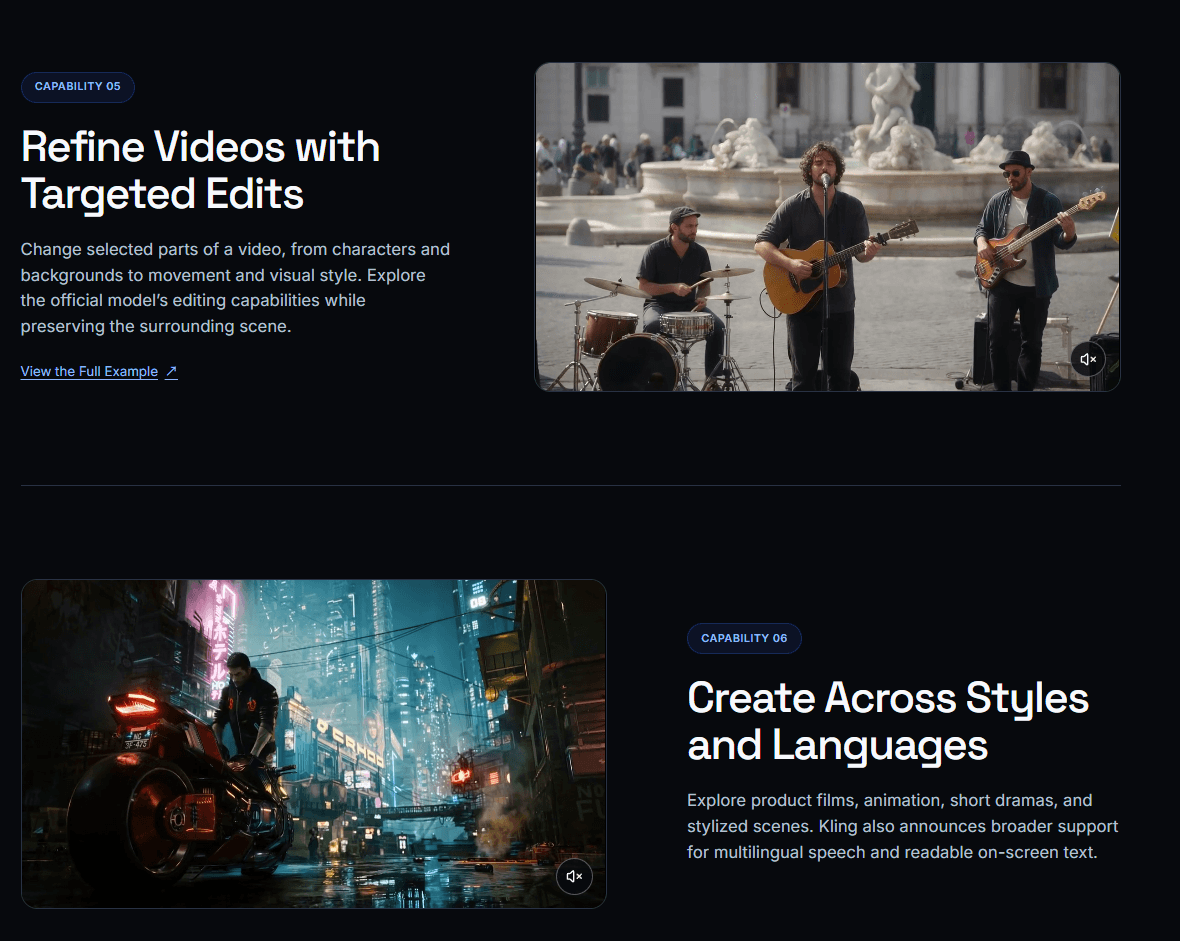
Kling 4.0 is the latest evolution of Kling's AI video generation family, and from what's been announced, it's a serious step up for anyone who wants more control over AI-generated footage. The headline specs include 3–30-second single-generation clips, output up to 4K resolution, support for up to 15 reference assets (10 images, 5 videos, 7 subjects), and up to 10 keyframe images to guide character states and story progression. It also brings improvements to lip-sync, two-channel stereo audio, multilingual speech, and on-screen text rendering, plus targeted video editing and omni-reference support. There's a separate Kling 4.0 Flash model for frequent creation (3–20s, 720p, 8-bit SDR, limited early access from September 28). Note that full Kling 4.0 is officially scheduled for an October launch, and third-party studios like JXP currently offer it at 720p/1080p for 3–30s (4K and Flash aren't available there yet). Pricing runs on credits: 5 credits/sec at 720p or 7 at 1080p without re...
Key features
- 13–30 second single-generation clips with output up to 4K resolution.
- 2Up to 15 reference assets (10 images, 5 videos, 7 subjects) and up to 10 keyframe images for story progression.
- 3Omni-reference, targeted video editing, improved lip-sync, two-channel stereo audio and multilingual speech.
- 4Credit-based pricing across three tiers ($9/$24.50/$81 monthly annual) with per-model cost transparency.
- 5Multi-model studio: Kling 4.0 alongside Seedance, Wan, Gemini, Grok, MiniMax, Vidu and LTX.
Target customer profile
Drawn from the product itself, not from a survey.
Demographic
Content creators and YouTubers (18–40) producing short-form video
Pain points
Generic AI clips look inconsistent; hard to keep characters and style stable across shots
Primary needs
Longer 30s takes, multiple reference assets, and keyframe control for cohesive storytelling
Demographic
Small marketing and brand teams crafting product films and ad concepts
Pain points
Expensive reshoots and slow iteration cycles for campaign visuals
Primary needs
4K output, omni-reference for product consistency, and fast prompt-based iteration
Demographic
Independent animators and storyboard artists
Pain points
Turning storyboards into motion is labor-intensive and time-consuming
Primary needs
Up to 10 keyframes, storyboard-to-animation workflow, and multilingual/lip-sync support
Demographic
Social media managers and agencies scaling short-form content
Pain points
High per-clip costs and limited volume when testing creative directions
Primary needs
Affordable credit plans, watermark-free commercial output, and reference-video pricing
Scout Review
Written by AI from measured evidence, scored out of 100.
JXP's Kling 4.0 page is one of the more honest AI video product pages you'll read: the hero is a functioning generator panel with real controls and a visible credit price, not a mood board. The feature set it advertises is substantial — 30-second takes, 15 reference assets, 10 keyframes, 4K, lip-sync and stereo audio — and the pricing page backs it up with per-model credit costs and estimated videos per year, which is more transparency than most competitors offer. The execution is uneven: mobile LCP of 8.6 seconds, low-contrast body copy, a crowded navigation, and a red promo banner that undercuts the whole palette. Security headers are solid but there's no CSP and no compliance page. It's a capable aggregator with a good pitch and a site that needs a typography pass.
Measure by measure
Usability
62The generate flow is legible before you commit — resolution, aspect ratio, duration and credit cost all on screen. Navigation is crowded (8 items plus a model-tab row) and the unlabeled aspect-ratio glyphs slow first-timers down.
Design
58Judging the app UI and store material: coherent dark theme with purple accent, and the homepage hero shows a real generator panel rather than a promise. Undercut by tiny low-contrast grey body copy and a clashing red promo strip.
Speed
56Desktop Lighthouse lands at 89/100, but mobile is 73/100 with an 8.6s LCP — well past the 2.5s 'good' line. TBT of 56ms and CLS of 0.063 are fine; the hero video card is doing the damage.
Security
74HTTPS enforced with HSTS, frame protection, X-Content-Type-Options, Referrer-Policy and Permissions-Policy all present; SPF and DMARC configured; Stripe handles checkout. Missing a CSP header, and no SOC 2 or ISO claim surfaced.
Accessibility
79Lighthouse accessibility audit scored a clean 100/100, with one failing audit on mismatched accessible names. The real gap is human: small low-contrast grey body copy and a single-language localization.
Growth
63Real, named problem (character consistency, storyboard-to-motion labor) with concrete differentiators — 30s takes, 15 references, 10 keyframes, 4K. The wedge is aggregator breadth and credit pricing, not a proprietary model.
Improvement areas
- Mobile performance: 8.6s LCP needs the hero video lazy-loaded or poster-framed.
- Typography and contrast: 12–14px low-contrast grey body copy on near-black is hard to read.
- Security transparency: no CSP header and no published SOC 2, ISO or pen-test information.
- Navigation and iconography: eight-item nav plus model tabs, and unlabeled aspect-ratio glyphs.
Design & Usability
JXP's Kling 4.0 page does the one thing most AI landing pages refuse to: it shows the tool. The hero is a working generator panel — model picker, upload dropzone, prompt box with an 8,000-character counter, resolution and aspect toggles, a 3s–30s duration slider, and a Generate button tagged with its 25-credit cost. You know exactly what you're buying before you sign up. The store app carries a coherent dark theme with a purple accent across Discover and the AI Video/Image cards. Where it slips is the reading experience: feature-section body copy runs 12–14px in low-contrast grey on near-black, and the saturated red Seedance promo strip fights the blue CTAs for attention. Navigation is dense — eight top-level items plus a second row of model tabs — and the aspect-ratio controls are unlabeled glyphs with tiny captions. Competent, not effortless.
Speed & Security
Speed is a tale of two devices. Desktop Lighthouse scores 89/100; mobile scores 73/100 with a largest contentful paint of 8.6 seconds, roughly three and a half times past Google's 'good' threshold. Total blocking time (56ms) and layout shift (0.063) are healthy, so the culprit is almost certainly the hero video card loading eagerly on phones. Security is the stronger story: HTTPS with HSTS, frame protection, X-Content-Type-Options, Referrer-Policy and Permissions-Policy all present, SPF and DMARC configured, and checkout delegated to Stripe. The gaps are a missing Content-Security-Policy header and the absence of any published SOC 2, ISO 27001 or penetration-test claim — normal for an aggregator at this stage, but it means enterprise buyers have nothing to point at.
Accessibility & Growth
Accessibility is a split verdict. The automated Lighthouse audit returns a perfect 100/100, with a single failing check on elements whose visible labels don't match their accessible names. But automated tools only catch part of WCAG, and the visual audit found small, low-contrast grey body copy on a near-black background — the exact kind of contrast problem axe-core routinely misses. The site is also localized in one language only, which sits awkwardly beside a headline feature about multilingual speech. On growth: the problem is real and specifically named — character and style drift across shots, expensive reshoots, storyboard-to-motion labor — and the differentiators are concrete: 3–30 second single generations, up to 15 reference assets, up to 10 keyframes, 4K output. The honest limit is that JXP is an aggregator reselling Kling, Seedance, Wan, Gemini, MiniMax and others; breadth and credit pricing are the wedge, and that wedge is copyable by the model owners themselves.
Conclusion
If you're a short-form creator or a small brand team who needs consistent characters across a 30-second take, the reference and keyframe controls here are the reason to look — and the credit pricing is legible enough to budget against. Go in knowing you're buying access to Kling through a reseller, so model availability and pricing can shift under you. Before you commit to an annual plan, run the free voucher (720p, text-to-video, 5s) and see whether the output actually holds your character. The product is real; the site just needs to get out of its own way.
Suggestions for improvement
- Fix mobile LCP: lazy-load or poster-frame the hero video card so phones aren't waiting 8.6s for first paint.
- Raise body copy to at least 15–16px and lift the grey to meet 4.5:1 contrast against the near-black background.
- Add a Content-Security-Policy header and publish a security/compliance page — even a plain one beats silence.
- Replace the red Seedance promo strip with an on-palette announcement bar, and label the aspect-ratio icons in text.
Alternatives comparison
Named competitors, point by point. Nobody paid to appear here or to be left out.
 Kling 4.0 AI Video Generator |  Runway |  Pika |  Sora | Seedance | |
|---|---|---|---|---|---|
| Maximum single-generation clip length | Up to 30 seconds | Typically 5–10s per generation, extendable | Short clips, seconds-scale | Up to ~20s in current tiers | Short-form, seconds-scale |
| Reference asset support | Up to 15 assets (10 images, 5 videos, 7 subjects) | Image and video references, motion brush | Image-to-video references | Image and prompt references | Reference-driven generation |
| Keyframe control | Up to 10 keyframe images | Keyframes and motion brush | Limited keyframe controls | Storyboard-style sequencing | Reference and keyframe driven |
| Maximum output resolution | Up to 4K (720p/1080p on JXP today) | Up to 4K on higher tiers | 720p–1080p | Up to 1080p | 720p–1080p |
| Audio and lip-sync | Two-channel stereo, improved lip-sync, multilingual speech | Audio tools in post-production suite | Limited native audio | Native synchronized audio | Limited audio support |
| Pricing model | Credits: $9 / $24.50 / $81 per month (annual) | Tiered subscription with credit allowances | Freemium plus paid credit tiers | Included with ChatGPT paid plans | Credits within the same JXP plans |
Runway
A widely used AI video generation platform known for Gen-series models, motion brush controls, and a strong suite of editing and post-production tools for filmmakers and creators.
Pika
A creator-friendly AI video tool focused on quick, stylized clips with effects and easy prompt-to-video workflows, popular for social media content.
Sora
OpenAI's text-to-video model offering high-fidelity, cinematic generations from prompts and images, aimed at creative and experimental video work.
Seedance
An AI video generation model family often compared to Kling, supporting text-to-video and reference-driven generation; also available in the same JXP studio lineup.
Comparing options? See Kling 4.0 AI Video Generator alternatives, scored side by side
More AI Generations apps
View all AI Generations
Uni-1 by Luma AI
92Uni-1 is an advanced multimodal text-to-image AI model th...

Gerty
91Private, local AI assistant for Mac that runs offline

LTX 2.3 AI Video Generator
91Fast, open-source AI video generator with 4K support, mul...

DemoVexa
90Turn your code into professional product demo videos with AI-generated scripts, animated UI, and natural voiceovers.

All of Us
89Add deceased loved ones to photos with AI and see free pr...

Voqusa
89Transcribe social media video and audio links into text (free signup, 5 free credits, then pay-as-you-go)

Pixelimg
88A free online AI-powered tool that instantly converts ima...

IraVoice
88Private on-device dictation for Apple-silicon Macs.

OBVELO
88Privacy gateway that masks personal data in LLM traffic

tradutor de mangá com IA
88O tradutor de mangá com IA traduz capítulos em lote, personaliza textos e oferece edição visual para estúdios.

HeyVid AI
88HeyVid AI is a free all-in-one AI video and image generat...

RestorePhotosApp
88An AI-powered photo restoration app that brings old, blur...


A platform dedicated to providing unbiased reviews of newly launched applications, analyzing everything from their features to their full potential.
info@scoutforge.net© 2026 Scoutforge. All rights reserved.
