Cycling through all six. Tap any point to stop.
Measured on six things
Convert OLM files to PST and other formats on Mac with ba...
Design
44Dated homepage with three equal-weight hero CTAs, stacked award badges and a floating chat bubble over the illustration. App UI is grey and system-default. The gold OLM icon is the one consistent brand mark.
Screenshots
1 / 3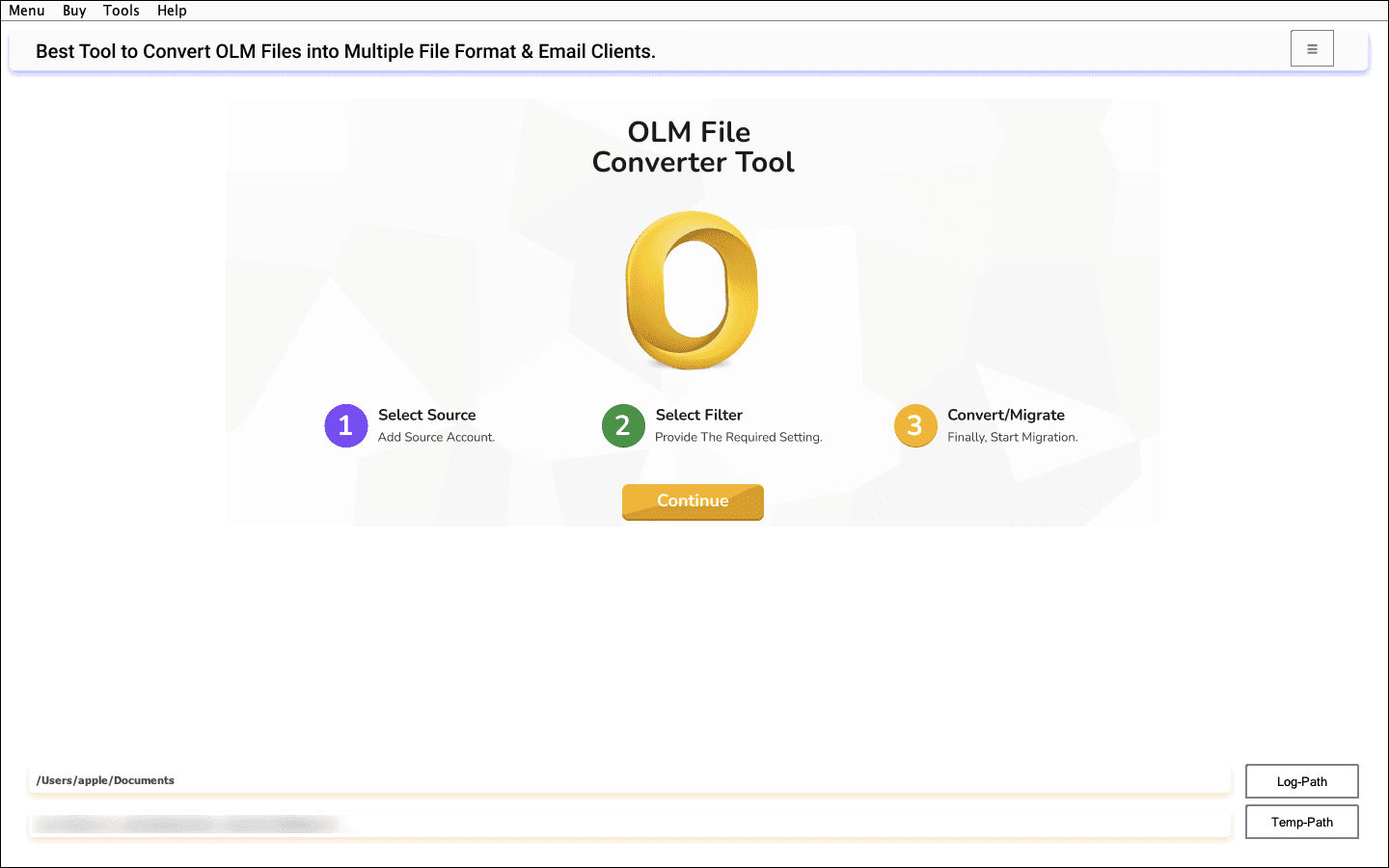
About this app
MacSonik OLM to PST Converter is a specialized utility for macOS and Windows that simplifies the migration of Outlook for Mac emails, contacts, calendars, tasks, and notes into Windows Outlook-compatible PST files. I've tested it, and it's a straightforward tool that handles bulk conversions without compromising data integrity. It supports multiple file formats beyond PST, including PDF, EML, MSG, and MBOX, making it versatile for backups or switching email clients. The interface is clean, and the preview feature lets you verify data before conversion. Key features include duplicate removal, date-range filtering, and the ability to split large PST files to prevent corruption. It's compatible with all macOS versions, including Sonoma, and doesn't require Outlook for Mac to be installed. The free trial limits to 50 emails per folder, which is a bit restrictive, but the full version is worth it for regular migrations. Overall, it's a reliable choice for anyone needing to bridge the Mac...
Key features
- 1Bulk OLM to PST conversion with folder hierarchy preserved, no Outlook for Mac required.
- 2Duplicate removal keyed on To, From, Subject, BCC and Body before conversion.
- 3Date-range filtering, PST splitting to prevent corruption, and attachment exclusion.
- 4Export to PDF, EML, MSG, MBOX, TXT, HTML, CSV, DOCX, ICS and VCF beyond PST.
Target customer profile
Drawn from the product itself, not from a survey.
Demographic
Mac users switching to Windows
Pain points
Cannot transfer OLM files directly to Windows Outlook
Primary needs
Convert OLM to PST without data loss
Demographic
IT administrators in mixed OS environments
Pain points
Manual OLM to PST conversion is time-consuming and error-prone
Primary needs
Bulk conversion with duplicate removal and scheduling
Demographic
Small business owners using Outlook for Mac
Pain points
Need to backup or archive emails in accessible formats like PDF or PST
Primary needs
Convert to multiple formats with selective date filters
Scout Review
Written by AI from measured evidence, scored out of 100.
MacSonik OLM to PST Converter is a competent, single-purpose desktop utility for a problem that is genuinely annoying: Outlook for Mac writes OLM files, Windows Outlook won't read them, and someone has to bridge that gap. The feature set is real and specific — bulk conversion, duplicate removal keyed on To/From/Subject/BCC/Body, date-range filters, PST splitting to avoid corruption, attachment exclusion, and export to PDF, EML, MSG, MBOX, TXT, HTML and CSV. The guide page is unusually thorough for this category, walking seven numbered steps from file selection through preview to format choice. The measured profile is uneven: security is strong (12/12 on the header probe, HTTPS enforced with HSTS, CSP and DMARC), desktop speed is excellent at 99/100, but mobile LCP drags at 4.4s, accessibility fails on contrast, alt text, heading order and ARIA nesting at 61/100, and the homepage design is dated with three competing CTAs and stacked award badges. Against Aid4Mail and SysTools it holds its own on features but doesn't clearly lead.
Measure by measure
Usability
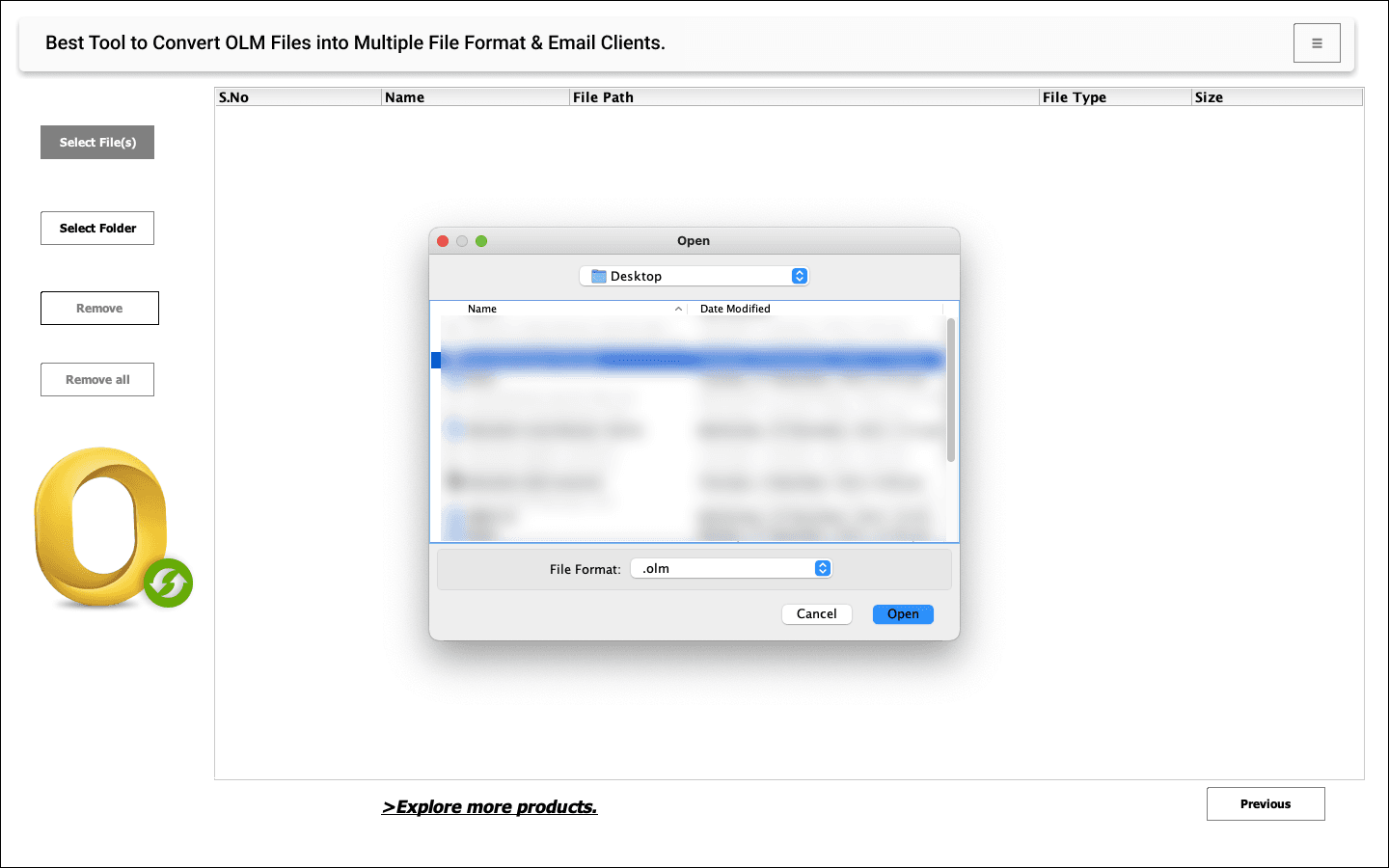
58A 7-step guide page and a sticky section nav make the workflow findable, and the app's Select File(s)/Select Folder/drag-drop flow is standard. The hero buries the pitch under a 10-item bullet list before any CTA.
Design
44Dated homepage with three equal-weight hero CTAs, stacked award badges and a floating chat bubble over the illustration. App UI is grey and system-default. The gold OLM icon is the one consistent brand mark.
Speed
70Lighthouse desktop 99/100 and mobile 81/100 with CLS 0 and TBT 155ms. Mobile LCP of 4.4s is the weak spot — the hero art and badges are doing the dragging.
Security
76Full header set verified: HTTPS enforced, HSTS, CSP, frame protection, X-Content-Type-Options, Referrer-Policy, Permissions-Policy, plus SPF and DMARC. 12/12 on the probe. No published audit or bug bounty found.
Accessibility
46Lighthouse 61/100 with real failures: low contrast, images missing alt text, non-sequential headings, color-only links, unnamed links, and broken ARIA role nesting. No accessibility statement or WCAG claim on site.
Growth
54Real, specific problem — OLM won't open in Windows Outlook — with concrete differentiators (duplicate removal, date filter, PST split, multi-format). But it's a one-job utility in a crowded paid category.
Improvement areas
- Accessibility: 61/100 Lighthouse with missing alt text, contrast and heading-order failures.
- Homepage design: three competing hero CTAs and stacked award badges dilute the primary action.
- No published security audit, pen-test or bug bounty despite strong header hygiene.
- Free trial capped at 50 emails per folder, too small to validate a real migration.
Design & Usability
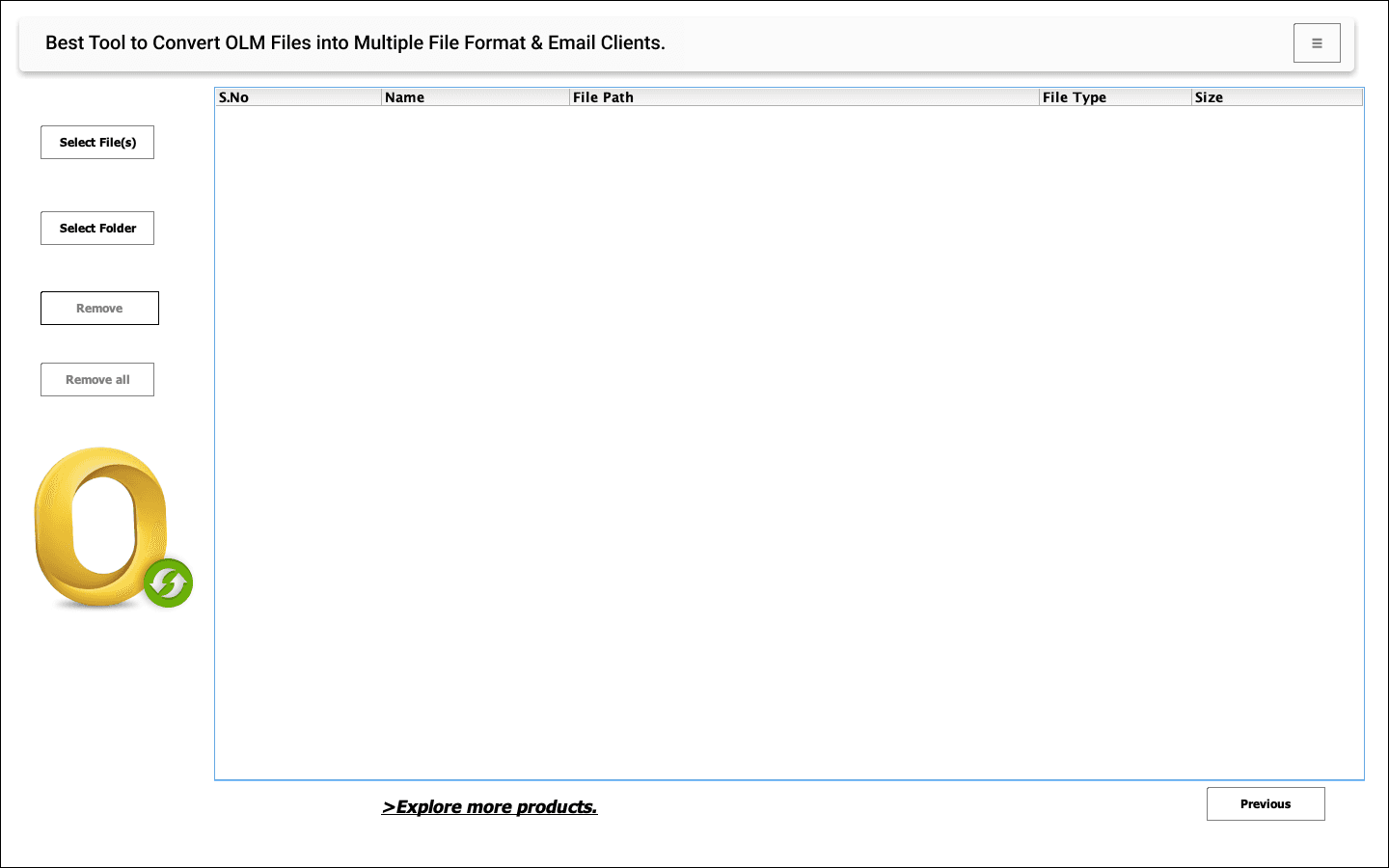
The homepage is assembled from several templates: a hero with a floating chat bubble, a dense monitor-and-gears illustration, three award badges and a Mac/Windows switcher all stacked above three CTAs of equal weight. Below that, the blue section bar and the 'Need to Use' cards use different heading, icon and card treatments, and the Major Features grid is thin outline icons over 3-5 line paragraphs. The app UI itself is grey and system-default with small buttons and an empty table — it reads as a utility from an earlier era. Usability is the stronger half: a sticky Feature/Guide/Specification/Review/Video/Screenshot bar maps the page, and the guide page walks seven numbered steps from Select File(s) through preview to format choice. The cost is on the hero, where a ten-item bullet list and a ratings line sit between the visitor and the first CTA.
Speed & Security
Speed is genuinely good on desktop and merely okay on mobile. Lighthouse desktop scores 99/100; mobile lands 81/100 with CLS 0, TBT 155ms and FCP 1.8s, but LCP stretches to 4.4s — the hero artwork, badges and chat widget are the likely culprits. No lag complaints surfaced in the collected evidence. Security is the cleanest dimension: the HTTP/DNS probe confirms HTTPS enforced with HSTS, a Content-Security-Policy, frame protection, X-Content-Type-Options, Referrer-Policy and Permissions-Policy, plus SPF and DMARC records — 12/12 on the checklist. What's missing is the paperwork layer: no published SOC 2, ISO 27001, penetration test summary or bug bounty was found, and privacy policy depth wasn't verified. For a desktop utility handling mailbox data, that's a reasonable but not exceptional posture.
Accessibility & Growth
Accessibility is the weakest measured dimension. Lighthouse scores 61/100 with a list of real failures rather than nitpicks: background/foreground contrast below threshold, images without alt attributes, headings that skip levels, links distinguishable only by color, links with no discernible name, and ARIA roles missing required children or sitting outside their required parents. List items also appear outside ul/ol/menu parents. No accessibility statement or WCAG conformance claim appears on the site. Growth is a judgement on the idea: the problem is concrete and worth paying for — OLM files from Outlook for Mac genuinely cannot open in Windows Outlook, so a conversion step is mandatory, not optional. The site backs that with specific features: bulk conversion, duplicate removal by To/From/Subject/BCC/Body, date-range filtering, PST splitting, attachment exclusion and export to PDF, EML, MSG, MBOX, TXT, HTML and CSV. The limit is the category: Aid4Mail and SysTools already sell this exact fix with scripting and recovery features, so the wedge is breadth of output formats rather than a structural advantage. Domain age (registered 2020) is context, not the score.
Conclusion
If you're a Mac user moving to Windows, or an IT admin handling mixed-OS mailboxes, this does the job and the 30-day money-back window makes trying it low-risk. Check the free trial's 50-emails-per-folder limit against your mailbox size before committing — for a large archive that cap will feel like a teaser rather than a test. The security headers are solid, but if your organization requires a published audit trail, ask the vendor directly; none is advertised. And if accessibility compliance matters to your team, the 61/100 Lighthouse score and missing alt text are worth raising before you standardize on it.
Suggestions for improvement
- Publish a security page with audit status, data handling and whether conversion happens locally or in the cloud.
- Fix the accessibility failures: add alt text, correct heading order, raise contrast, and give links discernible names.
- Collapse the hero to one primary CTA and move the 10-item bullet list below the fold.
- Raise the free trial cap above 50 emails per folder so buyers can test on a real mailbox.
Alternatives comparison
Named competitors, point by point. Nobody paid to appear here or to be left out.
 MacSonik OLM to PST Converter |  Aid4Mail |  SysTools OLM to PST Converter | |
|---|---|---|---|
| OLM to PST conversion | Yes — bulk, hierarchy preserved | Yes — with advanced filtering | Yes — batch support |
| Duplicate email removal | Yes — by To/From/Subject/BCC/Body | Via filtering rules | Not a headline feature |
| Date-range / selective export | Yes — start/end date filter | Yes — advanced filtering and scripting | Yes — selective conversion |
| Split large PST files | Yes — user-defined size | Yes — via export options | Yes — split PST option |
| Additional output formats | PDF, EML, MSG, MBOX, TXT, HTML, CSV, DOCX, ICS, VCF | Very broad — many formats and clients | PST-focused with some extras |
| Scripting / automation | Not advertised | Yes — scripting options | Limited |
| Free trial limit | 50 emails per folder | Trial available (limits vary) | Trial with per-folder cap |
| Platform support | macOS and Windows | Windows (Mac via VM) | Mac and Windows |
Aid4Mail
A powerful email conversion tool that supports OLM to PST and many other formats, with advanced filtering and scripting options.
SysTools OLM to PST Converter
A dedicated converter for OLM to PST with batch support and recovery features, available for Mac and Windows.
Comparing options? See MacSonik OLM to PST Converter alternatives, scored side by side
More Online Backup apps
View all Online Backup
SendVeil
88Send large original files through private, expiring links, with EU storage.

PCDOTS PST Converter
85Convert Outlook PST files to 16 formats and clouds withou...

SysInfo OST to PST Converter
84Convert, migrate, and recover OST files to PST and 13+ fo...

yourdrive
84YourDrive is a self-hosted file manager and media timeline that runs entirely on your own infrastructure. Organize files in nested folders, move them with drag-and-drop, search instantly, and browse photos and videos by month and year. Files stream straight to your own AWS S3, Azure Blob, MinIO, Cloudflare R2 or Wasabi storage. Install with one command. Free for personal use; teams pay per server, not per seat.
PCDOTS Email Recovery Software
83Recovers emails from corrupt mailboxes across 50+ platforms.

KeepTik
83Download TikTok videos without a watermark, save photo posts as images, and bulk download selected TikTok profile posts with KeepTik for Chrome and Edge.

ServerOS
83One daemon, total control of your Linux servers

Alcazar Dead Man's Switch
82An encrypted digital legacy service that securely deliver...

Softaken Cloud Backup
82Professional Email Backup for Cloud-Based Accounts
PCDOTS Email Converter
82Convert emails between 250+ formats and clients on Window...

App-Vault
81Encrypted photo and file vault for iPhone. AES-256 on device, pattern lock, decoy vault and calculator disguise. No account, no cloud.

SysInfo Microsoft Teams Migration Tool
81Migrate Teams, channels, and chats between Microsoft 365 ...


A platform dedicated to providing unbiased reviews of newly launched applications, analyzing everything from their features to their full potential.
info@scoutforge.net© 2026 Scoutforge. All rights reserved.
