

A platform dedicated to providing unbiased reviews of newly launched applications, analyzing everything from their features to their full potential.
info@scoutforge.net© 2026 Scoutforge. All rights reserved.
A platform dedicated to providing unbiased reviews of newly launched applications, analyzing everything from their features to their full potential.
info@scoutforge.net© 2026 Scoutforge. All rights reserved.
A platform dedicated to providing unbiased reviews of newly launched applications, analyzing everything from their features to their full potential.
info@scoutforge.net© 2026 Scoutforge. All rights reserved.
Cycling through all six. Tap any point to stop.
Measured on six things
AI-powered flyer design tool that turns text prompts into custom promotional graphics for businesses, events, and social media.
Live homepage renders functionally blank below the nav bar — no hero, no flyer examples, no CTA. The product UI screenshot is clean, but the landing page itself looks unfinished.
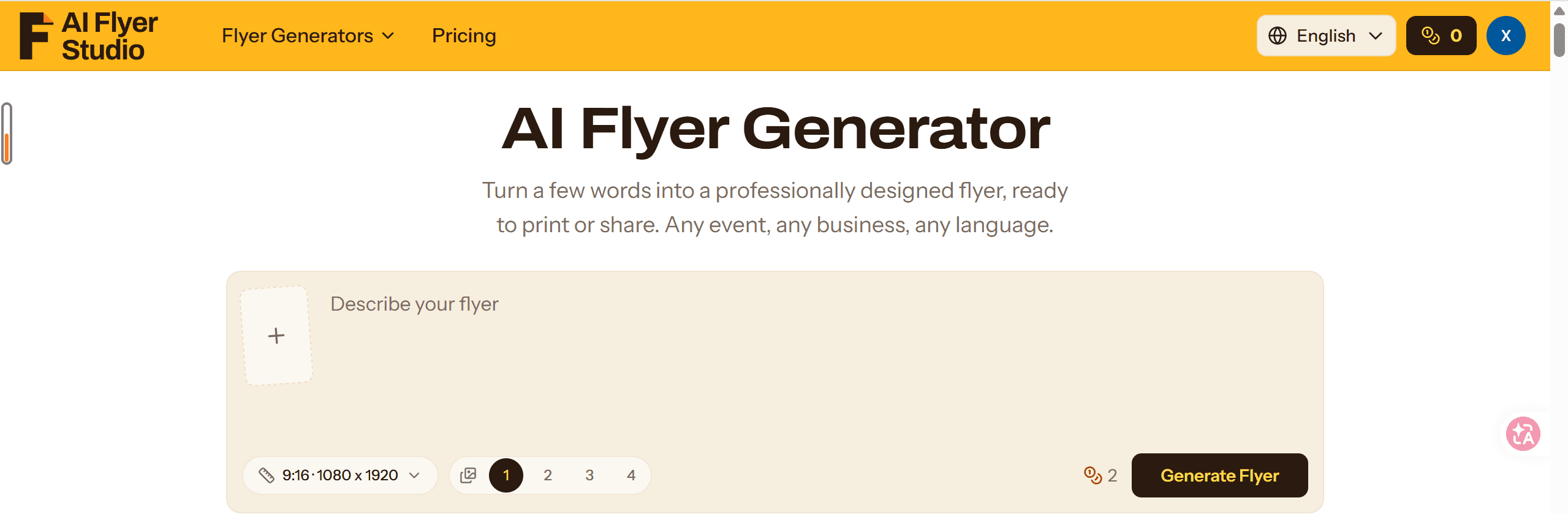
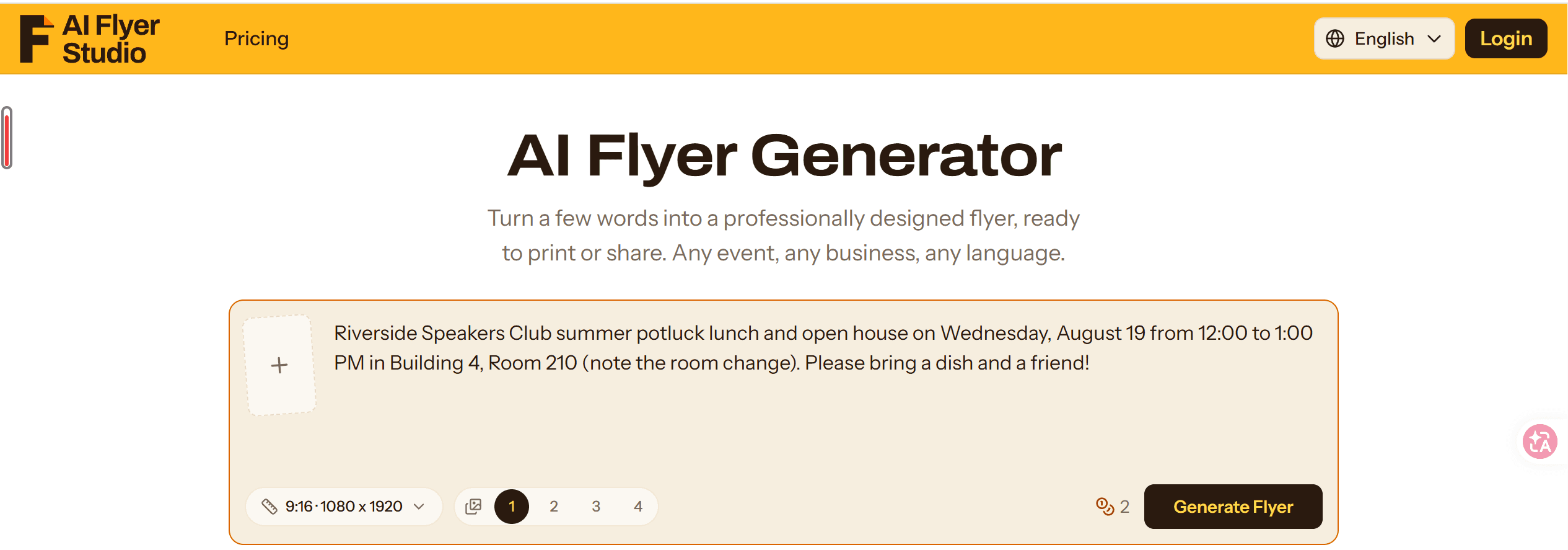
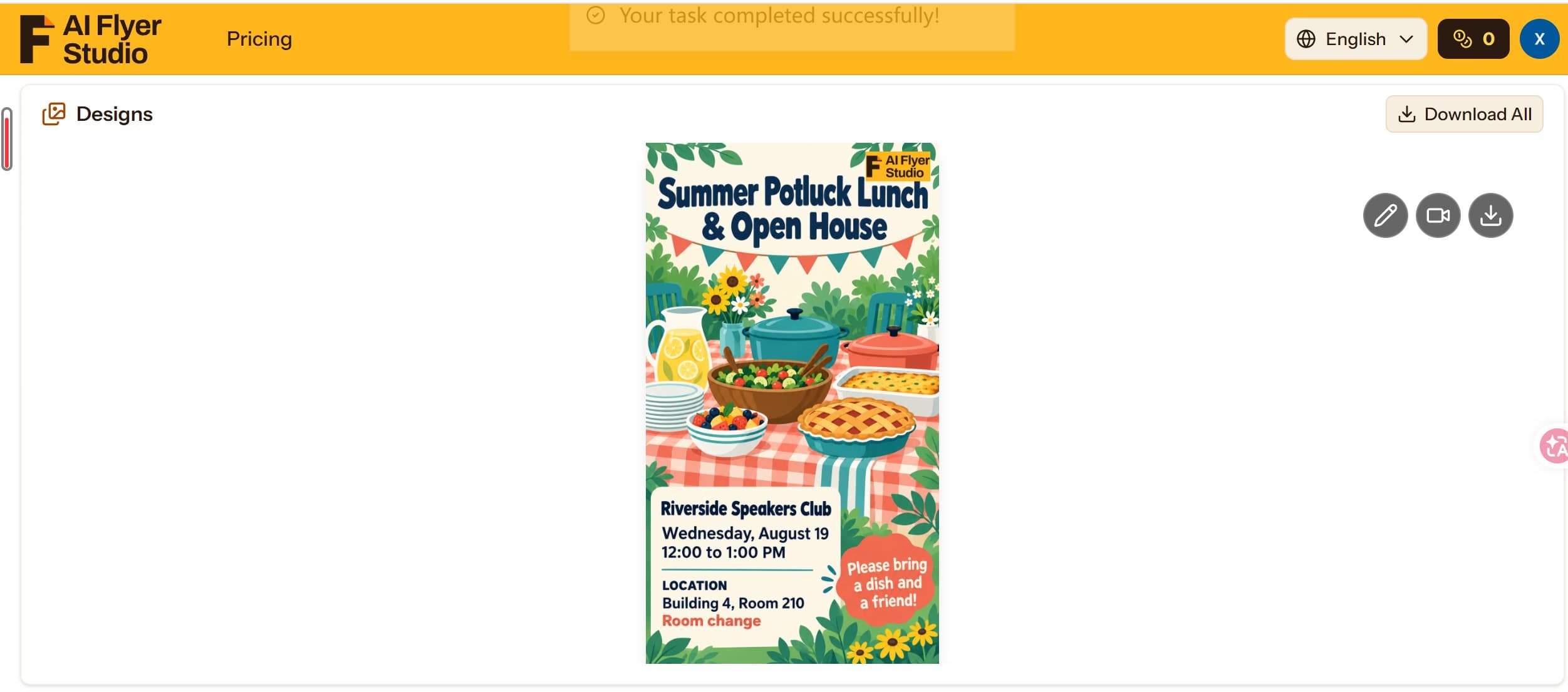
AI Flyer Studio is an AI-powered design tool that helps users create custom promotional flyers from simple text descriptions. It supports a variety of use cases, including business promotions, special offers, event announcements, classes, and community activities. Designed for small business owners, marketers, creators, educators, and event organizers, it makes creating visual marketing materials easier without requiring advanced graphic design skills. Users can prepare promotional graphics for social media, digital campaigns, and print.
Drawn from the product itself, not from a survey.
Demographic
Small Business Owners
Pain points
Limited design skills and time
Primary needs
Affordable, quick promotional flyers
Demographic
Event Hosts & Party Planners
Pain points
Time-consuming flyer creation
Primary needs
Custom flyers for events and invitations
Demographic
Community & Church Leaders
Pain points
Difficulty creating engaging announcements
Primary needs
Easy-to-use promotional designs
Written by AI from measured evidence, scored out of 100.
AI Flyer Studio is an AI-powered flyer generator that turns text prompts into finished promotional designs. The product UI shown in maker media is clean and the 3-step flow is well explained. Pricing is credit-based with monthly, yearly, and one-time options, plus a 15-day refund window. The critical problem is the live homepage, which renders as a nav bar and then blank white space — no hero, no examples, no CTA. For a design tool, that's a brutal first impression. Security headers are thin (3/13 checklist points), mobile LCP is 13.5s, and the domain is brand new. The idea is sound and the target segments are specific, but the execution on the marketing surface needs immediate attention.
The 3-step flow (describe, add photos, generate) is clearly explained in copy, and pricing has a 15-day refund. But the live homepage gives no path to the generator or examples.
Live homepage renders functionally blank below the nav bar — no hero, no flyer examples, no CTA. The product UI screenshot is clean, but the landing page itself looks unfinished.
Lighthouse mobile 68/100 with a brutal 13.5s LCP; desktop 83/100. The page is light but the largest element takes forever to paint on mobile.
HTTPS is enforced and SPF is set, but HSTS, CSP, frame protection, and secure cookies are all missing. 3/13 checklist points. No compliance or audit claims found.
Lighthouse accessibility 96/100 with one contrast failure. 14 language options is a genuine strength. No a11y statement or keyboard-navigation notes found.
Real problem, specific segments (churches, event hosts, local services), and a clear wedge against Canva's template grind. Early stage but the idea has room.
The product UI shown in maker media is genuinely clean — a centered prompt card, size dropdown, flyer count selector, and a clear Generate button. That's a competent interface. The problem is the live homepage, which renders as a nav bar and then nothing. No hero, no example flyers, no value proposition, no CTA. For an AI design tool, that's a catastrophic first impression. Usability-wise, the copy explains a sensible 3-step flow and the pricing page offers monthly, yearly, and one-time credit packs with a 15-day refund. But a user landing on the homepage has no path to the generator beyond the nav. The gap between the product's actual UI and its marketing surface is the core issue here.
Lighthouse mobile performance lands at 68/100 with an LCP of 13.5 seconds — that's the headline number. Desktop is a healthier 83/100, but mobile users are waiting an eternity for the largest element to paint. TBT is fine at 150ms and CLS is acceptable at 0.112, so the issue is specifically paint timing, not interactivity. On security, the probe shows HTTPS enforced and SPF present, but HSTS, CSP, frame protection, X-Content-Type-Options, Referrer-Policy, Permissions-Policy, and secure cookies are all absent. That's 3/13 checklist points. No SOC 2, ISO, or bug bounty claims found. For a tool handling user uploads and payment flows, the header hygiene is thin.
Accessibility scores well at 96/100 on Lighthouse, with one contrast failure flagged. The site offers 14 language options, which is a real strength for a tool targeting churches, event hosts, and local businesses across regions. No accessibility statement or keyboard-navigation documentation was found, so the automated score is the main signal. On growth, the idea holds up: it names a real problem (Canva's template grind, ChatGPT's hallucinated details), targets specific underserved segments, and offers a concrete differentiator — exact details, no invented phone numbers, designer-style layouts. The domain is brand new (registered 2026-09-22), so traction is nil, but the wedge itself is credible. The category has room for a flyer-specific tool that avoids the generic AI look.
Conclusion
The core concept — a flyer-specific AI that doesn't invent phone numbers and doesn't make you drag text boxes — is genuinely useful for churches, event hosts, and small businesses. The product UI looks competent. But the homepage is a white void, the security posture is minimal, and mobile load times are punishing. If the team fixes the landing page to actually show the product and tightens the headers, this could be a solid niche tool. Right now, it's a good idea hiding behind a broken storefront.
Named competitors, point by point. Nobody paid to appear here or to be left out.
 AI Flyer Studio AI Flyer Studio |  Canva Canva |  ChatGPT ChatGPT | |
|---|---|---|---|
| AI-powered flyer generation from text prompts | Yes — core feature, generates flyers from text descriptions | Limited — Canva has AI text-to-image but not dedicated flyer generation from prompts | Partial — can generate text and images but not structured flyer layouts |
| Template library for manual design editing | No — layout is AI-generated from content, not template-based | Yes — vast library of templates with drag-and-drop editor | No — no template library or design editor |
| Exact detail preservation (no invented phone numbers or fake QR codes) | Yes — explicitly claims details are taken word for word from prompt | N/A — user manually enters all details, no AI generation risk | No — known to hallucinate details like phone numbers and addresses |
| Pricing model | Credit-based: $0.42–$0.80 per flyer depending on plan; free credits for new users | Freemium: free tier with paid Pro plans starting around $12.99/month | Freemium: free tier with ChatGPT Plus at $20/month |
| Multi-language support | Yes — 14 language options in header selector | Yes — supports multiple languages in interface and content | Yes — supports many languages for text generation |
Canva
A popular graphic design platform with a vast template library and drag-and-drop editor, offering both free and paid plans.
ChatGPT
An AI chatbot that can generate text and images, but may produce inaccurate details and limited design options for flyers.
Comparing options? See AI Flyer Studio alternatives, scored side by side

An AI-powered interior and exterior design tool that tran...

Frame-perfect video-to-GIF maker that runs entirely in yo...

Free YouTube transcript generator with timestamps and AI ...

An AI-powered photo restoration app that brings old, blur...

AI-powered personalized face swap art platform creating c...

macOS app for App Store screenshots: 3D mockups, auto-tra...

BeartIMAGE is a free, web-based image processing platform engineered for fast, bulk photo editing and conversion directly in your browser.

A free online AI-powered tool that instantly converts ima...

A massive collection of free printable coloring pages for...

Design And Animate QR Codes People Want to Scan

AI face swap for photos, videos, GIFs with free trial.

Try on a tattoo on your own body photo before you book.
A platform dedicated to providing unbiased reviews of newly launched applications, analyzing everything from their features to their full potential.
info@scoutforge.net© 2026 Scoutforge. All rights reserved.
