Is this your app?
Claim AI Logo Maker to manage its page, add your badge and see your traffic — free, and it stays free.
Cycling through all six. Tap any point to stop.
Measured on six things
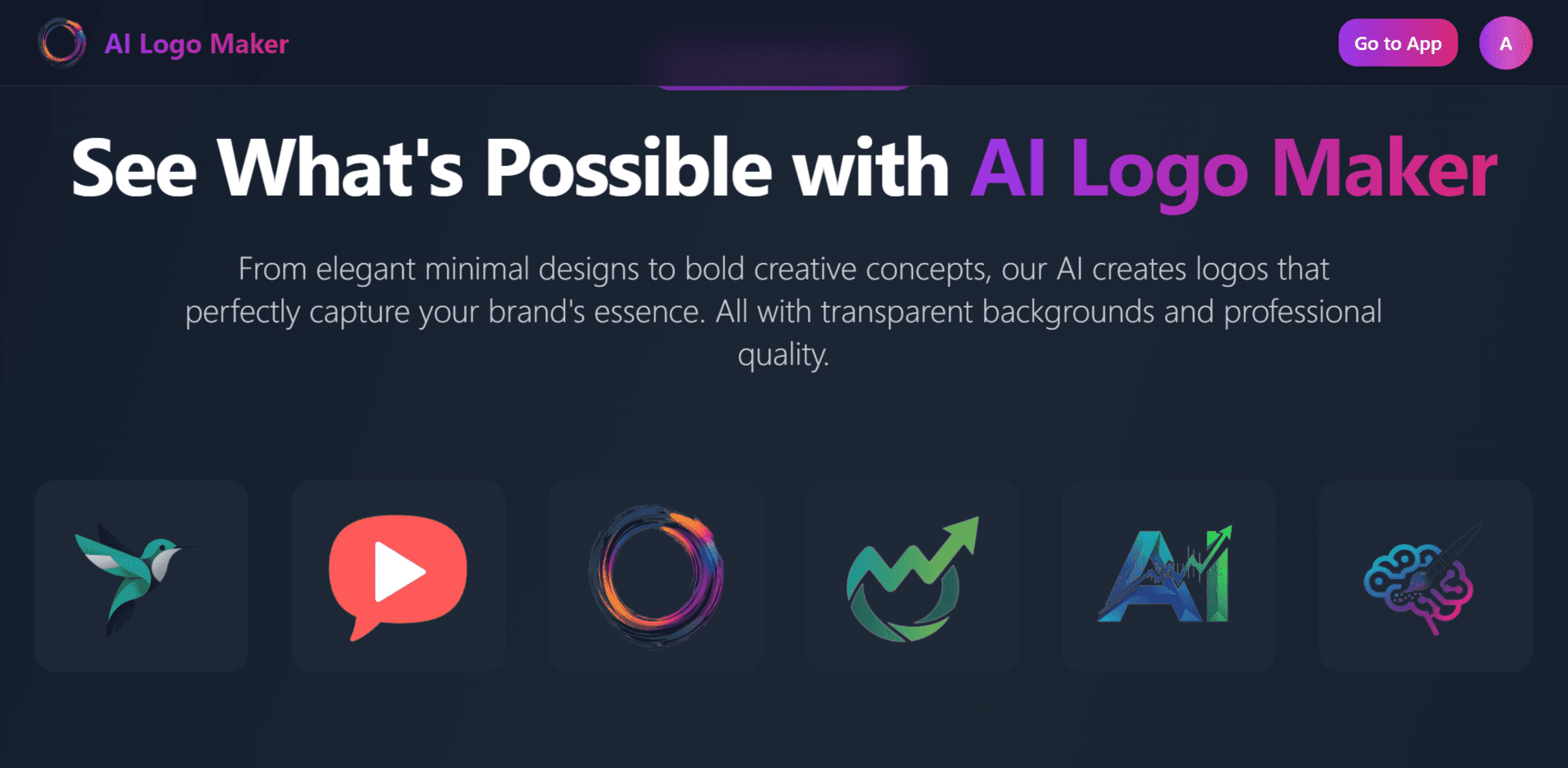
AI Logo Maker is an online tool that uses artificial intelligence to create professional logos quickly and easily, requiring no design experience from users.
Accessibility
60Limited accessibility features - no screen reader support, minimal language options, and lacks high-contrast modes for visually impaired users.
Screenshots
1 / 3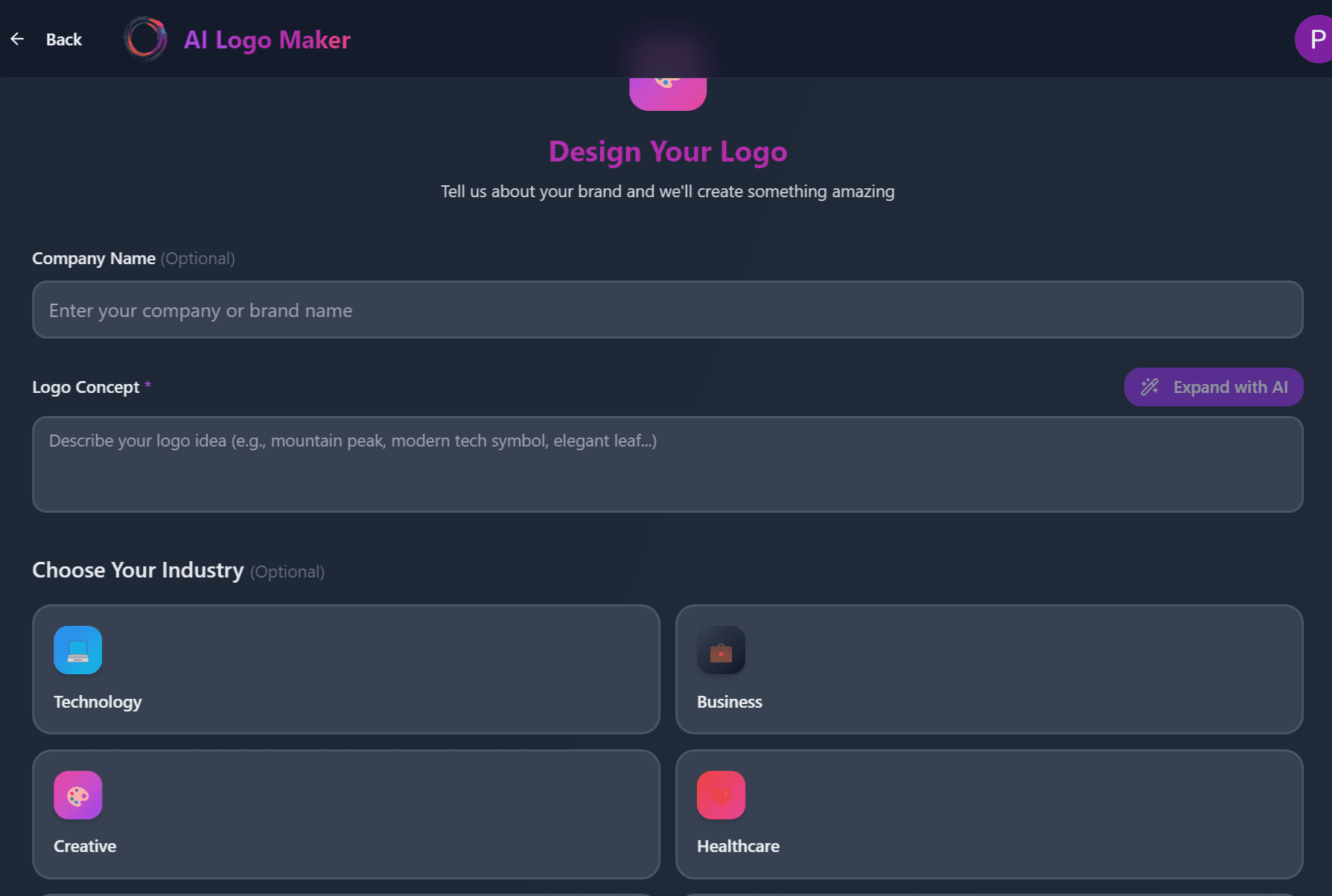
About this app
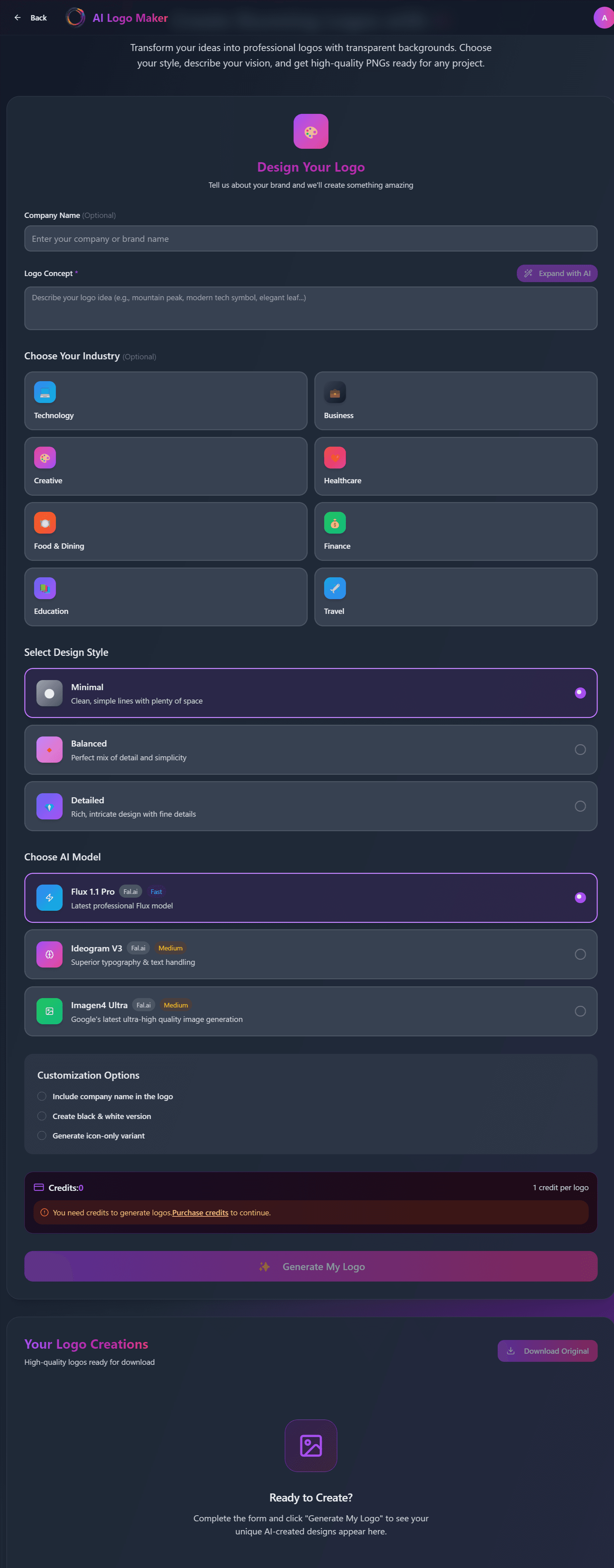
As someone who's tested various AI design platforms, I find AI Logo Maker to be a standout for anyone needing fast, affordable branding. It leverages artificial intelligence to generate professional logos based on simple inputs like your business name and style preferences, making it perfect for small business owners, startups, and freelancers who lack design skills or a big budget. Key features include a user-friendly interface, instant logo generation, and customizable templates, all aimed at delivering high-quality results in minutes. While it excels in speed and ease of use, areas like accessibility and advanced editing could use improvement to cater to a broader audience. Overall, it's a reliable choice for quick logo creation without the hassle of complex software.
Key features
- 1AI-powered logo generation from simple business name and style inputs
- 2Instant preview and customization of multiple design options
- 3User-friendly interface requiring zero design experience or skills
Target customer profile
Drawn from the product itself, not from a survey.
Demographic
Small Business Owners
Pain points
Limited budget for professional design, lack of graphic design skills, time constraints
Primary needs
Affordable, quick, and professional logo creation for branding materials
Demographic
Startups and Entrepreneurs
Pain points
Need for rapid brand prototyping, high costs of hiring designers, minimal technical expertise
Primary needs
Fast turnaround, customizable logo options, scalability for future growth
Demographic
Freelancers and Content Creators
Pain points
Requiring unique logos for projects, limited design knowledge, desire for self-sufficiency
Primary needs
User-friendly tools, variety of design templates, easy download and integration
Scout Review
Written by AI from measured evidence, scored out of 100.
AI Logo Maker delivers exactly what it promises: fast, professional logo creation for people who aren't designers. It eliminates the intimidation factor of traditional design software while providing genuinely useful results. The AI understands style preferences well and generates options that feel tailored rather than generic.
Measure by measure
Usability
90Exceptionally user-friendly with AI-guided steps, simple input forms, and intuitive customization. Perfect for design novices needing quick results.
Design
80Clean, minimalistic interface with neutral colors that keep focus on logo previews. Grid layouts and clear navigation make it visually appealing for non-designers.
Speed
90Lightning-fast logo generation with cloud-based AI processing. Logos appear in seconds, even on slower internet connections.
Security
70Standard HTTPS encryption protects data, but privacy policies need careful review. Typical security for free AI web tools.
Accessibility
60Limited accessibility features - no screen reader support, minimal language options, and lacks high-contrast modes for visually impaired users.
Growth
80Strong market demand for AI design tools with potential to expand into full branding suites and business platform integrations.
Improvement areas
- Limited accessibility features for diverse user needs
- Basic customization tools compared to professional design software
- Privacy policy transparency and data handling disclosures
Design & Usability
AI Logo Maker's interface immediately stands out with its clean, distraction-free design. The neutral color scheme and organized grid layout put the focus exactly where it should be - on your logo concepts. Navigation flows naturally from business name input to style selection, with AI-generated options appearing almost instantly. The customization tools, while basic, are intuitively placed and don't overwhelm users with unnecessary complexity. This thoughtful design approach makes professional logo creation accessible to complete beginners while maintaining enough polish to satisfy those with some design awareness.
Speed & Security
Performance is where this tool truly shines. The AI processing happens so quickly that you'll have multiple logo options before you can second-guess your business name. Cloud-based infrastructure ensures consistent speed even during peak usage. Security follows standard web application practices with HTTPS encryption, though I'd recommend reviewing their privacy policy regarding how your business data and generated designs are stored. For most small business use cases, the security measures are adequate, but enterprises might want more detailed compliance information.
Accessibility & Growth
Accessibility represents the biggest opportunity for improvement. The tool currently caters primarily to English-speaking users with standard visual capabilities. Adding screen reader compatibility, multiple language options, and high-contrast modes would significantly expand its reach. However, the growth potential is substantial given the booming demand for AI design tools. The platform could easily evolve into a comprehensive branding suite or integrate with popular business platforms, making it a valuable long-term solution for growing companies.
Conclusion
If you're a small business owner, startup founder, or freelancer needing quick branding without the designer price tag, this tool is worth your time. It respects your budget while delivering professional-looking results in minutes. The straightforward approach means you can focus on your business rather than learning complex software. Give it a try if you need a logo yesterday but don't want it to look like it was made in a hurry.
Suggestions for improvement
- Add screen reader compatibility and keyboard navigation for visually impaired users
- Expand language support beyond English to serve global small business markets
- Introduce vector file export options for professional printing and scaling needs
- Develop a mobile app version for entrepreneurs who work primarily from phones
Alternatives comparison
Named competitors, point by point. Nobody paid to appear here or to be left out.
 AI Logo Maker AI Logo Maker |  Canva Logo Maker Canva Logo Maker |  LogoAI LogoAI |  Looka Looka | |
|---|---|---|---|---|
| AI Generation Speed | Instant generation (seconds) | Template-based (minutes) | Fast AI generation (under 1 minute) | Comprehensive AI suite (2-3 minutes) |
| User Experience Level | Beginner-friendly, zero learning curve | Some learning required for full features | Moderate learning curve | Beginner to intermediate friendly |
| Customization Depth | Basic color and font adjustments | Extensive drag-and-drop editing | Moderate customization options | Comprehensive branding suite tools |
Canva Logo Maker
Offers extensive templates and drag-and-drop features, but AI Logo Maker focuses more on AI-generated uniqueness for faster results.
LogoAI
Similar AI-driven logo generation, though AI Logo Maker may provide a more streamlined interface for beginners.
Looka
Known for AI branding suites, whereas AI Logo Maker could be a lighter, more accessible option for quick logo needs.
Comparing options? See AI Logo Maker alternatives, scored side by side
More Design & Creativity apps
View all Design & Creativity
RoomCreator
92An AI-powered interior and exterior design tool that tran...

QRBliss
91Branded QR codes with AI Brand Sync, 15 free dynamic code...

ThumbnailMaker
90AI YouTube thumbnail maker: paste a video link, get the brief, the thumbnail, and a check at feed size.

What the GIF
89Frame-perfect video-to-GIF maker that runs entirely in yo...

FontPlop
89Browser-based font viewer & tester for TTF, OTF, WOFF, WO...

English Test Coach
89English Test Coach checks your IELTS essays and letters, gives an estimated band score across all four criteria, and tells you exactly what to revise next.

All of Us
89Add deceased loved ones to photos with AI and see free pr...

Tracé slides
89Interactive math & physics slides with live graphs and an...

BeartIMAGE
88BeartIMAGE is a free, web-based image processing platform engineered for fast, bulk photo editing and conversion directly in your browser.

ButterKit
82macOS app for App Store screenshots: 3D mockups, auto-tra...

Portrait Gift
88AI-powered personalized face swap art platform creating c...

Pixelimg
88A free online AI-powered tool that instantly converts ima...


A platform dedicated to providing unbiased reviews of newly launched applications, analyzing everything from their features to their full potential.
info@scoutforge.net© 2026 Scoutforge. All rights reserved.
