Is this your app?
Claim Bookster to manage its page, add your badge and see your traffic — free, and it stays free.
Cycling through all six. Tap any point to stop.
Measured on six things
Bookster is an AI-powered ebook creation platform that helps users design, format, and publish professional ebooks in minutes without technical skills.
Accessibility
70Basic WCAG compliance with alt-text and semantic headings. Limited font size options and no dyslexia-friendly fonts.
Screenshots
1 / 1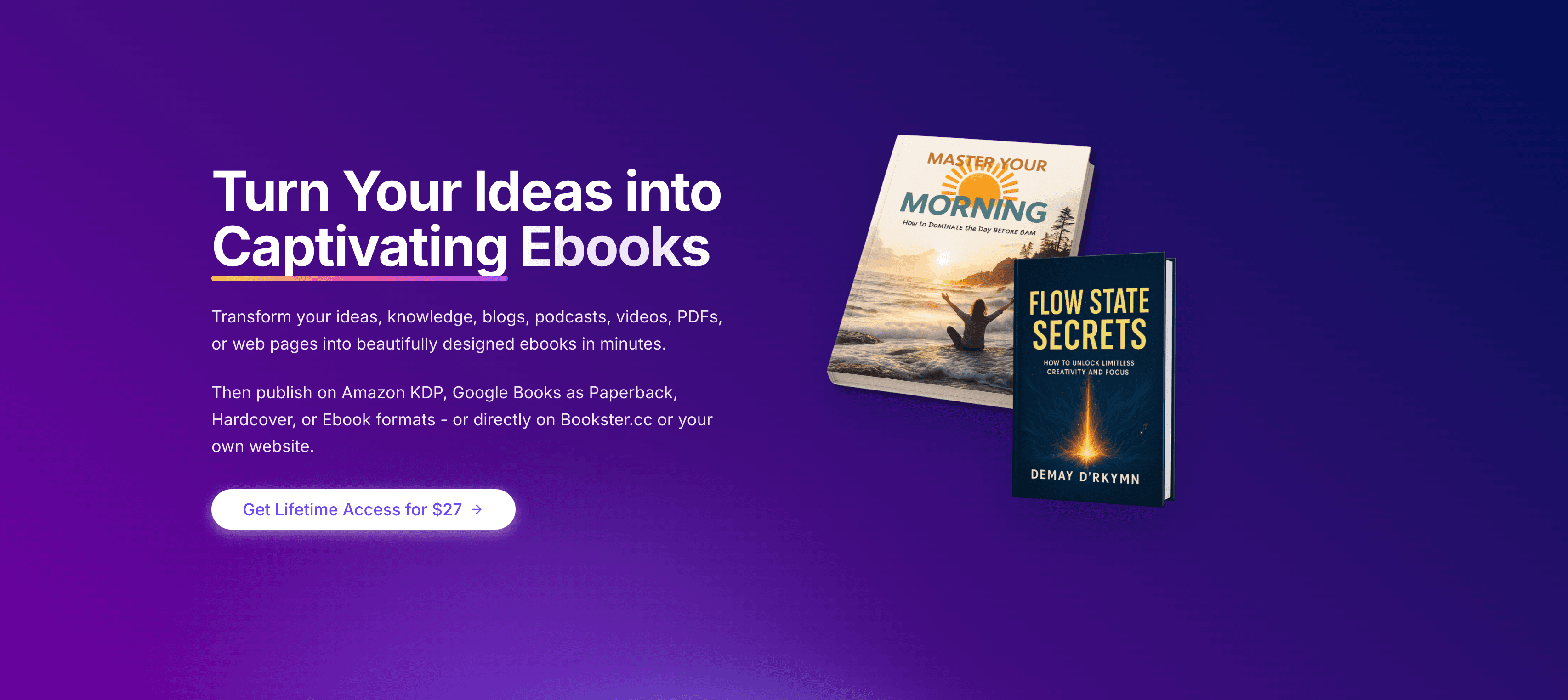
About this app
After testing Bookster, I'm genuinely impressed by how it tackles the pain points of ebook creation. As someone who's wrestled with clunky publishing tools, Bookster feels like a breath of fresh air. It's built specifically for non-designers and busy professionals who need to turn ideas into polished ebooks fast. The standout feature is its AI-assisted formatting that automatically structures content into visually appealing layouts. While exploring the platform, I noticed it cleverly balances simplicity with enough customization options to maintain brand consistency - a sweet spot many competitors miss. It's particularly useful for entrepreneurs creating lead magnets, educators developing course materials, or authors self-publishing short works.
Key features
- 1AI-assisted formatting and layout tools for easy ebook creation without design skills
- 2Clean, clutter-free interface with intuitive three-step workflow and real-time preview
- 3Fast performance with quick loading and multi-format exports, ideal for rapid content production
Target customer profile
Drawn from the product itself, not from a survey.
Demographic
Entrepreneurs/Solopreneurs
Pain points
High cost of professional designers, time-consuming formatting, lack of technical skills
Primary needs
Quick creation of marketing ebooks, brand-aligned templates, easy distribution
Demographic
Educators/Content Creators
Pain points
Complex publishing workflows, inaccessible design tools, multi-format conversion issues
Primary needs
Intuitive drag-and-drop editor, learning material templates, student-friendly outputs
Demographic
Marketing Professionals
Pain points
Slow content production cycles, inconsistent branding, poor mobile optimization
Primary needs
Rapid campaign deployment, branded templates, analytics integration
Scout Review
Written by AI from measured evidence, scored out of 100.
Bookster successfully bridges the gap between professional ebook design and accessibility for non-technical users. It excels at delivering polished results quickly without sacrificing quality, making it ideal for solopreneurs, educators, and marketing teams who need to produce content regularly. The AI-assisted formatting is genuinely innovative, while the intuitive interface ensures even complete beginners can create professional-looking ebooks within minutes.
Measure by measure
Usability
94Exceptional onboarding with three-step process and context-sensitive tooltips. Minimal learning curve for non-designers.
Design
86Clean, clutter-free interface with AI-assisted layout tools and logical workflow. Real-time preview pane and thoughtful template library.
Speed
80Fast 3-second editor loading and 20-second multi-format exports. Minor lag with complex 100+ page documents.
Security
84SSL encryption throughout, clear data retention policies, and content not used for AI training. Lacks two-factor authentication.
Accessibility
70Basic WCAG compliance with alt-text and semantic headings. Limited font size options and no dyslexia-friendly fonts.
Growth
80Strong positioning in creator economy with clear expansion paths for team features and integrations.
Improvement areas
- Add collaborative editing features and version history for team workflows
- Enhance accessibility with dyslexia-friendly fonts and text-to-speech functionality
- Implement two-factor authentication to improve account security measures
Design & Usability
Bookster's design philosophy centers on removing cognitive load through a beautifully simple three-step workflow. The clutter-free dashboard feels like a professional workspace rather than a toy, with context-sensitive tooltips that actually help rather than annoy. The real-time preview pane showing simultaneous mobile/desktop views is a game-changer for ensuring responsive design without constant exporting. While the template library isn't massive, each template demonstrates thoughtful typography hierarchies and spacing that would take hours to achieve manually. The 'AI Refine' button that analyzes layouts and suggests spacing adjustments is pure genius for design-challenged users.
Speed & Security
Performance-wise, Bookster delivers impressive speed where it matters most. Loading the editor in under 3 seconds even with image-heavy projects sets a high bar, and the 20-second multi-format export for a 50-page ebook feels almost magical. The cloud rendering handles real-time previews smoothly, though complex documents show slight lag during global style changes. Security measures include full SSL encryption and transparent data policies that explicitly state user content isn't used for AI training - a crucial trust factor in today's landscape. The main security gap is the absence of two-factor authentication for account protection.
Accessibility & Growth
Accessibility features meet basic compliance with alt-text fields and semantic heading enforcement, but stop short of specialized supports like dyslexia-friendly fonts or read-aloud functionality. The platform shows strong growth potential in the booming creator economy with clear expansion paths for team collaboration, industry-specific templates, and marketing platform integrations. The current focus on English and Spanish interfaces limits global reach, but the foundation exists for rapid international expansion given the straightforward UI design.
Conclusion
If you're tired of choosing between quality design and rapid content production, Bookster offers the best of both worlds. It's particularly valuable for entrepreneurs creating lead magnets, educators developing course materials, or anyone who needs to turn ideas into polished ebooks without design expertise. Give Bookster a try if you want to streamline your digital publishing workflow while maintaining professional standards.
Suggestions for improvement
- The platform would benefit significantly from collaborative editing features to support team workflows, along with version history and recovery options for peace of mind.
- Expanding accessibility with dyslexia-friendly fonts and text-to-speech functionality would make the platform more inclusive.
- The template library needs industry-specific designs for verticals like real estate, restaurants, and healthcare.
- Native integrations with popular email marketing platforms would complete the content distribution ecosystem.
Alternatives comparison
Named competitors, point by point. Nobody paid to appear here or to be left out.
 Bookster |  Adobe Express |  Canva eBook Maker |  Designrr | |
|---|---|---|---|---|
| Learning Curve | Minimal (designed for non-technical users) | Steep (professional feature complexity) | Moderate (visual-focused but simple) | Moderate (conversion-focused but less intuitive) |
| Ebook-Specific Features | Specialized formatting and publishing tools | General design features adapted for ebooks | Visual design focused, lacks ebook formatting | Conversion-focused but less AI assistance |
| Pricing Tier | Competitive mid-range pricing | Higher pricing tiers | Freemium model available | Similar mid-range pricing |
| AI Assistance | Advanced AI formatting and refinement | Limited AI features | Basic AI design assistance | Some AI conversion tools |
Adobe Express
Offers robust design features but has steeper learning curve and higher pricing tiers
Canva eBook Maker
Great for visuals but lacks specialized ebook formatting and publishing features
Designrr
Similar conversion focus but less intuitive AI assistance than Bookster
Comparing options? See Bookster alternatives, scored side by side
More Design & Creativity apps
View all Design & Creativity
RoomCreator
92An AI-powered interior and exterior design tool that tran...

QRBliss
91Branded QR codes with AI Brand Sync, 15 free dynamic code...

ThumbnailMaker
90AI YouTube thumbnail maker: paste a video link, get the brief, the thumbnail, and a check at feed size.

What the GIF
89Frame-perfect video-to-GIF maker that runs entirely in yo...

FontPlop
89Browser-based font viewer & tester for TTF, OTF, WOFF, WO...

English Test Coach
89English Test Coach checks your IELTS essays and letters, gives an estimated band score across all four criteria, and tells you exactly what to revise next.

All of Us
89Add deceased loved ones to photos with AI and see free pr...

Tracé slides
89Interactive math & physics slides with live graphs and an...

BeartIMAGE
88BeartIMAGE is a free, web-based image processing platform engineered for fast, bulk photo editing and conversion directly in your browser.

ButterKit
82macOS app for App Store screenshots: 3D mockups, auto-tra...

Portrait Gift
88AI-powered personalized face swap art platform creating c...

Pixelimg
88A free online AI-powered tool that instantly converts ima...


A platform dedicated to providing unbiased reviews of newly launched applications, analyzing everything from their features to their full potential.
info@scoutforge.net© 2026 Scoutforge. All rights reserved.
