Is this your app?
Claim ImgToImgGenerator to manage its page, add your badge and see your traffic — free, and it stays free.
Cycling through all six. Tap any point to stop.
Measured on six things
An AI-powered web tool that transforms photos through text prompts for restoration, editing, and creative modifications.
Security
60Basic HTTPS encryption but lacks transparency about image data handling and retention policies.
Screenshots
1 / 4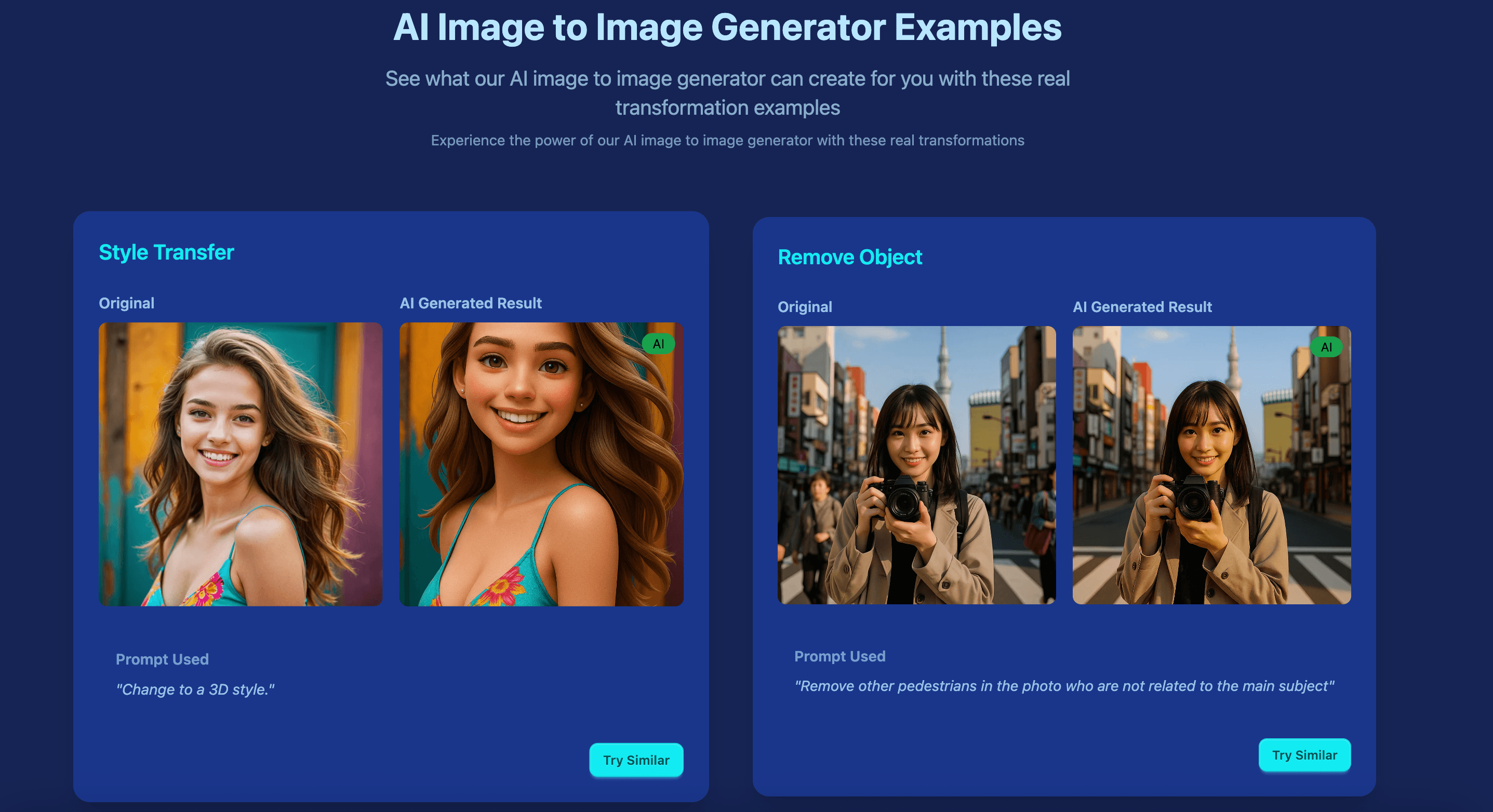
About this app
ImgToImgGenerator is a specialized AI application that allows users to upload existing images and modify them using text descriptions. It excels in practical tasks like photo restoration, object removal, and background changes, making it accessible for users without advanced editing skills. With a clean, intuitive interface and support for multiple languages, it caters to photography enthusiasts, content creators, and e-commerce sellers. The tool processes images quickly, averaging 15-30 seconds, and offers both web and iOS access, though it lacks an Android app and detailed privacy transparency. Its standout features include a simple three-step workflow, before/after comparisons, and specialized tools for niche needs like old photo fixes and aesthetic enhancements.
Key features
- 1Clean, minimal interface with intuitive three-step workflow cards and effective before/after split-screen previews.
- 2Exceptional ease of use with zero learning curve and straightforward text prompt interface.
- 3Strong niche positioning in photo restoration with specialized tools for practical tasks.
Target customer profile
Drawn from the product itself, not from a survey.
Demographic
Photography Enthusiasts
Pain points
Damaged family photos, tedious manual editing, lack of professional tools
Primary needs
Photo restoration, color correction, scratch removal
Demographic
Social Media Content Creators
Pain points
Boring backgrounds, inconsistent visuals, time-consuming edits
Primary needs
Background removal/replacement, aesthetic enhancements, quick transformations
Demographic
E-commerce Sellers
Pain points
Product photo editing costs, inconsistent backgrounds, slow editing workflows
Primary needs
Object isolation, background removal, batch editing capabilities
Scout Review
Written by AI from measured evidence, scored out of 100.
ImgToImgGenerator excels as a specialized tool for practical photo editing tasks that typically require Photoshop expertise. Its strongest suit is making advanced image transformations accessible to non-technical users through an incredibly intuitive interface. The restoration capabilities are particularly impressive for fixing damaged family photos, while creative transformations offer fun experimentation possibilities. It's not trying to compete with full creative suites but rather fills a specific gap for quick, AI-powered photo fixes.
Measure by measure
Usability
90Exceptional three-step workflow with zero learning curve and straightforward text prompt interface.
Design
85Clean, minimal interface with intuitive three-step workflow cards and effective before/after split-screen previews.
Speed
70Adequate 15-30 second processing times but lags behind competitors in batch operations and complex tasks.
Security
60Basic HTTPS encryption but lacks transparency about image data handling and retention policies.
Accessibility
70Good language support but missing alt-text, screen reader optimization, and Android app availability.
Growth
80Strong niche positioning in photo restoration with clear expansion paths for batch processing and mobile apps.
Improvement areas
- Enhance security with transparent data handling policies and better encryption measures.
- Add Android app support and improve accessibility features like alt-text and screen reader optimization.
- Implement batch processing capabilities and reduce processing times for complex tasks.
Design & Usability
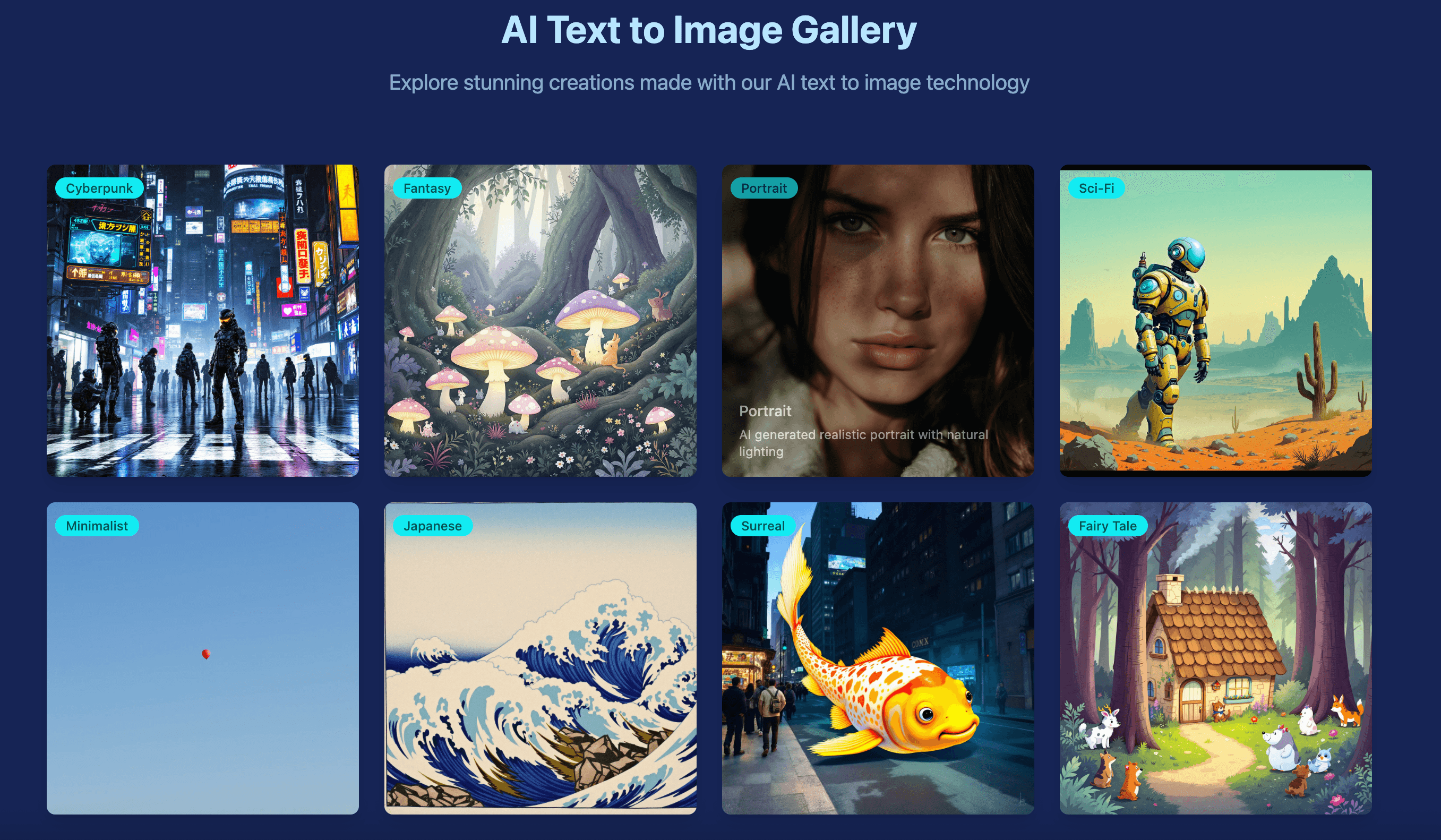
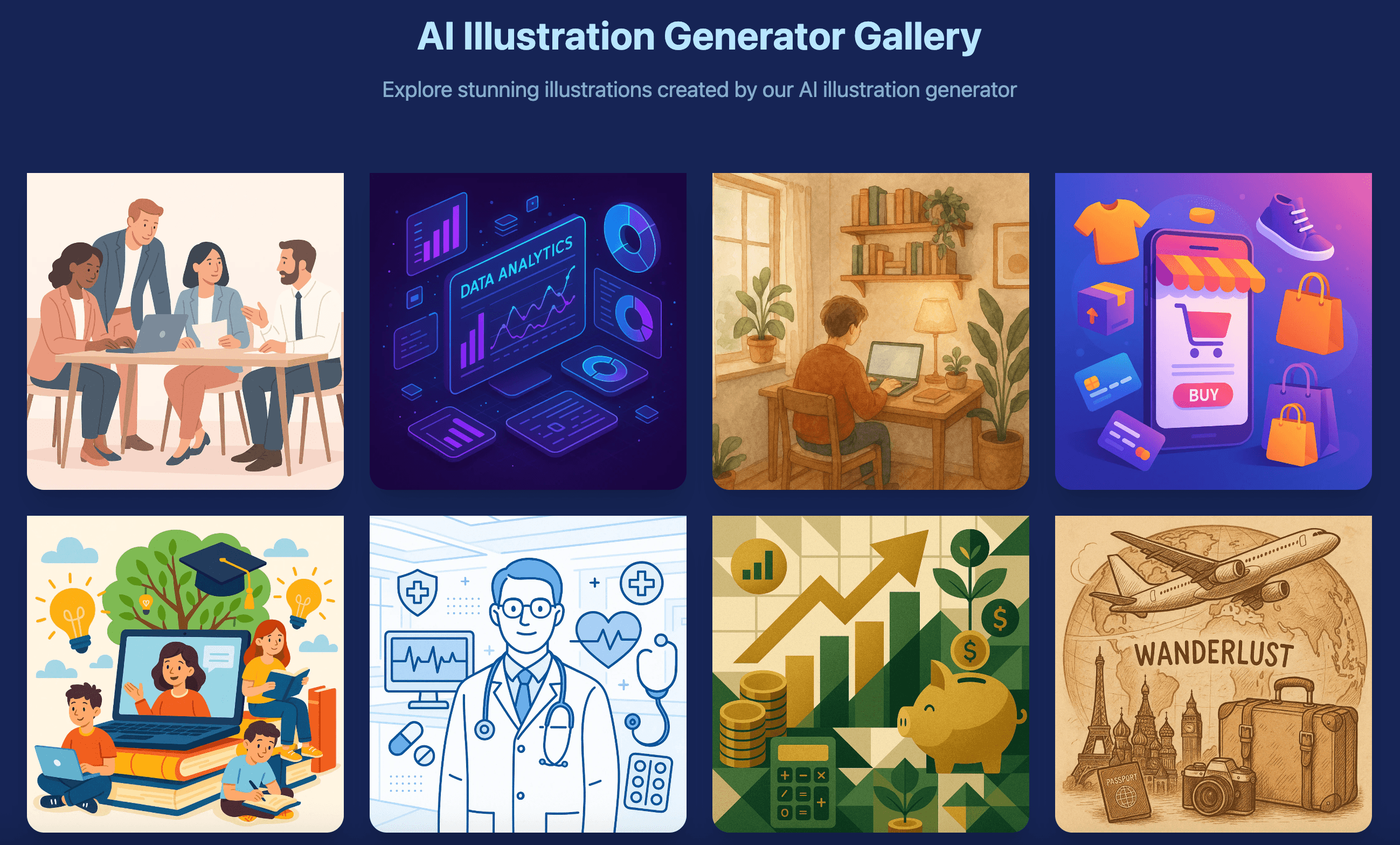
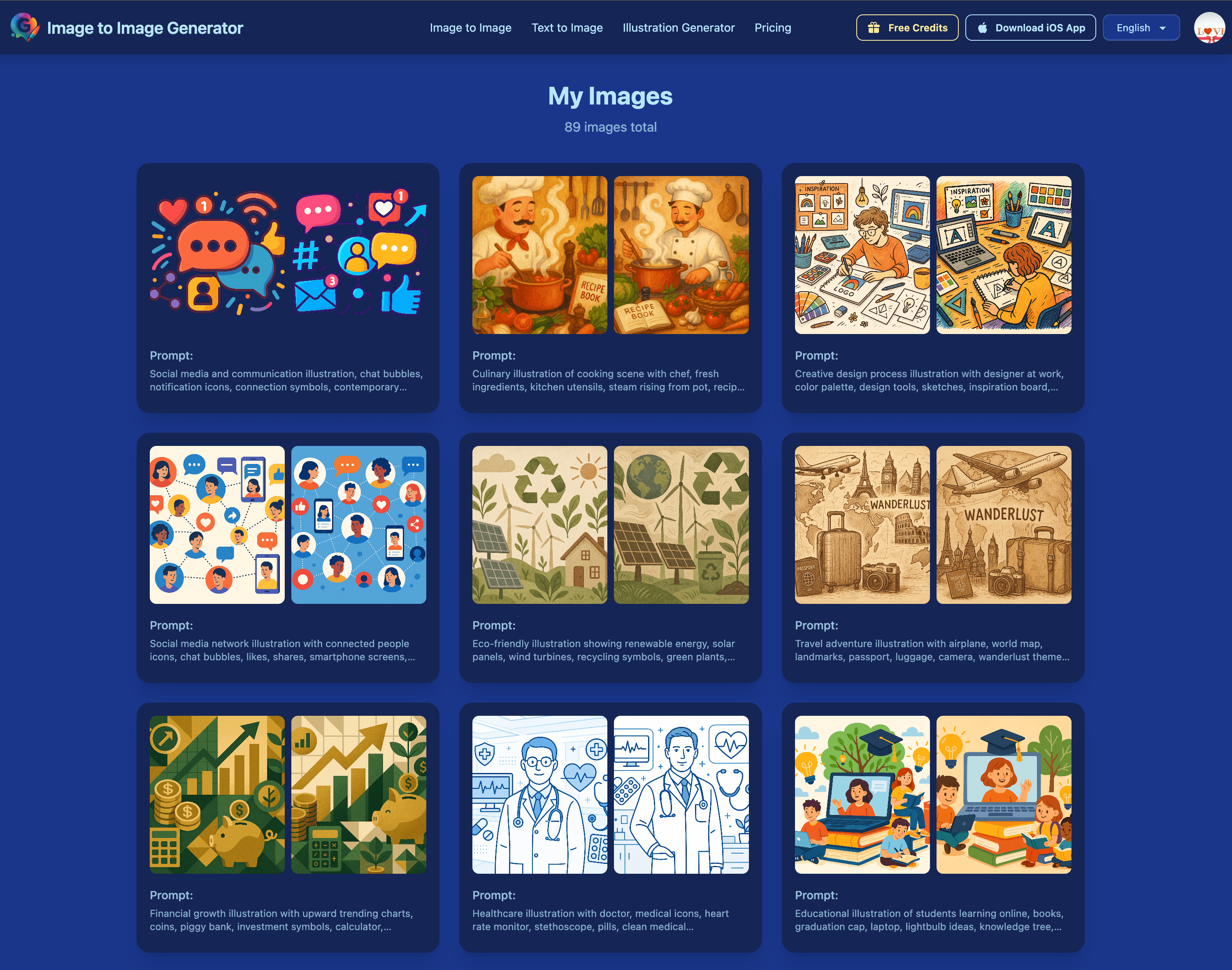
ImgToImgGenerator's interface immediately impresses with its clean, purpose-driven design. The three-step workflow cards make the process incredibly intuitive - upload, describe, download. The split-screen before/after previews are particularly effective for evaluating transformations. The muted color scheme keeps focus on the images rather than flashy UI elements, and the gallery of transformation examples provides excellent visual guidance without technical jargon. Navigation is straightforward with persistent upload buttons and a fixed transformation panel. The text prompt interface is beautifully simple with just a single input field and helpful example prompts. This is one of those rare tools that requires absolutely zero learning curve while delivering professional-grade results.
Speed & Security
Performance-wise, ImgToImgGenerator delivers adequate processing times of 15-30 seconds for standard transformations, though complex restoration tasks can take up to a minute. The output quality remains consistent across trials, though heavy editing sometimes produces minor artifacts. Load times are snappy with the interface rendering completely in under 3 seconds. Security is where the platform shows some weaknesses - while it operates on basic HTTPS encryption, there's concerning lack of transparency about image data handling and retention policies. The fact that it doesn't require account creation for basic use reduces friction but raises questions about long-term data practices. For casual users, this might be acceptable, but professionals handling sensitive images should proceed with caution.
Accessibility & Growth
Accessibility features show a mixed bag - the tool offers solid language localization including Spanish, French, and German options, and all interactive elements have sufficient color contrast with keyboard navigation support. However, it's missing crucial elements like alt-text for transformation examples and screen reader optimization. The iOS app mirrors web functionality well, but Android users are completely left out. Growth potential is actually quite strong given its niche focus on photo restoration - a market with consistent demand. The platform has clear expansion paths into batch processing for e-commerce, collaborative features for teams, and enhanced mobile support. With some strategic improvements, it could dominate the accessible photo restoration space.
Conclusion
If you're regularly dealing with product photos needing clean backgrounds, damaged family photos requiring restoration, or just want to experiment with creative image transformations without learning complex software, ImgToImgGenerator is absolutely worth trying. It's especially valuable for photography enthusiasts, content creators, and e-commerce sellers who need quick edits without design expertise. Just manage expectations for complex professional-grade edits and be mindful of the privacy considerations for sensitive images.
Suggestions for improvement
- The platform could significantly improve by adding Android app support to match iOS availability, implementing batch processing capabilities for e-commerce users handling multiple product images, and including before/after download comparisons in results.
- Enhancing transparency with detailed data handling policies would address security concerns, while adding collaborative features would make it more viable for team workflows.
- A video tutorial library demonstrating complex transformations would help users maximize the tool's potential, and basic accessibility improvements like alt-text and screen reader support would make it more inclusive.
Alternatives comparison
Named competitors, point by point. Nobody paid to appear here or to be left out.
 ImgToImgGenerator ImgToImgGenerator |  Adobe Firefly Adobe Firefly |  Canva Photo Editor Canva Photo Editor |  jpgHD jpgHD | |
|---|---|---|---|---|
| Photo Restoration Specialization | Excellent - dedicated tools for old photo fixes, scratch removal, color correction | Basic - general AI features without specialized restoration tools | Minimal - basic edits within design platform, no dedicated restoration | Excellent - specialized in restoration but lacks creative features |
| Creative Transformation Features | Good - background changes, object removal, aesthetic enhancements | Excellent - full creative suite integration, advanced AI features | Good - basic AI edits within design context | Poor - focused only on restoration, no creative tools |
| Ease of Use | Excellent - three-step process, zero learning curve | Moderate - requires some Adobe ecosystem familiarity | Good - intuitive but within larger design platform | Good - simple restoration-focused interface |
| Mobile App Availability | iOS only - no Android support | Limited - mobile features through Creative Cloud apps | Excellent - full iOS and Android app support | Web only - no dedicated mobile apps |
Adobe Firefly
Adobe's AI image tool with stronger integration in creative suites but less specialized restoration features
Canva Photo Editor
Offers basic AI edits within a design platform but lacks dedicated restoration tools
jpgHD
Specialized in photo restoration but doesn't offer creative transformation features
Comparing options? See ImgToImgGenerator alternatives, scored side by side
More Design & Creativity apps
View all Design & Creativity
RoomCreator
92An AI-powered interior and exterior design tool that tran...

QRBliss
91Branded QR codes with AI Brand Sync, 15 free dynamic code...

ThumbnailMaker
90AI YouTube thumbnail maker: paste a video link, get the brief, the thumbnail, and a check at feed size.

English Test Coach
89English Test Coach checks your IELTS essays and letters, gives an estimated band score across all four criteria, and tells you exactly what to revise next.

Tracé slides
89Interactive math & physics slides with live graphs and an...

All of Us
89Add deceased loved ones to photos with AI and see free pr...

What the GIF
89Frame-perfect video-to-GIF maker that runs entirely in yo...

FontPlop
89Browser-based font viewer & tester for TTF, OTF, WOFF, WO...

Portrait Gift
88AI-powered personalized face swap art platform creating c...

TranscriptYou
88Free YouTube transcript generator with timestamps and AI ...

BeartIMAGE
88BeartIMAGE is a free, web-based image processing platform engineered for fast, bulk photo editing and conversion directly in your browser.

Pixelimg
88A free online AI-powered tool that instantly converts ima...


A platform dedicated to providing unbiased reviews of newly launched applications, analyzing everything from their features to their full potential.
info@scoutforge.net© 2026 Scoutforge. All rights reserved.
