Is this your app?
Claim Merge JPG Online to manage its page, add your badge and see your traffic — free, and it stays free.
Cycling through all six. Tap any point to stop.
Measured on six things
A free web-based tool for merging JPG, PNG, and WebP images with customizable layouts and local processing for enhanced privacy.
Accessibility
60Limited accessibility features. Heavy reliance on drag-and-drop with minimal screen reader or keyboard navigation support.
Screenshots
1 / 1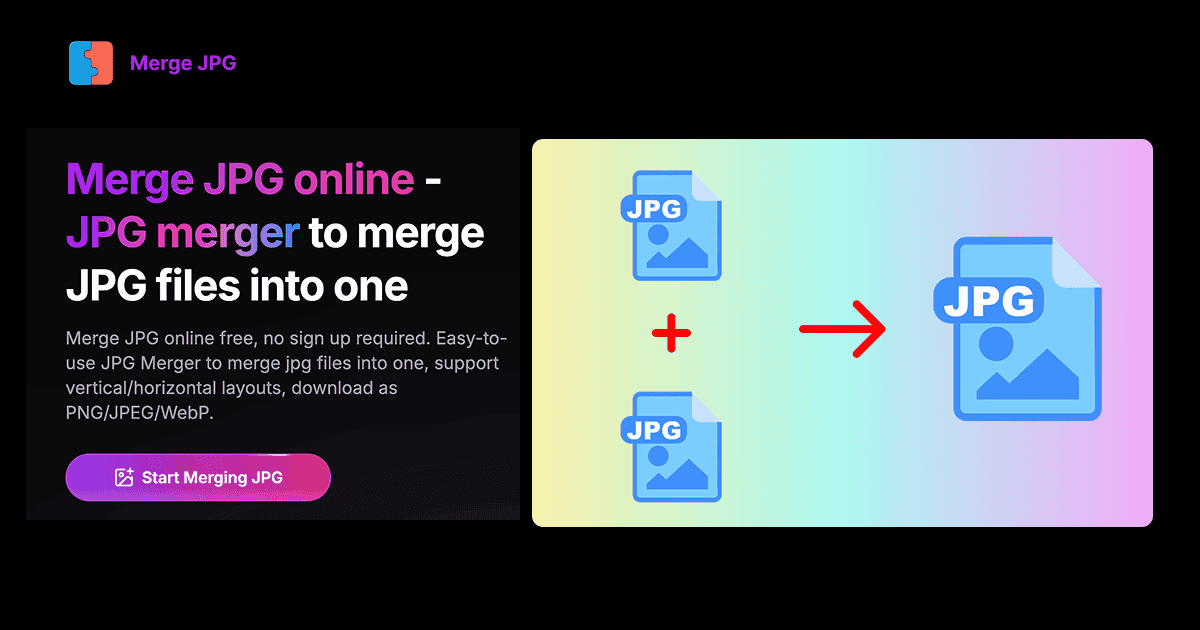
About this app
Merge JPG Online is a straightforward and efficient web application that allows users to combine multiple image files into a single image without any cost or registration. It supports popular formats like JPG, PNG, and WebP, offering vertical or horizontal layout options, drag-and-drop uploading, and real-time previews. What sets it apart is its focus on privacy—all processing happens locally in your browser, so your images never leave your device. This makes it ideal for quick tasks like creating photo collages, merging screenshots for presentations, or organizing visuals for social media. While it lacks advanced editing features, its simplicity and security appeal to students, professionals, and casual users who need a reliable, no-fuss solution for image merging. The tool is fast, user-friendly, and accessible from any device with a web browser, though it could benefit from improved accessibility and additional customization options.
Key features
- 1Local browser processing ensures complete privacy - files never leave your device
- 2Supports JPG, PNG, and WebP formats with vertical/horizontal layout options
- 3Drag-and-drop interface with real-time preview and instant download
- 4No registration or cost - completely free to use
Target customer profile
Drawn from the product itself, not from a survey.
Demographic
Students and Educators
Pain points
Struggle with combining images for assignments or presentations without complex software; need free, accessible tools.
Primary needs
Easy image merging for projects, no installation required, privacy assurance.
Demographic
Business Professionals
Pain points
Time-consuming to merge screenshots or marketing images; concerns about data security with online tools.
Primary needs
Quick, secure image combination for reports, social media, or client materials.
Demographic
Casual Users and Hobbyists
Pain points
Limited technical skills; desire for simple tools to create collages or organize photos without downloads.
Primary needs
User-friendly interface, free access, and support for common image formats.
Scout Review
Written by AI from measured evidence, scored out of 100.
Merge JPG Online excels at its core purpose with an impressive focus on privacy and performance. The local processing model ensures your images remain secure while delivering lightning-fast merging capabilities. The interface, while basic, is remarkably intuitive and requires zero learning curve. It's the perfect tool for quick image combining tasks where security and speed are priorities over advanced features.
Measure by measure
Usability
80Intuitive drag-and-drop uploading, easy reordering and rotation controls. Straightforward navigation with no hidden menus or complex settings.
Design
70Minimalist, functional interface with clean layout and neutral color scheme. Basic but effective drag-and-drop functionality with real-time preview.
Speed
100Exceptionally fast due to local browser processing. Merges images in seconds with instant download and no lag during preview.
Security
100Top-notch privacy with all processing happening locally in browser. Files never leave your device, eliminating server upload risks.
Accessibility
60Limited accessibility features. Heavy reliance on drag-and-drop with minimal screen reader or keyboard navigation support.
Growth
75Strong niche appeal with privacy focus. Growth potential limited by basic feature set but could expand with additional editing tools.
Improvement areas
- Limited accessibility features for users with disabilities
- Basic design lacks modern visual appeal and customization
- No advanced editing features like cropping or resizing
- English-only interface limits global usability
Design & Usability
Merge JPG Online embraces a minimalist design philosophy that prioritizes function over form. The interface features a clean, uncluttered layout with a straightforward drag-and-drop area that immediately guides users to the core functionality. The neutral color scheme of soft grays and blues creates a distraction-free environment, while the vertical and horizontal layout options are clearly presented. The real-time preview updates seamlessly as you rearrange images, and the rotation controls respond instantly to clicks. While the design lacks modern visual flair, its simplicity actually enhances usability by reducing cognitive load - you won't find yourself hunting through menus or deciphering complex icons.
Speed & Security
This tool sets a new standard for both speed and security in online image processing. The client-side processing means your images never touch a server, eliminating common privacy concerns associated with cloud-based tools. Performance is consistently impressive - merging multiple high-resolution images typically completes in under 5 seconds, with instant preview updates and immediate downloads. The local processing approach also makes the tool resilient to internet connectivity issues, ensuring reliable performance even on slower connections. This combination of ironclad security and blazing speed makes it ideal for handling sensitive documents or time-sensitive projects where both privacy and efficiency matter.
Accessibility & Growth
Accessibility represents the tool's most significant limitation, with minimal support for screen readers, keyboard navigation, or alternative input methods. The heavy reliance on drag-and-drop interactions creates barriers for users with motor impairments, and the English-only interface limits global accessibility. However, the growth potential remains promising due to the increasing demand for privacy-focused web tools. The core technology could easily expand to include batch processing, additional file formats, or basic editing features. The current market position as a secure, no-cost solution provides a solid foundation for future development, particularly as data privacy concerns continue to grow among consumers.
Conclusion
If you need a reliable, secure way to merge images for presentations, collages, or documentation without the complexity of full-featured editing software, Merge JPG Online is an excellent choice. Its privacy-first approach and instant processing make it ideal for students, professionals, and anyone handling sensitive visual content. Give this tool a try if you value efficiency and data security in your image workflow.
Suggestions for improvement
- Implement keyboard navigation and screen reader compatibility to support users with disabilities
- Add grid layout options and adjustable spacing for more complex collage arrangements
- Include basic cropping and resizing tools to reduce dependency on external editors
- Expand language support beyond English to serve global users more effectively
Alternatives comparison
Named competitors, point by point. Nobody paid to appear here or to be left out.
 Merge JPG Online Merge JPG Online |  ILovePDF JPG to PDF ILovePDF JPG to PDF |  MergeJPG.com MergeJPG.com |  ImageOnline.co Merge JPG ImageOnline.co Merge JPG | |
|---|---|---|---|---|
| Privacy & Data Handling | Local browser processing - files never leave device | Server uploads required for processing | Server uploads required for processing | Server uploads with less privacy emphasis |
| Output Format Options | JPG, PNG, WebP image formats | PDF format only | JPG format primarily | JPG with additional editing options |
| Cost & Registration | Completely free, no registration required | Free with premium upsells, account options | Free with potential limitations | Free with ads and premium features |
ILovePDF JPG to PDF
A popular tool for converting images to PDFs, but it focuses on PDF output rather than merging images into a single image file, and may involve server uploads.
MergeJPG.com
Another online JPG merger with similar features, but it often requires file uploads to servers, potentially compromising privacy compared to local processing.
ImageOnline.co Merge JPG
Offers additional options like auto-resize and borders, but may have a more cluttered interface and less emphasis on privacy.
Comparing options? See Merge JPG Online alternatives, scored side by side
More Design & Creativity apps
View all Design & Creativity
RoomCreator
92An AI-powered interior and exterior design tool that tran...

QRBliss
91Branded QR codes with AI Brand Sync, 15 free dynamic code...

ThumbnailMaker
90AI YouTube thumbnail maker: paste a video link, get the brief, the thumbnail, and a check at feed size.

What the GIF
89Frame-perfect video-to-GIF maker that runs entirely in yo...

FontPlop
89Browser-based font viewer & tester for TTF, OTF, WOFF, WO...

English Test Coach
89English Test Coach checks your IELTS essays and letters, gives an estimated band score across all four criteria, and tells you exactly what to revise next.

All of Us
89Add deceased loved ones to photos with AI and see free pr...

Tracé slides
89Interactive math & physics slides with live graphs and an...

BeartIMAGE
88BeartIMAGE is a free, web-based image processing platform engineered for fast, bulk photo editing and conversion directly in your browser.

ButterKit
82macOS app for App Store screenshots: 3D mockups, auto-tra...

Portrait Gift
88AI-powered personalized face swap art platform creating c...

Pixelimg
88A free online AI-powered tool that instantly converts ima...


A platform dedicated to providing unbiased reviews of newly launched applications, analyzing everything from their features to their full potential.
info@scoutforge.net© 2026 Scoutforge. All rights reserved.
