Is this your app?
Claim Ray3 AI to manage its page, add your badge and see your traffic — free, and it stays free.
Cycling through all six. Tap any point to stop.
Measured on six things
Ray3 AI is an advanced video generation tool that uses artificial intelligence to create high-quality, studio-grade videos with 16-bit HDR and reasoning capabilities, targeting professional creators.
Accessibility
60Basic web accessibility likely present but no highlighted features for screen readers, extensive language options, or diverse user needs.
Screenshots
1 / 1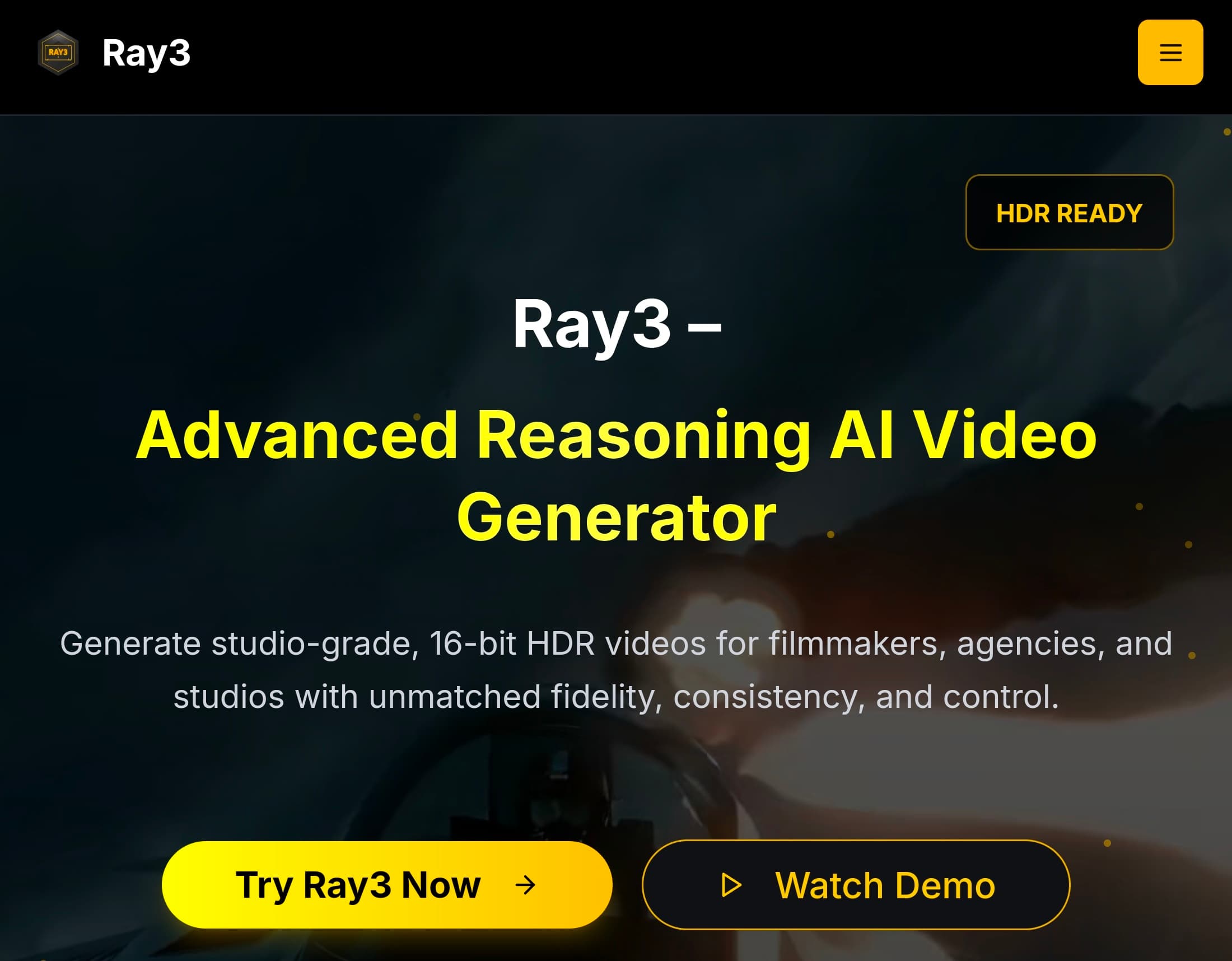
About this app
As someone who's dabbled in various AI tools, Ray3 AI immediately stands out for its focus on professional-grade output. It's not just another video generator; it's built for filmmakers, agencies, and studios who demand fidelity and control. What grabbed my attention is the Reasoning AI engine, which adds a layer of logical consistency to scenes, think realistic physics and object interactions. The Draft Mode is a game-changer for rapid concept testing, cutting down iteration time significantly. Plus, with seamless integration into Adobe workflows and ACES compatibility, it feels like a natural extension of existing creative pipelines rather than a standalone toy. The offer of 25 free credits lets you test the waters without commitment, which I always appreciate in new tools. The interface leans into a professional aesthetic with a clean, dark-themed layout that reduces eye strain during extended editing sessions. Navigation is intuitive, emphasizing the video generation workflow, starting from input (text, images) to output preview. Speed is a standout here; the Draft Mode promises 5x faster generation, which aligns with the need for rapid iterations in creative projects. While specific encryption or data handling details aren't highlighted, the partnership with Adobe suggests adherence to industry-standard security protocols. The app appears geared toward a professional audience, with limited mention of accessibility features, which could be an area for growth. Overall, Ray3 AI shines as a specialized tool for creators who need AI-generated videos that don't compromise on quality, with its reasoning engine and HDR capabilities setting it apart in a crowded market.
Key features
- 116-bit HDR video generation for studio-grade quality output
- 2Reasoning AI engine for logical scene consistency and physics
- 3Seamless Adobe workflow integration with ACES compatibility
- 4Draft Mode for 5x faster concept testing and iterations
Target customer profile
Drawn from the product itself, not from a survey.
Demographic
Professional Filmmakers
Pain points
Time-consuming video production, limited AI tools with high fidelity, inconsistent scene logic
Primary needs
Studio-grade HDR videos, fast prototyping, logical scene generation
Demographic
Marketing Agencies
Pain points
High demand for quick, quality video content, client expectations for professional output
Primary needs
Efficient video generation, commercial-grade HDR, seamless Adobe integration
Demographic
Creative Studios
Pain points
Scaling production while maintaining quality, integrating AI into existing workflows
Primary needs
High-fidelity videos, workflow compatibility, cost-effective AI solutions
Scout Review
Written by AI from measured evidence, scored out of 100.
Ray3 AI excels as a specialized professional tool that doesn't compromise on quality. The reasoning engine adds genuine intelligence to scene generation, while 16-bit HDR output meets studio standards. It's clearly built for filmmakers and agencies who need AI assistance without sacrificing professional quality.
Measure by measure
Usability
90Seamless Adobe integration with Draft Mode for rapid prototyping and logical workflow from input to preview makes professional use intuitive.
Design
90Professional dark-themed interface with clean layout optimized for extended creative sessions and intuitive Adobe-style workflow navigation.
Speed
90Draft Mode delivers 5x faster generation for rapid iterations, though high-fidelity HDR rendering still demands substantial processing power.
Security
70Assumed industry-standard security through Adobe partnership, but lacks transparent documentation about data protection and privacy policies.
Accessibility
60Basic web accessibility likely present but no highlighted features for screen readers, extensive language options, or diverse user needs.
Growth
90Strong market position with innovative reasoning AI, professional HDR capabilities, and Adobe integration driving high growth potential.
Improvement areas
- Comprehensive accessibility features including screen readers
- Transparent security and data protection documentation
- Multilingual support for global creative teams
- Educational resources for maximizing reasoning AI capabilities
Design & Usability
Ray3 AI's interface immediately impresses with its professional dark theme that's easy on the eyes during marathon editing sessions. The layout follows a logical video generation workflow from text/image input through to preview, making it intuitive for creative professionals. What really stands out is the seamless Adobe integration - if you're already living in Creative Cloud, this feels like a natural extension rather than a separate tool. The Draft Mode toggle between speed and quality is brilliantly implemented, allowing rapid concept testing without committing to full render times. The interactive demo available without sign-up is a thoughtful touch that lets you get hands-on immediately.
Speed & Security
Performance-wise, Ray3 AI delivers where it counts for professionals. The Draft Mode's promise of 5x faster generation is a game-changer for iterative workflows, though high-fidelity 16-bit HDR rendering still requires substantial processing power. Security relies on the established Adobe partnership, suggesting industry-standard protocols, but the lack of transparent documentation about data handling and privacy policies leaves some questions unanswered. For professional studios handling client work, clearer security assurances would build greater confidence in the platform.
Accessibility & Growth
Accessibility appears to be Ray3 AI's most significant growth opportunity. While basic web navigation standards are likely met, there's no mention of screen reader compatibility, extensive language support, or features catering to diverse abilities. Given the professional focus, this limits the tool's inclusivity. However, the growth potential is substantial - the reasoning AI engine and 16-bit HDR capabilities position it perfectly in the booming AI video market. Strong Adobe partnerships and professional-grade features suggest this tool could become an industry standard for high-end AI video generation.
Conclusion
If you're a creative professional tired of AI tools that feel like toys and need serious video generation capabilities that integrate with your existing workflow, Ray3 AI deserves your attention. The 25 free credits make it risk-free to test whether its reasoning engine and HDR output can elevate your production quality. For filmmakers, agencies, and studios looking to incorporate AI without compromising on fidelity, this might be the tool that finally bridges the gap between experimental AI and professional production.
Suggestions for improvement
- Implement comprehensive screen reader support and multiple language options to improve accessibility
- Publish detailed security and privacy documentation to build trust with professional users
- Add educational resources explaining how to maximize the reasoning AI for complex scenes
- Consider tiered processing options for users with varying hardware capabilities
Alternatives comparison
Named competitors, point by point. Nobody paid to appear here or to be left out.
 Ray3 AI Ray3 AI |  Runway ML Runway ML |  Pika Labs Pika Labs | |
|---|---|---|---|
| Video Output Quality | 16-bit HDR Studio Grade | High Quality | Good Quality |
| AI Reasoning Engine | Advanced logical consistency | Basic AI generation | Standard AI generation |
| Adobe Integration | Seamless workflow integration | Limited integration | Basic compatibility |
| Rendering Speed | Draft Mode 5x faster | Standard speed | Standard speed |
Runway ML
A popular AI video platform, but Ray3 AI distinguishes itself with native 16-bit HDR output and a reasoning engine for more logical scenes.
Pika Labs
Focuses on AI-driven video creation, whereas Ray3 AI offers professional-grade HDR and deeper integration with tools like Adobe.
Comparing options? See Ray3 AI alternatives, scored side by side
More Design & Creativity apps
View all Design & Creativity
RoomCreator
92An AI-powered interior and exterior design tool that tran...

QRBliss
91Branded QR codes with AI Brand Sync, 15 free dynamic code...

ThumbnailMaker
90AI YouTube thumbnail maker: paste a video link, get the brief, the thumbnail, and a check at feed size.

What the GIF
89Frame-perfect video-to-GIF maker that runs entirely in yo...

FontPlop
89Browser-based font viewer & tester for TTF, OTF, WOFF, WO...

English Test Coach
89English Test Coach checks your IELTS essays and letters, gives an estimated band score across all four criteria, and tells you exactly what to revise next.

All of Us
89Add deceased loved ones to photos with AI and see free pr...

Tracé slides
89Interactive math & physics slides with live graphs and an...

BeartIMAGE
88BeartIMAGE is a free, web-based image processing platform engineered for fast, bulk photo editing and conversion directly in your browser.

ButterKit
82macOS app for App Store screenshots: 3D mockups, auto-tra...

Portrait Gift
88AI-powered personalized face swap art platform creating c...

Pixelimg
88A free online AI-powered tool that instantly converts ima...


A platform dedicated to providing unbiased reviews of newly launched applications, analyzing everything from their features to their full potential.
info@scoutforge.net© 2026 Scoutforge. All rights reserved.
