

A platform dedicated to providing unbiased reviews of newly launched applications, analyzing everything from their features to their full potential.
info@scoutforge.net© 2026 Scoutforge. All rights reserved.
A platform dedicated to providing unbiased reviews of newly launched applications, analyzing everything from their features to their full potential.
info@scoutforge.net© 2026 Scoutforge. All rights reserved.
A platform dedicated to providing unbiased reviews of newly launched applications, analyzing everything from their features to their full potential.
info@scoutforge.net© 2026 Scoutforge. All rights reserved.
Is this your app?
Claim RegiAI to manage its page, add your badge and see your traffic — free, and it stays free.
Cycling through all six. Tap any point to stop.
Measured on six things
An AI-powered online platform for image editing, offering tools like watermark removal, photo restoration, and face swapping.
Web-based and works across devices, but lacks screen reader support, keyboard shortcuts, and multi-language options.
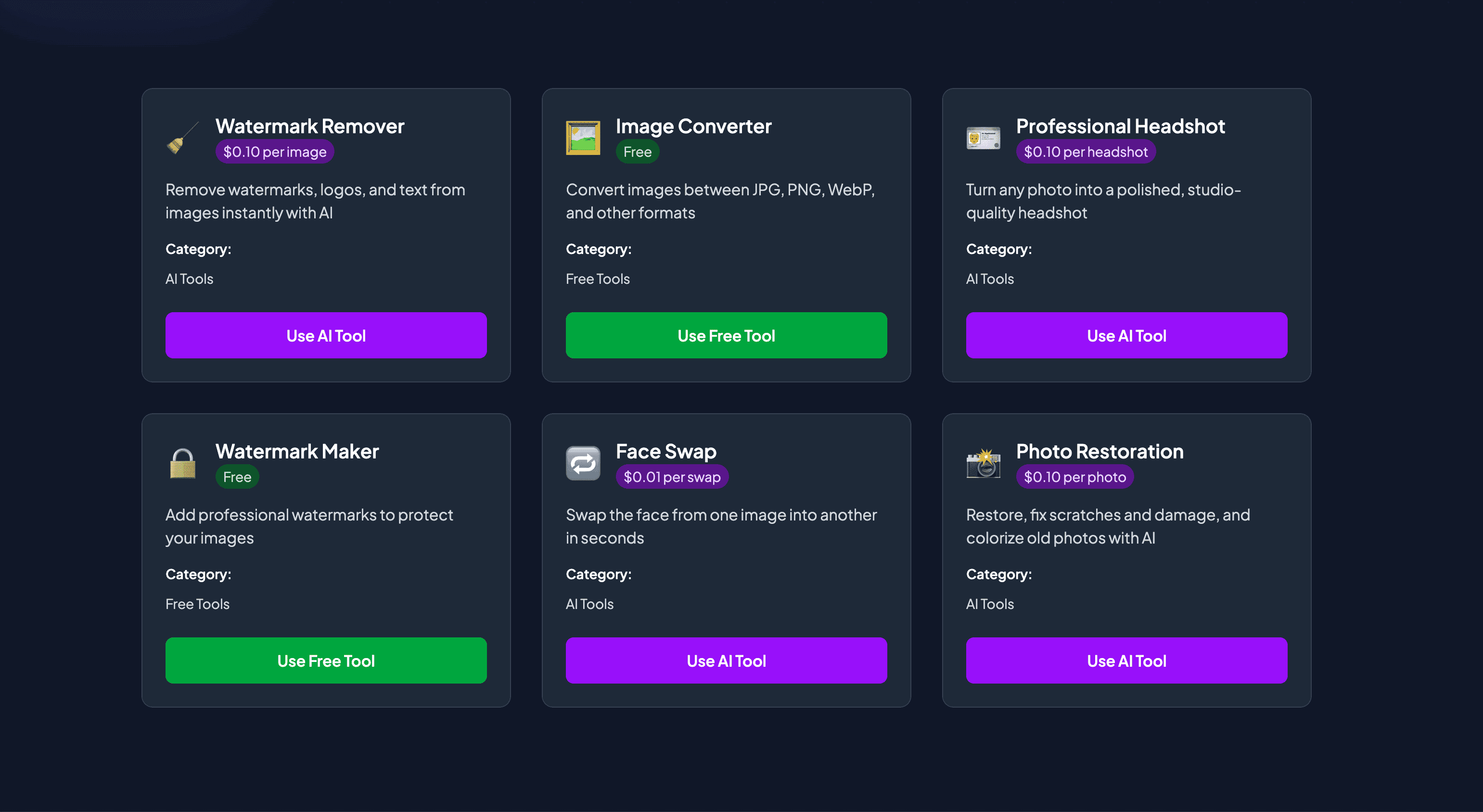
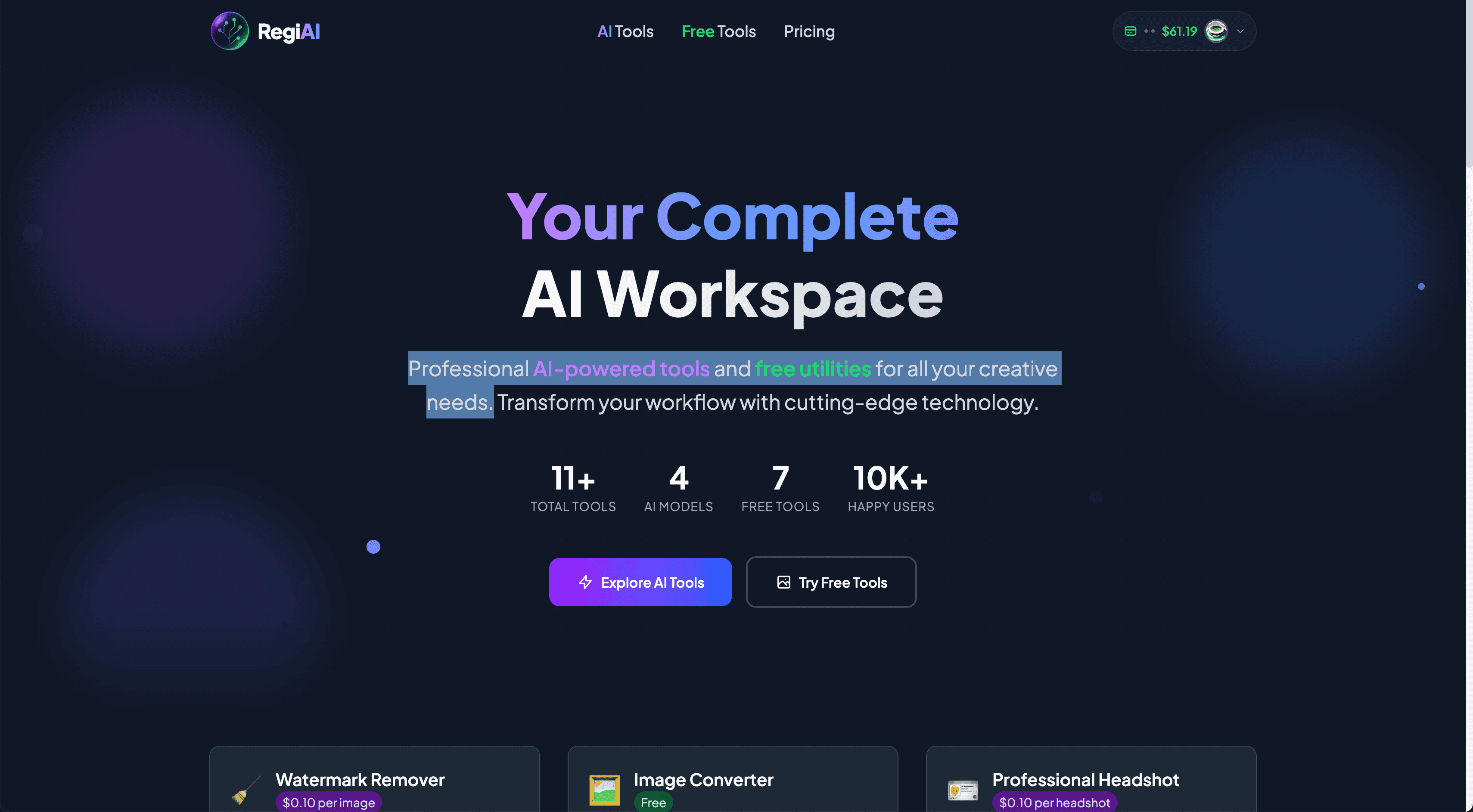
RegiAI is a versatile online workspace that combines advanced AI tools with free utilities for image editing and manipulation. After testing it out, I found it incredibly user-friendly, making complex edits accessible without the steep learning curve of traditional software. It excels at practical tasks like removing watermarks seamlessly, restoring old photos with AI colorization, and generating professional headshots or fun face swaps. The platform is neatly divided into premium AI features and free tools, catering to everyone from content creators needing quick optimizations to photographers restoring cherished memories. With its clean, dark-themed interface and step-by-step processes, RegiAI stands out as a go-to solution for efficient, high-quality image edits. It's perfect for those who want AI-driven creativity without hefty subscriptions, though it could improve in areas like accessibility and multi-language support.
Drawn from the product itself, not from a survey.
Demographic
Content Creators & Social Media Managers
Pain points
Time-consuming edits, need for watermark-free visuals, limited design skills
Primary needs
Quick watermark removal, thumbnail creation, image optimization for platforms
Demographic
Photographers & Hobbyists
Pain points
Restoring damaged or old photos, enhancing image quality without professional software
Primary needs
AI photo restoration, unblurring images, color correction
Demographic
Small Business Owners & Marketers
Pain points
Budget constraints for design tools, need for professional-looking visuals
Primary needs
Affordable AI headshots, background removal, branding with watermarks
Written by AI from measured evidence, scored out of 100.
RegiAI successfully bridges the gap between advanced AI capabilities and user-friendly image editing, making sophisticated tools accessible to content creators, photographers, and small business owners. The platform excels at practical tasks like watermark removal and photo restoration while maintaining an intuitive interface that doesn't overwhelm beginners. While there's room for improvement in accessibility and user guidance, the core functionality delivers reliable results that rival more complex professional software.
Straightforward step-by-step processes make complex AI edits accessible even for non-technical users with minimal learning curve.
Clean dark-themed interface with intuitive tool categorization, though lacks visual previews and guided tutorials for beginners.
Most AI tools process images in under 30 seconds, though larger files may experience noticeable slowdowns during processing.
Standard HTTPS encryption provides basic security, but privacy policy details aren't prominently displayed on the platform.
Web-based and works across devices, but lacks screen reader support, keyboard shortcuts, and multi-language options.
Strong market position with high demand for AI image editing tools and clear expansion potential into new features and markets.
RegiAI's dark-themed interface immediately creates a professional editing environment that's easy on the eyes during long sessions. The clear separation between 'AI Tools' and 'Free Tools' makes navigation intuitive, allowing users to quickly find what they need without endless scrolling. Each tool follows a consistent step-by-step workflow: upload, adjust, and process. While the clean layout reduces cognitive load, the platform could benefit from more visual previews and interactive tutorials to help beginners understand each tool's capabilities before diving in. The transparent pricing display for premium features adds trust, though some users might prefer more guidance on when to choose paid versus free options.
Performance-wise, RegiAI delivers impressively fast processing for most AI tasks, with watermark removal and photo restoration typically completing in under 30 seconds. The free utilities like image compression and format conversion operate with near-instantaneous response times. Security foundations are solid with HTTPS encryption protecting data transfers, though the platform could improve by making privacy policies more accessible and detailed. While the current security measures are adequate for standard image editing, users handling sensitive content might appreciate more comprehensive privacy assurances and clearer data retention policies.
Accessibility remains RegiAI's primary area for improvement. The platform functions well across modern browsers and devices but lacks features like screen reader compatibility, keyboard navigation shortcuts, and multi-language support. This creates barriers for non-English speakers and users with visual impairments. However, the platform's growth potential is substantial given the booming demand for AI-powered creative tools. With its specialized focus on practical image transformations like watermark removal and photo restoration, RegiAI is well-positioned to expand into adjacent markets and add more advanced AI features as the technology evolves.
Conclusion
If you're a content creator needing quick watermark removal, a photographer restoring old memories, or a small business owner seeking affordable professional visuals, RegiAI offers a compelling solution. The blend of free utilities and reasonably priced AI tools makes it accessible for various budgets and skill levels. Give this platform a try if you want AI-powered image editing without the steep learning curve of traditional software.
Named competitors, point by point. Nobody paid to appear here or to be left out.
 RegiAI RegiAI |  Pixlr Pixlr |  DeepAI Image Editor DeepAI Image Editor |  AI Image Editor AI Image Editor | |
|---|---|---|---|---|
| AI Specialization | Specialized AI tools for watermark removal, face swapping, and photo restoration | General AI photo editing with broader but less specialized feature set | AI-based edits focused on artistic transformations and style transfers | Similar AI-driven editing without dedicated workspace organization |
| Free Tools Availability | Comprehensive free utilities alongside premium AI tools in one workspace | Limited free version with watermarks and basic functionality | Primarily API-based with limited free web tools | Mixed free and premium features without clear separation |
| User Interface Design | Clean dark-themed interface with intuitive tool categorization | Traditional photo editor layout resembling desktop software | Simple web interface focused on individual AI tools | Basic web interface without dedicated workspace organization |
Pixlr
A well-known online photo editor with AI features, but RegiAI offers more specialized AI tools like watermark removal and face swapping.
DeepAI Image Editor
Focuses on AI-based edits, though RegiAI provides a broader suite of free utilities alongside premium AI options.
AI Image Editor
Similar AI-driven editing, but RegiAI stands out with its dedicated workspace for both AI and free tools in one place.
Comparing options? See RegiAI alternatives, scored side by side

An AI-powered interior and exterior design tool that tran...

Frame-perfect video-to-GIF maker that runs entirely in yo...

BeartIMAGE is a free, web-based image processing platform engineered for fast, bulk photo editing and conversion directly in your browser.

A free online AI-powered tool that instantly converts ima...

AI-powered personalized face swap art platform creating c...

macOS app for App Store screenshots: 3D mockups, auto-tra...

An AI-powered photo restoration app that brings old, blur...

A massive collection of free printable coloring pages for...

Design And Animate QR Codes People Want to Scan

AI face swap for photos, videos, GIFs with free trial.

Try on a tattoo on your own body photo before you book.

Private, local-first image texture workbench.
A platform dedicated to providing unbiased reviews of newly launched applications, analyzing everything from their features to their full potential.
info@scoutforge.net© 2026 Scoutforge. All rights reserved.
