Cycling through all six. Tap any point to stop.
Measured on six things
Free professional-grade storyboarding tools with real-time collaboration for creators across all devices.
Growth
321.6-year-old domain with social profiles but zero third-party reviews, stars, or community signals. Self-published 4.2-star blog post is the only visible traction.
Screenshots
1 / 4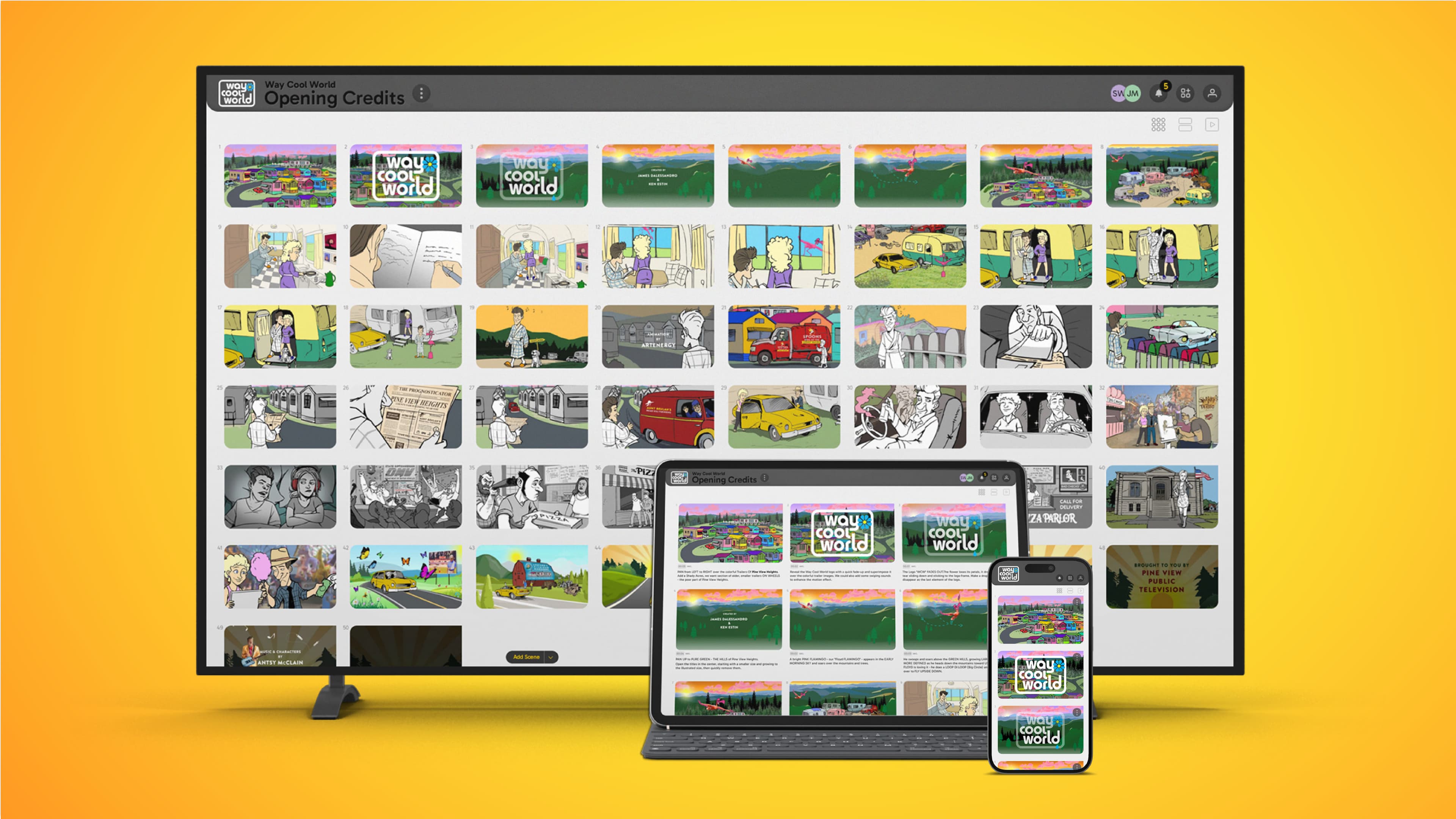
About this app
StoryBoom is a web-based platform that offers intuitive, drag-and-drop storyboarding tools for filmmakers, animators, and content creators. It stands out with its no-download, no-cost approach, seamless cross-device compatibility, and robust real-time collaboration features. The free tier supports up to 3 collaborators, making it ideal for small teams or solo projects. Key features include an adaptive UI, secure cloud storage, and high-quality PDF exports. It addresses common pain points like expensive software and complex workflows, providing a frictionless solution for visual storytelling. SEO keywords: free storyboarding tools, real-time collaboration, cross-device app, visual storytelling software, professional storyboard creator.
Key features
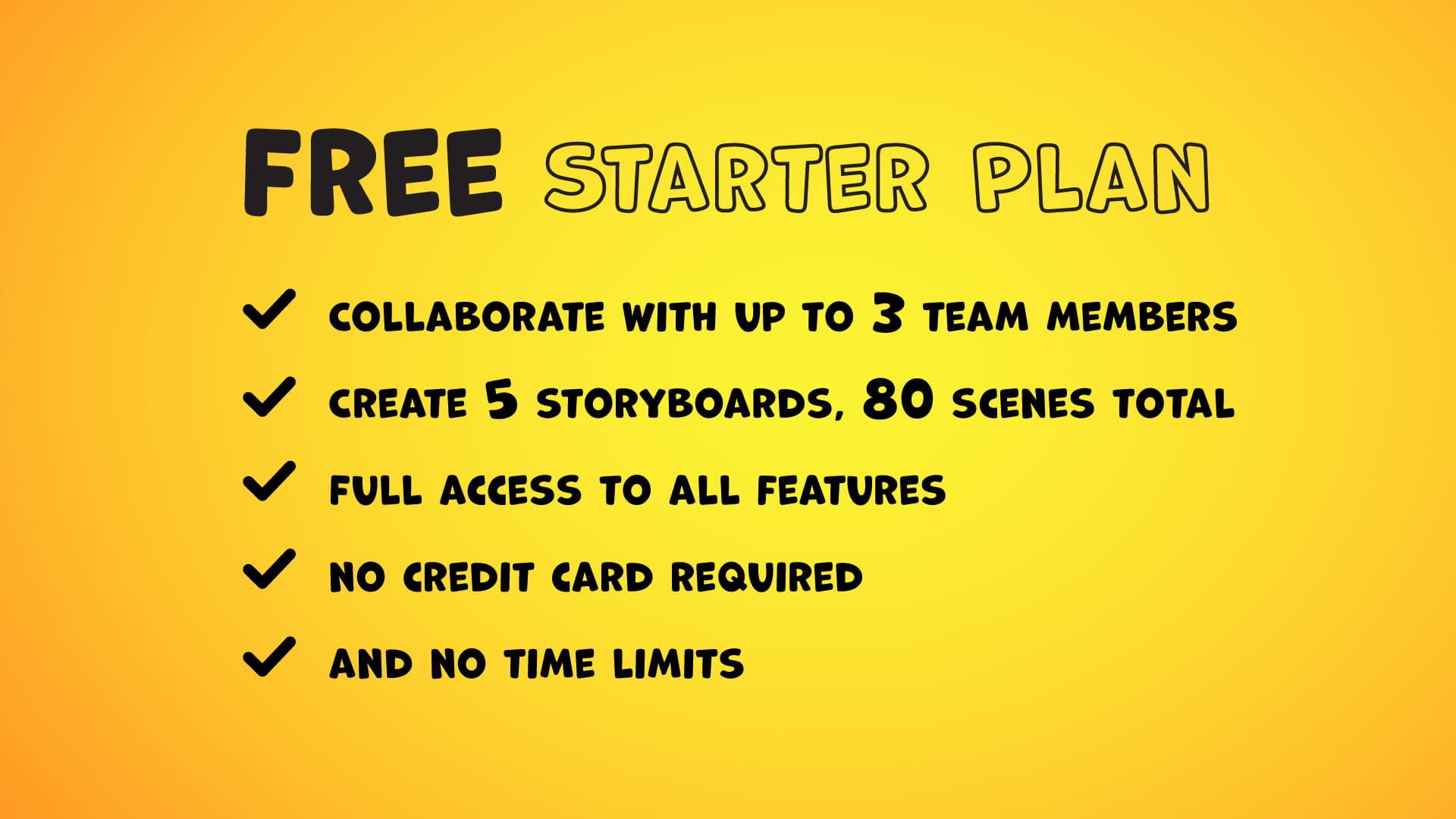
- 1Free starter: 3 users, 80 scenes, 5 storyboards, full features, no card required
- 2Real-time collaboration with comments, notifications, and password-protected sharing
- 3Adaptive UI, custom aspect ratios, drag-and-drop, PDF/HTML exports, archive/restore
Target customer profile
Drawn from the product itself, not from a survey.
Demographic
Independent Filmmakers
Pain points
Costly specialized software, complex workflows, limited collaboration options
Primary needs
Visual planning, shot sequencing, team feedback integration
Demographic
Animation Studios
Pain points
Version control issues, device compatibility limitations, time-consuming revisions
Primary needs
Frame-by-frame planning, annotation tools, export flexibility
Demographic
Content Creators
Pain points
Overcomplicated interfaces, subscription fatigue, mobile workflow gaps
Primary needs
Quick visualization, multi-platform access, simple sharing
Scout Review
Written by AI from measured evidence, scored out of 100.
StoryBoom positions itself as the free, no-download, real-time storyboarding solution for independent filmmakers, animators, and content creators frustrated by costly software and clunky workflows. Its strongest assets are the generous free tier, flexible usage-based pricing, and thematic visual identity. Weaknesses center on limited external proof points and a few polish gaps in design and accessibility. It competes directly with Boords (paid, steeper curve), Canva (template-focused), and desktop Storyboarder (no cloud collab).
Measure by measure
Usability
68No-card free tier with live pricing calculator and real-time collab claims lower barriers. Onboarding flow and docs depth unverified beyond marketing copy.
Design
70Comic-book themed UI with strong branding consistency and real app mockups in hero. Dense free-plan text and repetitive thumbnail strip weaken polish.
Speed
58Lighthouse scores 70-72/100 with solid CLS but slow LCP/FCP. Site promises lightning-fast performance; no independent benchmarks or complaints surfaced.
Security
75Strong baseline headers (HTTPS, HSTS, DMARC) and 9/12 checklist items. No published audits or compliance claims found.
Accessibility
5876/100 Lighthouse with contrast, iframe, and landmark failures. Responsive claims and themes present; no WCAG statement or verified keyboard support.
Growth
321.6-year-old domain with social profiles but zero third-party reviews, stars, or community signals. Self-published 4.2-star blog post is the only visible traction.
Improvement areas
- Publish independent security audits or compliance documentation
- Resolve Lighthouse accessibility failures (contrast, landmarks, iframes)
- Build third-party review presence and community signals beyond self-published content
Design & Usability
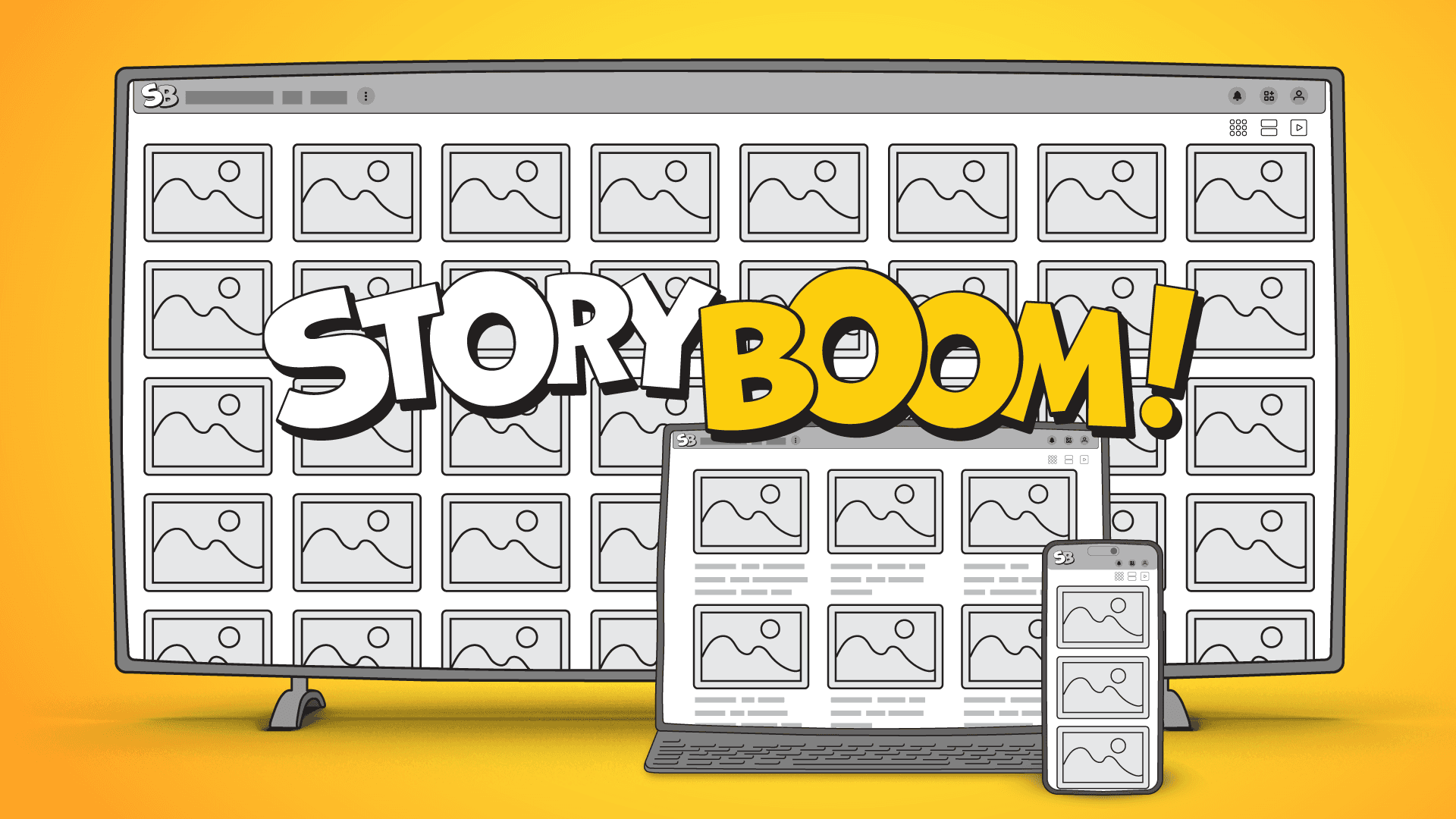
StoryBoom delivers a playful comic-book aesthetic that matches its storyboarding purpose, with consistent yellow/black branding and honest multi-device mockups showing the actual interface. The free tier's dense text wall and repetitive hero thumbnails are the main visual drags. Usability shines through the no-card-required starter plan and live pricing calculator that instantly shows costs as users scale from 3 collaborators/80 scenes upward. Real-time collaboration, drag-and-drop, aspect-ratio switching, and PDF exports are prominently featured, though independent verification of onboarding speed or learning curve is absent. Overall it feels approachable for indie creators tired of expensive desktop tools.
Speed & Security
Performance lands in the middle with Lighthouse scores of 70-72/100; LCP at 4.2s on mobile is acceptable for a new web app but not class-leading. The product promises lightning-fast execution and cross-device seamlessness. Security is solid on basics—HTTPS, HSTS, DMARC, SPF all present—yet lacks CSP and any published audits or SOC 2 claims. For a small indie tool targeting freelancers and small teams, the header hygiene is respectable and data-safety messaging is front-and-center, but enterprise buyers will notice the missing compliance badges.
Accessibility & Growth
Accessibility scores 76/100 with several automated failures around contrast and landmarks; the site claims light/dark themes and responsive layouts but provides no WCAG statement or multi-language support. Growth is the weakest dimension: a 1.6-year-old domain with listed social accounts but no G2 reviews, GitHub activity, or community footprint. The only visible review is self-published on their blog. As a young product this is normal trajectory territory rather than failure, yet it currently lacks the external validation that would move it past early-stage status.
Conclusion
For solo creators or tiny teams needing quick visual planning without subscriptions, StoryBoom is worth a no-risk test drive. Larger productions or those needing audited security will likely outgrow it quickly.
Suggestions for improvement
- Add a public security page with any pen-test results or roadmap for SOC 2
- Fix the four Lighthouse accessibility failures before claiming pro-grade polish
- Publish a changelog and collect independent reviews on G2 or Product Hunt
- Tighten the free-plan graphic hierarchy and curate the hero thumbnail strip
Alternatives comparison
Named competitors, point by point. Nobody paid to appear here or to be left out.
 StoryBoom StoryBoom |  Boords Boords |  Canva Storyboards Canva Storyboards |  Storyboarder Storyboarder | |
|---|---|---|---|---|
| Free tier limits | 3 users, 80 scenes, 5 storyboards, all features | Limited free trial then paid | Free tier with Canva branding limits | Fully free desktop app, no cloud limits |
| Real-time collaboration | Yes, up to plan limits | Yes, paid plans | Yes, Canva teams | No, desktop only |
| Cloud / cross-device | Web, adaptive UI, no install | Web-based | Web + mobile apps | Desktop only |
Boords
Paid storyboard solution with advanced features but steeper learning curve
Canva Storyboards
Template-based approach better for social content than professional film planning
Storyboarder
Free desktop software requiring installation and lacking cloud collaboration
Comparing options? See StoryBoom alternatives, scored side by side
Sources
What the review was written against. A verdict with no sources is an opinion.
More Design & Creativity apps
View all Design & Creativity
RoomCreator
92An AI-powered interior and exterior design tool that tran...

QRBliss
91Branded QR codes with AI Brand Sync, 15 free dynamic code...

ThumbnailMaker
90AI YouTube thumbnail maker: paste a video link, get the brief, the thumbnail, and a check at feed size.

What the GIF
89Frame-perfect video-to-GIF maker that runs entirely in yo...

FontPlop
89Browser-based font viewer & tester for TTF, OTF, WOFF, WO...

English Test Coach
89English Test Coach checks your IELTS essays and letters, gives an estimated band score across all four criteria, and tells you exactly what to revise next.

All of Us
89Add deceased loved ones to photos with AI and see free pr...

Tracé slides
89Interactive math & physics slides with live graphs and an...

BeartIMAGE
88BeartIMAGE is a free, web-based image processing platform engineered for fast, bulk photo editing and conversion directly in your browser.

ButterKit
82macOS app for App Store screenshots: 3D mockups, auto-tra...

Portrait Gift
88AI-powered personalized face swap art platform creating c...

Pixelimg
88A free online AI-powered tool that instantly converts ima...


A platform dedicated to providing unbiased reviews of newly launched applications, analyzing everything from their features to their full potential.
info@scoutforge.net© 2026 Scoutforge. All rights reserved.
