Is this your app?
Claim ThumbPOV to manage its page, add your badge and see your traffic — free, and it stays free.
Cycling through all six. Tap any point to stop.
Measured on six things
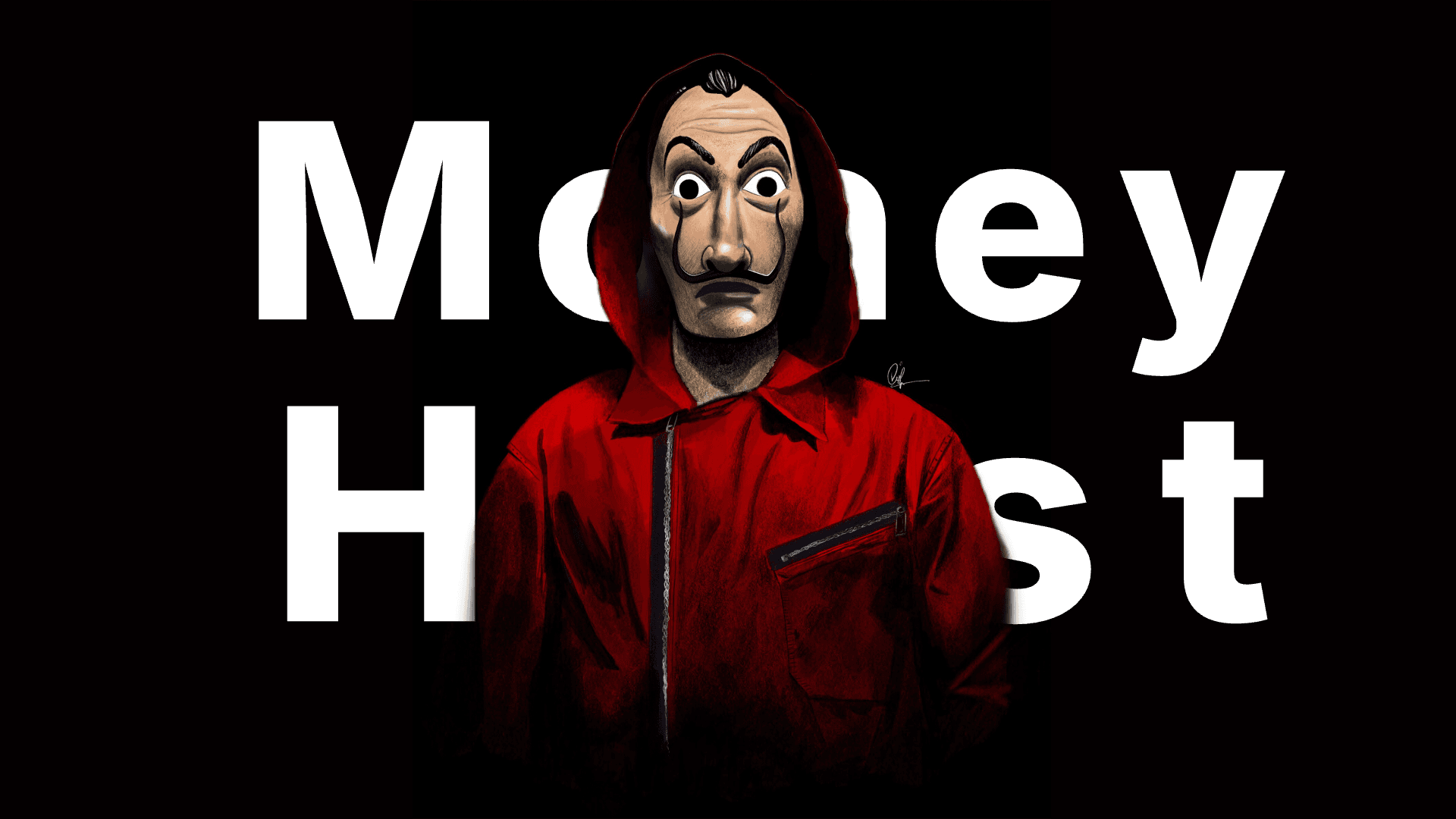
A free online tool for creating text-behind-image effects for social media and YouTube thumbnails without design skills.
Accessibility
50Basic usability but lacks keyboard navigation, screen reader support, and multilingual options
Screenshots
1 / 4


About this app
ThumbPOV is a niche yet powerful web-based application that simplifies the creation of engaging text-behind-image visuals, primarily for YouTube thumbnails and social media posts. It stands out with its no-download, no-registration approach, offering automatic background removal and an intuitive interface. Ideal for content creators, YouTubers, and small businesses, it addresses pain points like high software costs and time-consuming design processes. While it excels in ease of use and speed, it lacks advanced features and accessibility options, making it a great alternative to more complex tools like Canva or Adobe Express for quick, professional-looking visuals.
Key features
- 1Clean, minimalist interface with intuitive workflow for easy use
- 2Quick client-side processing for fast image handling and downloads
- 3Automatic background removal effective for simple images, free tool
Target customer profile
Drawn from the product itself, not from a survey.
Demographic
Content creators, YouTubers, social media managers
Pain points
Lack of design skills, expensive software costs, time-consuming editing processes
Primary needs
Quick thumbnail creation, eye-catching social media visuals, no software installation
Demographic
Small business owners, marketers
Pain points
Limited design budget, need for professional-looking content
Primary needs
Easy visual content creation, cost-effective solutions, social media engagement
Demographic
Bloggers, influencers
Pain points
Consistent content creation demands, platform-specific formatting needs
Primary needs
Quick design tools, platform-optimized visuals, time efficiency
Scout Review
Written by AI from measured evidence, scored out of 100.
ThumbPOV excels at its specific purpose - creating engaging text-behind-image effects without the complexity of full design software. It's the perfect tool for content creators who need to produce attention-grabbing thumbnails quickly and without design experience. While it won't replace professional design tools, it fills a crucial gap in the market for quick, effective visual content creation.
Measure by measure
Usability
90Extremely intuitive with virtually no learning curve - upload, add text, adjust, download
Design
80Clean, minimalist interface that prioritizes functionality with clear upload buttons and intuitive workflow
Speed
80Quick processing and responsive interface with client-side image handling for most use cases
Security
60Client-side processing avoids data storage but lacks explicit privacy policy or data handling info
Accessibility
50Basic usability but lacks keyboard navigation, screen reader support, and multilingual options
Growth
80Strong niche appeal with potential for expanded features, monetization, and platform integrations
Improvement areas
- Add manual controls for background removal on complex images
- Implement clear privacy policy and data handling information
- Include accessibility features like keyboard navigation and multilingual support
Design & Usability
ThumbPOV's interface embraces a clean, minimalist approach that immediately guides users through the thumbnail creation process. The design prioritizes functionality with clear upload buttons, straightforward text input fields, and instant preview options. The workflow is brilliantly simple: upload your image, add text, adjust positioning, and download your creation. The automatic background removal works surprisingly well for a free tool, though complex images might need more manual control. This no-frills approach makes it incredibly accessible to complete beginners while still being efficient for regular users.
Speed & Security
Performance-wise, ThumbPOV processes images quickly with client-side handling that avoids server delays. The site loads rapidly and handles most images within seconds, making it perfect for quick social media content creation. Security is a mixed bag - the client-side processing means your images aren't stored on their servers, which is great for privacy. However, the lack of a visible privacy policy or clear data handling information could concern users working with sensitive content. For casual thumbnail creation, it's sufficiently secure, but professional users might want more transparency.
Accessibility & Growth
Accessibility is where ThumbPOV shows its limitations. While the simple interface is generally usable, it lacks keyboard navigation support, screen reader optimization, and high contrast modes. The English-only interface restricts global accessibility, and small interface elements might challenge users with visual impairments. Despite these limitations, the tool has strong growth potential. Its focused niche appeal, combined with the rising demand for quick social media content creation, positions it well for future expansion into additional features, platform integrations, and possibly premium offerings.
Conclusion
If you're a content creator, YouTuber, or small business owner looking for a no-fuss solution to create professional-looking social media visuals without the learning curve of complex software, ThumbPOV is absolutely worth trying. Its simplicity and speed make it ideal for regular content production.
Suggestions for improvement
- Add basic manual controls for fine-tuning background removal on complex images.
- Implement a clear privacy policy and data handling information.
- Include accessibility features like keyboard navigation and screen reader support.
- Add multilingual interface options to improve global accessibility.
- Create platform-specific export templates for different social media dimensions.
- Consider adding basic text styling options beyond positioning.
Alternatives comparison
Named competitors, point by point. Nobody paid to appear here or to be left out.
 ThumbPOV ThumbPOV |  Canva Text Layer App Canva Text Layer App |  Adobe Express YouTube Thumbnail Maker Adobe Express YouTube Thumbnail Maker |  Pixlr YouTube Thumbnail Maker Pixlr YouTube Thumbnail Maker | |
|---|---|---|---|---|
| Ease of Use | Extremely simple, no learning curve | Moderate learning curve | Steep learning curve | Moderate learning curve |
| Cost | Completely free | Freemium model | Premium pricing | Freemium model |
| Specialization | Focused on text-behind-image effects | General design platform | Professional design suite | Comprehensive photo editor |
| Processing Speed | Client-side, very fast | Cloud processing, moderate speed | Cloud processing, variable speed | Client/cloud mix, moderate speed |
Canva Text Layer App
Offers similar text behind image functionality within a broader design platform with templates and additional features.
Adobe Express YouTube Thumbnail Maker
Professional-grade thumbnail creation with more advanced editing capabilities but steeper learning curve.
Pixlr YouTube Thumbnail Maker
Comprehensive online photo editor with thumbnail-specific templates and more editing options.
Comparing options? See ThumbPOV alternatives, scored side by side
More Design & Creativity apps
View all Design & Creativity
RoomCreator
92An AI-powered interior and exterior design tool that tran...

QRBliss
91Branded QR codes with AI Brand Sync, 15 free dynamic code...

ThumbnailMaker
90AI YouTube thumbnail maker: paste a video link, get the brief, the thumbnail, and a check at feed size.

What the GIF
89Frame-perfect video-to-GIF maker that runs entirely in yo...

FontPlop
89Browser-based font viewer & tester for TTF, OTF, WOFF, WO...

English Test Coach
89English Test Coach checks your IELTS essays and letters, gives an estimated band score across all four criteria, and tells you exactly what to revise next.

All of Us
89Add deceased loved ones to photos with AI and see free pr...

Tracé slides
89Interactive math & physics slides with live graphs and an...

BeartIMAGE
88BeartIMAGE is a free, web-based image processing platform engineered for fast, bulk photo editing and conversion directly in your browser.

ButterKit
82macOS app for App Store screenshots: 3D mockups, auto-tra...

Portrait Gift
88AI-powered personalized face swap art platform creating c...

Pixelimg
88A free online AI-powered tool that instantly converts ima...


A platform dedicated to providing unbiased reviews of newly launched applications, analyzing everything from their features to their full potential.
info@scoutforge.net© 2026 Scoutforge. All rights reserved.
