Is this your app?
Claim Tools Podcasting Teleprompter to manage its page, add your badge and see your traffic — free, and it stays free.
Cycling through all six. Tap any point to stop.
Measured on six things
A free, web-based teleprompter for podcasters and creators to read scripts smoothly with adjustable speeds and no installation.
Accessibility
40Limited accessibility features with no screen reader support or visual customization options for diverse needs.
Screenshots
1 / 5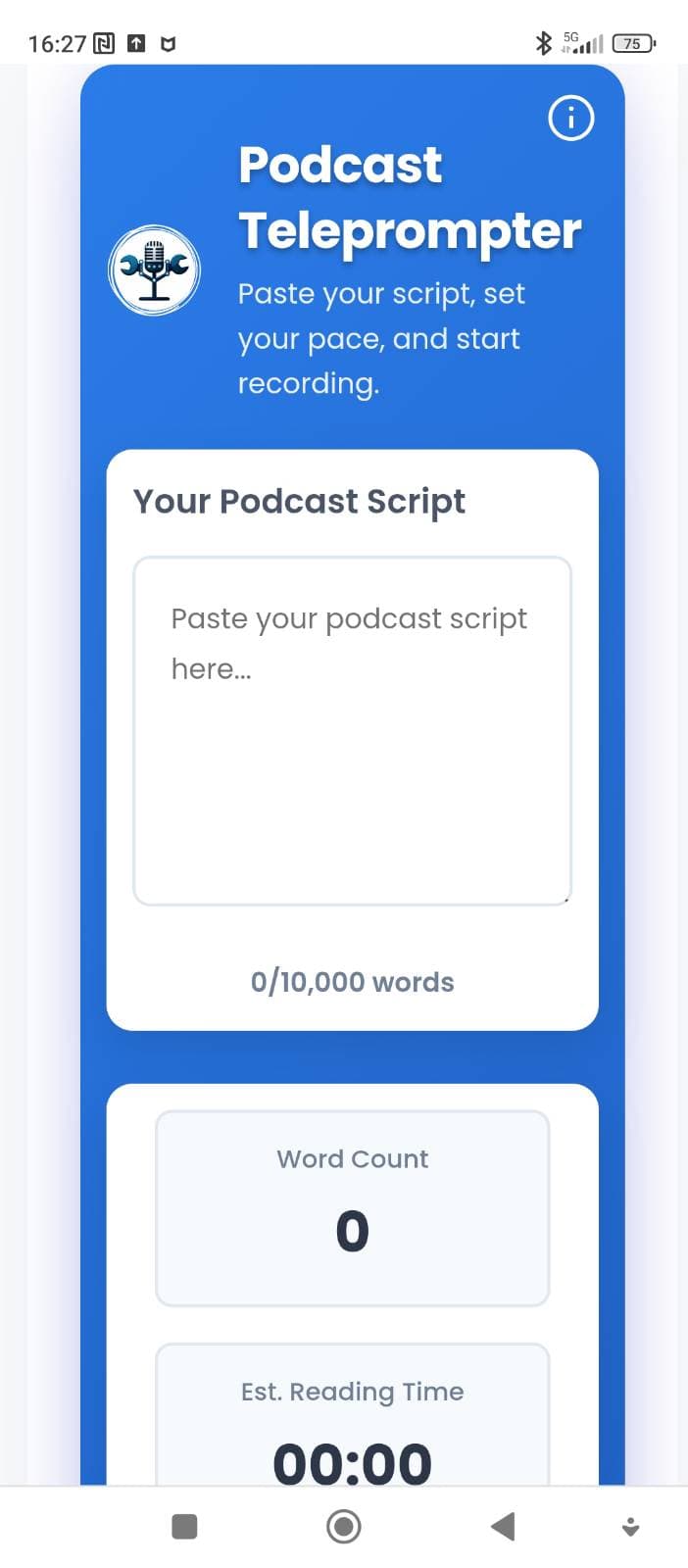
About this app
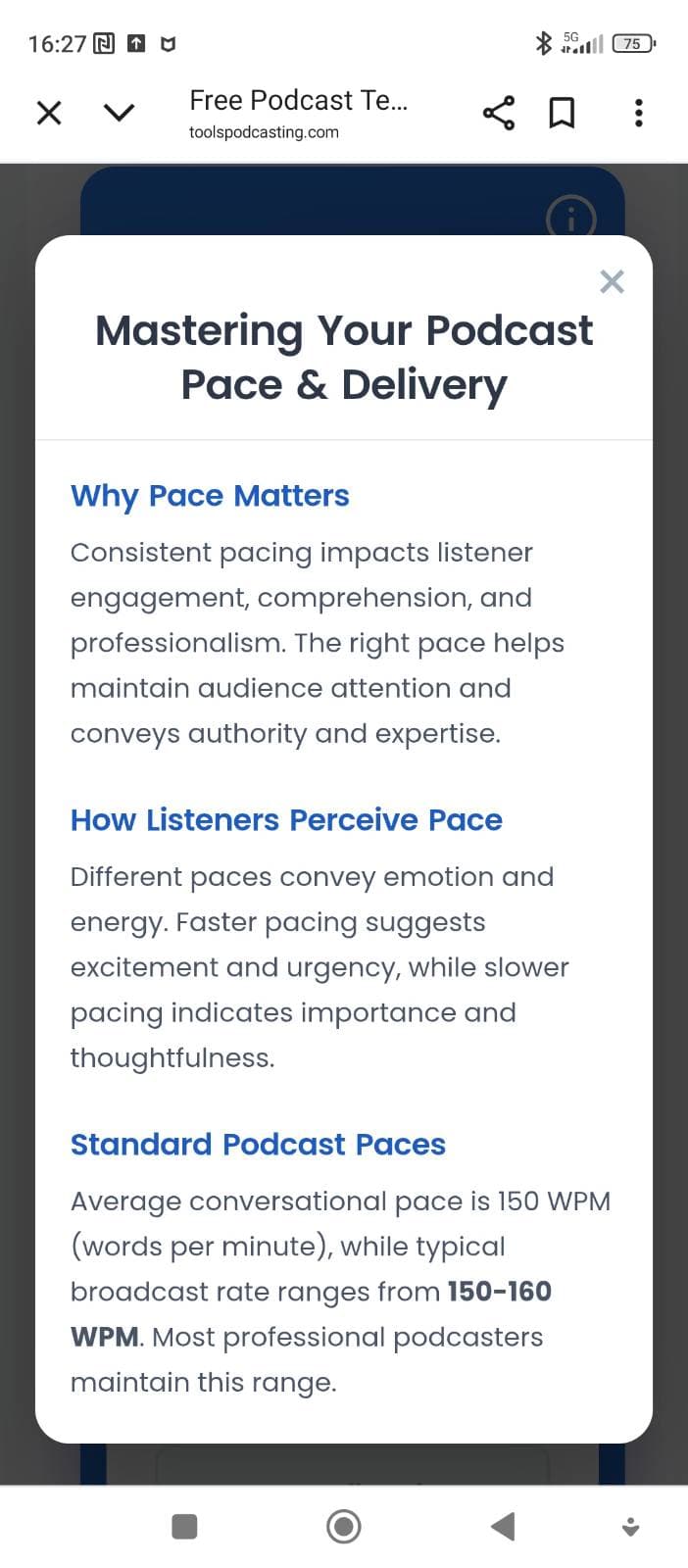
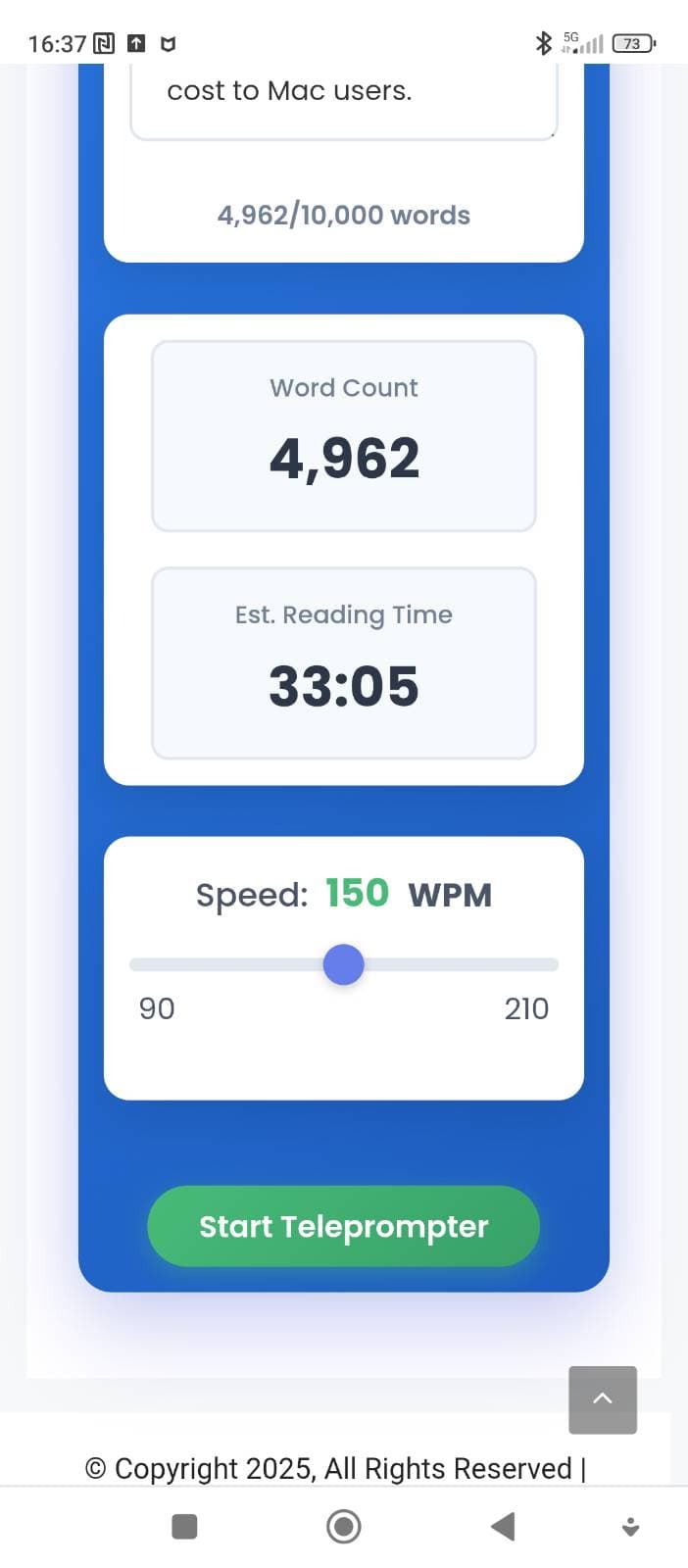
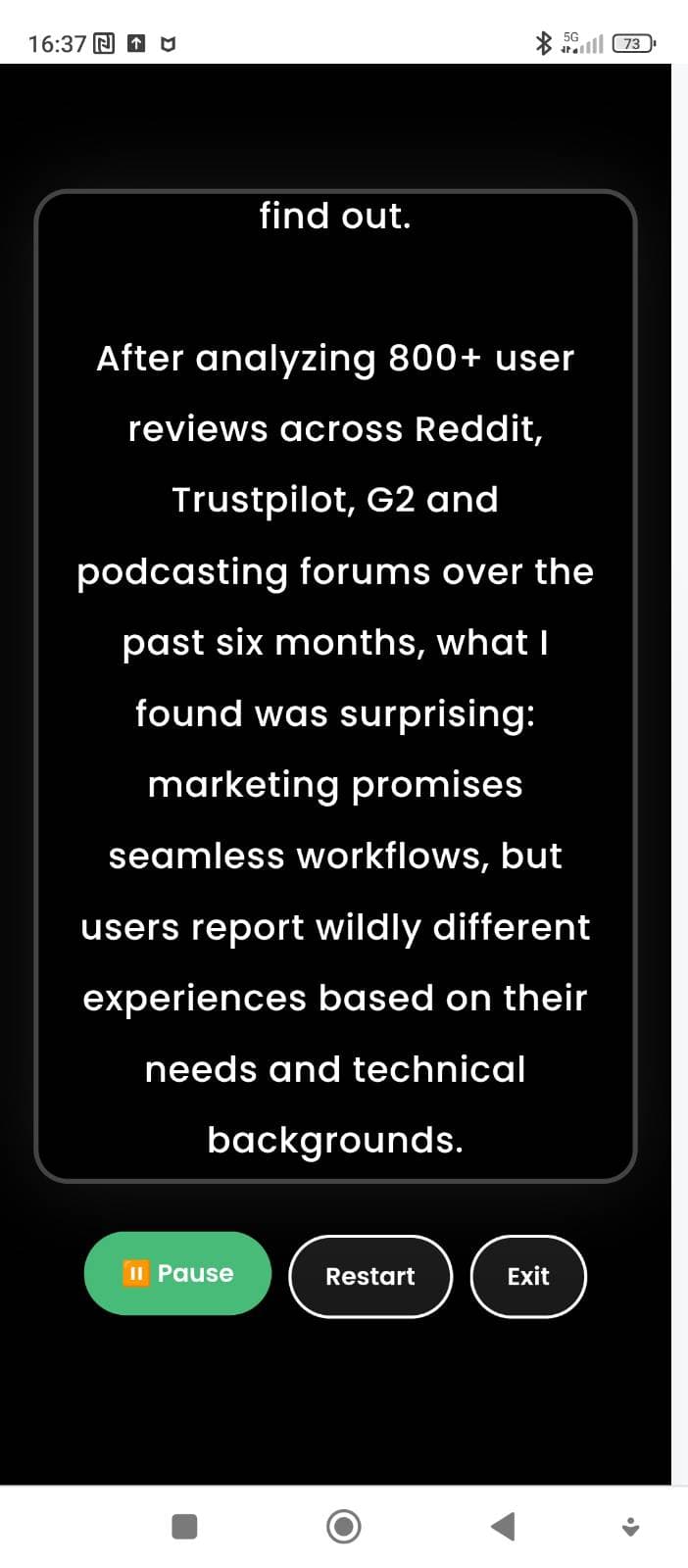
Tools Podcasting Teleprompter is a straightforward, no-cost solution designed to help podcasters, YouTubers, and other content creators deliver scripts naturally during recordings. As a tech-savvy reviewer who's tested various teleprompters, I appreciate its simplicity: you can paste scripts up to 10,000 words, adjust scrolling speed from 90 to 210 words per minute, and use full-screen mode for distraction-free sessions. It includes helpful pacing guidance, explaining why delivery speed matters and how to use pauses effectively—ideal for beginners. Being entirely web-based and free, it requires no account or downloads, making it accessible for anyone on a budget. While it lacks advanced features like text customization or robust accessibility options, it excels in core functionality, offering smooth performance and basic privacy since scripts aren't stored. If you're tired of awkward script reading, this tool is a solid pick for improving your podcasting or video content with SEO-friendly keywords like 'free online teleprompter,' 'podcast script tool,' and 'content creation software.'
Key features
- 1Adjustable scrolling speed from 90-210 words per minute for natural delivery pacing
- 2Full-screen distraction-free mode perfect for recording sessions
- 3No account required and completely free with 10,000 word script capacity
Target customer profile
Drawn from the product itself, not from a survey.
Demographic
Podcasters
Pain points
Struggle with memorizing scripts, unnatural delivery when reading from notes, lack of professional teleprompter equipment
Primary needs
Smooth script reading, adjustable pacing, hands-free operation during recording
Demographic
Content Creators (YouTubers, Video Producers)
Pain points
Inconsistent video delivery, difficulty maintaining eye contact, budget constraints for paid tools
Primary needs
Easy-to-use teleprompter, cost-effective solution, integration with recording setup
Demographic
Public Speakers & Educators
Pain points
Forgetting key points during presentations, needing to refer to notes disruptively
Primary needs
Reliable script scrolling, pause and restart controls, accessible on multiple devices
Scout Review
Written by AI from measured evidence, scored out of 100.
Tools Podcasting Teleprompter excels at its core mission: helping creators deliver scripts naturally without expensive equipment. It's the digital equivalent of duct tape - not pretty, but incredibly effective at fixing the problem of awkward script reading. The adjustable speed controls and full-screen mode work seamlessly, and the lack of account requirements means you can start using it immediately. While it won't replace professional teleprompter setups for studio productions, it's perfect for solo creators, podcasters working from home offices, or anyone who needs to improve their on-camera delivery without breaking the bank.
Measure by measure
Usability
80Intuitive controls, easy setup, and straightforward operation make it accessible even for teleprompter beginners.
Design
70Minimalist, functional interface with clean layout and simple color scheme. Gets the job done without visual flair.
Speed
80Fast loading and smooth scrolling performance, handles long scripts up to 10,000 words without noticeable lag.
Security
60Basic privacy protection with no data storage or account requirements, but lacks advanced security features.
Accessibility
40Limited accessibility features with no screen reader support or visual customization options for diverse needs.
Growth
80Strong potential in the growing podcasting market with free model attracting budget-conscious creators.
Improvement areas
- Limited accessibility features and visual customization options
- No mobile optimization for on-the-go content creators
- Lacks integration with popular recording platforms and software
Design & Usability
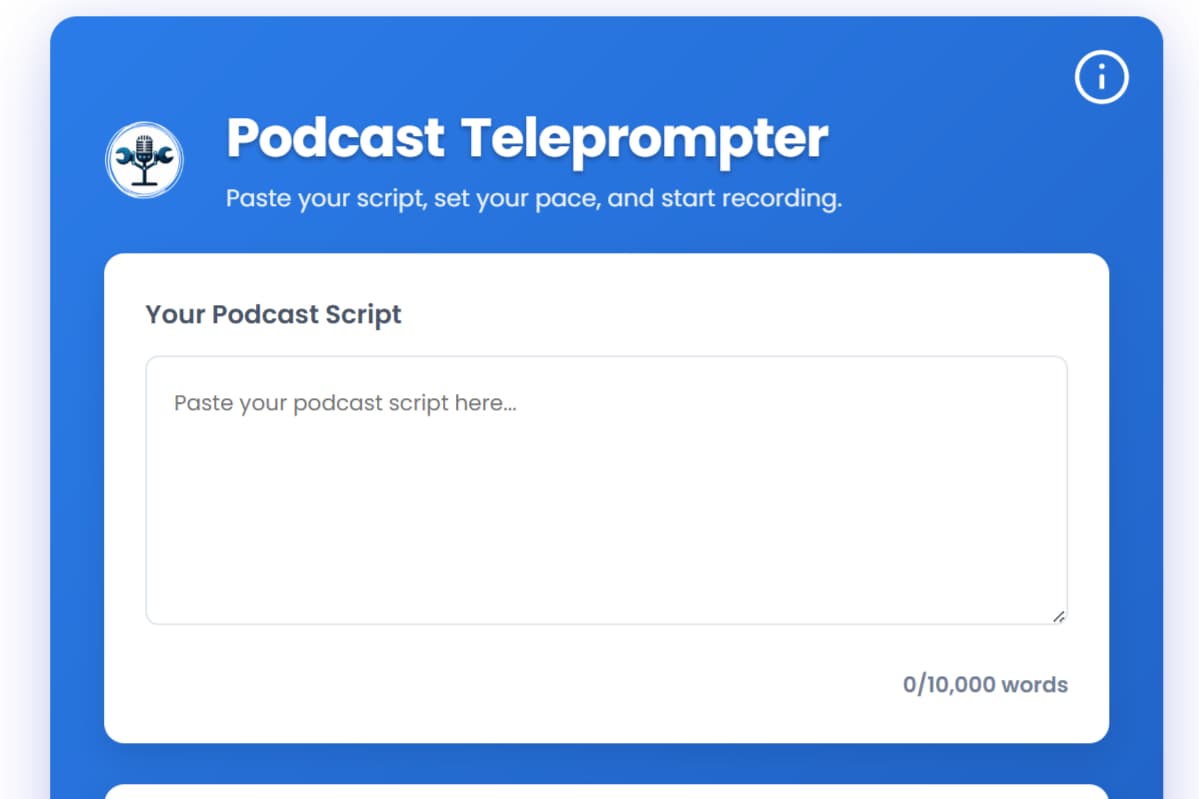
The Tools Podcasting Teleprompter embraces a no-frills approach that actually works well for its intended purpose. The interface is clean and distraction-free, with a large text area that dominates the screen - exactly what you want when you're trying to read scripts without losing your place. The speed slider from 90-210 WPM gives you precise control over pacing, and the full-screen mode creates that professional teleprompter feel. While it won't win any design awards, the straightforward layout means you can paste your script and start recording within seconds. The keyboard shortcuts (spacebar to pause) are a thoughtful touch that shows they understand the workflow of content creators who need hands-free operation during recordings.
Speed & Security
Performance-wise, this teleprompter delivers where it counts. I tested it with lengthy scripts and experienced no lag or stuttering during scrolling, which is crucial when you're in the middle of recording and can't afford technical hiccups. Being web-based means it loads quickly without any installation headaches. Security is basic but appropriate for the use case - since no accounts are required and scripts aren't stored on servers, your content remains private. The tool runs entirely in your browser, minimizing data transmission risks. While it doesn't offer enterprise-level encryption, for most podcasters and creators, the privacy approach is sufficient and actually preferable to tools that require account creation just to read a script.
Accessibility & Growth
Accessibility is clearly the area needing the most attention. The lack of screen reader support, text customization options, or high-contrast modes limits its usability for creators with visual impairments. However, the growth potential is significant given the booming podcasting industry and the tool's free price point. The included pacing guidance for beginners shows thoughtful design for the target audience, and the 10,000-word capacity handles even the longest podcast episodes. As more people enter content creation, tools like this that solve a specific problem well have strong market positioning, especially when they don't charge subscription fees that often deter newcomers.
Conclusion
If you're tired of sounding like you're reading from notes or constantly looking down at your script, this free teleprompter could be the simple solution you need. It removes the friction from script delivery and lets you focus on your content rather than your delivery. The pacing guidance alone is worth trying for beginners learning to speak naturally on camera or microphone. For podcasters, YouTubers, or educators who need reliable script support without subscription fees, Tools Podcasting Teleprompter delivers exactly what it promises - no more, no less.
Suggestions for improvement
- Add text customization options like font size, colors, and backgrounds for better readability during long recording sessions
- Implement screen reader compatibility and high-contrast modes to serve creators with visual impairments
- Create a mobile-responsive version since many creators record using smartphones as cameras
- Add voice-activated controls for true hands-free operation during recording setups
Alternatives comparison
Named competitors, point by point. Nobody paid to appear here or to be left out.
 Tools Podcasting Teleprompter Tools Podcasting Teleprompter |  Riverside Teleprompter Riverside Teleprompter |  Cueprompter Cueprompter |  Podcastle Teleprompter Podcastle Teleprompter | |
|---|---|---|---|---|
| Price Model | Completely Free | Subscription Required | Paid Platform | Free |
| Script Capacity | 10,000 words | Not Specified | Not Specified | Not Specified |
| Pacing Guidance | Yes, with explanations | Limited | Professional features | Basic only |
Riverside Teleprompter
Offers studio-quality teleprompter features within Riverside's platform, ideal for video podcasts but comes at a cost.
Cueprompter
Another free online teleprompter, though it may lack the podcast-specific pacing guidance found in Tools Podcasting Teleprompter.
Podcastle Teleprompter
A feature-rich teleprompter integrated into Podcastle's recording studio, but often requires a subscription for full access.
Comparing options? See Tools Podcasting Teleprompter alternatives, scored side by side
More Design & Creativity apps
View all Design & Creativity
RoomCreator
92An AI-powered interior and exterior design tool that tran...

QRBliss
91Branded QR codes with AI Brand Sync, 15 free dynamic code...

ThumbnailMaker
90AI YouTube thumbnail maker: paste a video link, get the brief, the thumbnail, and a check at feed size.

What the GIF
89Frame-perfect video-to-GIF maker that runs entirely in yo...

FontPlop
89Browser-based font viewer & tester for TTF, OTF, WOFF, WO...

English Test Coach
89English Test Coach checks your IELTS essays and letters, gives an estimated band score across all four criteria, and tells you exactly what to revise next.

All of Us
89Add deceased loved ones to photos with AI and see free pr...

Tracé slides
89Interactive math & physics slides with live graphs and an...

BeartIMAGE
88BeartIMAGE is a free, web-based image processing platform engineered for fast, bulk photo editing and conversion directly in your browser.

ButterKit
82macOS app for App Store screenshots: 3D mockups, auto-tra...

Portrait Gift
88AI-powered personalized face swap art platform creating c...

Pixelimg
88A free online AI-powered tool that instantly converts ima...


A platform dedicated to providing unbiased reviews of newly launched applications, analyzing everything from their features to their full potential.
info@scoutforge.net© 2026 Scoutforge. All rights reserved.
