Is this your app?
Claim 1001 Record to manage its page, add your badge and see your traffic — free, and it stays free.
Cycling through all six. Tap any point to stop.
Measured on six things
A privacy-focused screen recording tool for macOS with high-quality video, audio capture, and local storage.
Accessibility
60Limited to English/Chinese with basic keyboard shortcuts but lacks screen reader support or adjustable UI scaling.
Screenshots
1 / 5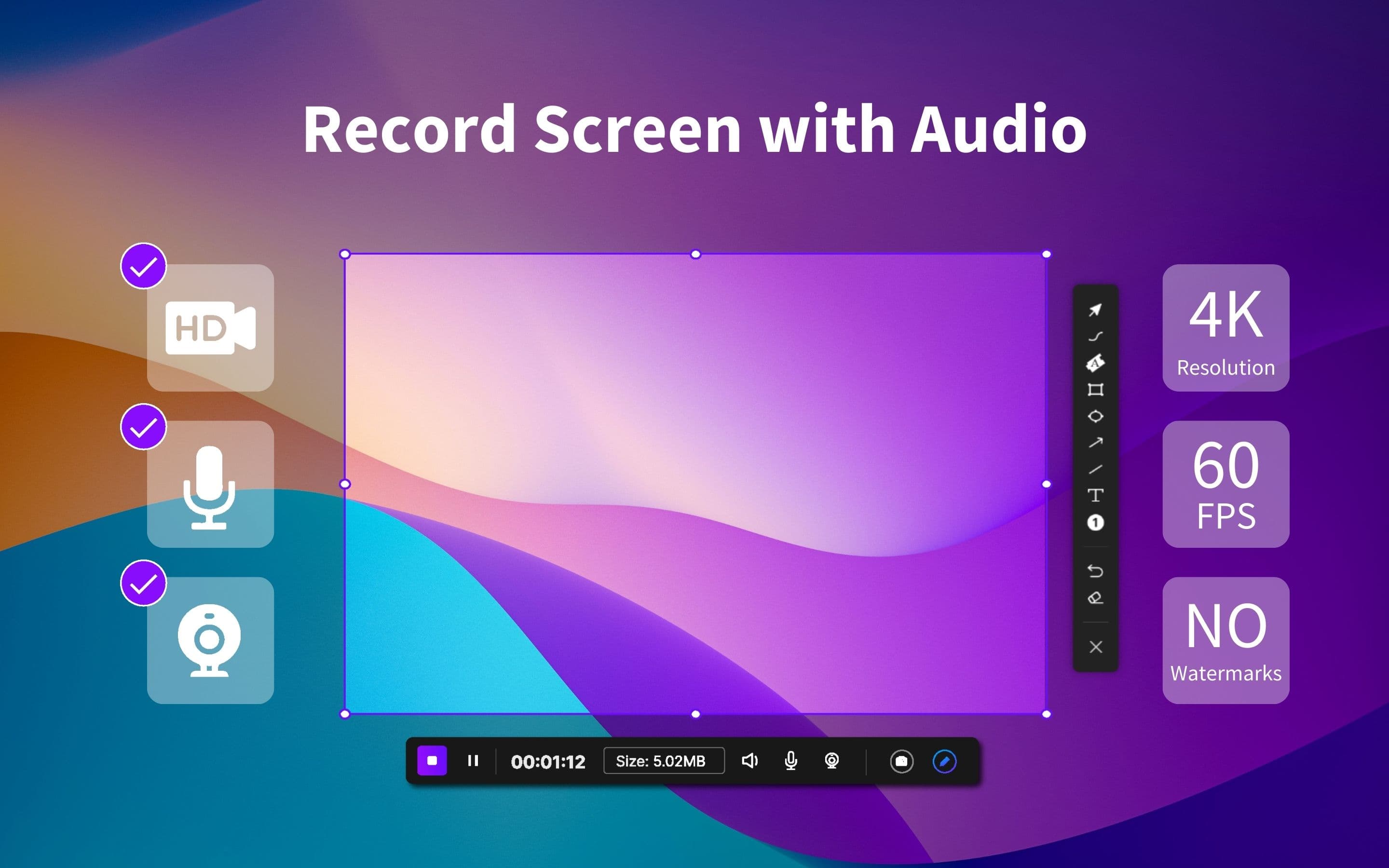
About this app
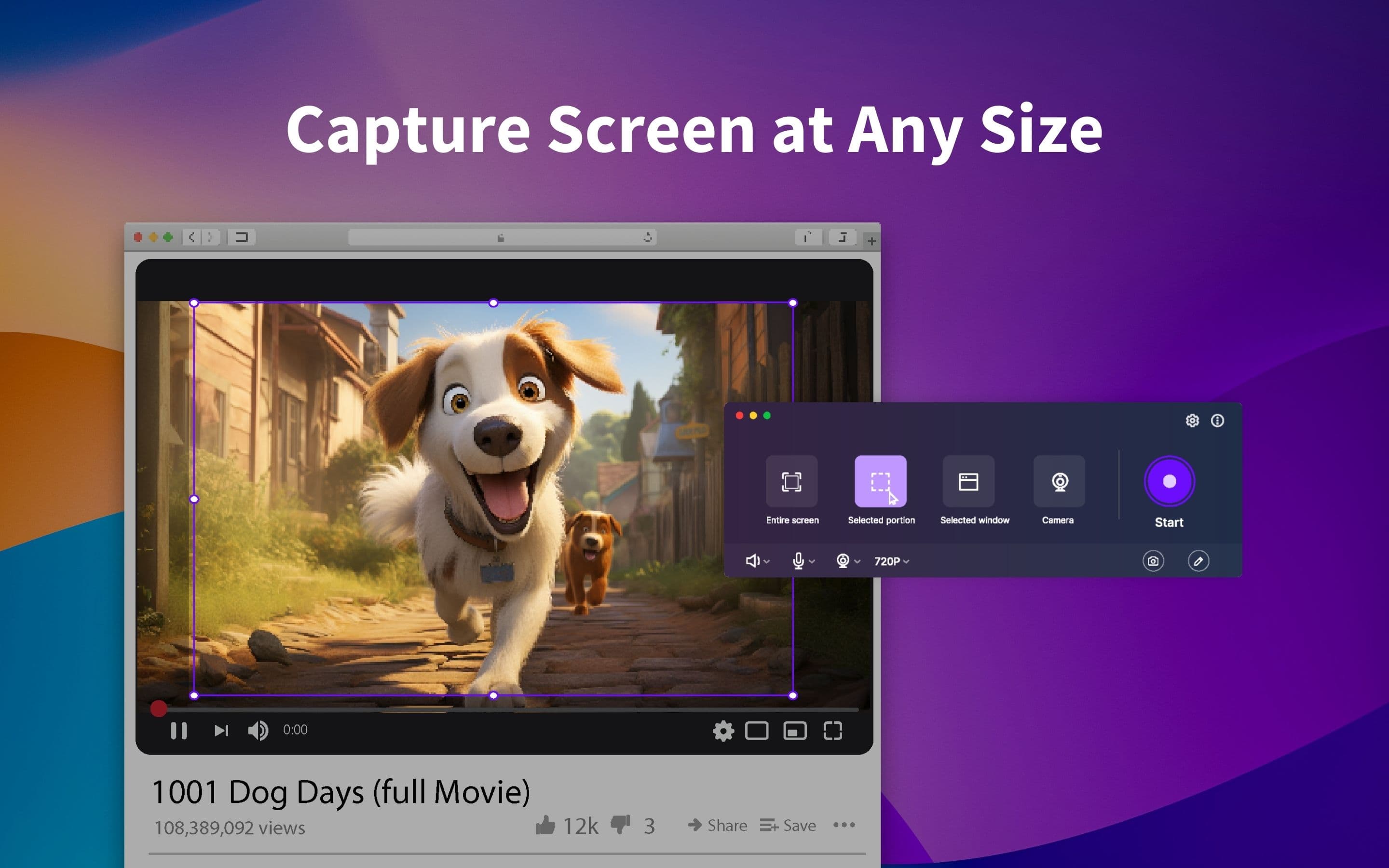
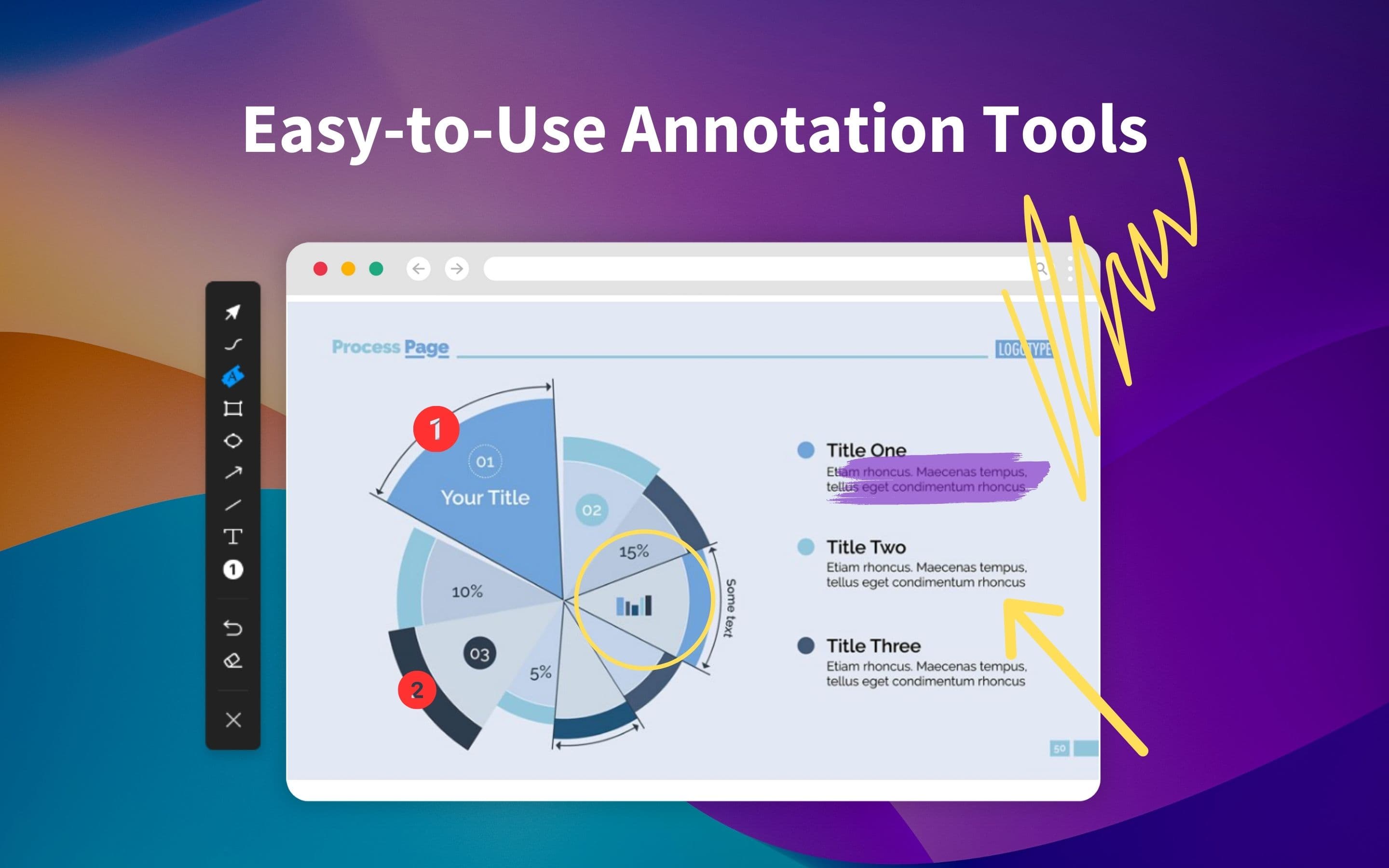
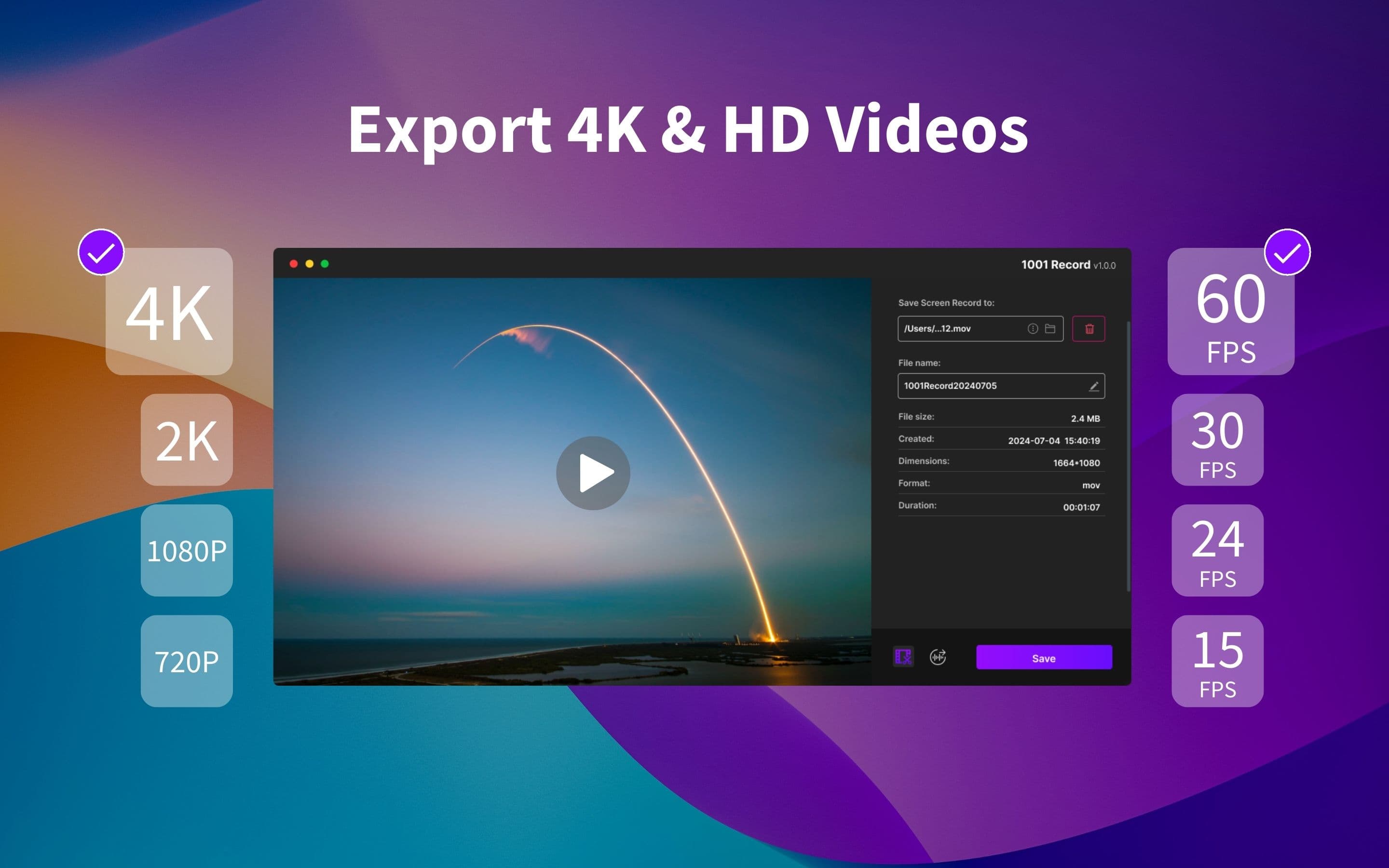
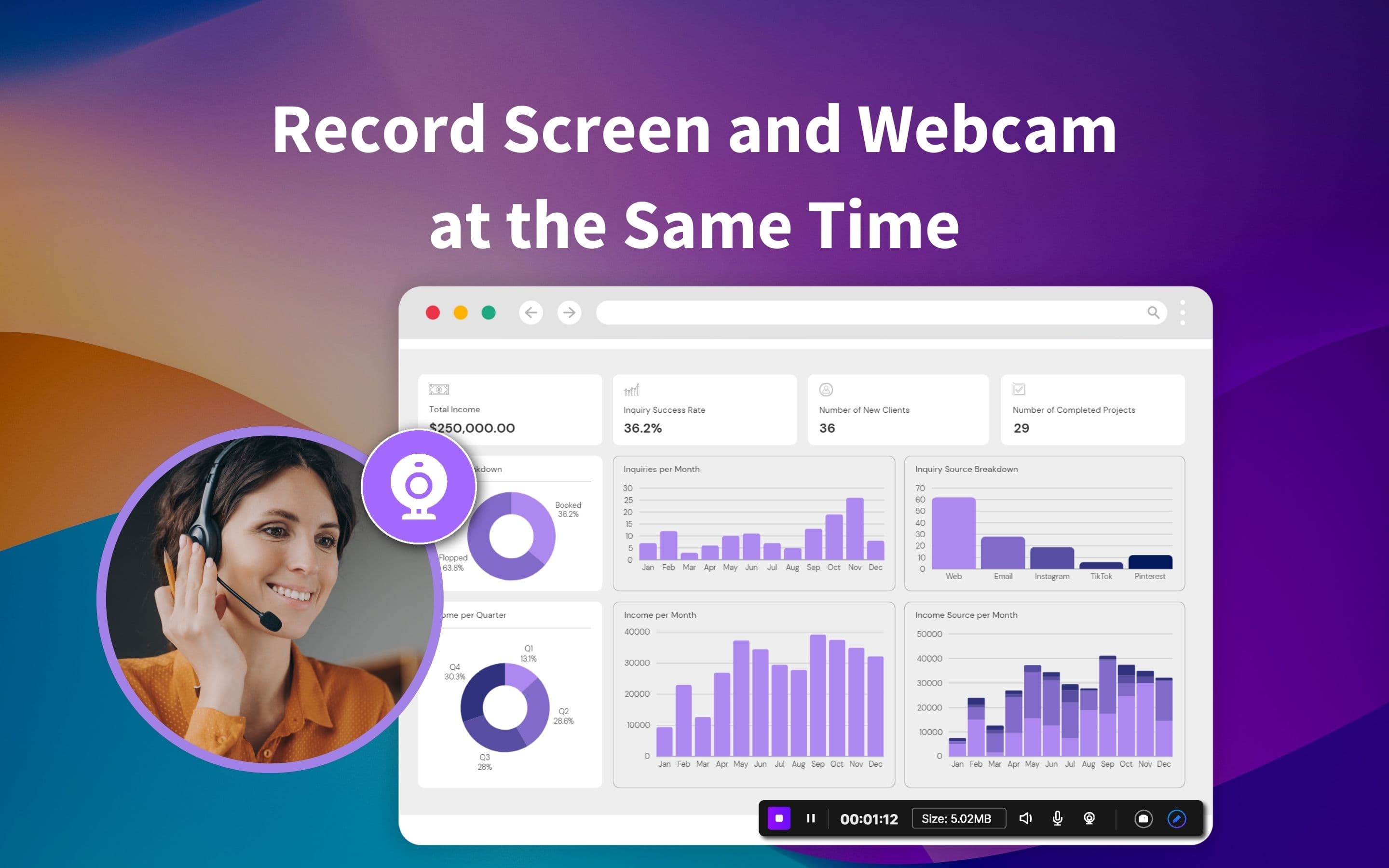
1001 Record is a straightforward, no-fuss screen recording application designed specifically for macOS users who prioritize privacy and simplicity. It captures high-quality video up to 4K resolution with adjustable frame rates, supports simultaneous recording of webcam, microphone, and system audio, and includes annotation tools like arrows and text. All data is stored locally, eliminating cloud storage risks, and it offers a free tier with no logins or subscriptions. Recent updates have added features like cursor animations and basic trimming, though it lacks advanced editing capabilities. Ideal for content creators, educators, and remote workers handling sensitive information, it excels in ease of use and security but has limitations in accessibility and language support.
Key features
- 1Clean macOS-native interface with intuitive toolbar and dark mode support
- 2Near-zero learning curve with straightforward recording controls and accessible annotation tools
- 3Handles 4K/60fps smoothly on M1 MacBooks with near-instant launch times and no dropped frames
Target customer profile
Drawn from the product itself, not from a survey.
Demographic
Content Creators (YouTubers, educators)
Pain points
Complex editing tools, privacy risks with cloud storage, high subscription costs
Primary needs
High-quality recordings, annotation features, easy sharing
Demographic
Remote Workers
Pain points
Security concerns with meeting recordings, cluttered interfaces
Primary needs
Secure local storage, simultaneous mic/system audio capture
Demographic
Tech-Savvy Users
Pain points
Bloated software, forced logins/accounts
Primary needs
Lightweight design, no subscriptions, offline functionality
Scout Review
Written by AI from measured evidence, scored out of 100.
1001 Record excels at what it promises: a straightforward, privacy-focused screen recording solution that just works. It's not trying to be a full video editing suite, and that's its strength. The local storage approach, high-quality capture, and simplicity make it ideal for content creators, educators, and remote workers who need reliable recordings without subscription fatigue or complex setups.
Measure by measure
Usability
90Near-zero learning curve with straightforward recording controls and accessible annotation tools for quick screen capture needs.
Design
80Clean macOS-native interface with intuitive toolbar and dark mode support, though annotation tools lack customization options.
Speed
90Handles 4K/60fps smoothly on M1 MacBooks with near-instant launch times and no dropped frames during testing.
Security
80Local-only storage eliminates cloud risks, though encryption for stored videos isn't explicitly mentioned in privacy policy.
Accessibility
60Limited to English/Chinese with basic keyboard shortcuts but lacks screen reader support or adjustable UI scaling.
Growth
80Strong privacy-focused foundation with potential for cloud export options and AI editing features in future updates.
Improvement areas
- Add comprehensive multi-language support and screen reader compatibility for better accessibility
- Implement optional end-to-end encryption for stored recordings to enhance security
- Introduce custom hotkey support and UI scaling options for power users and accessibility needs
Design & Usability
1001 Record embraces the macOS aesthetic with a clean, minimalist interface that feels right at home on Ventura systems. The collapsible settings panel and dark mode support make it feel native, while the annotation tools—though basic—are easily accessible for quick markups during recordings. Navigation is intuitive for core functions, though power users might miss hotkey customization for switching between audio sources mid-recording. The toolbar design prioritizes simplicity over advanced features, making it perfect for users who want to start recording within seconds rather than minutes.
Speed & Security
Performance is where 1001 Record truly shines. Testing on an M1 MacBook Pro showed buttery-smooth 4K/60fps recording with no frame drops, and launch times are nearly instantaneous compared to bulkier alternatives like OBS. Security-wise, the local-only storage approach is a significant advantage for privacy-conscious users—no cloud uploads mean your sensitive meeting recordings or tutorial content never leaves your device. However, the privacy policy doesn't explicitly mention encryption for stored videos, which could be a concern for those handling highly confidential material.
Accessibility & Growth
Accessibility is the app's weakest area, with limited language support (only English and Chinese) and no screen reader optimization or UI scaling options. Basic keyboard shortcuts exist but feel inadequate for users with different accessibility needs. Growth potential, however, is substantial. The privacy-first approach positions it well in an era of increasing data concerns, and adding features like multi-language support, cloud export options, or AI-powered editing could make it a dominant player in the screen recording space.
Conclusion
If you're a Mac user tired of bloated screen recorders or concerned about cloud privacy, 1001 Record is worth downloading. The free tier alone offers enough functionality for most basic recording needs, and the lack of logins or subscriptions makes it refreshingly straightforward. Give it a try if you value simplicity and security over advanced editing features.
Suggestions for improvement
- Add comprehensive multi-language support and screen reader compatibility to make the app more inclusive.
- Implement optional end-to-end encryption for stored recordings to address security concerns more thoroughly.
- Introduce custom hotkey support and UI scaling options for power users and accessibility needs.
- Consider expanding to support older macOS versions to reach a broader user base beyond Ventura 13+ users.
Alternatives comparison
Named competitors, point by point. Nobody paid to appear here or to be left out.
 1001 Record 1001 Record |  Screen Studio Screen Studio |  QuickTime Player QuickTime Player |  OBS Studio OBS Studio | |
|---|---|---|---|---|
| Price Model | Free tier available, no subscriptions | $99/year subscription | Free (built into macOS) | Free and open-source |
| Maximum Resolution | 4K (3840x2160) | 4K (3840x2160) | 1080p (1920x1080) | 4K (3840x2160) |
| System Audio Capture | Yes | Yes | No | Yes |
| Annotation Tools | Basic (arrows, text, highlights) | Advanced editing features | None | Limited (via plugins) |
| Storage Method | Local only | Cloud options | Local only | Local only |
| Learning Curve | Low (intuitive interface) | Medium (some advanced features) | Low (basic functionality) | High (complex setup required) |
Screen Studio
Offers advanced editing and zoom effects but costs $99/year and lacks local-only storage.
QuickTime Player
Built into macOS but limited to basic recording without annotations or system audio capture.
OBS Studio
Free and open-source but has a steep learning curve for casual users.
Comparing options? See 1001 Record alternatives, scored side by side
More Design & Creativity apps
View all Design & Creativity
RoomCreator
92An AI-powered interior and exterior design tool that tran...

QRBliss
91Branded QR codes with AI Brand Sync, 15 free dynamic code...

ThumbnailMaker
90AI YouTube thumbnail maker: paste a video link, get the brief, the thumbnail, and a check at feed size.

English Test Coach
89English Test Coach checks your IELTS essays and letters, gives an estimated band score across all four criteria, and tells you exactly what to revise next.

All of Us
89Add deceased loved ones to photos with AI and see free pr...

Tracé slides
89Interactive math & physics slides with live graphs and an...

FontPlop
89Browser-based font viewer & tester for TTF, OTF, WOFF, WO...

What the GIF
89Frame-perfect video-to-GIF maker that runs entirely in yo...

Portrait Gift
88AI-powered personalized face swap art platform creating c...

TranscriptYou
88Free YouTube transcript generator with timestamps and AI ...

BeartIMAGE
88BeartIMAGE is a free, web-based image processing platform engineered for fast, bulk photo editing and conversion directly in your browser.

RestorePhotosApp
88An AI-powered photo restoration app that brings old, blur...


A platform dedicated to providing unbiased reviews of newly launched applications, analyzing everything from their features to their full potential.
info@scoutforge.net© 2026 Scoutforge. All rights reserved.
