

A platform dedicated to providing unbiased reviews of newly launched applications, analyzing everything from their features to their full potential.
info@scoutforge.net© 2026 Scoutforge. All rights reserved.
A platform dedicated to providing unbiased reviews of newly launched applications, analyzing everything from their features to their full potential.
info@scoutforge.net© 2026 Scoutforge. All rights reserved.
A platform dedicated to providing unbiased reviews of newly launched applications, analyzing everything from their features to their full potential.
info@scoutforge.net© 2026 Scoutforge. All rights reserved.
Is this your app?
Claim DriveEditor to manage its page, add your badge and see your traffic — free, and it stays free.
Cycling through all six. Tap any point to stop.
Measured on six things
A Chrome extension for editing videos directly in Google Drive with no watermarks, offering tools like cropping and speed adjustments.
Minimal inclusive features with no screen reader support, limited to English, and lacks high-contrast modes or keyboard shortcuts.
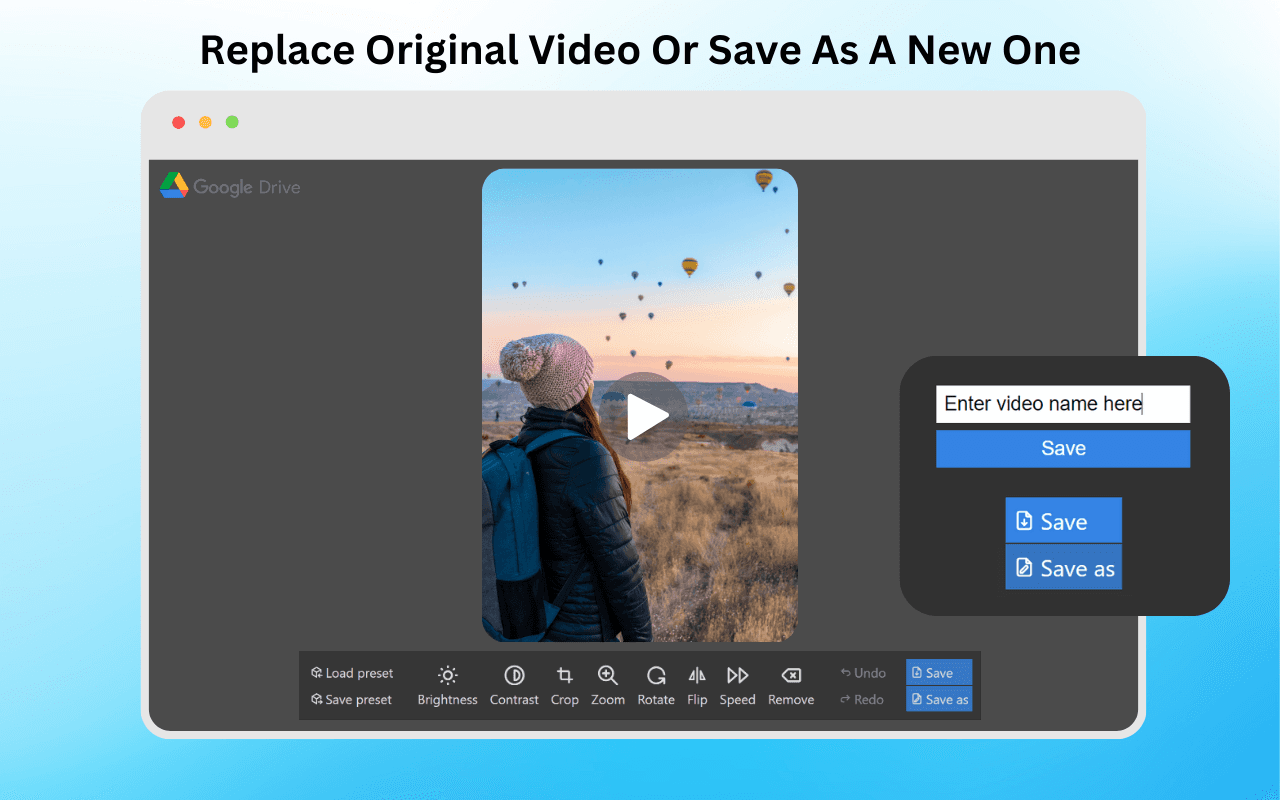
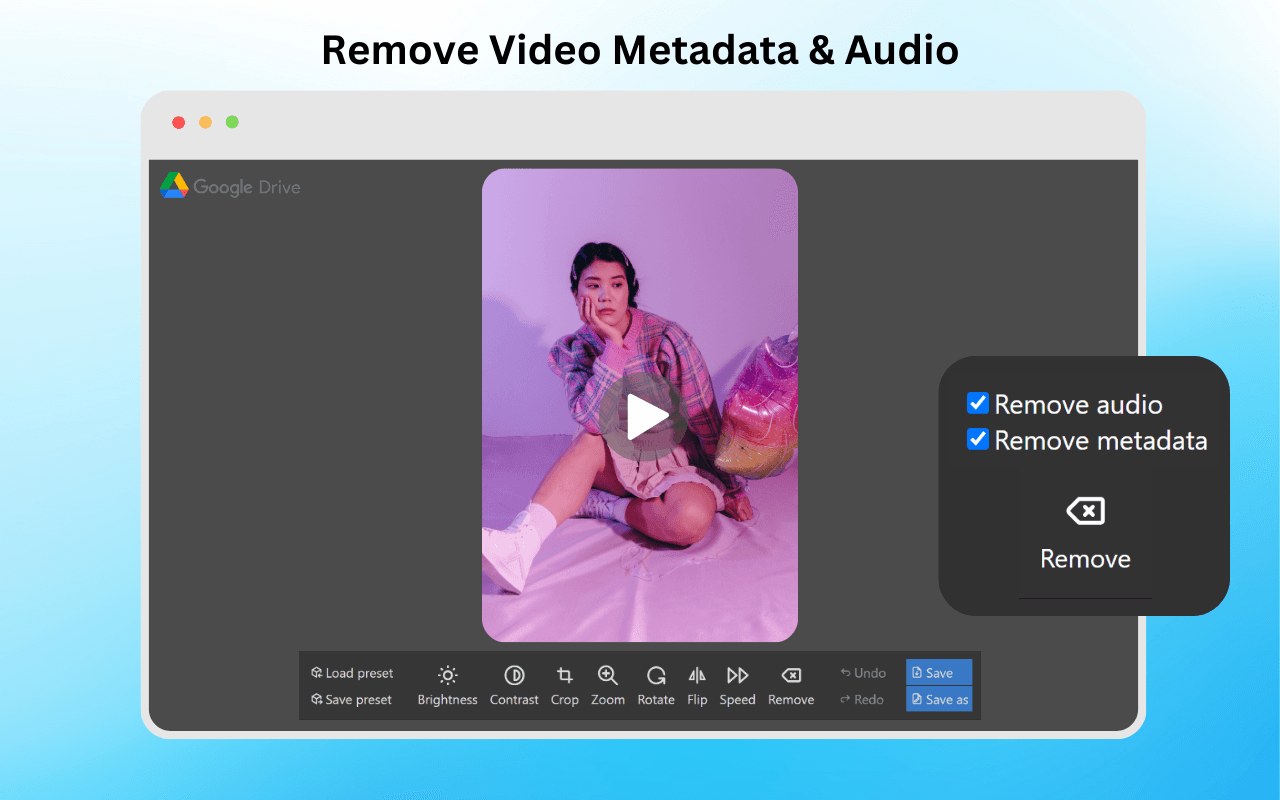
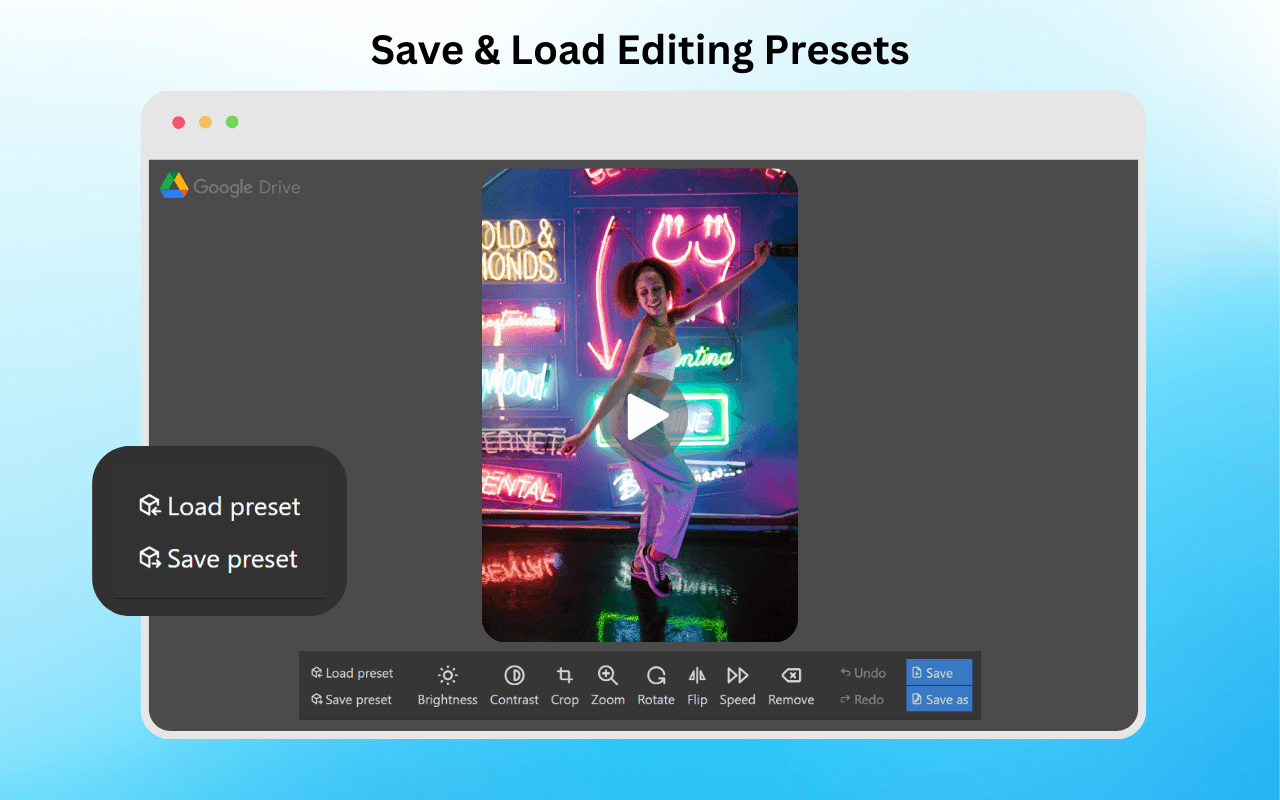
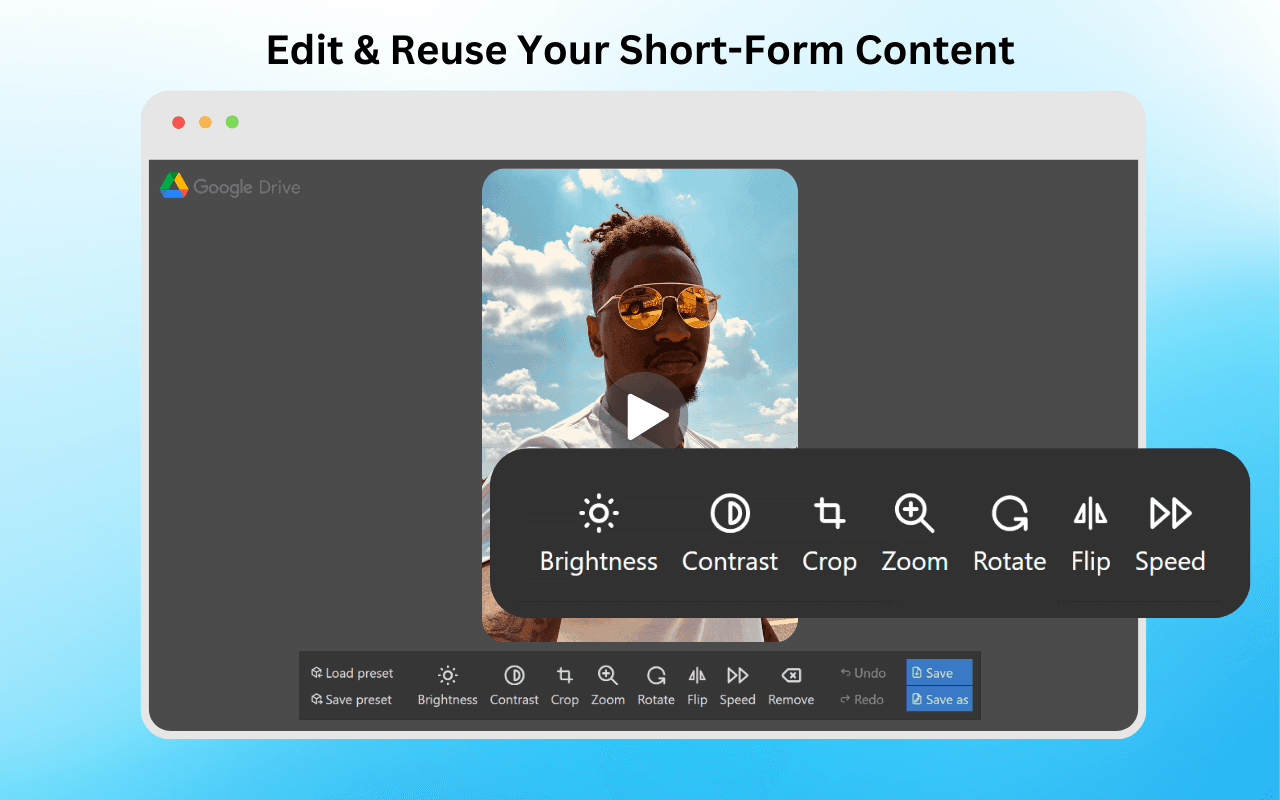
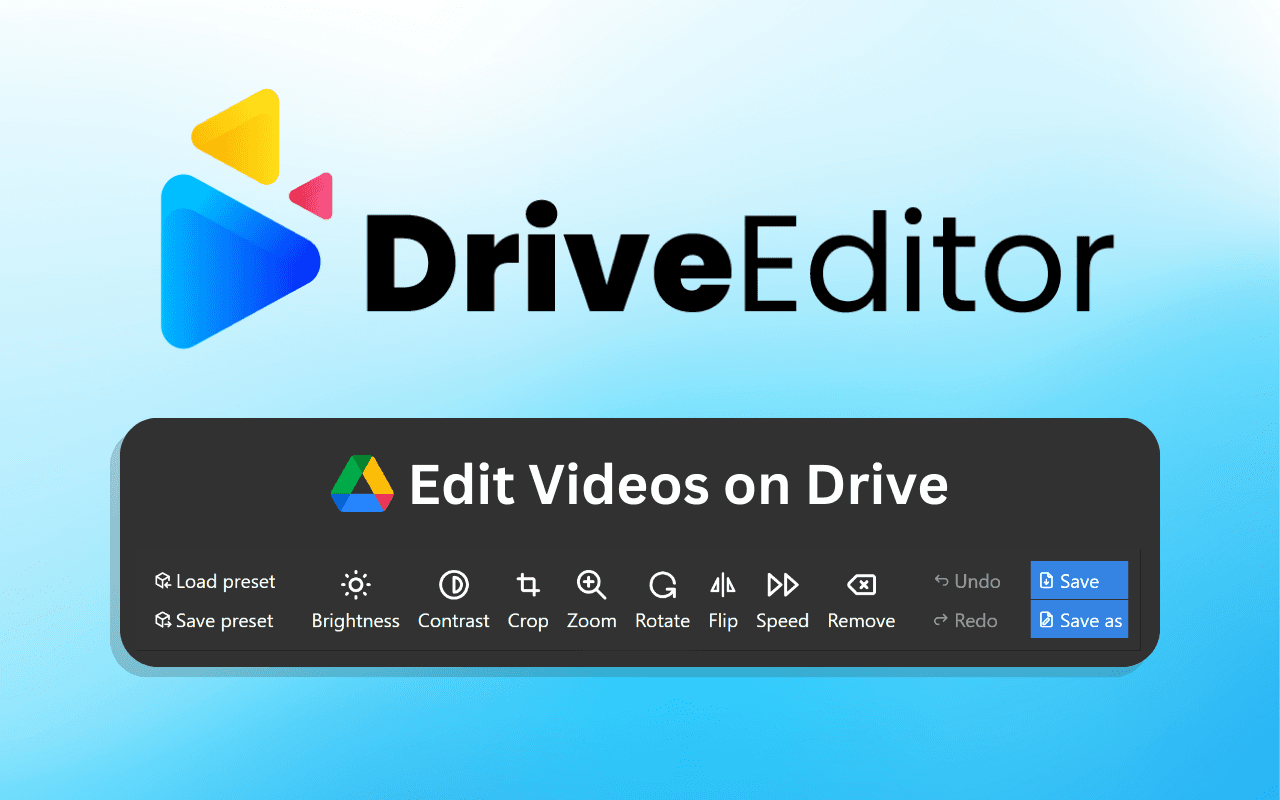
DriveEditor is a game-changer for anyone who frequently works with videos stored in Google Drive. As a tech enthusiast, I've tried my fair share of editing tools, and this one stands out for its seamless integration. It eliminates the hassle of downloading and re-uploading files, making it perfect for quick edits on the fly. With features like brightness adjustments, cropping, and speed controls, it's ideal for social media marketers, freelancers, and content creators who need efficient, watermark-free editing. The ability to copy and paste presets for batch edits is a huge time-saver, and its compatibility with shared folders enhances collaboration. While it may not replace professional software for complex projects, its free tier and affordable paid plans make it accessible for everyday use. Privacy is a strong suit, with local processing and TAC Security verification ensuring your data stays safe. Overall, if you're looking to streamline your video workflow without leaving Google Drive, DriveEditor is definitely worth a try.
Drawn from the product itself, not from a survey.
Demographic
Freelance Video Editors
Pain points
Time-consuming upload/download cycles; need for quick, watermark-free edits
Primary needs
Efficiency, integration with cloud storage, reusable presets
Demographic
Social Media Marketers
Pain points
Repurposing content across platforms; maintaining consistent branding
Primary needs
Speed adjustments, metadata removal, collaboration in shared folders
Demographic
Content Reposters
Pain points
Watermarks from free editors; limited storage for raw files
Primary needs
Unlimited reuse, no watermarks, direct Drive access
Written by AI from measured evidence, scored out of 100.
DriveEditor excels at its core promise: quick, watermark-free video editing directly within Google Drive. It eliminates the frustrating download-upload cycle that plagues cloud-based editing workflows. The preset system and local processing are standout features that respect users' time and privacy. While it won't replace professional editing suites, it perfectly serves content creators who need rapid tweaks for social media repurposing. The free tier makes it accessible for experimentation, while paid plans offer reasonable value for frequent users.
Intuitive for basic edits with preset copy/paste system. Snappy navigation but missing granular controls for power users.
Minimalist browser-focused interface with straightforward editing panel and sliders for adjustments. Functional but lacks polish and advanced timeline features.
Smooth performance for sub-50MB files with local processing. Larger videos may lag due to 5-minute limit restrictions.
Local processing via Chrome extension with TAC Security verification. No data harvesting from Drive and privacy-focused approach.
Minimal inclusive features with no screen reader support, limited to English, and lacks high-contrast modes or keyboard shortcuts.
Strong niche appeal with Google Drive integration gap. Room to expand features and reach broader creator market.
DriveEditor's interface embraces a minimalist, browser-focused approach that prioritizes functionality over flashy design. The editing panel features straightforward sliders for adjustments like brightness and speed controls, making it accessible for beginners. The preset copy/paste system is a genuine time-saver for repetitive tasks, showing thoughtful UX design. However, the absence of drag-and-drop timelines or advanced visual effects means professional editors might find it limiting. Navigation feels responsive for basic operations, but the simplicity comes at the cost of granular control that power users typically expect from video editing tools.
Performance-wise, DriveEditor handles sub-50MB files smoothly thanks to local processing through the Chrome extension, avoiding cloud upload delays. The 5-minute video limit helps maintain responsiveness but clearly restricts longer projects. Security is a strong suit - with TAC Security verification and local file processing, your Google Drive data remains private and unharvested. The extension doesn't require unnecessary permissions, focusing only on video editing functionality. While larger files may experience some lag, the trade-off for enhanced privacy and no watermarks makes sense for the target audience of quick social media edits.
Accessibility is DriveEditor's weakest area, offering minimal inclusive features with no screen reader support, limited to English only, and lacking high-contrast modes or comprehensive keyboard shortcuts. Basic tooltips help new users but fall short of proper accessibility standards. Despite these limitations, the growth potential is significant given the unique Google Drive integration niche. The gap in the market for direct cloud editing presents expansion opportunities for mobile apps, collaborative features, and broader language support. The preset system and no-watermark policy provide solid foundation for capturing social media creators and freelancers seeking efficient workflows.
Conclusion
If you're a social media manager, freelancer, or content reposter tired of wrestling with watermarks and file transfers, DriveEditor is worth installing. It won't handle complex projects, but for quick brightness adjustments, cropping, and speed changes on your Drive-stored videos, it's remarkably efficient. The Chrome extension integrates seamlessly, and the privacy-focused approach means your content stays yours. Give the free version a try - it might just streamline your content creation workflow more than you expect.
Named competitors, point by point. Nobody paid to appear here or to be left out.
 DriveEditor DriveEditor |  Clipchamp Clipchamp |  Canva Video Editor Canva Video Editor |  Adobe Express Adobe Express | |
|---|---|---|---|---|
| Google Drive Integration | Direct in-Drive editing | Requires file importing | Manual uploads needed | No native integration |
| Watermark Policy | No watermarks | Free version watermarks | Premium removes watermarks | Premium removes watermarks |
| Advanced Features | Basic edits only | Intermediate features | Advanced templates | Professional transitions/filters |
| Processing Method | Local processing | Cloud processing | Cloud processing | Cloud processing |
Clipchamp
Integrates with Google Drive but requires importing files, lacks direct in-Drive editing
Canva Video Editor
Offers advanced templates but needs manual uploads and lacks metadata tools
Adobe Express
More features like transitions and filters but no native Google Drive integration
Comparing options? See DriveEditor alternatives, scored side by side

An AI-powered interior and exterior design tool that tran...

Frame-perfect video-to-GIF maker that runs entirely in yo...

BeartIMAGE is a free, web-based image processing platform engineered for fast, bulk photo editing and conversion directly in your browser.

A free online AI-powered tool that instantly converts ima...

AI-powered personalized face swap art platform creating c...

macOS app for App Store screenshots: 3D mockups, auto-tra...

An AI-powered photo restoration app that brings old, blur...

A massive collection of free printable coloring pages for...

Design And Animate QR Codes People Want to Scan

AI face swap for photos, videos, GIFs with free trial.

Try on a tattoo on your own body photo before you book.

Private, local-first image texture workbench.
A platform dedicated to providing unbiased reviews of newly launched applications, analyzing everything from their features to their full potential.
info@scoutforge.net© 2026 Scoutforge. All rights reserved.
