Cycling through all six. Tap any point to stop.
Measured on six things
Free Instagram downloader and viewer: save Reels, photos, Stories and profile pictures, with a free Chrome extension.
Design
58Coherent magenta-and-grey palette, one obvious hero action and clean type hierarchy, but the same placeholder mountain illustration repeats on every page and the homepage is a long SEO sprawl of tiles, accordions and a self-issued star badge.
Screenshots
1 / 3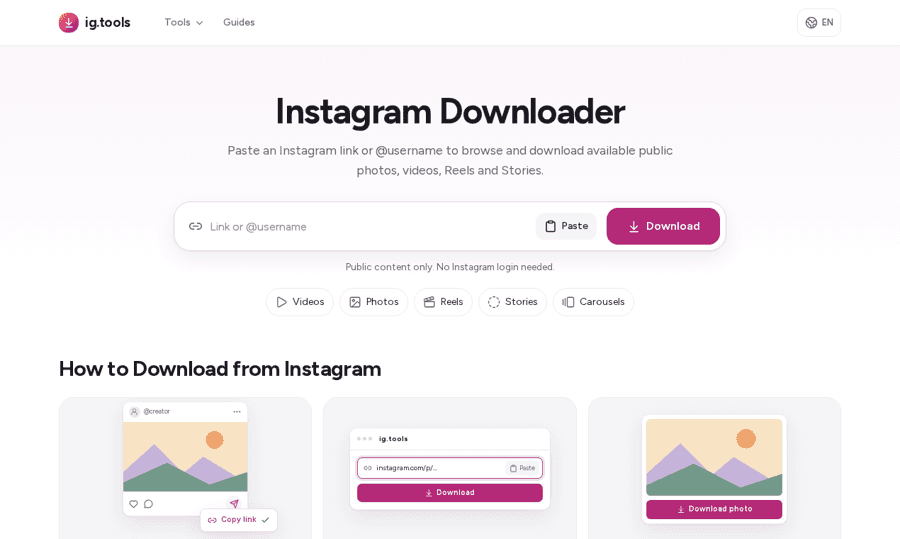
About this app
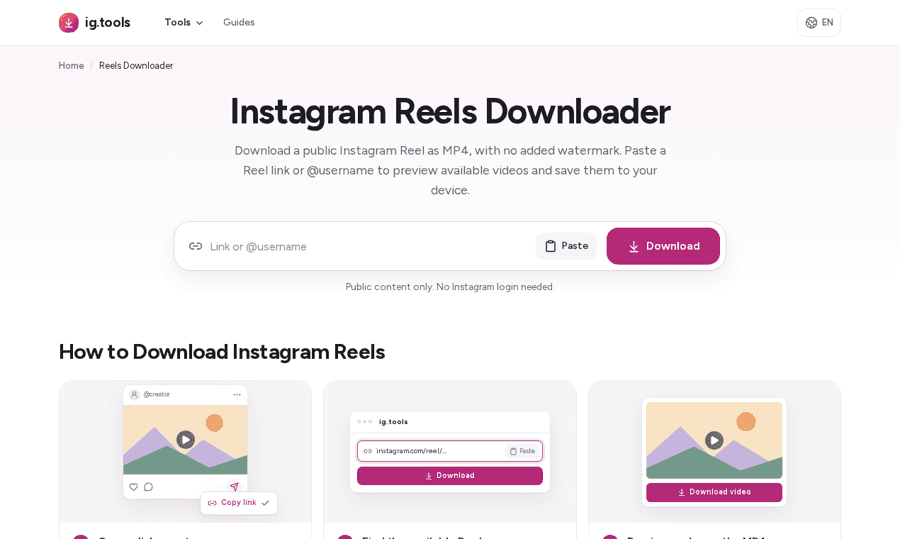
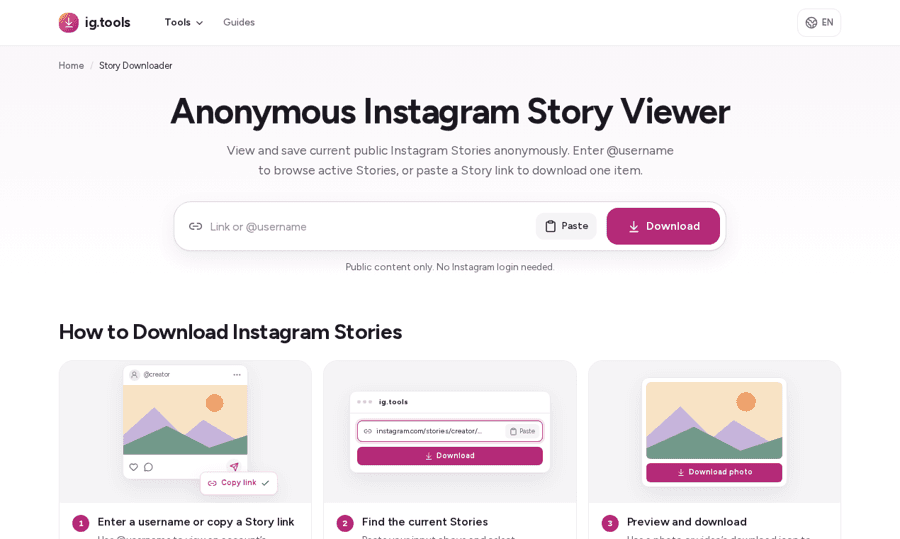
ig.tools is a free web tool for downloading and viewing public Instagram content. Nothing to install and no account: paste a link or @username and save the media in original quality. - Download Reels and videos as MP4 at their original resolution. - Save photos and every clip from a carousel post. - Download Stories and Highlights from public accounts. - Watch Stories anonymously, hidden from the viewer list. - View and download profile pictures in full HD. - Read comments on a public post without opening Instagram. - Generate stylish fonts for bios, captions and comments. It runs in any browser on desktop, Android or iPhone. A free Chrome extension adds the story viewer and download buttons on Instagram. ig.tools only works with public content. It never asks for your Instagram password and does not post or interact with any account. Core features are free, with no sign-up. Please respect creators' copyright and only download content you have the right to use.
Key features
- 1Download public Reels, videos, photos and carousel slides at original source quality, no login required.
- 2Anonymous Story and Highlight viewing, plus a Chrome extension that adds viewer and download buttons on Instagram.
- 3Guides hub with ~25 how-to articles covering iPhone/Android saving, expired Stories and download failures.
Target customer profile
Drawn from the product itself, not from a survey.
Demographic
Content Creators/Marketers
Pain points
Manually downloading media from Instagram is cumbersome and often requires logins.
Primary needs
Efficiently archive or repurpose public Instagram content.
Demographic
Social Media Users/Fans
Pain points
Want to save favorite Reels or photos but don't want to use third-party apps that require personal data.
Primary needs
Quick, easy access to download public media without logging in.
Demographic
Digital Archivists/Researchers
Pain points
Need reliable ways to save temporary content like Stories before they disappear forever.
Primary needs
A stable tool to capture time-sensitive public Instagram media.
Scout Review
Written by AI from measured evidence, scored out of 100.
ig.tools is a free, no-login Instagram downloader that does the obvious thing well and fast. The hero is one input and one button, the copy pre-empts the private-account objection, and a real guides hub covers the messy parts — iPhone saving, expired Stories, missing audio. Performance is exceptional (100/100 Lighthouse both platforms, sub-second LCP), and the security posture is sensible for a tool that never asks for credentials, even without a CSP or DMARC. Design is coherent but templated, with placeholder art repeated across every page and a self-issued 4.8-star badge that undercuts trust rather than building it. Accessibility is strong on automated checks and thin on published commitments. Growth is a real need in a crowded market where the Chrome extension is the only durable moat.
Measure by measure
Usability
63Paste-and-download is a genuinely one-step flow, the 'public content only' note pre-empts the obvious error, and a ~25-article guides hub covers iPhone/Android saving and failures. No search or quick-jump, so returning users scroll past a wall of tiles.
Design
58Coherent magenta-and-grey palette, one obvious hero action and clean type hierarchy, but the same placeholder mountain illustration repeats on every page and the homepage is a long SEO sprawl of tiles, accordions and a self-issued star badge.
Speed
88Lighthouse 100/100 on both mobile and desktop: LCP 941ms, CLS 0, TBT 64ms. Media is served from Instagram/Meta's CDN rather than proxied, so the page stays light. No lag complaints found in the collected evidence.
Security
74HTTPS enforced with HSTS, frame protection, Referrer-Policy, Permissions-Policy and SPF set (9/12 probe points). No CSP and no DMARC record, and no SOC 2/ISO/pen-test page — but the tool never asks for credentials or cookies, which limits the blast radius.
Accessibility
80Lighthouse accessibility 100/100 with a single failing audit (visible text labels without matching accessible names). Responsive across desktop, Android and iPhone, but English-only and no published WCAG statement or a11y page.
Growth
58A real, high-volume need with concrete wedges — anonymous Story viewing, ZIP carousels, on-device MP3, a Chrome extension — in a crowded downloader category where the listed alternatives (screen recording, native export) are genuinely worse.
Improvement areas
- No Content-Security-Policy and no DMARC record; no published security or compliance page.
- Repeated placeholder illustration and 15 near-identical tiles make sub-tool pages feel templated.
- No search or quick-jump; returning users scroll past explainers, tiles and FAQ to reach secondary tools.
- Self-issued 4.8/5 star badge with no verifiable third-party source.
Design & Usability
The homepage does the hard part right: one wide input, one magenta Download button, and a 'public content only, no login needed' line that kills the biggest objection before it forms. Typography is disciplined and the palette is restrained. Where it slips is depth — the same placeholder mountain illustration appears on the how-to cards and every sub-tool page, so fifteen tiles read as one templated page repeated. Usability is genuinely good on the happy path: paste, click, save, with a ~25-article guides hub covering iPhone/Android quirks and failure modes. The cost is density; there's no search or quick-jump, so anyone returning for the Story viewer scrolls through explainers, tiles and a six-question FAQ first.
Speed & Security
Speed is the standout. Lighthouse returns 100/100 on both mobile and desktop with LCP at 941ms, CLS at zero and TBT at 64ms — the kind of numbers most SaaS landing pages never see. It helps that the architecture is honest about itself: media stays on Instagram/Meta's CDN and the site explicitly says it creates no server-side copy, so there's little to load and little to store. Security is competent rather than certified. The probe found HTTPS enforced with HSTS, frame protection, Referrer-Policy, Permissions-Policy and SPF — nine of twelve checklist points — but no Content-Security-Policy and no DMARC record. There's no SOC 2, ISO or pen-test page, which is normal for a free utility at this stage, and the design decision to never touch passwords or account cookies meaningfully caps the risk.
Accessibility & Growth
Accessibility scores 100/100 in the automated Lighthouse run, with one failing audit for visible text labels lacking matching accessible names — a small, fixable gap. The site is responsive across desktop, Android and iPhone, but it's English-only and publishes no WCAG statement, so the perfect score is a floor, not a ceiling. Growth is the interesting question. The problem is real and enormous: people want to save public Reels and Stories without logging in, and the two listed alternatives — screen recording and Instagram's own export — are both worse at it. ig.tools names specific wedges: anonymous Story viewing, ZIP carousel downloads, on-device MP3 conversion and a Chrome extension. The limit is the category itself: Instagram downloaders are a crowded, ad-supported commodity market where the platform can break your parser any week, and the domain is barely weeks old.
Conclusion
If you need to pull a public Reel or a carousel off Instagram without handing over a login, this is a clean, fast way to do it, and the guides show someone actually thought about the failure cases. What it isn't yet is differentiated enough to remember over the dozen identical tools in the same search results. The Chrome extension is the seed of that — anonymous Story viewing is a genuinely better pitch than 'another downloader' — but it's buried below a wall of tiles. Fix the accessible labels, add a CSP and DMARC record, put a search box above the fold, and lead with the extension. The bones are good; the positioning needs to catch up.
Suggestions for improvement
- Add a Content-Security-Policy header and a DMARC record to close the two remaining probe gaps.
- Fix the failing accessible-name audit so visible text labels match their accessible names.
- Replace the repeated mountain-and-sun placeholder art with real product screenshots per tool page.
- Surface the Chrome extension and a search/quick-jump above the 15-tile grid for returning users.
Alternatives comparison
Named competitors, point by point. Nobody paid to appear here or to be left out.
 ig.tools | Screen Recording Apps | Instagram Internal Export Features | |
|---|---|---|---|
| Requires no login or account | Yes — no sign-up, no Instagram password | N/A — screen recording needs no account but captures the app UI | No — requires an Instagram account login |
| Download quality | Largest available source file, no upscaling or watermark | Screen-capture resolution, often compressed or cropped | Native export, limited resolution and format options |
| Bulk / carousel download | Yes — select multiple carousel items and download as ZIP | No — one manual recording at a time | No bulk download; per-item only |
| Anonymous Story viewing | Yes — Stories and Highlights hidden from viewer list (Chrome extension) | No — recording while logged in still registers a view | No — viewing in-app registers on the viewer list |
| Works on iPhone, Android and desktop | Yes — any modern browser; Safari Share menu on iPhone | Yes — native screen recording on all platforms | Yes — Instagram app on all platforms |
Screen Recording Apps
Manually recording the screen to capture content, which is tedious and low quality.
Instagram Internal Export Features
Using native Instagram features, which often lack bulk download or high-resolution options.
Comparing options? See ig.tools alternatives, scored side by side
More Design & Creativity apps
View all Design & Creativity
RoomCreator
92An AI-powered interior and exterior design tool that tran...

QRBliss
91Branded QR codes with AI Brand Sync, 15 free dynamic code...

ThumbnailMaker
90AI YouTube thumbnail maker: paste a video link, get the brief, the thumbnail, and a check at feed size.

English Test Coach
89English Test Coach checks your IELTS essays and letters, gives an estimated band score across all four criteria, and tells you exactly what to revise next.

All of Us
89Add deceased loved ones to photos with AI and see free pr...

Tracé slides
89Interactive math & physics slides with live graphs and an...

FontPlop
89Browser-based font viewer & tester for TTF, OTF, WOFF, WO...

What the GIF
89Frame-perfect video-to-GIF maker that runs entirely in yo...

Portrait Gift
88AI-powered personalized face swap art platform creating c...

TranscriptYou
88Free YouTube transcript generator with timestamps and AI ...

BeartIMAGE
88BeartIMAGE is a free, web-based image processing platform engineered for fast, bulk photo editing and conversion directly in your browser.

RestorePhotosApp
88An AI-powered photo restoration app that brings old, blur...


A platform dedicated to providing unbiased reviews of newly launched applications, analyzing everything from their features to their full potential.
info@scoutforge.net© 2026 Scoutforge. All rights reserved.
