Is this your app?
Claim KKV AI to manage its page, add your badge and see your traffic — free, and it stays free.
Cycling through all six. Tap any point to stop.
Measured on six things
An all-in-one creative suite combining AI video generation, image creation, and editing tools for seamless content production.
Accessibility
50English and Chinese support but no screen reader optimization, poor color contrast for color-blind users, no font size adjustments.
Screenshots
1 / 5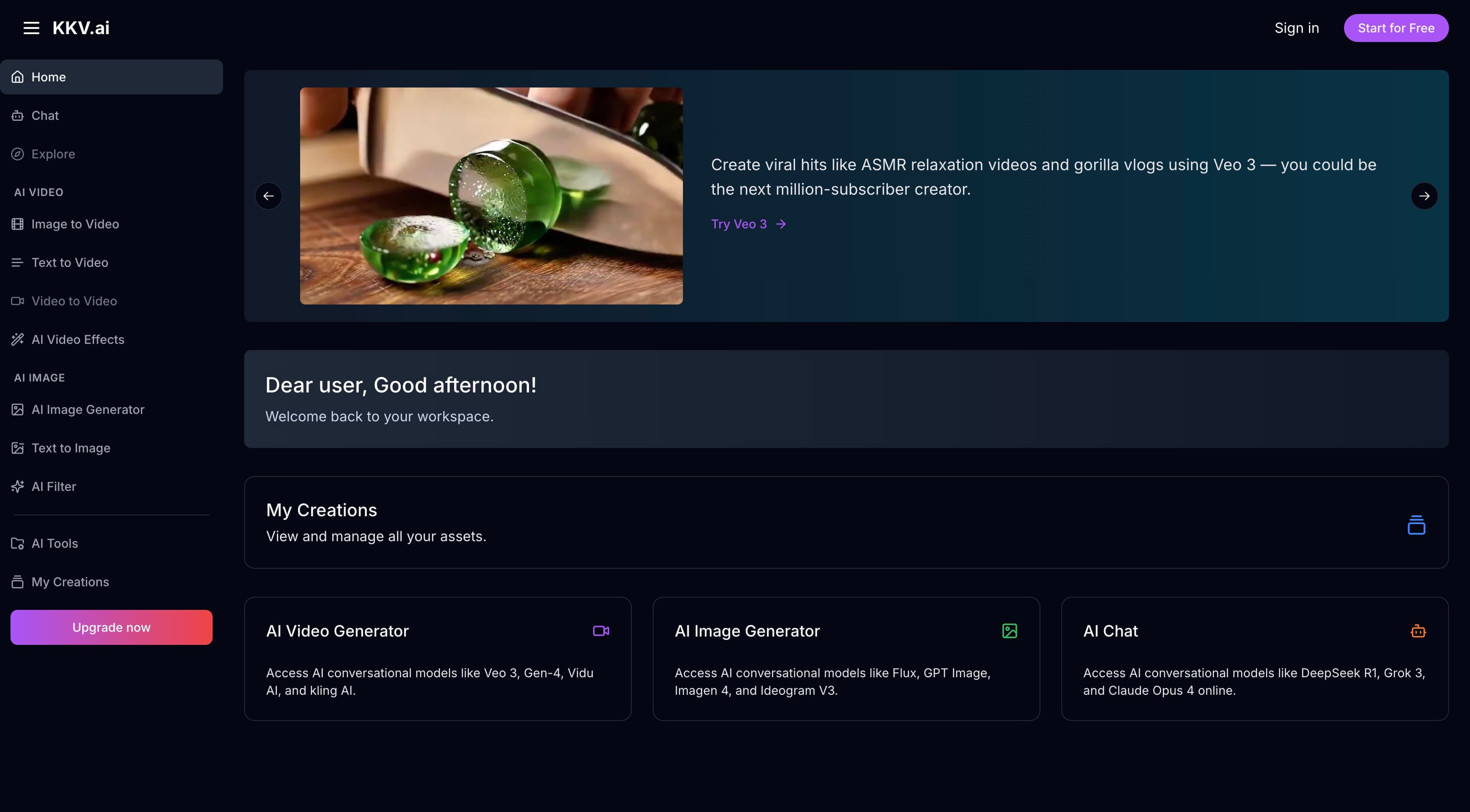
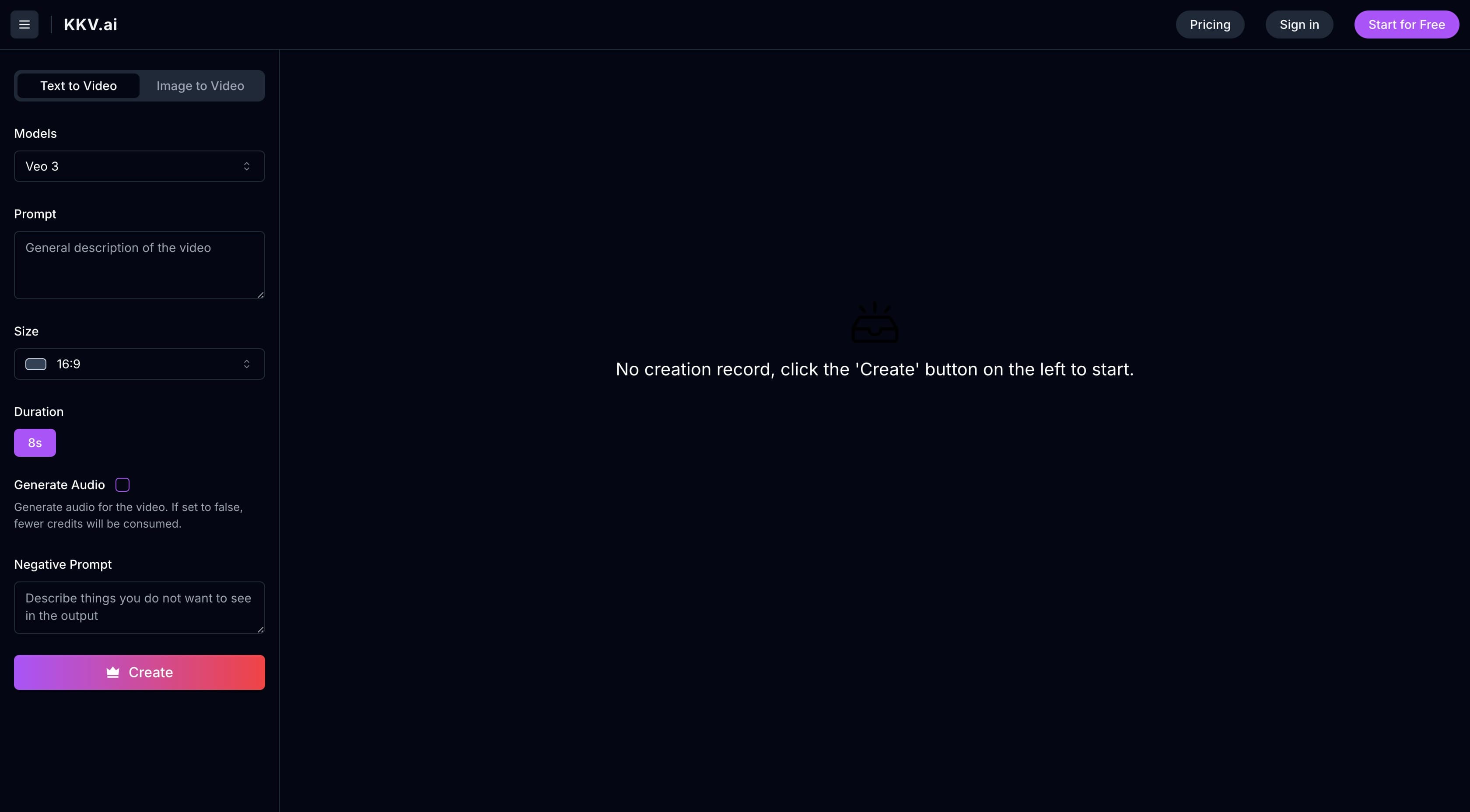
About this app
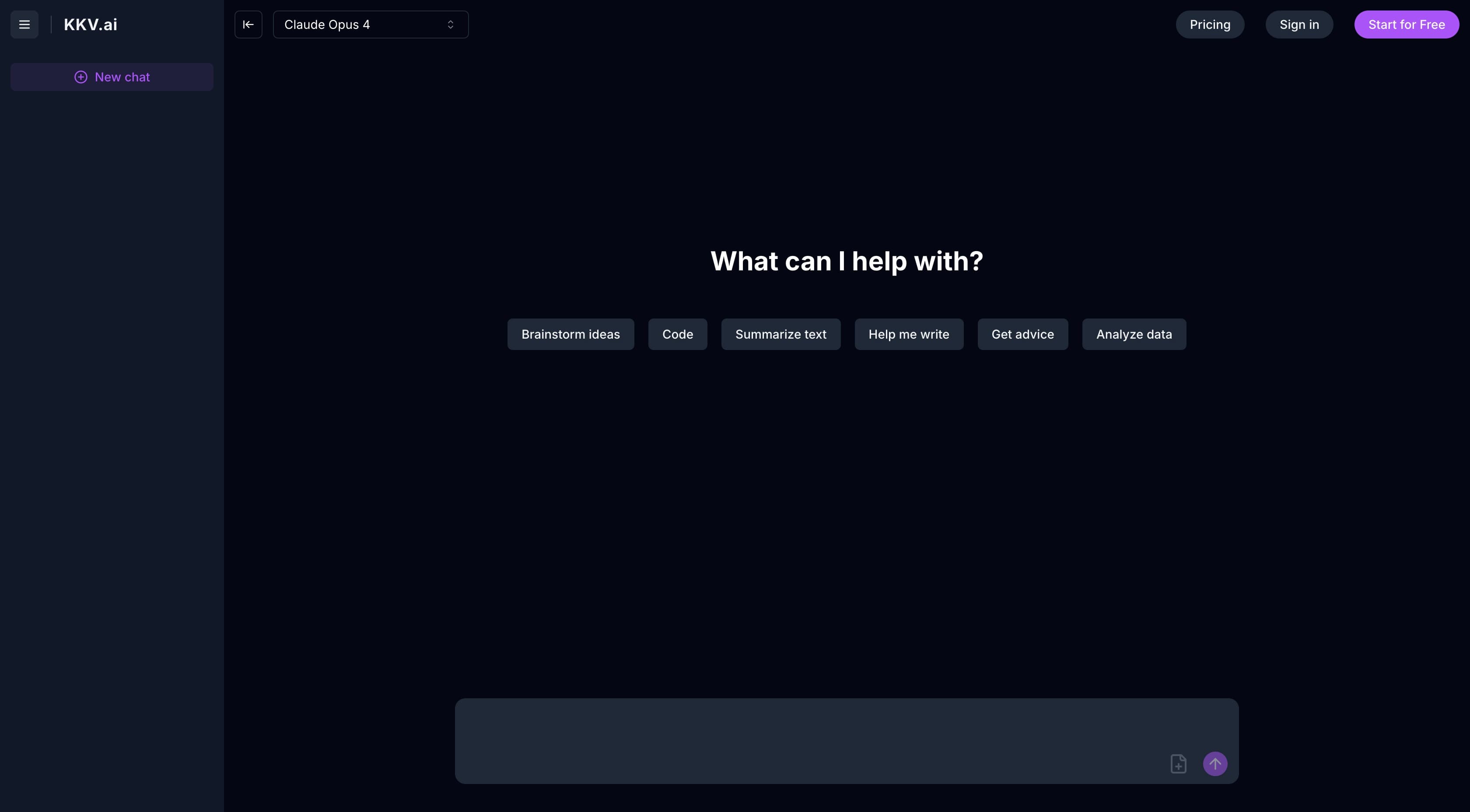
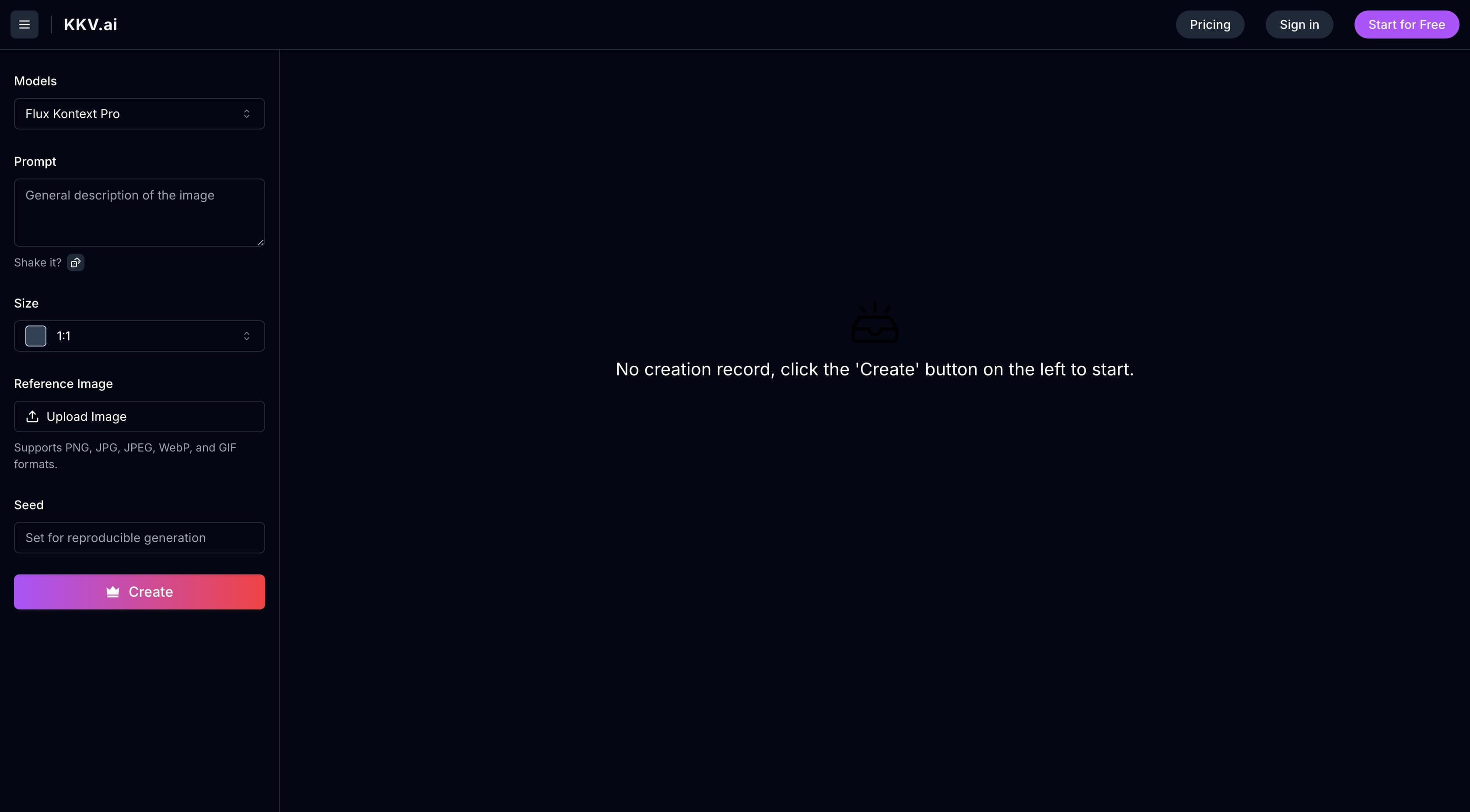
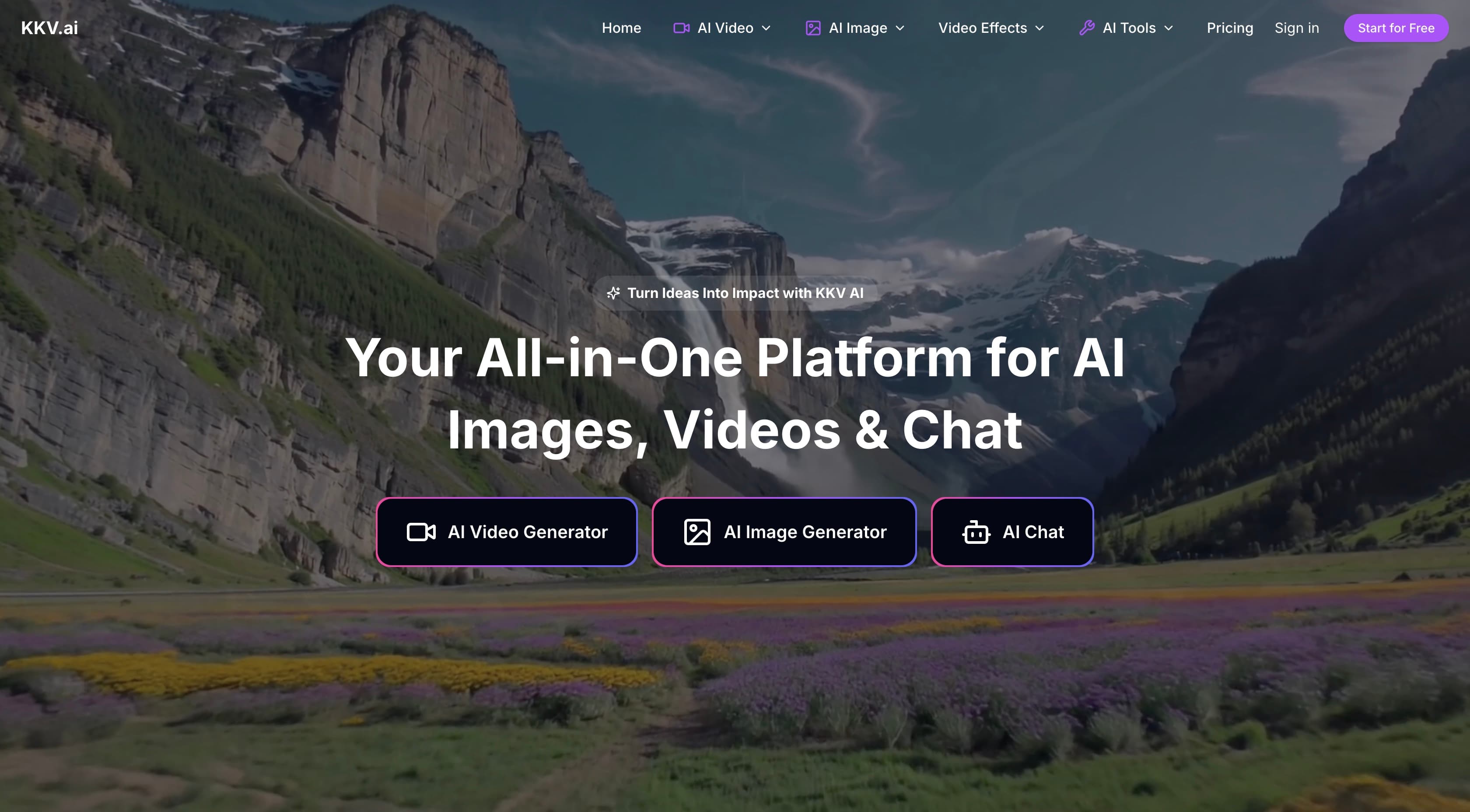
KKV AI is a versatile platform that aggregates over 100 cutting-edge AI models, including Veo 3 and Stable Diffusion, to streamline creative workflows for content creators. It offers features like text-to-video generation, image transformation, and watermark removal, making it ideal for social media managers, small business marketers, and individual creators who need rapid, high-quality content without juggling multiple tools. While it excels in accessibility and integration, it has some limitations in advanced editing and security transparency.
Key features
- 1Aggregates over 100 AI models including Veo 3 and Stable Diffusion for versatile content creation.
- 2Clean card-based layout with dark theme reduces eye strain and intuitive navigation for minimal learning curve.
- 3All-in-one platform for video, image, and chat tools, ideal for social media and rapid prototyping workflows.
Target customer profile
Drawn from the product itself, not from a survey.
Demographic
Social Media Managers
Pain points
Daily content pressure, platform algorithm demands, brand consistency
Primary needs
Rapid video/image generation, template-based creation, style consistency
Demographic
Small Business Marketers
Pain points
Limited budgets, no design team, ad creative fatigue
Primary needs
Cost-effective visuals, product mockups, ad variation generation
Demographic
Content Creators
Pain points
Creative blocks, technical learning curves, production bottlenecks
Primary needs
Inspiration tools, one-click enhancements, meme/viral content creation
Scout Review
Written by AI from measured evidence, scored out of 100.
KKV AI delivers impressive versatility by bringing together 100+ AI models in one platform, making it ideal for content creators who need rapid, high-quality outputs without technical headaches. While it excels at social media content and prototyping, it falls short on advanced editing capabilities and transparency around data security.
Measure by measure
Usability
90Minimal learning curve with intuitive navigation, organized template library by platform, though advanced controls are buried in menus.
Design
86Clean card-based layout with dark theme reduces eye strain, smart visual previews for model selection, and context-aware workspace maintenance.
Speed
74Variable performance: Veo 3 renders 4-second clips in 25-40s, complex SDXL takes 90+s, Turbo mode sacrifices quality for 2x speed.
Security
60Standard HTTPS encryption but lacks data retention transparency and detailed privacy policies for commercial projects.
Accessibility
50English and Chinese support but no screen reader optimization, poor color contrast for color-blind users, no font size adjustments.
Growth
90Strong positioning in booming AI content market with 100+ model aggregation approach and versatile creative workflow solutions.
Improvement areas
- Enhance security with transparent data retention policies and detailed privacy documentation for commercial use.
- Improve accessibility by adding screen reader support, better color contrast, and font size adjustments.
- Address speed inconsistencies and advanced control accessibility by optimizing performance and menu organization.
Design & Usability
KKV AI's dashboard impresses with its clean, card-based layout that smartly organizes tools by function. The dark theme isn't just trendy—it genuinely reduces eye strain during those marathon content creation sessions. What really stands out are the visual previews for model selection, which eliminate the usual prompt-guessing games. The workspace maintains context beautifully when switching between video generation and photo editing, though I noticed advanced controls like frame-level editing get buried in secondary menus. The template library is thoughtfully organized by social platform dimensions, though some niche categories could use more options.
Speed & Security
Performance is a mixed bag depending on which AI model you're using. Veo 3 handles 4-second clips in 25-40 seconds, while complex SDXL prompts can take over 90 seconds. The Turbo mode offers a nice compromise for rapid iterations by sacrificing some quality. Security-wise, the platform uses standard HTTPS encryption but provides frustratingly little transparency about data retention policies—concerning for commercial projects. During testing, face enhancement tools worked reliably, but video upscaling occasionally introduced noticeable artifacting that required re-rendering.
Accessibility & Growth
Accessibility is clearly an afterthought with only English and Chinese language support and no screen reader optimization. The color contrast meets basic standards, but the dark theme's blue accents could pose problems for color-blind users. There's no font size adjustment in the editor, and keyboard navigation is limited to primary functions. Despite these shortcomings, KKV's growth potential is massive thanks to its aggregation of 100+ cutting-edge models and positioning in the booming AI content creation market. The all-in-one approach addresses a genuine pain point for creators tired of juggling multiple tools.
Conclusion
If you're a social media manager drowning in daily content demands or a solopreneur needing professional results without production hassles, KKV AI is absolutely worth trying. It's not quite Hollywood-grade yet, but for the price, you get staggering creative power that points to where AI content creation is headed.
Suggestions for improvement
- Implement granular permission controls for team collaborations, provide transparent data processing documentation, develop WCAG-compliant interface options with screen reader support, create output consistency tools for brand marketing, and introduce frame-by-frame video editing workflows for advanced users.
Alternatives comparison
Named competitors, point by point. Nobody paid to appear here or to be left out.
 KKV AI KKV AI |  Canva AI Video Generator Canva AI Video Generator |  Runway ML Runway ML |  Adobe Firefly Adobe Firefly | |
|---|---|---|---|---|
| AI Model Variety | 100+ models including Veo 3, Stable Diffusion | Limited model options | Professional-grade models | Superior image models only |
| Learning Curve | Minimal learning curve | Simpler interface | Steep learning curve | Moderate learning curve |
| Pricing | Competitive pricing | Freemium model | Higher pricing | Premium pricing |
| Integration Capabilities | All-in-one video+image+chat | Basic integration | Professional workflows | Adobe ecosystem only |
Canva AI Video Generator
Simpler interface but fewer model options and no advanced editing features
Runway ML
More professional video tools but steeper learning curve and higher pricing
Adobe Firefly
Superior image editing but lacks KKV's all-in-one video+image+chat integration
Comparing options? See KKV AI alternatives, scored side by side
More Design & Creativity apps
View all Design & Creativity
RoomCreator
92An AI-powered interior and exterior design tool that tran...

QRBliss
91Branded QR codes with AI Brand Sync, 15 free dynamic code...

ThumbnailMaker
90AI YouTube thumbnail maker: paste a video link, get the brief, the thumbnail, and a check at feed size.

English Test Coach
89English Test Coach checks your IELTS essays and letters, gives an estimated band score across all four criteria, and tells you exactly what to revise next.

All of Us
89Add deceased loved ones to photos with AI and see free pr...

Tracé slides
89Interactive math & physics slides with live graphs and an...

FontPlop
89Browser-based font viewer & tester for TTF, OTF, WOFF, WO...

What the GIF
89Frame-perfect video-to-GIF maker that runs entirely in yo...

Portrait Gift
88AI-powered personalized face swap art platform creating c...

TranscriptYou
88Free YouTube transcript generator with timestamps and AI ...

BeartIMAGE
88BeartIMAGE is a free, web-based image processing platform engineered for fast, bulk photo editing and conversion directly in your browser.

RestorePhotosApp
88An AI-powered photo restoration app that brings old, blur...


A platform dedicated to providing unbiased reviews of newly launched applications, analyzing everything from their features to their full potential.
info@scoutforge.net© 2026 Scoutforge. All rights reserved.
