Is this your app?
Claim Poindeo to manage its page, add your badge and see your traffic — free, and it stays free.
Cycling through all six. Tap any point to stop.
Measured on six things
A free, browser-based video editor for marketers, educators, and creators, offering intuitive tools for quick, professional video production without downloads or accounts.
Accessibility
50Severely lacking in accessibility features - no screen reader support, limited keyboard shortcuts, minimal language options.
Screenshots
1 / 4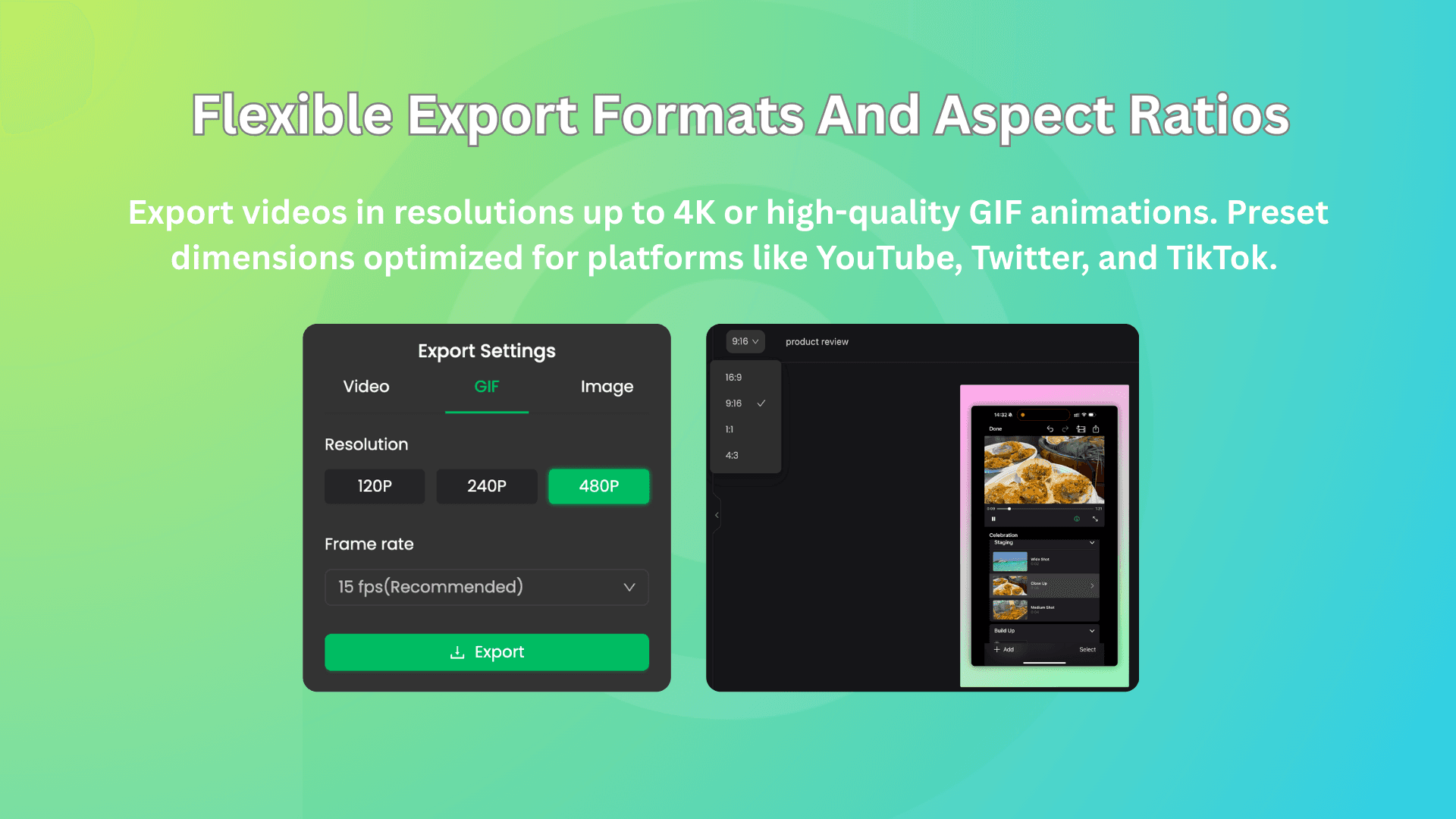
About this app
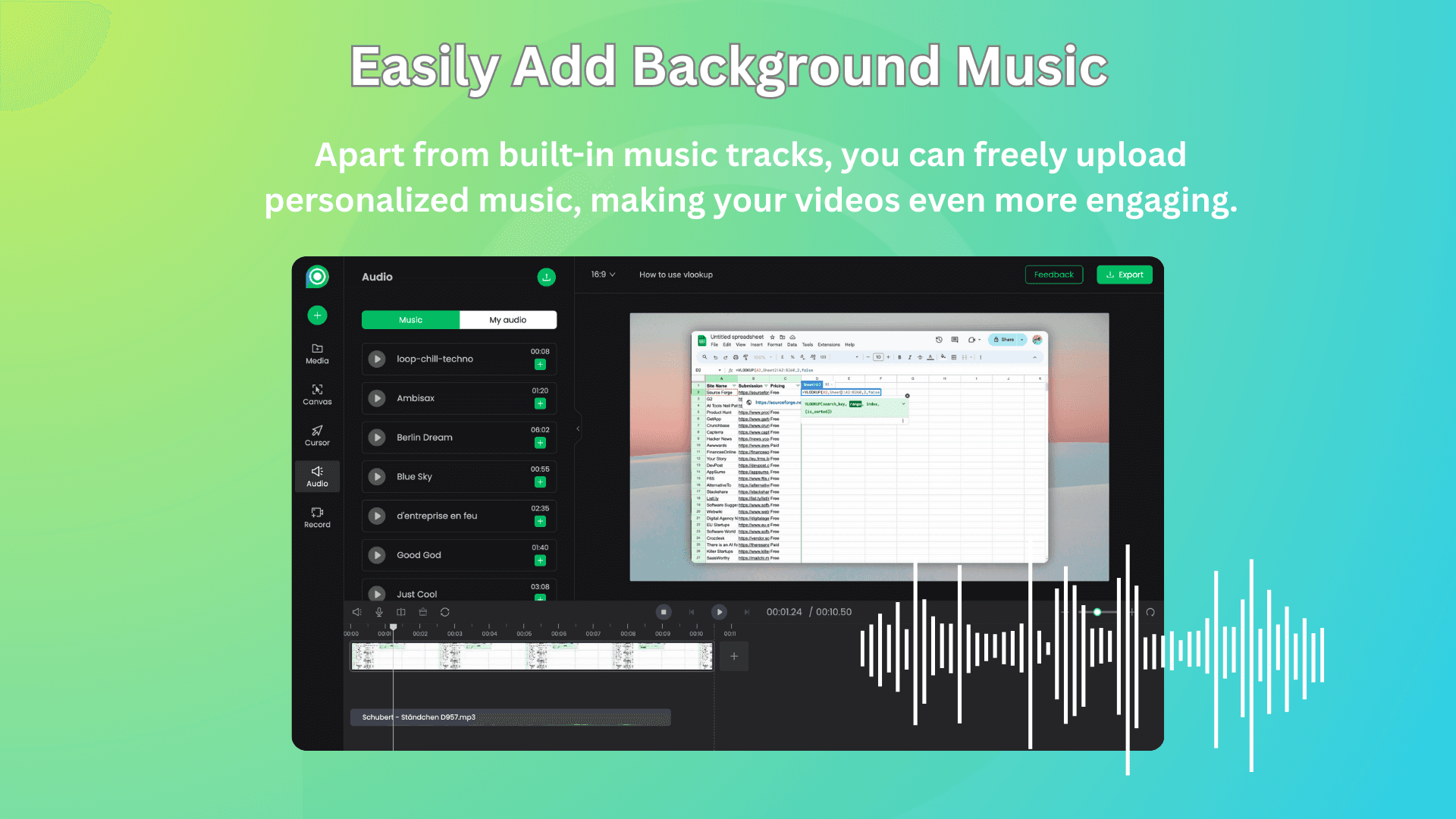
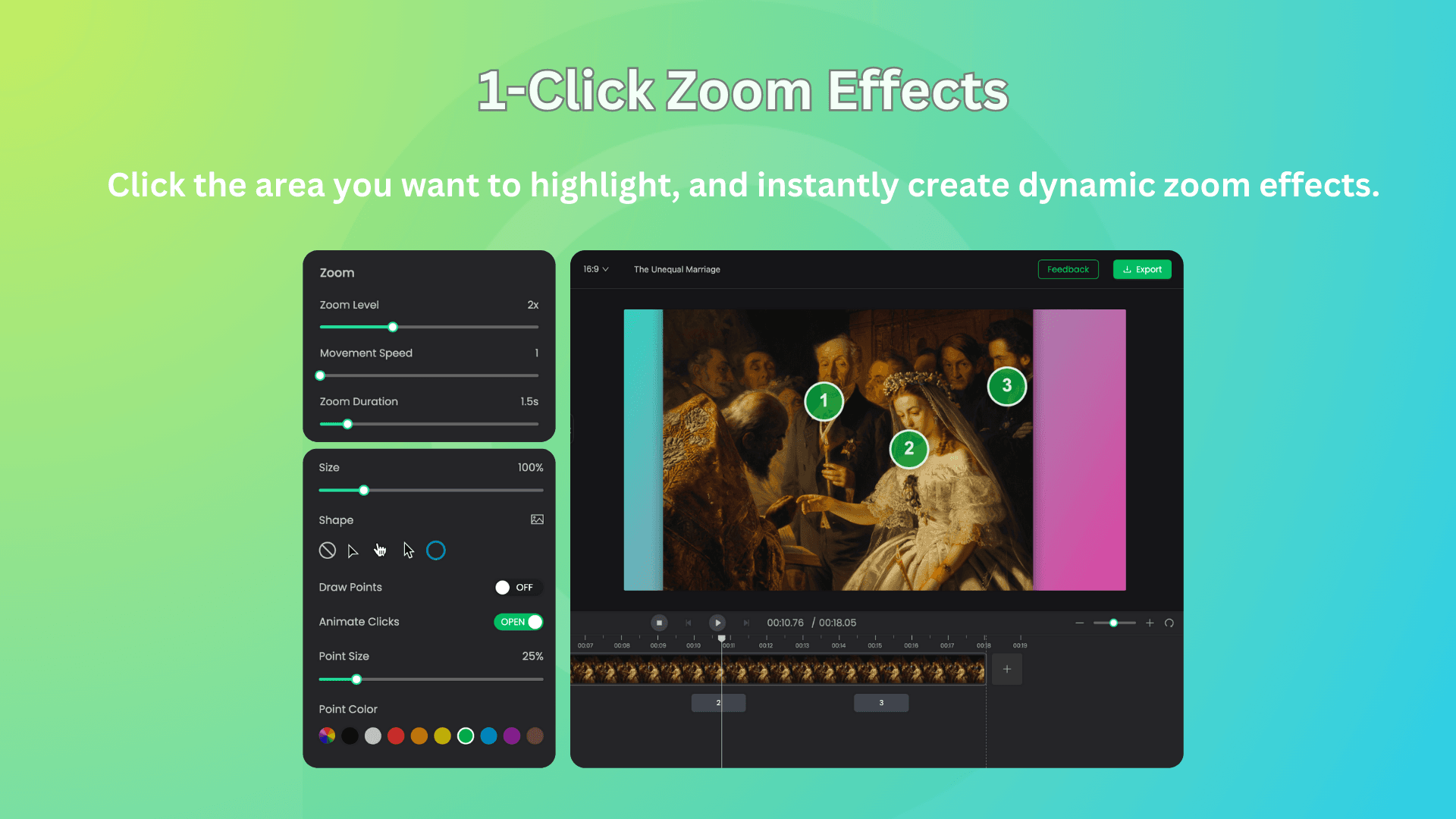
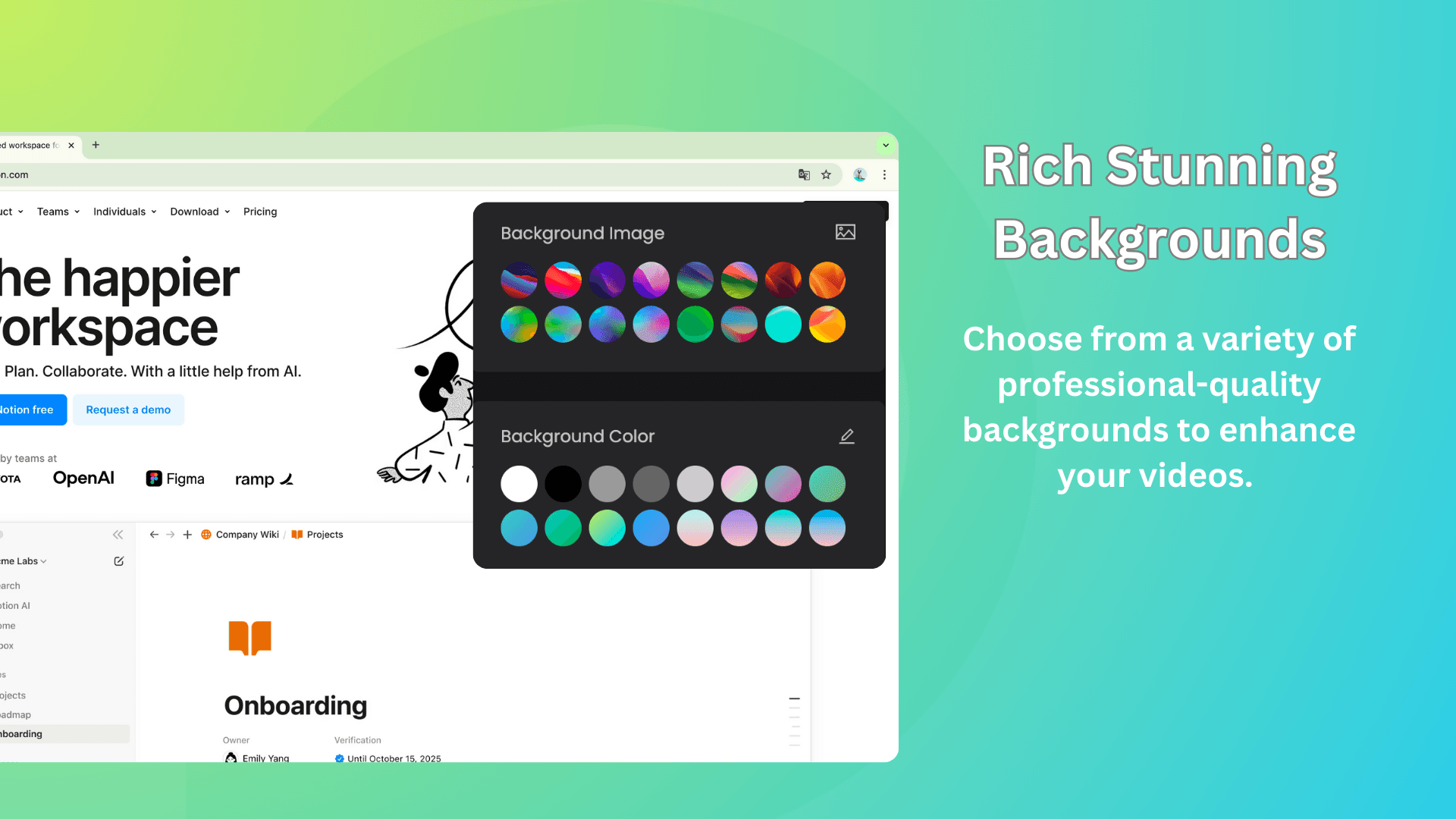
Poindeo is a game-changer for anyone needing to create polished videos fast. As a tech enthusiast, I've tried my fair share of editors, and Poindeo stands out with its no-frills approach—it runs right in your browser, so no installations or sign-ups are needed. It's packed with features like zoom animations, multi-track editing, and branding tools for logos and text, making it perfect for product demos, tutorials, and social media clips. What I love most is its focus on privacy; all processing happens locally on your device, so your data stays secure. While it might not replace high-end software like Adobe Premiere, it's a fantastic alternative for quick projects, especially if you're on a budget or value simplicity. The interface is clean and user-friendly, though it could use some improvements in accessibility and advanced controls. Overall, if you're tired of complex, expensive tools, Poindeo is worth a spin for hassle-free video editing.
Key features
- 1Free browser-based video editor with no downloads or accounts required
- 2Local data processing ensures user privacy and security
- 3Intuitive drag-and-drop interface with basic editing and branding tools
Target customer profile
Drawn from the product itself, not from a survey.
Demographic
Marketers & Small Business Owners
Pain points
High costs of professional software, steep learning curves, privacy concerns with cloud storage
Primary needs
Quick product demos, branded content, easy sharing
Demographic
Educators & Content Creators
Pain points
Time-consuming editing workflows, limited technical skills
Primary needs
Simple tutorials, engaging visuals, no software downloads
Demographic
Freelancers & Solopreneurs
Pain points
Need for cost-effective tools, lack of time for complex software
Primary needs
Efficient video creation, privacy-focused solutions, quick turnaround
Scout Review
Written by AI from measured evidence, scored out of 100.
Poindeo delivers exactly what it promises: a straightforward, privacy-focused video editor that runs directly in your browser without downloads or accounts. It excels at quick product demos, social media clips, and basic branding needs while keeping your data secure through local processing. The minimalist interface works well for basic editing tasks, though advanced users will find the feature set limiting.
Measure by measure
Usability
80Intuitive drag-and-drop functionality with convenient branding tools, but missing tutorials for beginners.
Design
70Clean dark-themed minimalist interface with straightforward timeline editing, though lacks modern customization options.
Speed
80Snappy browser performance with local processing, though rendering speed depends heavily on your device hardware.
Security
90Excellent local data processing ensures privacy with no cloud storage, though encryption details aren't specified.
Accessibility
50Severely lacking in accessibility features - no screen reader support, limited keyboard shortcuts, minimal language options.
Growth
80Strong niche appeal with privacy-first approach, but faces intense competition from more feature-rich alternatives.
Improvement areas
- Add screen reader support and keyboard shortcuts for better accessibility
- Introduce in-app tutorials to assist beginners and reduce learning curve
- Expand customization options and modernize the design for a more polished feel
Design & Usability
Poindeo's interface embraces a minimalist dark theme that reduces visual clutter, making it approachable for beginners. The timeline editor provides straightforward functionality for basic cuts and zoom animations, while drag-and-drop capabilities ensure smooth operation. Branding tools are logically grouped for quick access to logos and text overlays. However, the lack of customization options and modern design flourishes keeps it from feeling truly polished. The absence of in-app tutorials means newcomers might struggle to discover advanced features, creating a slight learning curve despite the overall intuitive layout.
Speed & Security
Performance shines with quick load times in modern browsers, thanks to local processing that keeps everything on your device. This approach provides excellent privacy benefits since your files never touch external servers. Rendering speeds are respectable but heavily dependent on your hardware capabilities. While the security model is robust due to the local-only processing, the absence of explicit encryption details leaves some questions unanswered. For everyday users concerned about data privacy, Poindeo offers a compelling security advantage over cloud-based competitors.
Accessibility & Growth
Accessibility represents Poindeo's weakest area, with virtually no support for screen readers, limited keyboard navigation, and minimal language options. This significantly limits its inclusivity for users with disabilities or non-English speakers. Despite these shortcomings, the app shows strong growth potential by targeting a specific niche of privacy-conscious creators who value simplicity over feature bloat. The zero-cost, no-account model provides a unique market position that could appeal to the growing segment of users tired of subscription fatigue and data privacy concerns.
Conclusion
If you're a marketer, educator, or content creator who needs to whip up professional-looking videos quickly without the complexity or cost of traditional software, Poindeo is absolutely worth trying. Its privacy-first approach and zero-barrier entry make it perfect for those quick turnaround projects where simplicity trumps advanced features.
Suggestions for improvement
- Adding screen reader compatibility and comprehensive keyboard shortcuts would dramatically improve accessibility.
- Introducing basic collaboration features would make it more appealing to teams, while expanding language options would broaden its global appeal.
- Mobile browser optimization could capture the growing segment of on-the-go creators, and in-app tutorials would help beginners unlock the platform's full potential without external guidance.
Alternatives comparison
Named competitors, point by point. Nobody paid to appear here or to be left out.
 Poindeo Poindeo |  Canva Video Editor Canva Video Editor |  Adobe Express Adobe Express |  Kapwing Kapwing | |
|---|---|---|---|---|
| Account Required | No account needed | Account required for full features | Account required | Account required, free tier available |
| Data Processing | Local processing only | Cloud processing | Cloud processing | Cloud processing |
| Cost | Completely free | Freemium model | Subscription-based | Freemium with watermarks |
| Export Limitations | No limitations | Premium features locked | Full features require payment | Watermarks on free tier |
Canva Video Editor
Offers drag-and-drop simplicity and a media library but requires an account for full features and stores data in the cloud.
Adobe Express
Robust templates and AI tools, but subscription-based and less focused on local data privacy.
Kapwing
Browser-based with collaboration tools, though its free tier includes watermarks and limits exports.
Comparing options? See Poindeo alternatives, scored side by side
More Design & Creativity apps
View all Design & Creativity
RoomCreator
92An AI-powered interior and exterior design tool that tran...

QRBliss
91Branded QR codes with AI Brand Sync, 15 free dynamic code...

ThumbnailMaker
90AI YouTube thumbnail maker: paste a video link, get the brief, the thumbnail, and a check at feed size.

English Test Coach
89English Test Coach checks your IELTS essays and letters, gives an estimated band score across all four criteria, and tells you exactly what to revise next.

All of Us
89Add deceased loved ones to photos with AI and see free pr...

Tracé slides
89Interactive math & physics slides with live graphs and an...

FontPlop
89Browser-based font viewer & tester for TTF, OTF, WOFF, WO...

What the GIF
89Frame-perfect video-to-GIF maker that runs entirely in yo...

Portrait Gift
88AI-powered personalized face swap art platform creating c...

TranscriptYou
88Free YouTube transcript generator with timestamps and AI ...

BeartIMAGE
88BeartIMAGE is a free, web-based image processing platform engineered for fast, bulk photo editing and conversion directly in your browser.

RestorePhotosApp
88An AI-powered photo restoration app that brings old, blur...


A platform dedicated to providing unbiased reviews of newly launched applications, analyzing everything from their features to their full potential.
info@scoutforge.net© 2026 Scoutforge. All rights reserved.
