Is this your app?
Claim Video Face Swap AI to manage its page, add your badge and see your traffic — free, and it stays free.
Cycling through all six. Tap any point to stop.
Measured on six things
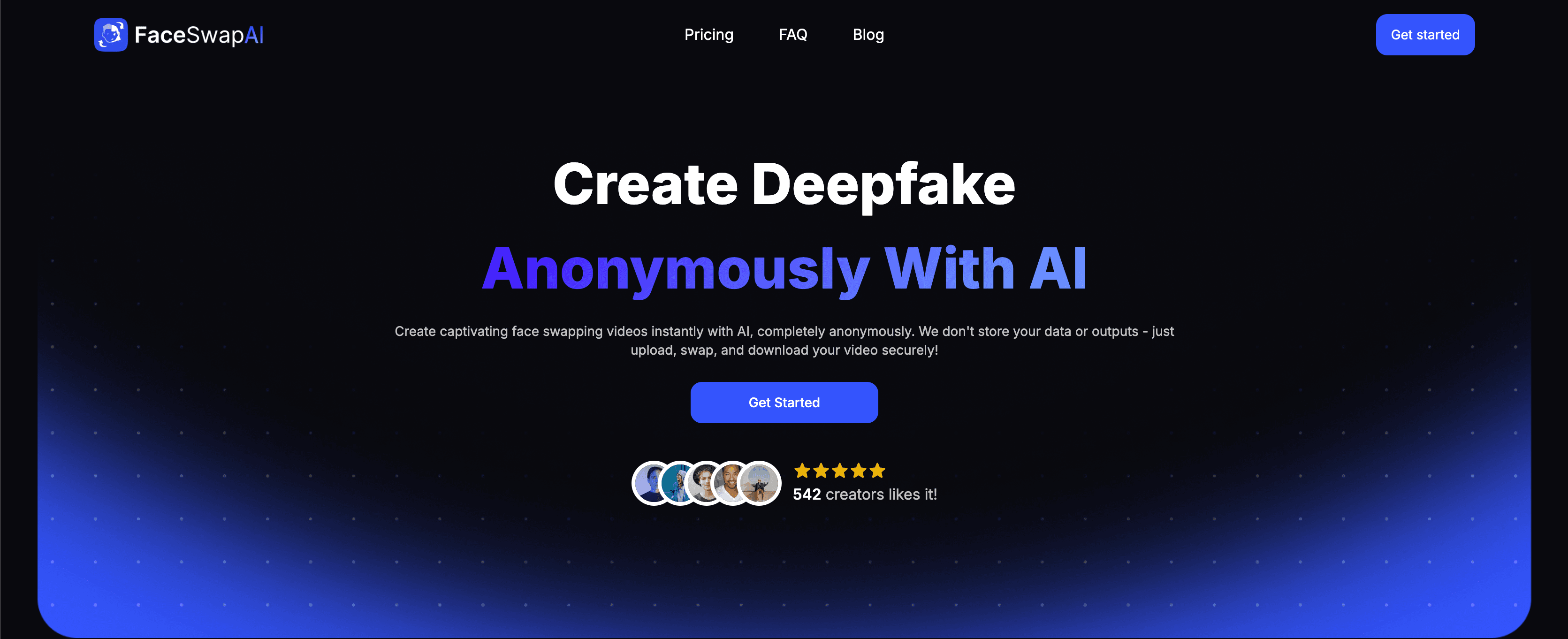
An AI-powered tool for realistic face swapping in videos, prioritizing privacy with no data storage.
Accessibility
25Severely lacking with no screen reader support, multi-language options, or keyboard navigation.
Screenshots
1 / 2
About this app
Video Face Swap AI is a cutting-edge deepfake platform that allows users to seamlessly swap faces in videos for entertainment, marketing, or privacy purposes. It features instant processing, 4K export quality, and a no-data-storage policy, making it ideal for creators who need quick, high-quality results without compromising security. With applications ranging from dodging copyright issues to generating viral content, this tool is perfect for both casual users and professionals like marketing teams and Hollywood studios. Its user-friendly interface ensures ease of use, though it could benefit from improved accessibility features.
Key features
- 1Drag-and-drop interface with three-step workflow for easy use by non-technical users.
- 2Strong no-data-storage policy and SSL encryption for enhanced privacy and security.
- 3Fast processing of 1-minute clips in ~2 minutes with 4K export capability for high-quality outputs.
Target customer profile
Drawn from the product itself, not from a survey.
Demographic
Content Creators and Social Media Managers
Pain points
Copyright strikes on ads, need for engaging content quickly
Primary needs
Quickly modify stock videos, create shareable memes
Demographic
Marketing Teams
Pain points
Legal risks with influencer contracts, budget constraints
Primary needs
AI-generated spokespeople, no talent fees
Demographic
Privacy-Focused Users
Pain points
Exposing identity in public videos
Primary needs
Anonymize faces without blurring or pixelation
Scout Review
Written by AI from measured evidence, scored out of 100.
Video Face Swap AI delivers exactly what it promises: quick, realistic face swapping with strong privacy protections. It's not the most polished tool available, but it excels at its core functionality while maintaining user data security. The straightforward approach makes it ideal for content creators, marketing teams, and privacy-conscious users who need reliable results without complexity.
Measure by measure
Usability
80Three-step workflow makes basic face swaps accessible to non-technical users with minimal learning curve.
Design
70Functional interface with drag-and-drop simplicity, though visually dated compared to modern design tools.
Speed
80Processes 1-minute clips in ~2 minutes with 4K export capability, though longer videos add delays.
Security
90Strong no-data-storage policy with SSL encryption, setting it apart in privacy-sensitive deepfake niche.
Accessibility
25Severely lacking with no screen reader support, multi-language options, or keyboard navigation.
Growth
80High demand for ethical deepfake tools in marketing and content creation with commercial licensing.
Improvement areas
- Add WCAG-compliant accessibility features like screen reader support and keyboard navigation.
- Include multi-language options to cater to non-English speaking users globally.
- Integrate basic video trimming tools to reduce reliance on third-party editing software.
Design & Usability
Video Face Swap AI takes a practical approach to its interface, focusing on function over flash. The drag-and-drop zones and straightforward three-step workflow (upload, process, download) make it accessible even for users with limited technical expertise. While the design won't win any beauty contests against polished tools like Pixlr's face swapper, the lack of visual clutter actually works in its favor by reducing cognitive load. The simplicity means you can jump right in without watching lengthy tutorials, though complex swaps might leave beginners wishing for more guidance. It's the kind of tool that gets out of your way so you can focus on creating rather than navigating menus.
Speed & Security
Where this tool truly shines is in its security-first approach. The no-data-storage policy is a standout feature in an industry where privacy concerns are paramount. Combined with SSL encryption, it offers peace of mind for users working with sensitive content. Performance is solid for most use cases - 1-minute clips process in approximately 2 minutes, which is competitive in this space. The 4K export capability maintains quality well, though you'll notice slightly longer processing times for high-resolution outputs. It's faster than Kapwing for video processing but doesn't quite match the raw speed of premium alternatives like HeyGen for avatar generation.
Accessibility & Growth
Accessibility is clearly the platform's weakest area. The complete lack of screen reader support, multi-language options, and proper keyboard navigation makes it exclusionary for users with disabilities or non-English speakers. There are no contrast adjustment modes or other accessibility features that have become standard in modern web applications. However, the growth potential is significant given the exploding demand for ethical deepfake technology in marketing, content creation, and privacy protection. The commercial licensing model positions it well for agency use, and the niche focus on video (rather than static images) gives it a competitive edge in a crowded market.
Conclusion
If you're looking for a no-nonsense deepfake tool that prioritizes privacy and gets the job done quickly, Video Face Swap AI is worth trying. It's particularly valuable for marketing agencies needing to prototype concepts or creators wanting to anonymize footage without watermarks. The Starter plan offers solid value for professional use cases where data security matters.
Suggestions for improvement
- Adding a free tier with watermarked outputs would help attract casual users before committing to paid plans.
- Integrating basic video trimming tools would eliminate the need for third-party editing software.
- Browser extensions for direct social media uploads would streamline workflows for content creators.
- Most urgently, implementing WCAG-compliant accessibility features and multi-language support would make the platform inclusive for diverse users.
Alternatives comparison
Named competitors, point by point. Nobody paid to appear here or to be left out.
 Video Face Swap AI |  Anakin AI |  Kapwing |  HeyGen | |
|---|---|---|---|---|
| Face Swapping Capability | Advanced video face swapping with 4K output | Avatar generation only, no dedicated face swap | Basic swaps with visible artifacts | Limited to static images only |
| Data Privacy | No data storage policy | Unclear data retention policies | Free tool with unknown data handling | Standard data collection |
| Processing Speed | ~2 minutes for 1-minute clips | Faster avatar generation | Variable, often slower with artifacts | Fast for basic edits |
| Output Quality | 4K export quality | High-quality avatar videos | Often has visible artifacts | Good for static images |
| Commercial Use | Commercial licensing available | Enterprise plans available | Free tool, commercial use unclear | Pro plans for commercial use |
Anakin AI
Free deepfake tool with basic swaps, but outputs often have visible artifacts.
Kapwing
Simpler interface but focuses on basic edits; face swaps limited to static images.
HeyGen
Offers avatar videos but lacks dedicated face-swapping features; data retention policies unclear.
Comparing options? See Video Face Swap AI alternatives, scored side by side
More Design & Creativity apps
View all Design & Creativity
RoomCreator
92An AI-powered interior and exterior design tool that tran...

QRBliss
91Branded QR codes with AI Brand Sync, 15 free dynamic code...

ThumbnailMaker
90AI YouTube thumbnail maker: paste a video link, get the brief, the thumbnail, and a check at feed size.

English Test Coach
89English Test Coach checks your IELTS essays and letters, gives an estimated band score across all four criteria, and tells you exactly what to revise next.

All of Us
89Add deceased loved ones to photos with AI and see free pr...

Tracé slides
89Interactive math & physics slides with live graphs and an...

FontPlop
89Browser-based font viewer & tester for TTF, OTF, WOFF, WO...

What the GIF
89Frame-perfect video-to-GIF maker that runs entirely in yo...

Portrait Gift
88AI-powered personalized face swap art platform creating c...

TranscriptYou
88Free YouTube transcript generator with timestamps and AI ...

BeartIMAGE
88BeartIMAGE is a free, web-based image processing platform engineered for fast, bulk photo editing and conversion directly in your browser.

RestorePhotosApp
88An AI-powered photo restoration app that brings old, blur...


A platform dedicated to providing unbiased reviews of newly launched applications, analyzing everything from their features to their full potential.
info@scoutforge.net© 2026 Scoutforge. All rights reserved.
