Is this your app?
Claim Wplace Tool to manage its page, add your badge and see your traffic — free, and it stays free.
Cycling through all six. Tap any point to stop.
Measured on six things
A free online toolkit for Wplace Live players, offering color conversion, pixel editing, and coordination tools for collaborative pixel art projects.
Accessibility
50Basic keyboard navigation and responsive design, but limited screen reader support and language options hinder inclusivity.
Screenshots
1 / 1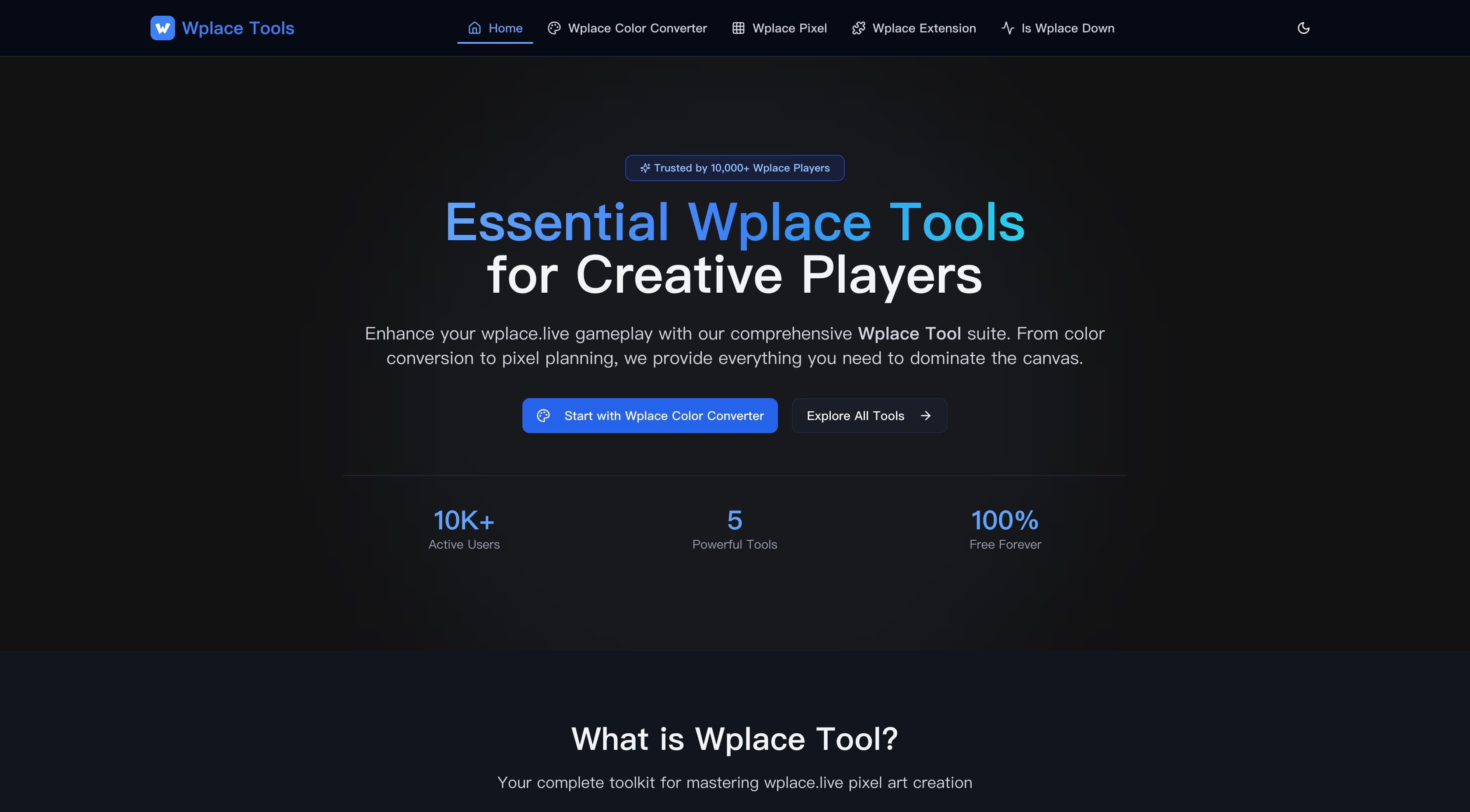
About this app
As someone deeply immersed in the world of collaborative pixel art, I've found Wplace Tool to be a game-changer for Wplace Live enthusiasts. This isn't just another basic utility—it's a thoughtfully crafted suite designed to tackle the real challenges faced by players. From seamless color conversion that matches the official Wplace palette to intuitive overlays that guide your placements, it streamlines the entire creative process. What truly stands out is how it brings together essential features like a pixel editor, coordinate finder, and server status checks into one accessible platform. Whether you're coordinating a massive community project or just dabbling for fun, Wplace Tool enhances efficiency and fosters collaboration, making it a must-have for anyone serious about pixel art on Wplace Live. Its client-side processing ensures speed and privacy, though there's room for improvement in accessibility and mobile optimization.
Key features
- 1Client-side color conversion matching official Wplace palette
- 2Browser extensions with real-time canvas overlays
- 3Integrated pixel editor with coordination tools
- 4Community template sharing and project planning
Target customer profile
Drawn from the product itself, not from a survey.
Demographic
Wplace Live players and pixel art enthusiasts
Pain points
Manual color matching, difficulty coordinating large projects, limited official tools
Primary needs
Efficient color conversion, overlay guidance, community templates
Demographic
Pixel art community coordinators and team leaders
Pain points
Project planning complexity, member coordination challenges
Primary needs
Template sharing, coordination tools, educational resources
Demographic
Casual gamers interested in collaborative art
Pain points
Steep learning curve, intimidating community projects
Primary needs
User-friendly tools, tutorials, pre-made templates
Scout Review
Written by AI from measured evidence, scored out of 100.
Wplace Tool excels as a specialized utility for Wplace Live enthusiasts, delivering exceptional value through its comprehensive feature set and efficient workflow. It transforms the chaotic process of collaborative pixel art into an organized, manageable experience.
Measure by measure
Usability
90Intuitive workflow with well-integrated tools specifically tailored for Wplace players' needs and seamless browser extension integration.
Design
70Functional and practical interface with clean drag-and-drop conversion tools, though visually basic compared to modern design standards.
Speed
90Fast client-side processing ensures quick color conversions and responsive performance without server delays.
Security
70Client-side processing protects privacy but lacks detailed data policies for gallery and template sharing features.
Accessibility
50Basic keyboard navigation and responsive design, but limited screen reader support and language options hinder inclusivity.
Growth
80Strong niche positioning in collaborative art tools with clear expansion opportunities into broader creative communities.
Improvement areas
- Limited accessibility features and language support
- Basic visual design lacking modern aesthetics
- No mobile-optimized experience
- Privacy policy needs clearer data handling details
Design & Usability
Wplace Tool's interface prioritizes function over form with a straightforward, practical design that gets the job done. The color converter features a clean drag-and-drop system with immediate visual feedback, showing original and converted images side-by-side. Navigation is intuitive with clearly labeled sections, and the pixel editor maintains a minimalistic approach with essential tools and the official Wplace palette always accessible. Browser extensions integrate seamlessly without cluttering your workspace. While it won't win any design awards, the UX is thoughtfully crafted for its specific purpose - making pixel art coordination surprisingly efficient.
Speed & Security
Performance is where Wplace Tool truly shines. Most processing happens client-side, meaning lightning-fast color conversions without waiting for server responses. Your images stay local, ensuring privacy protection since uploads aren't stored externally. The platform loads quickly with minimal latency, and even larger image conversions happen almost instantly. Security protocols follow standard web extension practices, though the privacy policy could be more explicit about data handling for community features. For a free tool, the speed and basic security measures are impressive.
Accessibility & Growth
Accessibility is the platform's weakest area, offering basic keyboard navigation and responsive design but lacking comprehensive screen reader support and limited to English only. Color-dependent users might struggle with palette distinctions. However, growth potential is substantial with its strong niche positioning in collaborative pixel art. The tool addresses real community needs and could easily expand into broader creative tools, real-time team editing, or mobile optimization. The free model ensures wide accessibility while providing room for premium features.
Conclusion
If you're serious about Wplace Live pixel art or coordinating community projects, this toolkit is essential. The free pricing and specialized features make it superior to manual methods or disconnected tools. Give it a try if you want to elevate your pixel art game beyond basic placement.
Suggestions for improvement
- Develop mobile-optimized version for on-the-go access
- Add dark mode and improved color accessibility features
- Expand language support for international communities
- Implement user accounts for template saving and preferences
Alternatives comparison
Named competitors, point by point. Nobody paid to appear here or to be left out.
 Wplace Tool Wplace Tool | Manual color conversion | Basic image editors | Separate overlay tools | |
|---|---|---|---|---|
| Color Conversion Method | Automated client-side conversion with official palette matching | Manual pixel-by-pixel matching, time-consuming and error-prone | — | — |
| Tool Integration | All-in-one suite with editor, overlays, and coordination tools | Separate disconnected tools requiring multiple applications | — | — |
| Workflow Efficiency | Streamlined process with drag-and-drop and real-time feedback | Fragmented workflow across different software and extensions | — | — |
Manual color conversion
Traditional manual pixel-by-pixel color matching using the official Wplace palette, which is time-consuming and error-prone.
Basic image editors
Using standard image editors like GIMP or Photoshop without Wplace-specific optimizations, lacking integrated overlays and coordination features.
Separate overlay tools
Relying on multiple disconnected browser extensions and utilities for overlays and conversions, leading to a fragmented workflow.
Comparing options? See Wplace Tool alternatives, scored side by side
More Design & Creativity apps
View all Design & Creativity
RoomCreator
92An AI-powered interior and exterior design tool that tran...

QRBliss
91Branded QR codes with AI Brand Sync, 15 free dynamic code...

ThumbnailMaker
90AI YouTube thumbnail maker: paste a video link, get the brief, the thumbnail, and a check at feed size.

English Test Coach
89English Test Coach checks your IELTS essays and letters, gives an estimated band score across all four criteria, and tells you exactly what to revise next.

All of Us
89Add deceased loved ones to photos with AI and see free pr...

Tracé slides
89Interactive math & physics slides with live graphs and an...

FontPlop
89Browser-based font viewer & tester for TTF, OTF, WOFF, WO...

What the GIF
89Frame-perfect video-to-GIF maker that runs entirely in yo...

Portrait Gift
88AI-powered personalized face swap art platform creating c...

TranscriptYou
88Free YouTube transcript generator with timestamps and AI ...

BeartIMAGE
88BeartIMAGE is a free, web-based image processing platform engineered for fast, bulk photo editing and conversion directly in your browser.

RestorePhotosApp
88An AI-powered photo restoration app that brings old, blur...


A platform dedicated to providing unbiased reviews of newly launched applications, analyzing everything from their features to their full potential.
info@scoutforge.net© 2026 Scoutforge. All rights reserved.
